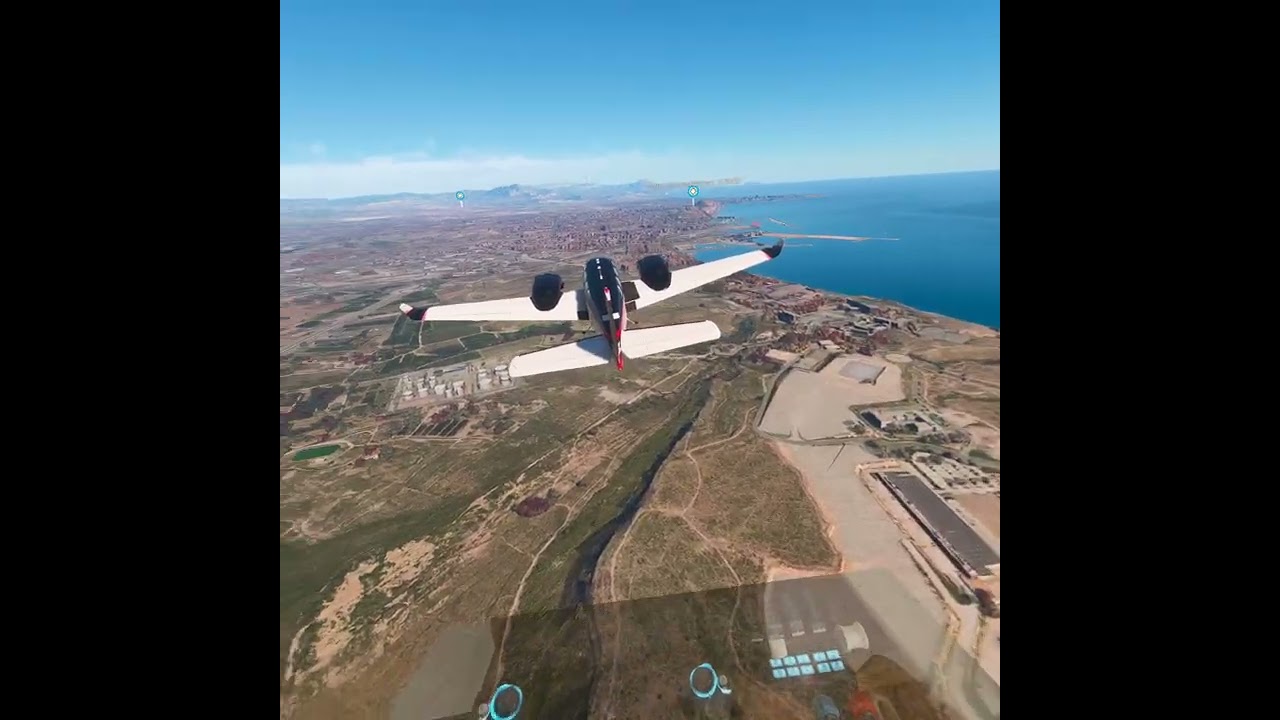
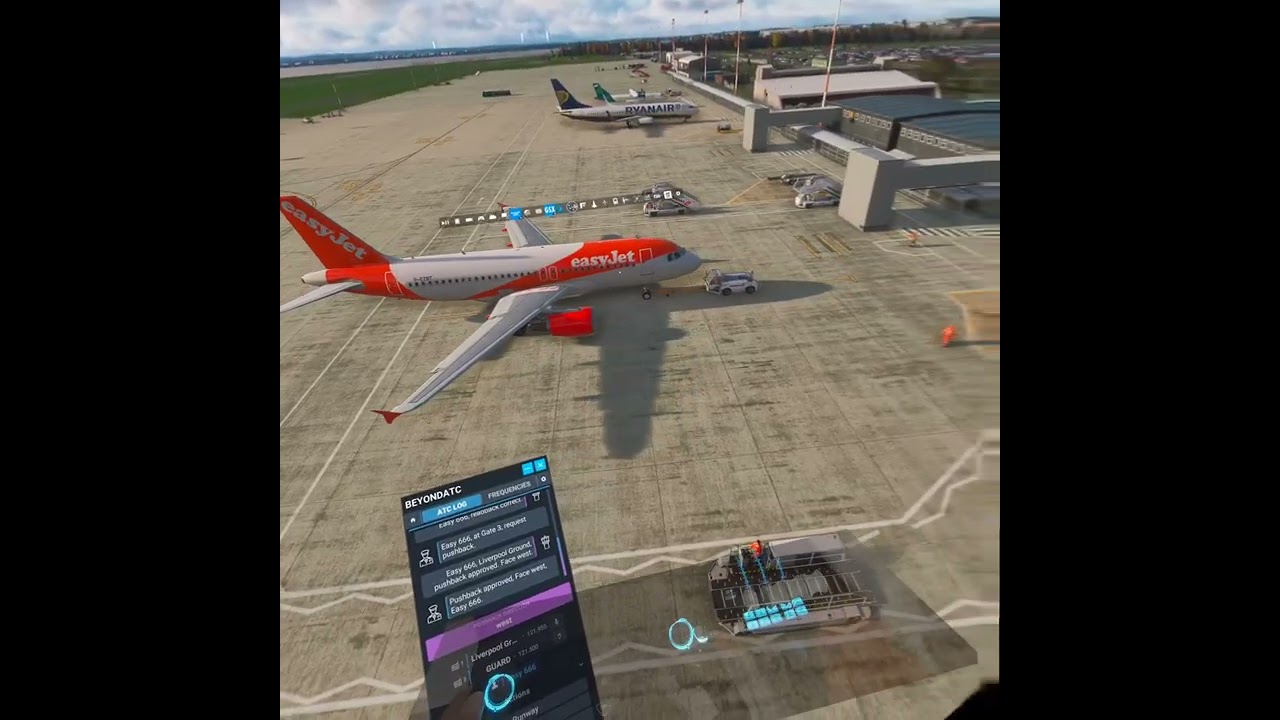
A new application showed up on my Quest 3 called Spatial Camera and it will do something I’ve been asking for for quite some time, to be able to capture true 3D video of VR flights. While the primary purpose of this application is to take 3D pictures and videos using the Quest’s own cameras, it has an advanced mode that will allow you to capture what the headset sees as you play games or simulations.
The process at this point is not so straight forward but I got it to work with help from the developer. Each time you start your headset, you have to go onto a Chrome capatible browser to put the application and headset into that advanced mode. Then you start the Spatial Camera app on your headset and begin recording. In my case I then start Virtual Desktop and switch into VR mode on the sim. All this time you are recording so you also capture all your start up steps in the sim but the developer told me those are easily trimmed off.
There is then an icon that shows up to stop recording when you are ready. The video is saved to the Spacial Camera’s gallery (which is not the standard Quest image gallery). From there you can upload the video directly to some place like Youtube and it will be a full 3D video which can be viewed with headsets. Now one thing I noticed is that the video is captured in a square aspect which then, when later viewed, gets a bit distorted as the width is widened.
This is brand new and I imagine going through growing pains but the developer seems eager to address any concerns. I think it was less than 9 Euros cost. The main features of being able to use your headset as a spatial camera is worth that.
Well this has all taken me down a rabbit hole of Quest and 3d video producing and viewing. Virtual desktop, using the built in Quest camera does save 3D video (if you have developer mode enabled and do a few more steps). However, those videos are only viewable by the Quest. If you download or export them to a PC and view them, they show up as either 2D videos or side by side 3D videos.
I then got into looking for 3D movies you might be able to watch on your Quest and found out that legally they are largely unavailable. The Apple headset does have a library of Hollywood movies it can view but you just can’t go out to streaming services for any other headset and find actual 3D movies you can even rent. Youtube (the Meta app version) does have a section of videos you can view but they are not commercial entities. They are all user produced free content, most made with 3d cameras. I was hoping to be able to create those types of Youtube videos where others could actually experience the VR effect but it is proving daunting.
If you notice, all the MSFS content creators out there that show their VR flights, show 2D versions of them. If you view them on the headset using the device’s Youtube app, they are 2D.
Latest update. The Quest software Spatial Camera also has with it a spatial video editor and, from talking to the developer it seemed like I could capture the video directly from the Quest camera app in Virtual Desktop (fewer steps than through Spatial Camera) and get a fully encoded spatial video. It is able to be input into the spatial video editor on the Quest which is very cool. You can then export your work directly to Youtube which I did. Beginning with the video that I used, it didn’t quite work. The end result on Youtube was a spatial video but a left/right side by side version.
So today I took a flight in VR and used the Spatial Camera app to capture the video instead. I then put it into the editor and exported it to Youtube and the video turned out perfect…well other than the skills of the photographer. I haven’t learned yet to stop panning my head around back and forth while taking a video and the output becomes a bit of a roller coaster ride. The video itself is stunning seeing it in 3D on the Quest Youtube app. Great resolution. I’ll try another tonight or tomorrow and lock my neck in place this time. In the next post I’ll share the video I uploaded, panning warts and all so (if you have a headset to view it on) you can see what is possible but just know there are better ones to come.
Now to see this as a spatial video you need to open a Youtube app in a VR headset.
I posted another long flight today but Youtube has not finished turning it into a spatial video. This one is a bit smoother. Flight in a Fenix A319 from Liverpool to Heathrow. The video is over an hour long. Still a bit too much head movement but boy you get busy in an airliner looking at all you need to look at to fly successfully. Found out that I almost wasn’t able to edit and upload it to Youtube because I ran out of space on my Quest headset. Had to delete a bunch of old apps I no longer use. Once I did, the editor found the file and worked well. Very long upload times though. I’ll wait to post a link until Youtube is done processing the spatial view.
Ok, here’s that latest attempt at a full Fenix A319 flight. Once again my head movements are distracting but, flying an airliner, you are constantly having to look one way or the other to ensure things are not piling up on you. I need to use my Chaseplane views much more instead of trying to look over at some other part of the cockpit. They are all voice controlled. The one limitation with that is that ATC blabs too much and VoiceAttack doesn’t hear me if there’s too much noise especially at busy airports and routes. I turned off automated head movements in both FSRealistic and ChasePlane to minimize issues but my own head just naturally moves far more than I notice.
The quality of the graphics though is outstanding so I think this technology is going to be a game changer for those of us that have marveled at the spatial videos you can watch on the Quest’s Youtube app. I have never seen a MSFS VR video on there before.
I will also concentrate now on shorter videos where I will have more self-control over my head panning and also aid in the upload and editing processes on my Quest. So here’s the latest video:
Great to see passthrough as well
Yeah, that’s the feature in Virtual Desktop I’m using.