I’m running a 10600K with a rtx 3080
I’ve read many of the threads I could find to help me get pretty decent performance
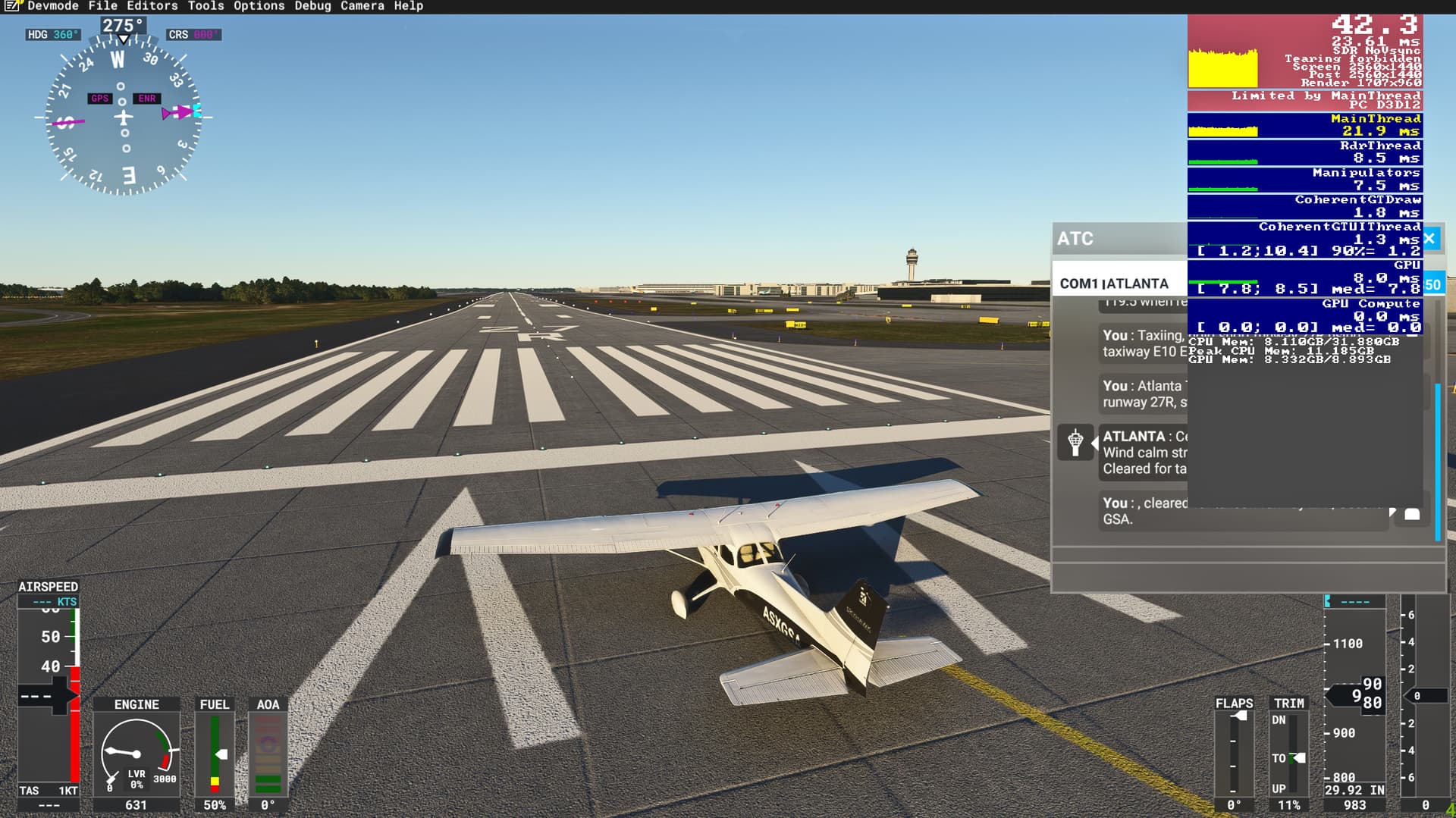
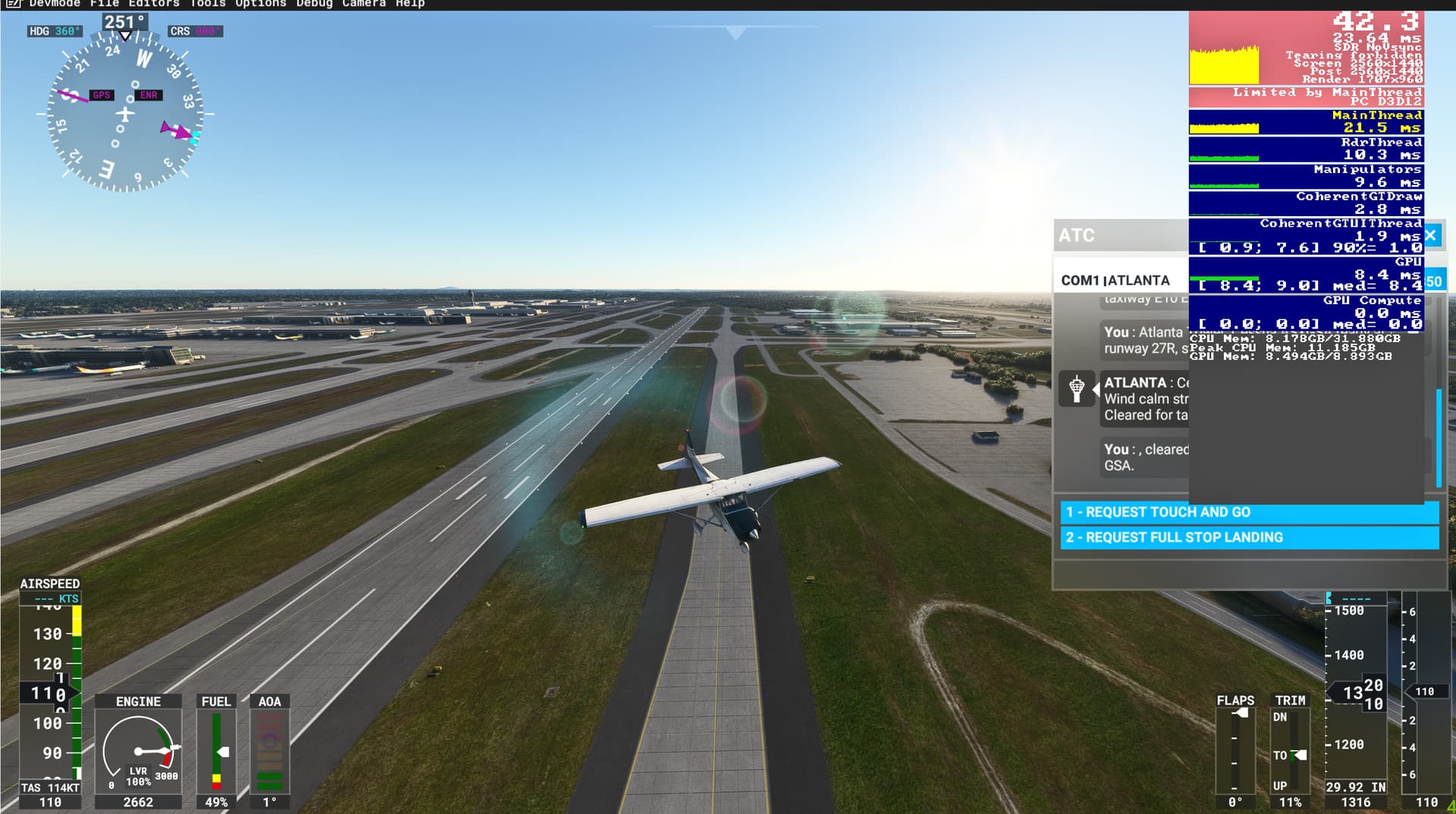
At Atlanta Hartsfield with 90% traffic, ground traffic, and Terrain LOD @ 200 my FPS is around 35
The more I lower the Terrain LOD the higher the FPS will go
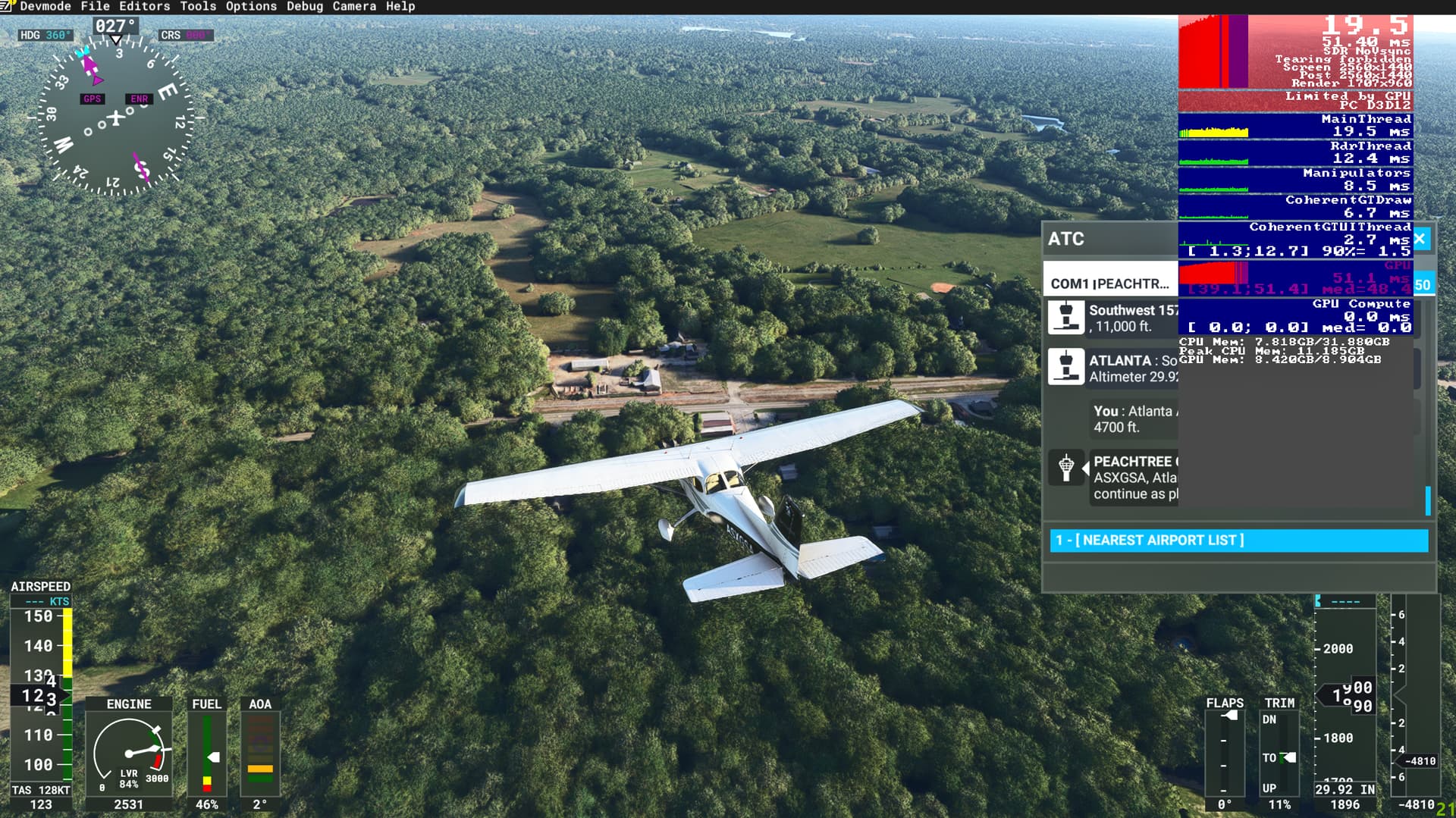
Now I’ve come across an issue my FPS and CPU and GPU are all performing OK, I get occasionally CPU warnings in developer mode, but have seen 0 GPU. As I fly away from the airport - 20 miles or so I start getting GPU warnings and my FPS drops to 25-35
This area is pretty rural except the trees and there are a lot of trees - unless I put my terrain LOD to zero, I’m now getting the GPU warnings and FPS drop. Can anyone help me with some suggestions or reasons why this might be happening, is it the trees? Are there any workarounds other than lowering the terrain lod to near zero? Also included a screenshot showing I have no gpu warning at Atlanta or when taking off, just when I get further away as show in the first screenshot.
Thanks
Hey there,
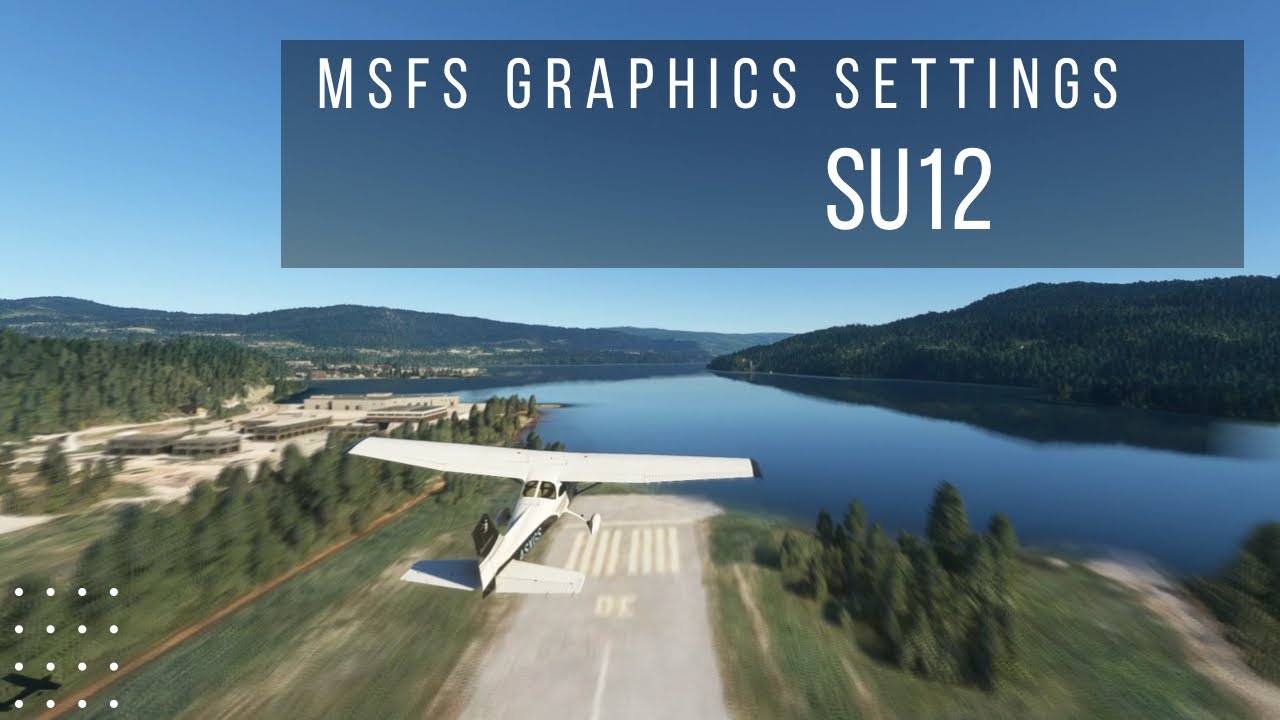
It’s quite difficult to say what’s the reason without moving the sliders myself, I made settings guide video which can be applied to any system basically, my system details are in the description.
Hope it helps! Let me know your outcome.
-Bram
SkyLane
1 Like
Sudden, odd FPS drops that occur after a certain time could mean thermal issues. Run HWInfo while using the sim and once the FPS drop inexplicably, check HWInfo for max temp recorded for CPU and GPU as well as thermal throttling flags.
You are also close to your VRAM limit using DX12 so try setting texture resolution lower.
1 Like
After several attempts I’ve discovered that if you change a setting and don’t move the camera around or wait a little while you may not see the impact. For me the setting was tree detail, on ultra it was pegging the GPU, but if I change it to low it take a little while or restart to change. So yes terrain lod certainly made some impact but tree setting to medium instead of ultra ultimately cleared up the issue.
Thanks guys
1 Like