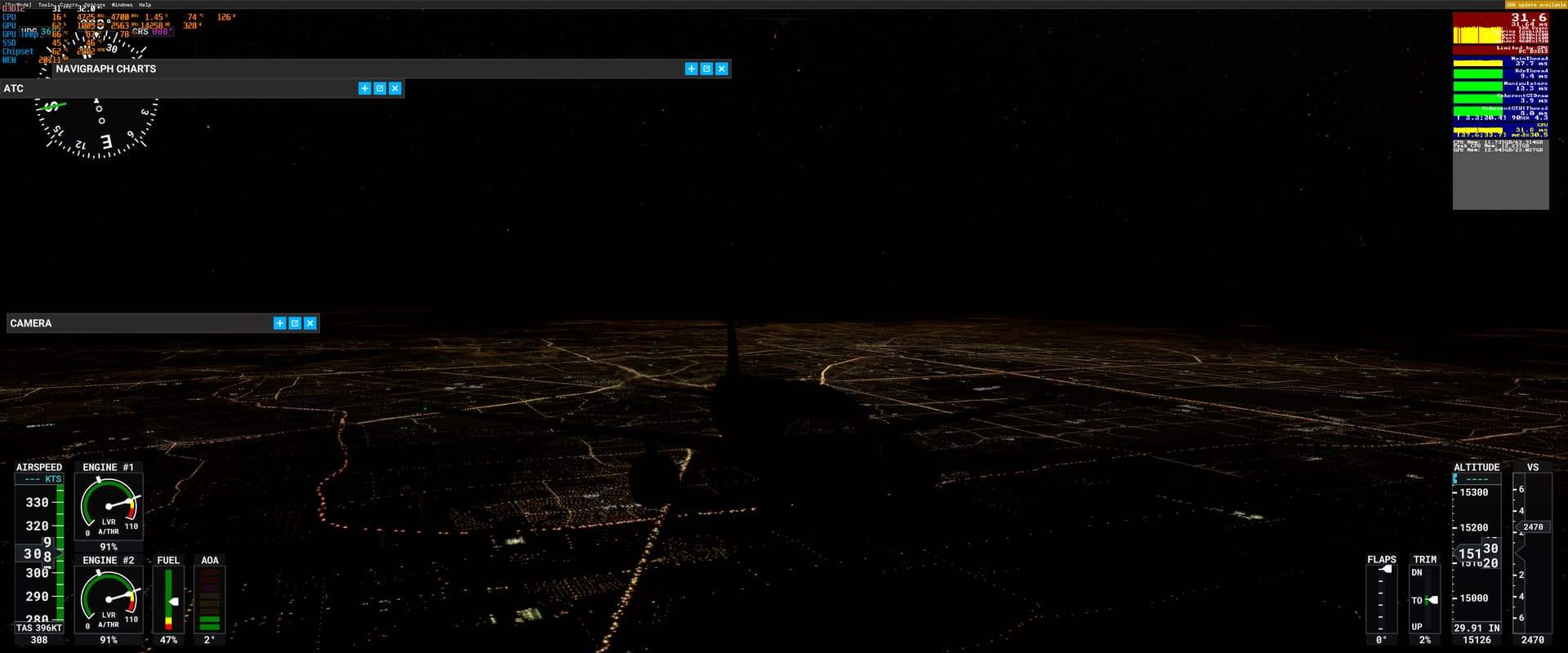
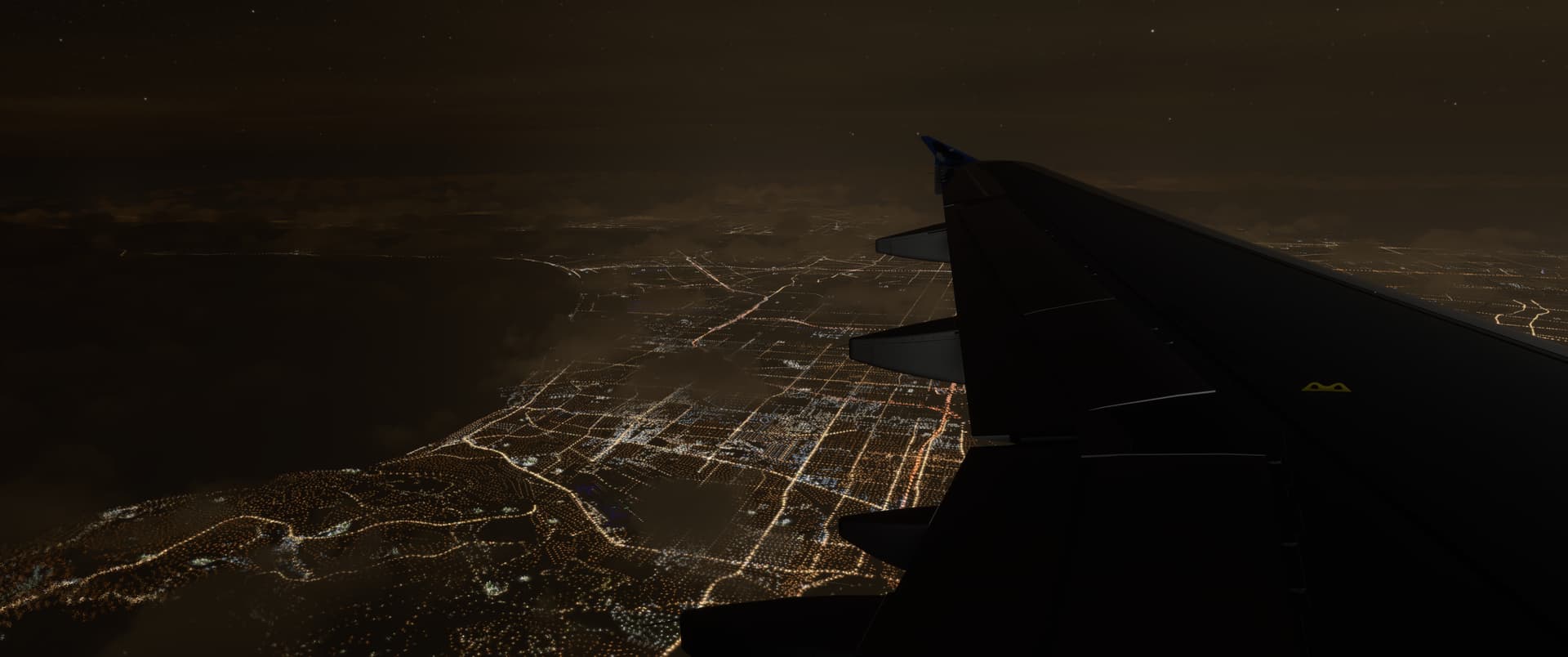
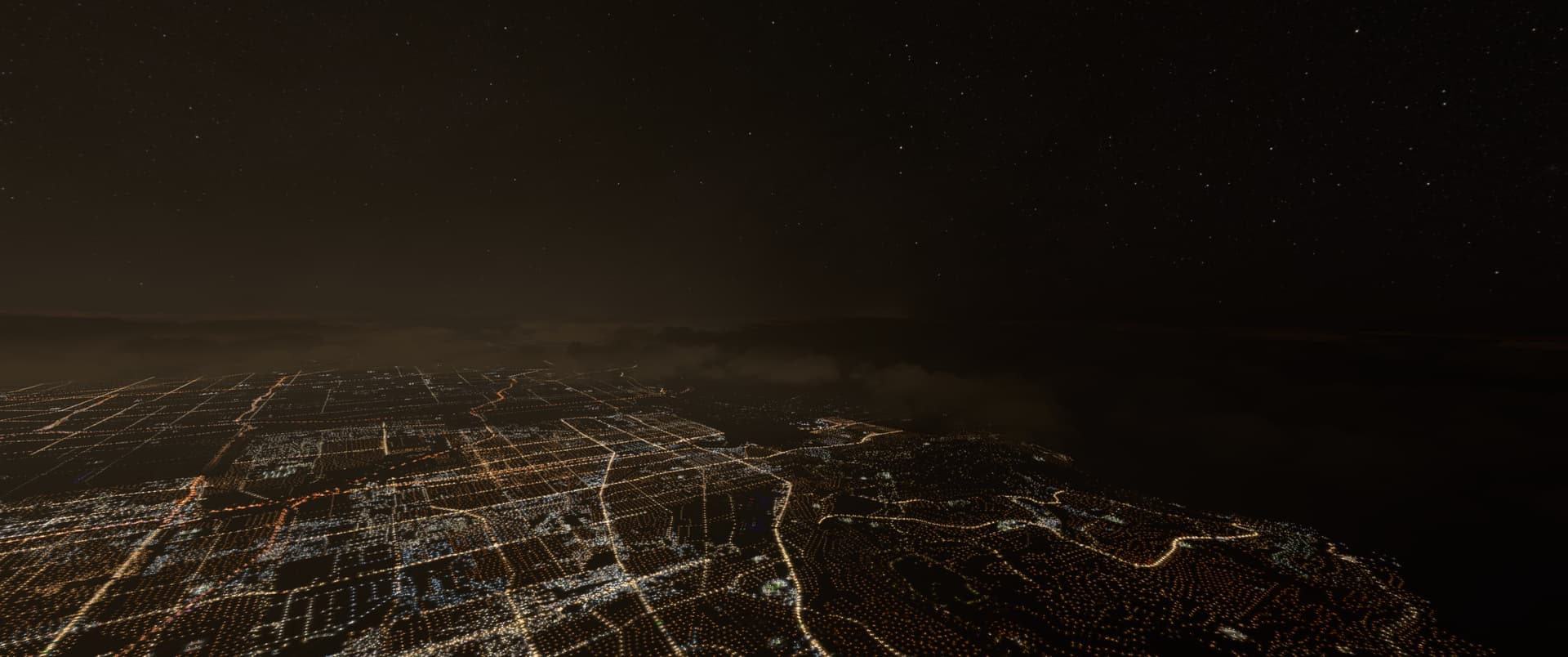
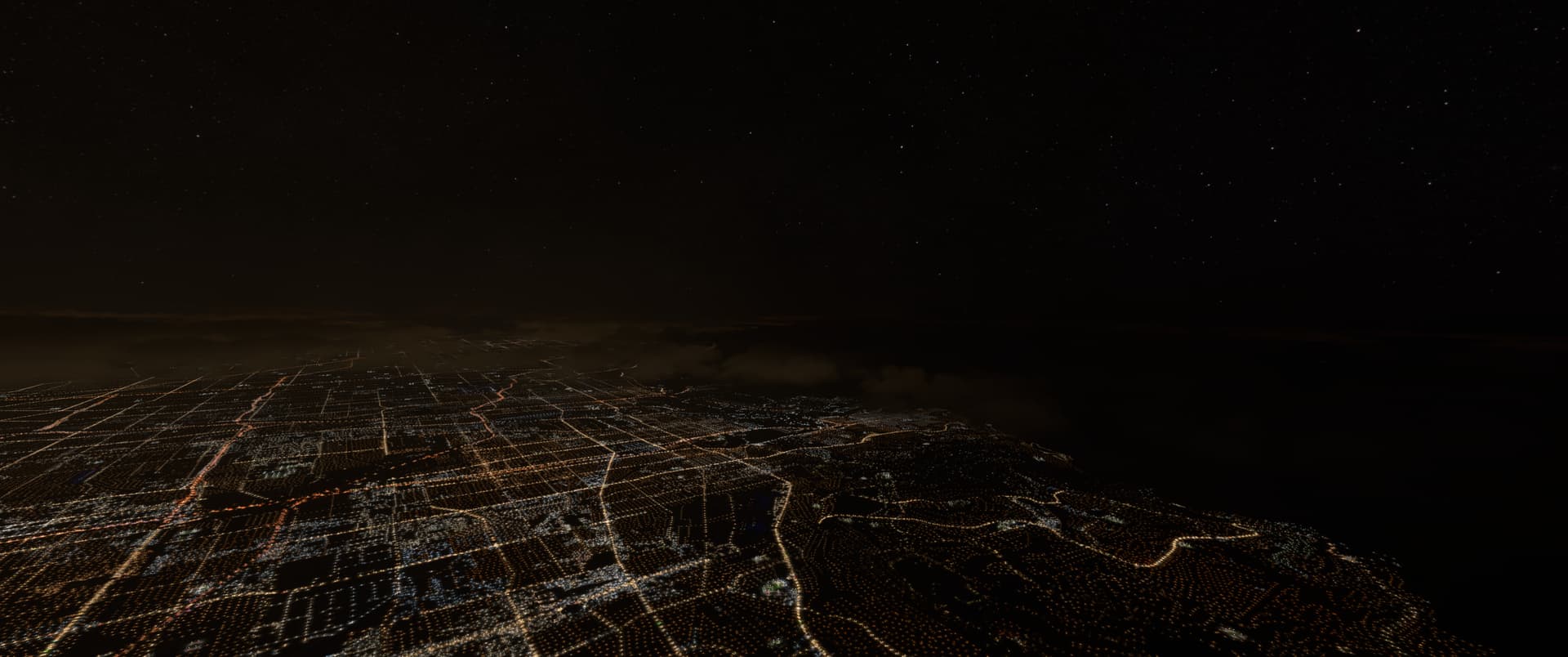
Upvoted here. I just did a night flight out of Houston using DX12 and instantly noticed there’s no light pollution from the city. Can anyone confirm if light pollution exists on SU10 with DX11? Is this a DX12 issue or SU10 issue?
Screenshot of what I saw above Houston. No moon out, but I thought the sky was too dark.
It certainly used to. Flying at night you could look to the horizon, and see where population centres were from the glow. Hopefully it will be cooler tonight, and I can go flying again to see what its like now.
I’m still on SU9 and I remember seeing that about two weeks ago. I first noticed the glow on the clouds as I approached the city and was impressed by the sim. However, light pollution has never worked very well as the stars are always too bright.
Indeed. In my screenshots above you can see the clouds are pitch black when I’m flying above them. In earlier versions of the sim they had a nice “glow” where the light would bleed through from the city lights below.
Unsure why this topic is tagged feedback-logged instead of bug-logged, but hey, at least it’s a welcome start.
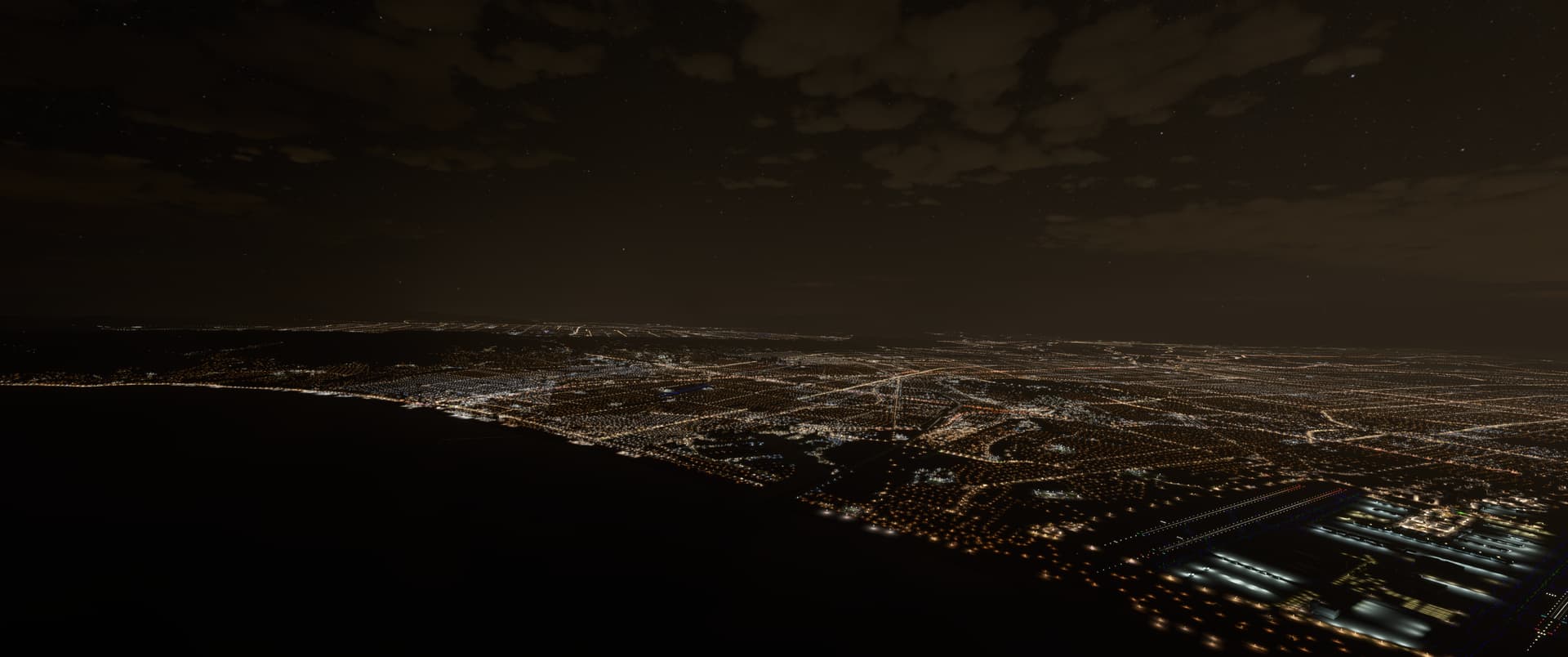
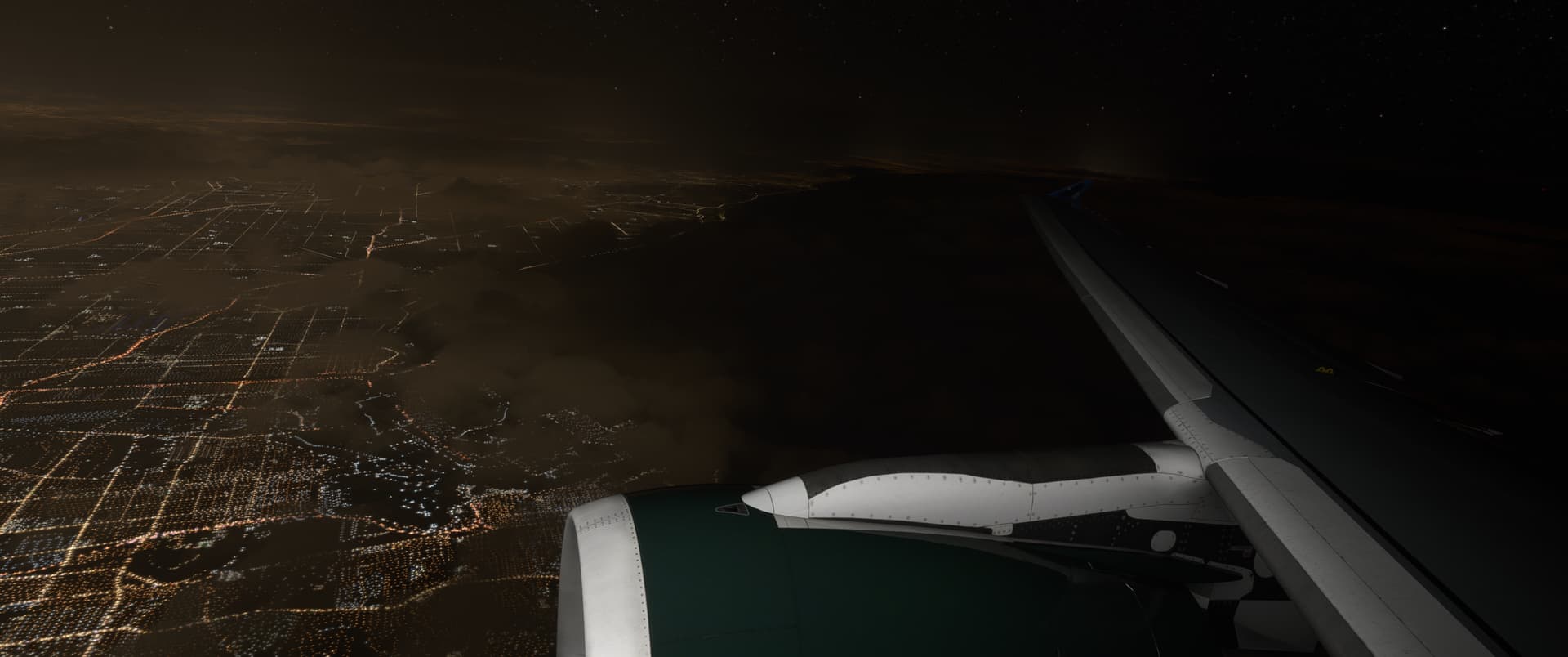
I think light pollution is still their. see how there is more horizon light over the city. maybe its just less pronounced. or that light is actually sunrise. My guess is the nightime exposure was dropped at some point by devs. if i have time ill try and replicate the KLAX screenshot by bumping the exposure up in dronemode. ill check if clouds are bottom lit too
UPDATE: apologies, just realised this is the SU10 section. I’m on SU9. So disregard me thinking this issue does not exist. still need more tests you can try bumping the exposure to see if there’s any light pollution or if it’s completely gone.
OG Post: I still see light pollution, however it’s taken a few steps to get here. in drone mode I over expose the shot by three clicks. I also set the weather humidify to around a quarter and a half its max setting. I think at some point Asobo changed how the sim exposes at night, making it appear darker when just flying around. comparison with/without these settings at end