I just realized, that I can’t vote on bug topics anymore as there is no vote-button anymore on any topics I visit. This is on mobile and on pc.
I read that there were problems with the forum system, but they should have been solved according to this topic:
Does anyone else still has this problem?
Sorry, if this is the wrong sub-forum to post this in, could not find a more fitting one.
If you would like other users to help you with an issue you are experiencing in the sim, consider these User Support Hub categories for your future post:
Not all categories have vote buttons.
Bug Reports, Wishlist and Beta categories are those that do.
Can you confirm those do not show voting capabilities?
I just tried to log in with MS edge browser and there I have the vote buttons and numbers. So seems to be a FireFox specific problem, gonna clear the sites cookies and try again.
Since yesterday, the large, blue VOTE button is no longer visible in the MSFS forum, when using on my smartphone. I’ve logged out and back in several times. I’ve tried using two different browsers (Chrome and Samsung Internet) and cleared the browser cache. But the VOTE button is still gone… What can I do?
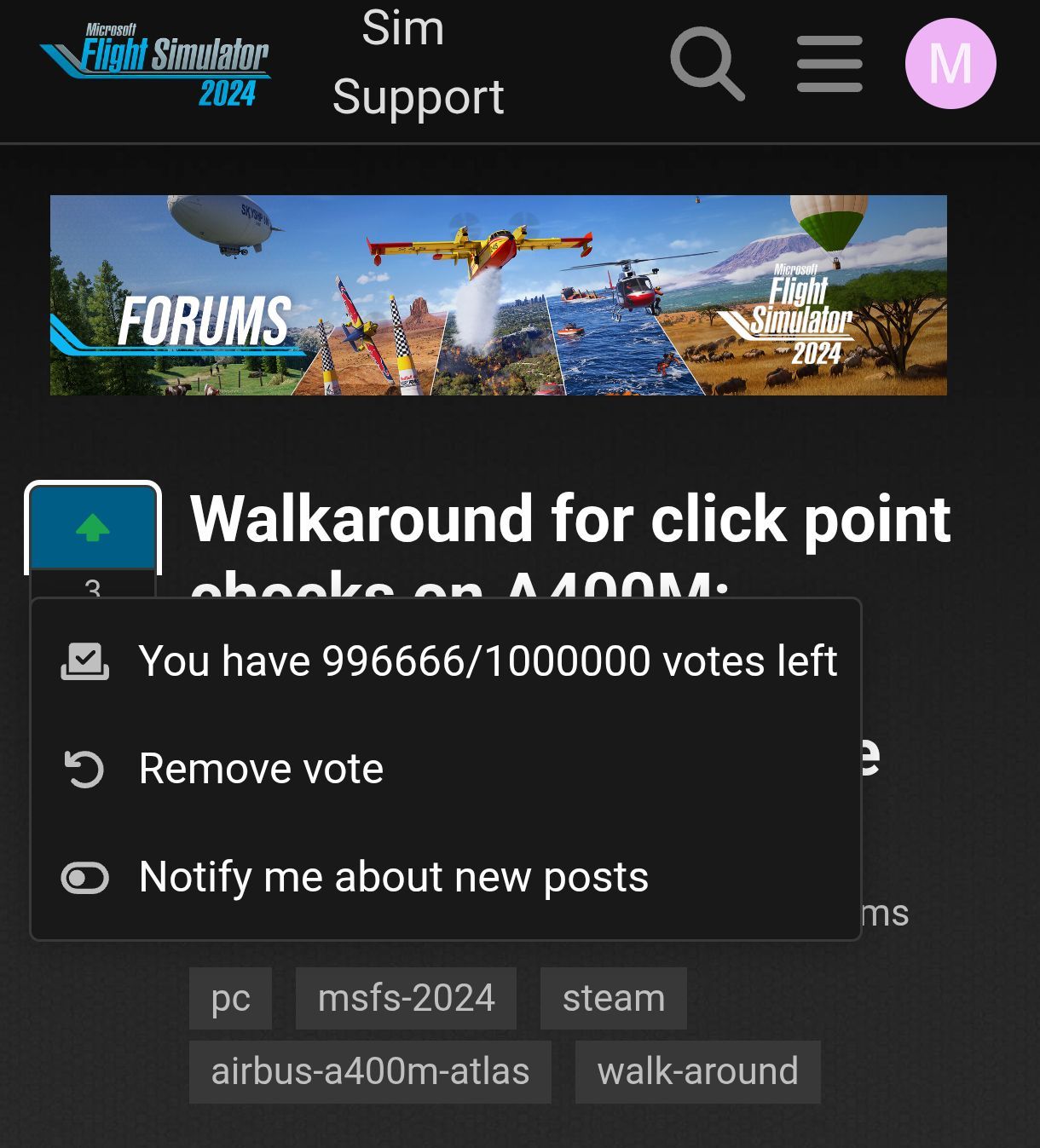
That’s a new UI change, you already voted on that topic, that’s because it sais “remove vote”. The up arrow is green which means you voted. It will go back to being not filled when removing the vote. To vote you push the non-filled up arrow and it will turn green and a vote is added below.
You are right, i can vote when i click on the up arrow. But I don’t see the point or advantage of this new feature at all… What was so bad about the big, blue VOTE button?

 What was so bad about the big, blue VOTE button?