Hey everyone
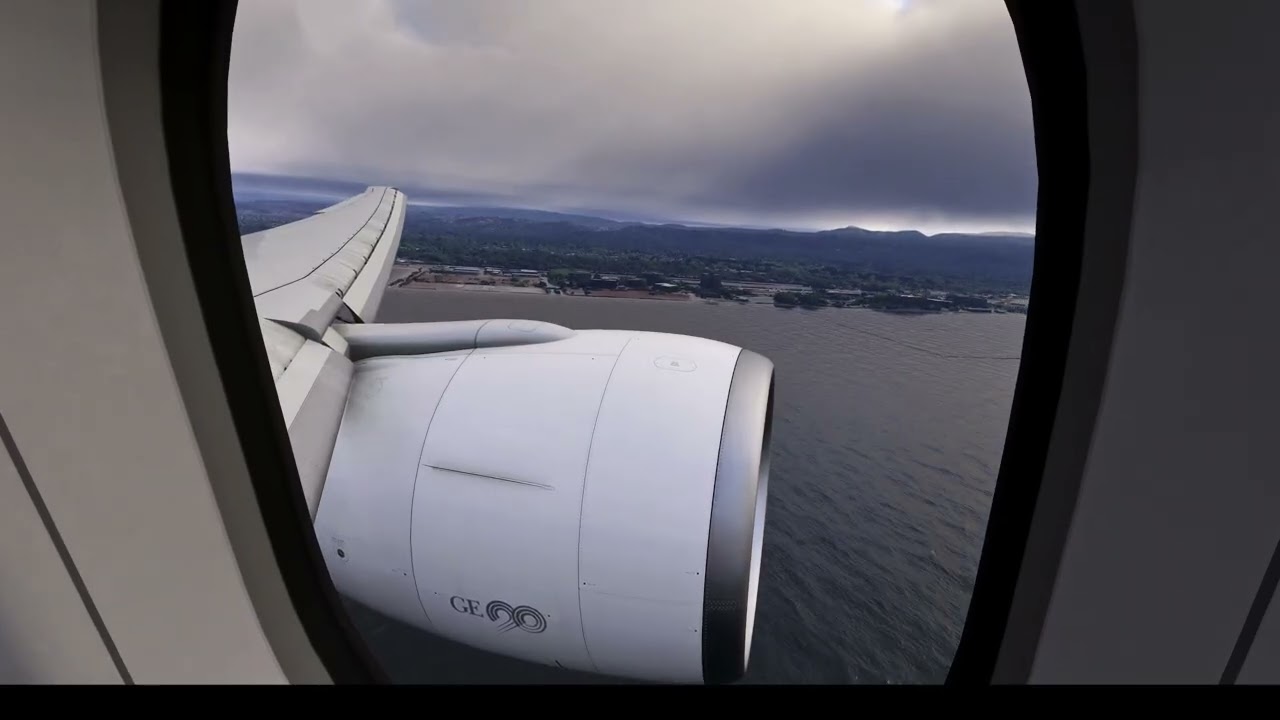
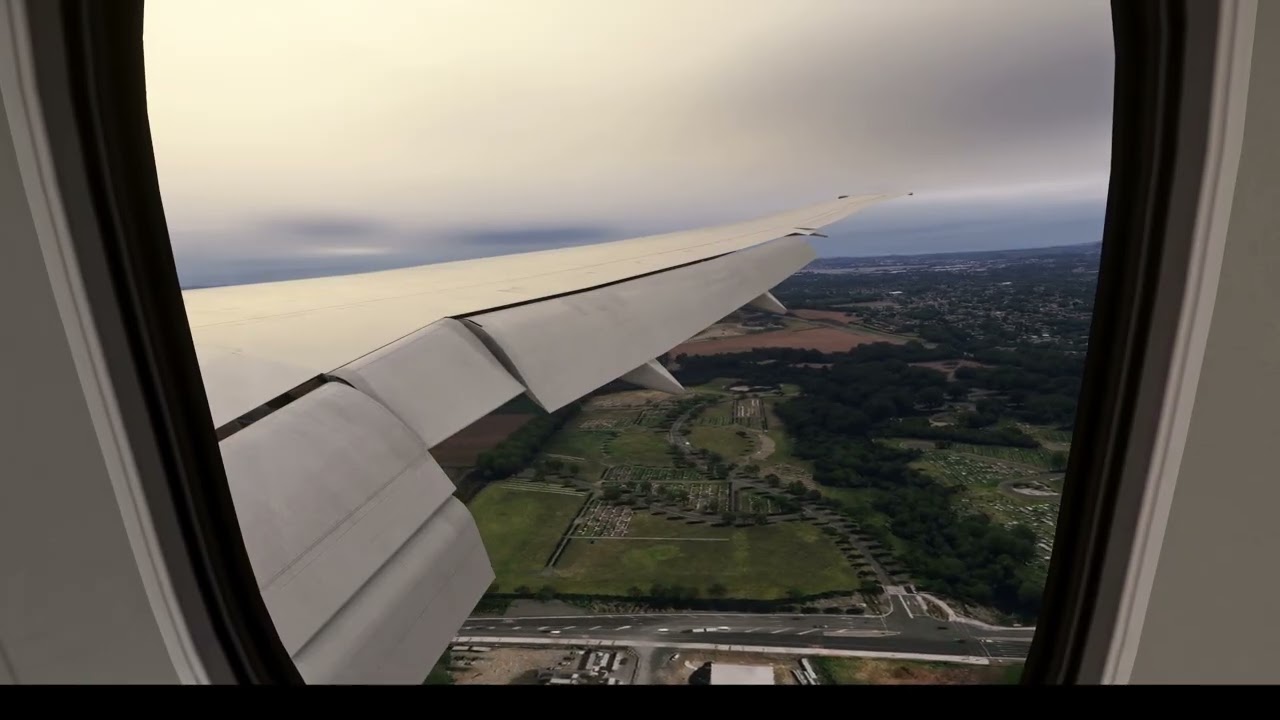
I’ve noticed that when I try to record videos in wing view on approaches, I have scenery microstutters. The actual frame rate doesn’t drop, and you can see in the attached videos, it’s just the scenery that stutters
I haven’t noticed it whilst in the sim, but the recording makes me paranoid that I’ve not noticed it
Can someone please explain why this happens or how to eradicate it?
CPU: Intel Core i7-14700F
GPU: NVIDIA GeForce RTX 5080
RAM: 32GB DDR5
I use 4k, windowed mode (as it gives much better performance), TAA and use DLSS framegen at 2x. My monitor supports 60 fps, so I cap the frame rate at 60 fps
I’m using Flightbeam NZAA, PMDG’s 777-300ER, FSRealistic, Chaseplane, Atmos & Activesky, and using OBS recording software, recording at 30 FPS
Appreciate all the help in advance