Brand new to VR and have recently purchased the Quest 3 mainly for VR in MSFS 2024. It took me a while to get it to work and it runs more or less Ok.
However my question is once Im wearing the Quest 3 how am I supposed to use the keyboard or be able to see where my joystick and throttle are on me desktop. So far Ive been trying to see through a very slight gap at the bottom of the unit. Ive tried using the mouse to operate buttons and switches but find this to be very hit and miss as I click on one button and activate one closeby instead. Also often when my hand is on the throttle or joystick the quest detects my hands i end up with pointers on screen.
I get same problem flying VR Q3 TBM930 when I want to operate on Upper buttons/swtichs
Found solution was closing my left eye to move mouse cursor over wanted button. Then click because then mouse cursor is over correct position. Make a test
1 Like
Welcome to the imperfect world of VR aviation.
Yes, closing one eye to determine correct position of mouse pointer works.
I have learned all the sliders and buttons of my joystick with muscle memory, you would be surprised how quickly this happens.
However, with a quest 3 if you wish you can create a see-through mask for your controls but it never appealed to me.
1 Like
Disable hand gestures in Q3 settings.
I use my HOTAS and a mouse without any issues. They are always in the same position so no problem finding them without seeing them. I don’t use keyboard when flying, most controls I need are mapped to HOTAS buttons/switches. For everything else I use a mouse.
2 Likes
If you’re using Virtual Desktop you could try this
https://flightsim.to/file/64739/color-panel-for-vr-passthrough
It’s a freebie which allows you a passthrough window. I used it for a while but I think sufficient muscle memory has since kicked in and I no longer bother.
1 Like
I use the passthrough features of VD to see my yoke and throttles and my mouse. I have about 50% transparency on when using that feature so I can still see controls behind them. Recently VD has created a keyboard shortcut to toggle the desk cutout and I call that from Voiceattack which I also use in place of any keyboard command. It works wonderfully.
1 Like
If you are using Virtual Desktop you can enable keyboard passthrough and will be able to see your physical keyboard in VR.
2 Likes
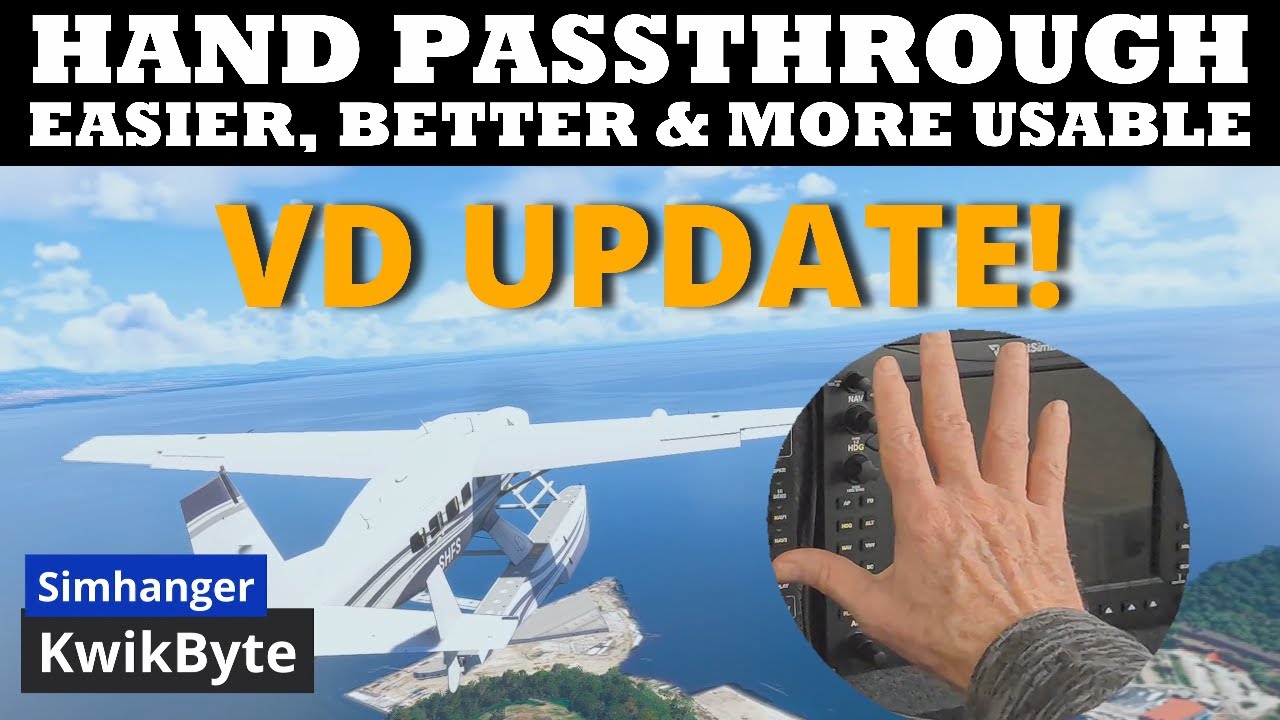
Have a sticky beak at this vid from Mark at SimHanger…
4 Likes
I use Open Kneeboard for a passthrough that can be toggled on and off.
1 Like
Muscle memory, basically. I’d recommend extensive mappings on joystick/yoke, throttle, and anything else that is easily identifiable by touch. The only thing I use the keyboard for is the escape key =)
At 72 all my memory is faulty let alone muscles. Lol
1 Like