Hi Everybody,
This sequence worked for me, it may work for you. Until I followed this approach, using the 366.36 (last known usable drivers for app filters) failed to load more than two filters.
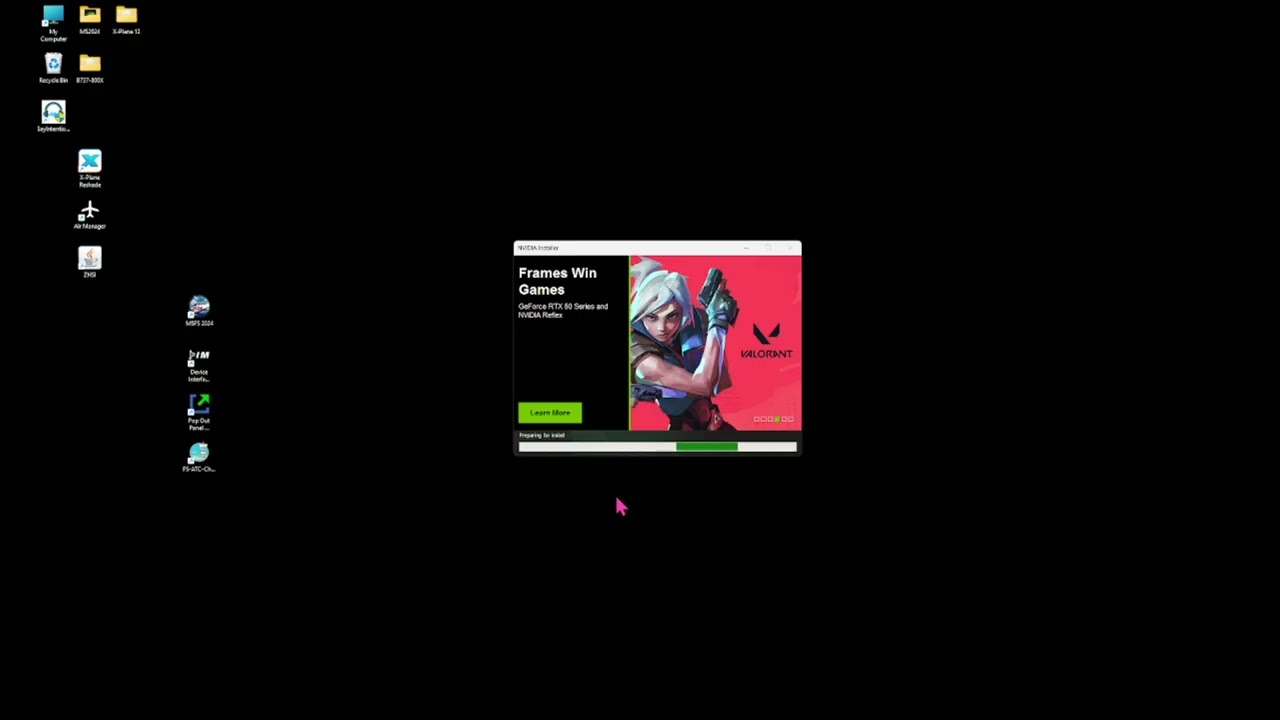
Hi Everybody,
This sequence worked for me, it may work for you. Until I followed this approach, using the 366.36 (last known usable drivers for app filters) failed to load more than two filters.
That title is misleading. This is not a fix - it’s just a workaround that has already been described many times on this forum. Specifically, the filters still work on older drivers like 566.14 or 566.36. It’s unfortunate you didn’t mention that in your video.
https://forums.flightsimulator.com/t/compatibility-for-nvidia-ingame-filters/714628/8
Most importantly, NVIDIA drivers 566.14 and/or 566.36 don’t even support RTX 50xx series GPUs, so there’s no way this can be considered a fix.
If the drivers actually worked then a Google search wouldn’t bring up the following via search assistant!!!
NVIDIA Filters and MSFS 2024 Compatibility
Current Status of NVIDIA Filters
NVIDIA filters are currently not functioning with Microsoft Flight Simulator 2024 (MSFS 2024) when using driver version 366.36. Users have reported that only two filters, RTX HDR and RTX Dynamic Vibrance, are available. All other filters, which are typically used for enhancing visual quality, are missing.
No one mentioned a 5090 other than you, I use a 4090 and this works great!
First of all, I didn’t mention RTX 5090 - I clearly referred to the 50XX series GPUs, meaning all RTX 50 series GPUs, not just a single card.
And the fact that no one else brought it up doesn’t make it irrelevant. Some people might not know, some might not bother to check and others just repeat information without thinking.
The bottom line is simple: driver 566.14 or 566.36 does not support NVIDIA 50 series GPUs, so this is not a fix. It’s only a workaround for older hardware, which makes the title misleading.
Geme Ready Driver 566.36
Supported Products
GeForce RTX 40 Series
NVIDIA GeForce RTX 4090 D, NVIDIA GeForce RTX 4090, NVIDIA GeForce RTX 4080 SUPER, NVIDIA GeForce RTX 4080, NVIDIA GeForce RTX 4070 Ti SUPER, NVIDIA GeForce RTX 4070 Ti, NVIDIA GeForce RTX 4070 SUPER, NVIDIA GeForce RTX 4070, NVIDIA GeForce RTX 4060 Ti, NVIDIA GeForce RTX 4060
GeForce RTX 30 Series
GeForce RTX 3090 Ti, GeForce RTX 3090, GeForce RTX 3080 Ti, GeForce RTX 3080, GeForce RTX 3070 Ti, GeForce RTX 3070, GeForce RTX 3060 Ti, GeForce RTX 3060, GeForce RTX 3050
GeForce RTX 20 Series
GeForce RTX 2080 Ti, GeForce RTX 2080 SUPER, GeForce RTX 2080, GeForce RTX 2070 SUPER, GeForce RTX 2070, GeForce RTX 2060 SUPER, GeForce RTX 2060
GeForce 16 Series
GeForce GTX 1660 SUPER, GeForce GTX 1650 SUPER, GeForce GTX 1660 Ti, GeForce GTX 1660, GeForce GTX 1650, GeForce GTX 1630
GeForce 10 Series
GeForce GTX 1080 Ti, GeForce GTX 1080, GeForce GTX 1070 Ti, GeForce GTX 1070, GeForce GTX 1060, GeForce GTX 1050 Ti, GeForce GTX 1050, GeForce GT 1030, GeForce GT 1010
GeForce 9 Series
GeForce GTX 980 Ti, GeForce GTX 980, GeForce GTX 970, GeForce GTX 960, GeForce GTX 950
GeForce 700 Series
GeForce GTX 750 Ti, GeForce GTX 750, GeForce GTX 745
NVIDIA TITAN Series
NVIDIA TITAN RTX, NVIDIA TITAN V, NVIDIA TITAN Xp, NVIDIA TITAN X (Pascal), GeForce GTX TITAN X
GeForce RTX 40 Series (Notebooks):
GeForce RTX 4090 Laptop GPU, GeForce RTX 4080 Laptop GPU, GeForce RTX 4070 Laptop GPU, GeForce RTX 4060 Laptop GPU, GeForce RTX 4050 Laptop GPU
GeForce RTX 30 Series (Notebooks):
GeForce RTX 3080 Ti Laptop GPU, GeForce RTX 3080 Laptop GPU, GeForce RTX 3070 Ti Laptop GPU, GeForce RTX 3070 Laptop GPU, GeForce RTX 3060 Laptop GPU, GeForce RTX 3050 Ti Laptop GPU, GeForce RTX 3050 Laptop GPU
GeForce RTX 20 Series (Notebooks):
GeForce RTX 2080 SUPER, GeForce RTX 2080, GeForce RTX 2070 SUPER, GeForce RTX 2070, GeForce RTX 2060, GeForce RTX 2050
GeForce MX500 Series (Notebooks):
GeForce MX570, GeForce MX550
GeForce MX400 Series (Notebooks):
GeForce MX450
GeForce MX300 Series (Notebooks):
GeForce MX350, GeForce MX330
GeForce MX200 Series (Notebooks):
GeForce MX250, GeForce MX230
GeForce MX100 Series (Notebook):
GeForce MX150, GeForce MX130, GeForce MX110
GeForce GTX 16 Series (Notebooks):
GeForce GTX 1660 Ti, GeForce GTX 1650 Ti, GeForce GTX 1650
GeForce 10 Series (Notebooks):
GeForce GTX 1080, GeForce GTX 1070, GeForce GTX 1060, GeForce GTX 1050 Ti, GeForce GTX 1050
GeForce 900M Series (Notebooks):
GeForce GTX 980, GeForce GTX 980M, GeForce GTX 970M, GeForce GTX 965M, GeForce GTX 960M, GeForce GTX 950M, GeForce 945M, GeForce 940MX, GeForce 930MX, GeForce 920MX, GeForce 940M, GeForce 930M
GeForce 800M Series (Notebooks):
GeForce GTX 860M, GeForce GTX 850M, GeForce 845M, GeForce 840M, GeForce 830M
You can copy and past all you want. the 366.36 drivers didn’t work with the 4090!!! Now it does!!! Even a google search shows the 366.36 drivers stopped working with MSFS2024!!!
Driver 566.36 has always worked with the RTX 4090. I know because I’ve used it myself - I have both an RTX 4090 and an RTX 5090.
Google isn’t always a reliable source of truth - it often just repeats what others have said, whether it’s accurate or not.
Personally, I prefer to rely on my own hands-on experience rather than search results.
It’s not JUST the google search, it’s all those complaining that the 366.36 drivers no longer work with MSFS2024 with Asobo’s latest updates, myself included in that mix. It has nothing to do with the 5000 series video cards or the 566.14 or 566.36 drivers you mention.
I think you’re starting to mix up a few different things here.
The title of this thread is “NVIDIA app filter fix”. It’s misleading, because this is not a fix. Driver 566.36 is not even intended for RTX 50 series GPUs, so it cannot be considered a fix. At best, it’s a workaround for older hardware.
Also, there’s nothing new about filters working on that driver - they’ve always worked there. I even shared a link earlier, but it seems you may have missed it, so I’ll paste a post from May 2025 below:
The filters stopped working starting from driver 572.16 and newer.
Do you even read? No one is talking about drivers 566.36 except YOU!!! What part of that do you not understand?
This refers to drivers THREE SIXTY SIX point THREE SIX
NOT
566.36
Read and comprehend what you’re replying to!
FYI: there is no such driver as 366.36.
So what you’re saying is I have the numbers mixed up?
I honestly have no idea why you were even searching Google for a driver that doesn’t exist - 366.36 simply is not a real NVIDIA driver.
And even if it did exist, expecting a “36x” series driver from around 2016 to properly work with MSFS 2024 is just unrealistic.
It looks like something got mixed up or misread somewhere along the way.
Also, don’t rely too much on random Google results - MSFS forums tend to be a much better and more accurate source of information when it comes to this kind of thing.
Driver 566.36 which you installed is the last version where filters worked properly.
That same driver does not support RTX 50 series GPUs, so it simply cannot be called a “fix” - it’s a workaround at best.
So calling it a fix is misleading, because it doesn’t solve the issue universally - it only works on older NVIDIA GPUs.
That’s pretty much it.
I run three Asus 4090 boards and tested on three computer setups and weren’t able to get the filters to show up, all I’d get were the same two filters for all three options. The drivers should be 566.36 and not 366.36, that is a mistake on my part. Wonder why I only see two filters when most see all of them.
You only saw two filters because you were using the latest driver 596.21, with which not all filters work anymore.
As I mentioned earlier: “the filters stopped working starting from driver 572.16 and newer”.
If I do a clean install of driver 566.36 I only see two filters with my Asus 4090 video board, it’s not until I go through the process above do I see the additional filters added into the mix.
Alright, if that works for you after following your process, then fair enough. I’ve already explained my point, so I’ll leave it here.
EDIT
We can have different opinions, but it’s still worth helping each other out.
Today is actually my last day testing the RTX 4090 on the latest driver before handing it over to the buyer who purchased the GPU from me. After the tests, I’ll uninstall the latest driver and install 566.36 with a clean, standard setup - no tweaks or extra steps - just to check whether the filters work with MSFS 2024 on a fresh install.
I decided to do this to know more for sure - also because if the filters didn’t work for you on 566.36, it might simply mean that something was already wrong in your setup earlier, like a previously bugged installation or driver issue.