Do you know if this setting is retained following an NVidia update?
Did you do a clean install?
Uninstall nvidia/geforce experience if you don’t need it. Who needs something else running in the background?
That is the best advice on this forum. Uninstall GeForce Experience. It’s like asking a 3-year-old for financial advice. On mine, it changed TAA to something horriblely different. Do your own graphic settings based on your own equipment. GeForce Experience is just a bad guessing game. You can do it better.
As clean is possible… brand new machine. 6 days before launch of MSFS.
I’ve done two driver updates since the machine existed and nvidia control panel was present before the last driver update on the day before the last patch. It vamoused with the last driver update.
Did you mean clean install of driver or MSFS?
Just the driver.
https://thegeekpage.com/nvidia-control-panel-not-showing-in-windows-10/
This might help.
Or you can just deactivate the auto-optimization option in GE.
It’s always the first thing I do after installing a new GE version.
Current version of Driver says not compatible to install when I tried to d/l from windows store.
I’ll follow your link…
For those that want the control panel that’s no longer included in the driver package.
Regards
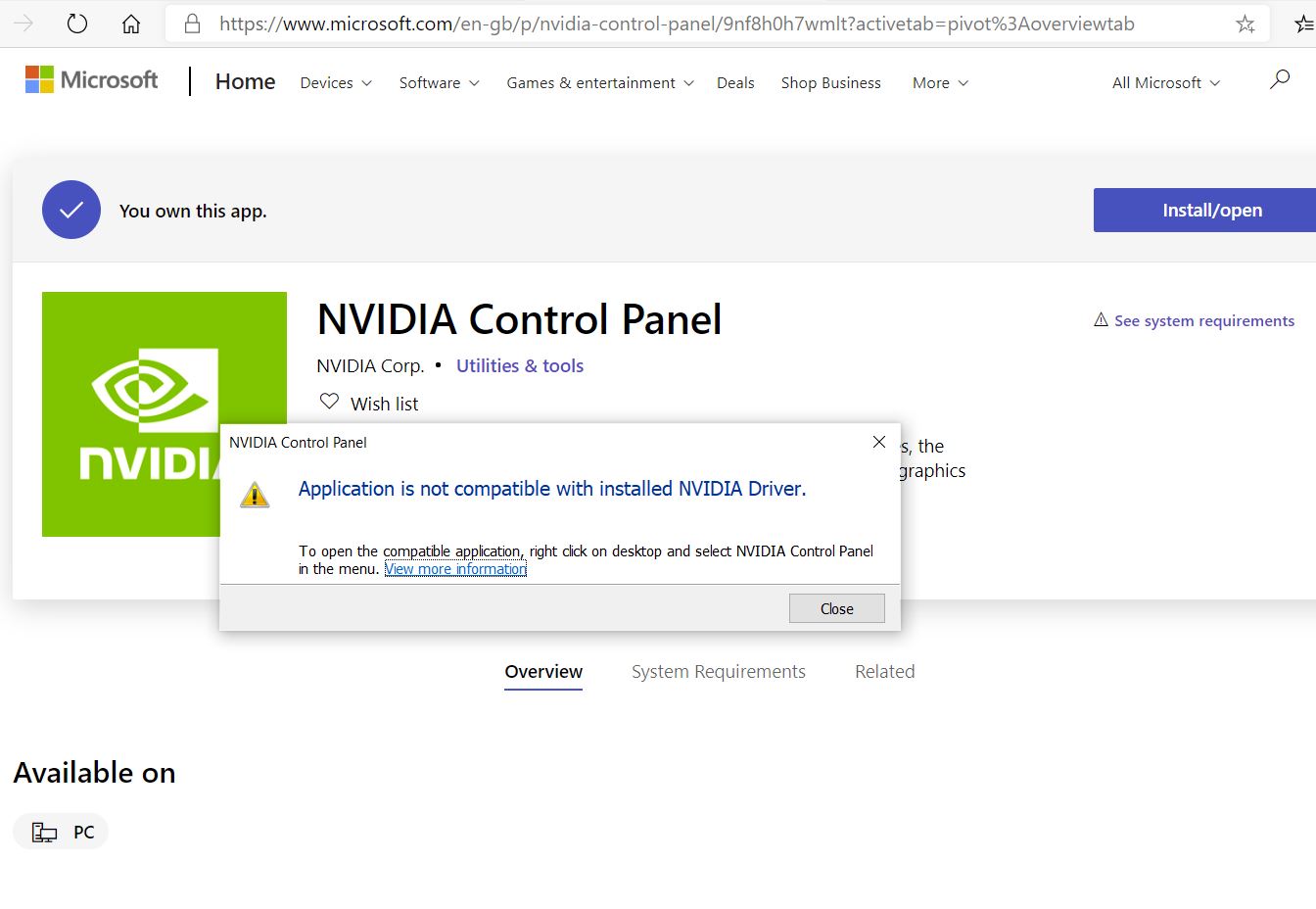
Weird, mine works fine.
are your drivers standard or the DCH variant?
On my sim PC I just let GE put the game ready driver (456.55 currently).
Yes - there are 2 variants it seems, same issue number, one is marked standard and one marked DCH. MY system is preffering the DCH.
Ive just manually installed the standard from Nvidia, and now got to reboot.
Oh, IDK this DCH one; I just knew there’s “Game Ready” and “Studio”…
Even with the Standard driver set, seems I cant install the control panel, so, still looking for a solution.
Dang. IDK why they even moved it over into the MSFT Store; it was fine the way it already was.
100% agree.
Seems the new drivers dont need this element of manual control as windows now has the functionality built in.
Guys if uninstall GeForce Experience how am I able to update the recent Nvidia drivers?
My GeForce optimized my MSFS to optimal. Is there anyway I can fix that because it’s making my sim run super good but the graphics are so horrible.
if you uncheck the auto optimize in your geforce exp settings it shouldnt anymore? mine doesnt?