Another vote to use DDU to uninstall old drivers completely. It’s safe and easy to use. Just grab the diver you want from NVIDIA’s website first. go to safe mode, run DDU, reboot, (I turn wifi off so windoze update doesn’t run and try to install the driver auto-magically), double click the driver installer you downloaded, choose to only install the driver (not GeFarce Experience), presto-chango you now have a clean driver install 
…sorry to break it to ya, but I still got broken textures with this new driver and DX12. …going back to DX11 fixed it.
as already mentioned DX12 is still very much in beta…
if i ignore the broken textures, DX11 is still much smoother on my rig, even if its CPU limited.
with DX12 i am both CPU and GPU limited even when GPU utilization is not 100%.
Latest Nvidia game driver is definitely a big game changer. Uninstalled latest studio driver with DDU. Installed latest game driver with Nvidia Clean Install. On my Win11 system only Msfs and addon programs installed. Not contaminated with other programs. I am not the person that engage in endless discussions about a few FPS more or less. MSFS / DX 11/ DLSS balanced / mostly Ultra settings. Fluid as never before. MSFS since the first day. Flightsimmer since the mid '80s. Nvidia 2070 super, 64Gig mem, Intel I7.
That’s what I noticed with DX12 on the studio driver. My 3070Ti was the bottleneck, but was only about 60-70% used, with only about 4-5 GB of its available VRAM in use. Increasing graphics reduced performance, but without really increasing GPU load. There’s nothing I could do to increase the GPU load to balance between CPU and GPU limitation that wouldn’t result in a huge performance drop, but without actually increasing GPU load.
Don’t forget the FPS hack where after you click Fly, restart the flight to gain FPS.
Mostly important for me: Are the stutters fixed for DX12 and TAA and TLOD above 200?
What am I expecting to see?
All digital screens are still very blurry compared to TAA.
Is DX12 going to work better now? I am on DX11 because at least on VR the performance was much better. But I read somewhere that some optimizations were waiting for this driver.
Read the release notes and you’ll that the last driver only fix a artefact with DirectX12.
Agreed. I also have an I7 10700 with 2070s and definitely there is an improvement in both TAA and DLSS. Like you cleared out studio driver with DDU and installed GRD. Before I was lucky to get a constant 30fps, now a smooth 40ish. Supposedly nothing has changed between the studio and game ready driver, but it appears something clearly has. Fenix is actually enjoyable to fly today and that normally never happens! DX12 still a no no however.
That’s been thrown around over the life of the sim. I’ve tried it as recently as a few days ago and it’s never done antying for me other than waste the 20 seconds it takes to reload.
Been working for me when watching the Dev FPS counter.
Well, so the driver improves nothing, really.
That is not what the hype was about in these forums.
To repeat an often used quote of mine - the most consistent thing about MSFS is how inconsistent the experience can be from user to user.
Like with any tricks, hacks, settings, etc, your mileage may vary.
This Game Ready Driver 517.48 performs the same as the Studio Driver 517.40 for me.
I’m having the best results using DX12 (Beta)-DLSS Quality. (RTX 2070 Super)
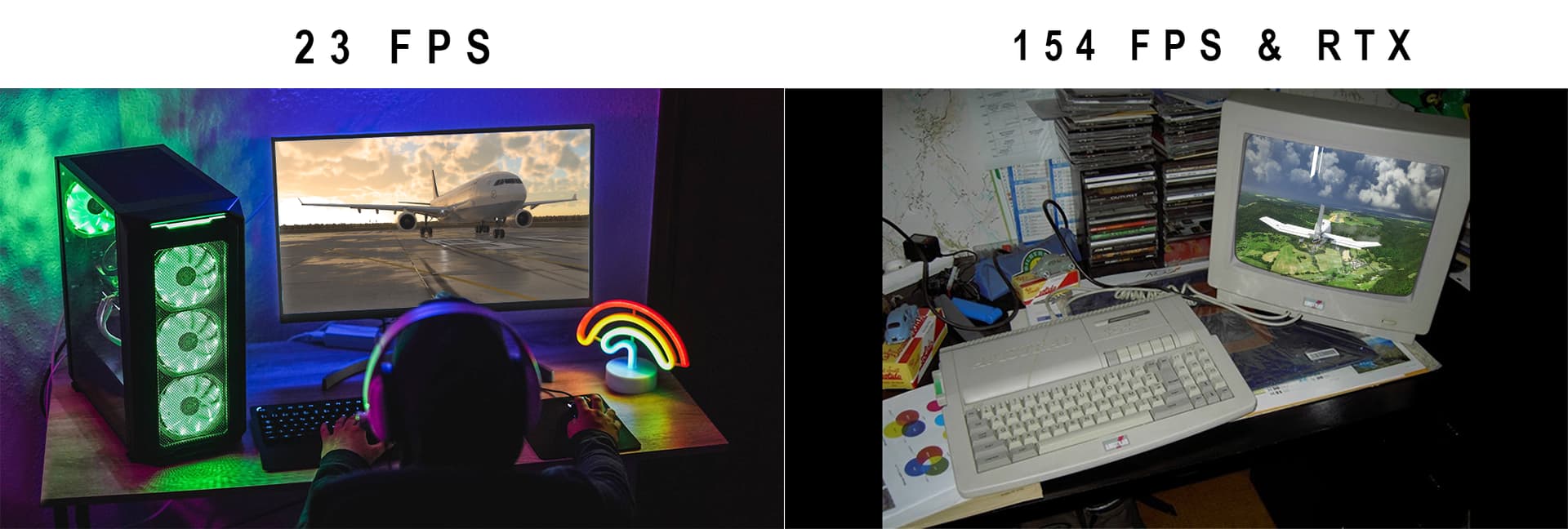
Started out with stuttering on my end then smoothed out. My best results are DX11 DLSS=Quality
RTX2060super 8GB WQHD 1440p.
DX12 is a no go for me. It works great however not when flying study level aircraft out of payware airports.
You’ve won the MSFS Best Post Of The Day Award with that. Well done.
Hahahhahah, well done!
Anyone using a frame rate cap noticed a big drop off? My FPS half as soon as plane loaded up with Riva tuner or Nvidia control panel FPS cap had to run with no FPS cap and get my usual 60 - 85 FPS turn on FPS limit of 62 to like normal and I’m getting 62 until the plane loads then instantly drops to 30 