Please use this thread to discuss the NVIDIA GeForce Game Ready Driver version 552.12.
Game Ready for Call of Duty Season 3
This new Game Ready Driver provides the best gaming experience for the latest new games supporting DLSS 3 technology including Season 3 of Call of Duty: Modern Warfare III and Call of Duty: Warzone and Diablo IV’s latest update which introduces ray tracing support.
Fixed Gaming Bugs
- Horizon Forbidden West: Resizable BAR profile [4496595]
Known Issues
- GeForce GTX 10/RTX 20 series: PC may randomly freeze when Windows Hardware Accelerated GPU Scheduling and NVIDIA SLI are both enabled [4009884]
- Horizon Forbidden West Complete Edition: Lower GPU utilization when Reflex is set to “On + Boost” [4412035]
- Tekken 8 may randomly crash during gameplay on GeForce GTX 10-series graphics cards. [4503216]
Already installed have not tried it yet.
Installed it and ran into a ton of problemas never seen before. Msfs took ages to start up, and went into a sort of installation mode, were i was forced to make descissions about basic settings, like in a new msfs install. When trying to exit msfs it froze. A reinstallation of the previous driver made it all work perfect again. At least as far as the startup of the sim. Going to see if all works later this evening. I used Geforce-experience too do a normal installation as i allways do.
Works real good with DSSL 3.7. A couple of steps forward.
Frame Generation Update for RTX 40-Series Graphics Cards | DLSSG File Update | MSFS2020
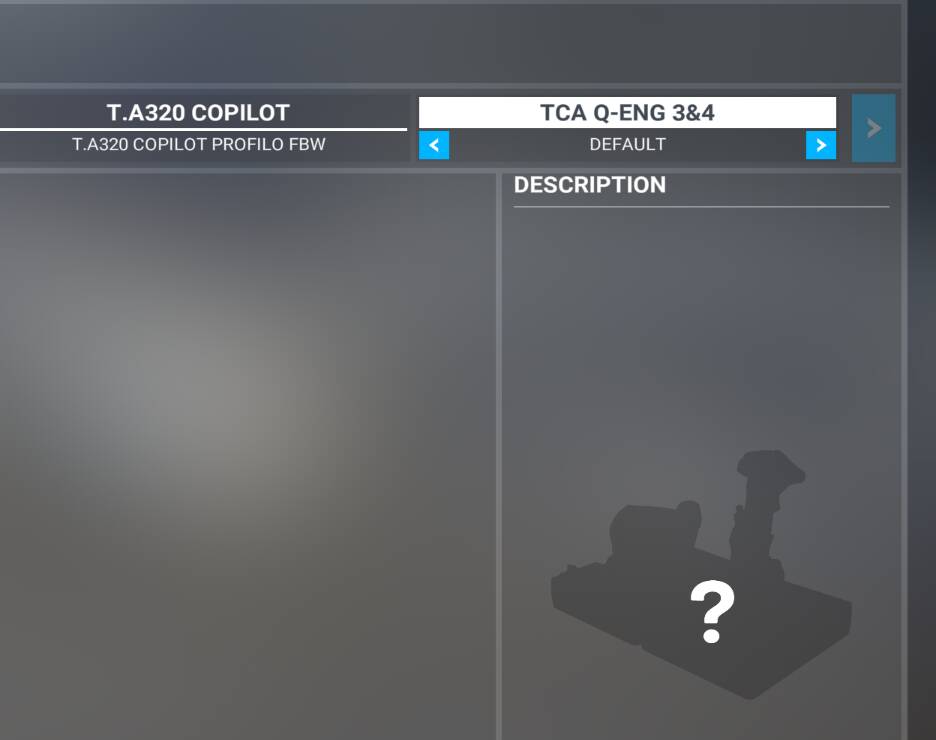
After the update sim doesn’t recognize airbus tca engines quadrant…
Tried already restarting sim and then pc, no luck.
anyone has clues?
Have you tried plugging into a different port?
solved, i accidentally switched the quadrant to eng 3&4 from the correct 1&2 position…
Using this driver today with su15 beta and it seems to be fine. I’ve not seen any issues. (3090, dx11).
According to my late granny: If it ain’t broke, don’t fix it.
On top of that: the release notes don’t say a word regarding MSFS so I’d stay away
Do any of these driver updates have an impact on a 1080ti?
This is exactly the issue I had!
Had to re run through all my settings.
I think you mean DLSS? @meh1951 is using the newest DLSS files, which MSFS does not natively provide us, unfortunately.
Anyone has clean driver link for this version?
Yep. 536.67 for me, at least until I get the dreaded “This driver version is no longer supported” message.
I just updated to DLSS 3.7 using DLSS Swapper, though. All seems well.
(You can save this link and it will be updated anytime there is a new clean driver version)
552.12 not working with Nvidia Beta App 10.0.0.535. Anybody else?