Using this now since it came out and had a couple crashes but not sure if it is the driver of me as I am messing a lot with VR settings. Have to say it is working nicely in VR with VD. Am using OPENXR for sharpening and VD to limit FOV to 90%. A bit on the bleeding edge but cockpit coming out pretty crisp to my old eyes.
Driver works fine on my end. I have an RTX 4090.
I updated from 581.80 (which I had found performed best, for me anyway) to 591.59 a couple days ago. and while I don’t see any significant improvements, it does seem stable so I’ll probably stick with it for now. I only fly in VR with my QPro/Link and Q3/Air Link. With 2020/2024 (both dx12) I’m getting a smooth stutter free 40fps (with forced 45fps, 40fps with my 80Hz refresh rate, and ASW = off).
My PC specs are 9800x3d/rtx5090/64Gb 6000 ram. I ran DDU in safe mode to clear the previous drive, then clean install (without nvidia app). Then nvidia CP to make a couple of changes (power = prefer max performance and changed Quality default below that to High Performance). Then nvidia profile inspector to force latest dlss overrides (dlss v310.3.0 preset K).
Still not able to access 2020, altered the config file as described (used chat gpt to walk me through it as im totally new to pcs long story.)
Still crashes to desktop on start up, ive isolated my community folder by changing to .bak, used UDD to remove and reinstall 581.80 but still cant get into the sim.
My rig is 9800X3D, GeForce 5080, 64Gbram, 2x SSDs.
Any pointers in the right direction would be enormously helpful
getting higher fps than the previous drivers for me
Nice. Even more than 581.80 (or its hot fix)? How much more, did you measure?
That’s a question I have as well with my 3090 Ti.
Currently running 581.29 and it’s been very stable.
Updating your GPU driver isn’t just about possible performance benefits so it’s still worth it despite its age. In some cases using older drivers can become a dangerous practice. It opens the door to possible exploits.
1 Like
7800 3D 4070 super 12gb 32gb ram
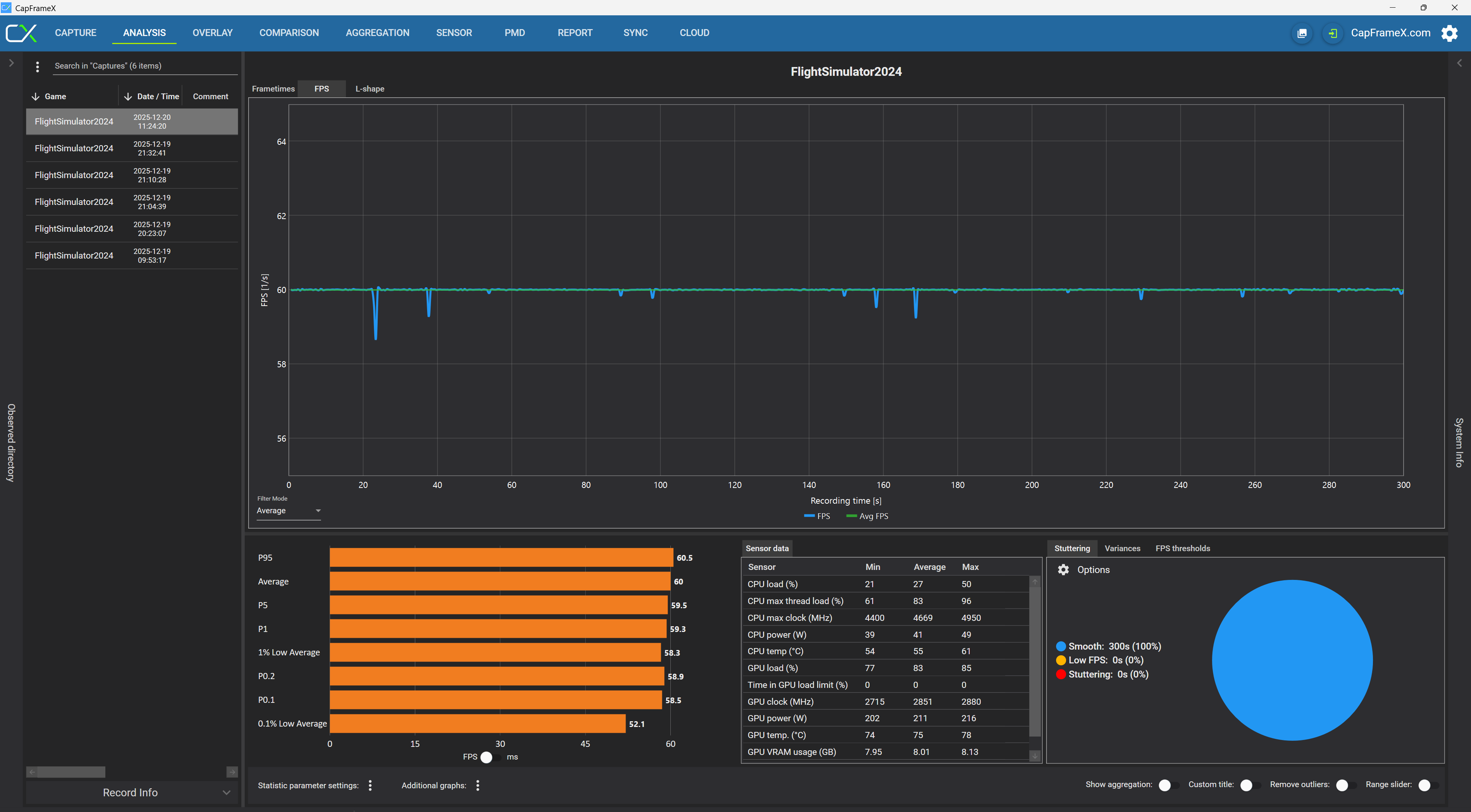
My performance has been good with the latest driver…Thanks Begottenpoet for the help..never would have made it without your guidance 
2 Likes
Still seems OK with an ASUS 5080 and 7950 Ryzen. Still getting the occasional crash while messing with VR add ons… no fault I think to NVIDIA.
1 Like
Latest driver working well for me. i7-9700K, 64GB, 4070S, 4K monitor, medium settings, DLSS FG.
1 Like
Very very good point! Thank you.
1 Like
Working as expected on my end.
Windows 11 25H2
MSI RTX 5080, Ryzen 7 9800X3D 64 GB RAM@6000mhz Expo 1
1440p
MSFS2024 TLOD:150 OLOD: 100
ultra settings
Texture Res: Medium
TAA
No FG
Vsync:1/2
Lossless Scaling: Adaptive 165fps
Stable 50-60 FPS native at complex 3rd party sceneries
Tobii eye tracker
Complex airliners (Fenix etc..)
Upgraded to this driver from 581.80 and the issue of ‘Smart Smoothing’ function in Pimax Play disappearing is still there. Reverting to older driver and it returns again. Pimax are aware and believe it is a driver issue but not sure if Nvidia is.
I don’t think that in KJFK with fenix and scenario pay you will do 50/60fps without frame generation and without dlss.
I didn’t try KJFK scenery, but probably you’re right.
Now fliying from EGCC to LEPA my GPU drops to 48% usage in cruise.
I don’t know if It is a driver related issue.
While not yet on this driver, today probably, I am seeing much higher GPU usage in SU4 than in SU3, which I see as a good thing: I am getting my money’s worth out of the 5070Ti and the latest drivers. JFK is no longer a problem like it was before SU4, so go for it if you want to fly there. I’m seeing my target frame rates without FG. PC spec in my profile. Cheers!
1 Like
I don’t think it’s a driver issue. I am seeing 90%+ GPU usage.
I think this driver fixed the frame generation stutter I was having with the pervious Dec 4th one.
Excellent performance and improved frame/multi frame generation with 5080