Please use this thread to discuss the NVIDIA GeForce Game Ready Driver version 621.14.
Game Ready for World of Warcraft: Forever
This new Game Ready Driver provides the best gaming experience for World of Warcraft: Forever, and DOOM: The Dark Ages | Revelations new Slaughter Mode, and the addition of DLSS 5 with 3D-Guided Neural Rendering to Hogwarts Legacy and War Thunder.
Fixed Gaming Bugs
- Call of Duty: Modern Warfare 4: Game may display incorrect visual colors [6972531]
Fixed General Bugs
- Fixed an issue where video playback may freeze or black screen on some GeForce RTX 50 Series GPUs/RTX Spark after updating to GRD 621.01. [6979343]
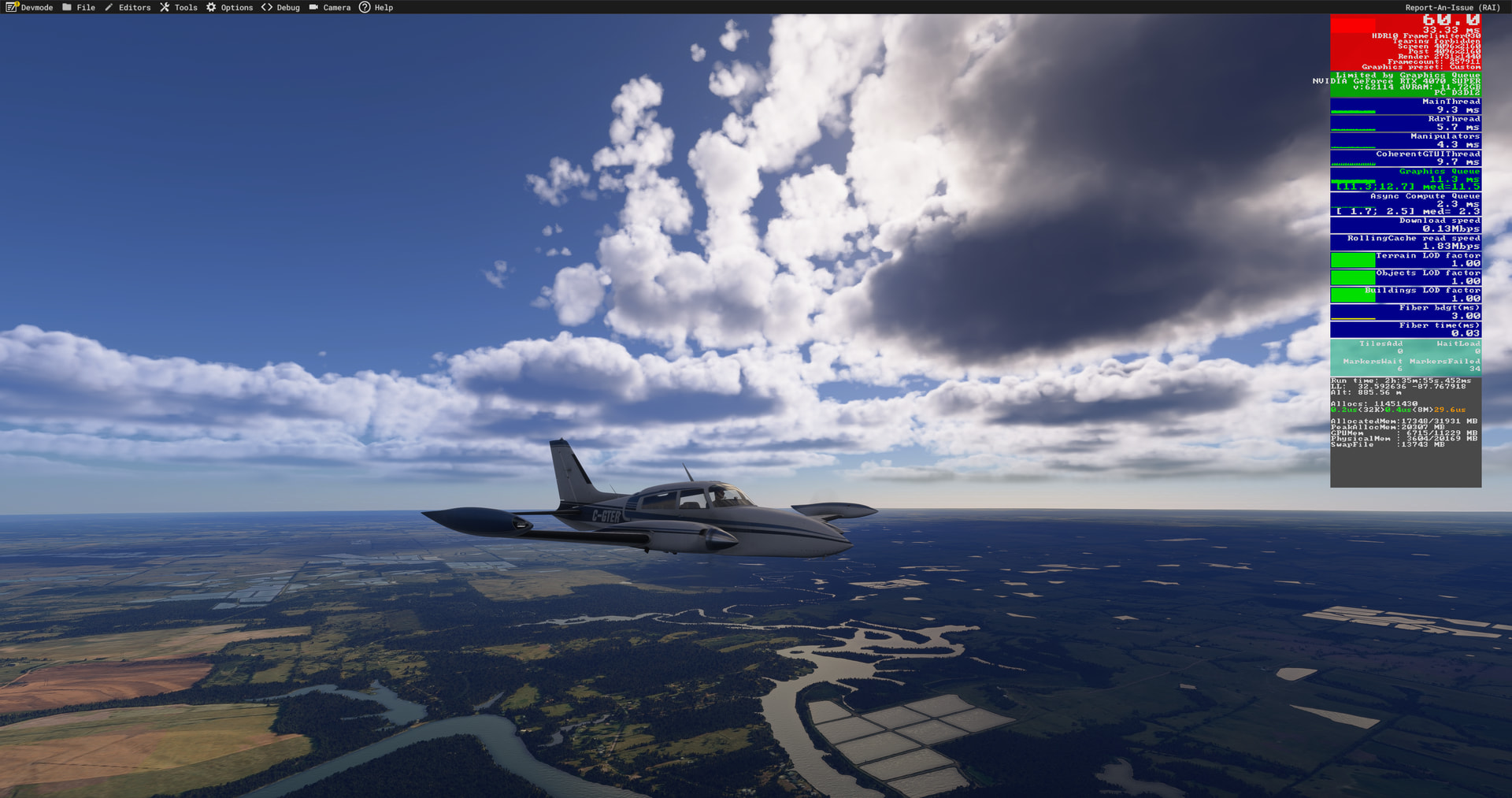
Hey Together. Ich reverted back to 621.01. In my case this driver causes stutters every few seconds, or minutes. Hangs. Testet with diffrent settings. Uninstalled the older driver with DDU. So, i had a fresh install. With DLSS Overwrite and with the inculded 310.6 DLSS version in SU7.1. Preset M.
I am flying with in Sim max FPS to 30 + FG x2 and 120hz Monitor.
After back to 621.01 it is better again. It is so strange, that we have so many diffrent results…
have you deleted the DX cache ? i manually delete everything after driver update
Working fine here with an RTX 4090. Deleted shader cache prior to installing.
Yes. Uninstalled at first with DDU. Then installed the new driver. Then deleted all caches. And started the sim, the pre complained shaders has been installed.
I upgraded from 617.42 to 621.14, on a 5080 running SU7.2 Beta 1.9.23.0. The Shader cache thing enabled itself as expected, and otherwise the driver worked just fine and not appreciably differently to the previous one.
I’m using DLSS frame generation in Dynamic mode which seems stable and reliable.
Tested once again. DDU, restart. Caches cleared. Xbox App Cache Cleared to be safe. Reinstalled. Restart. Cleared once again. Started the Sim, Precomplained Shaders starts to install. Restart. Start again. Start a flight. During Taxing in EDDF hang here and there. Stutters. This was the third try.
To me this driver is bad. 4080Super, 7800X3D, 64GB Ram.
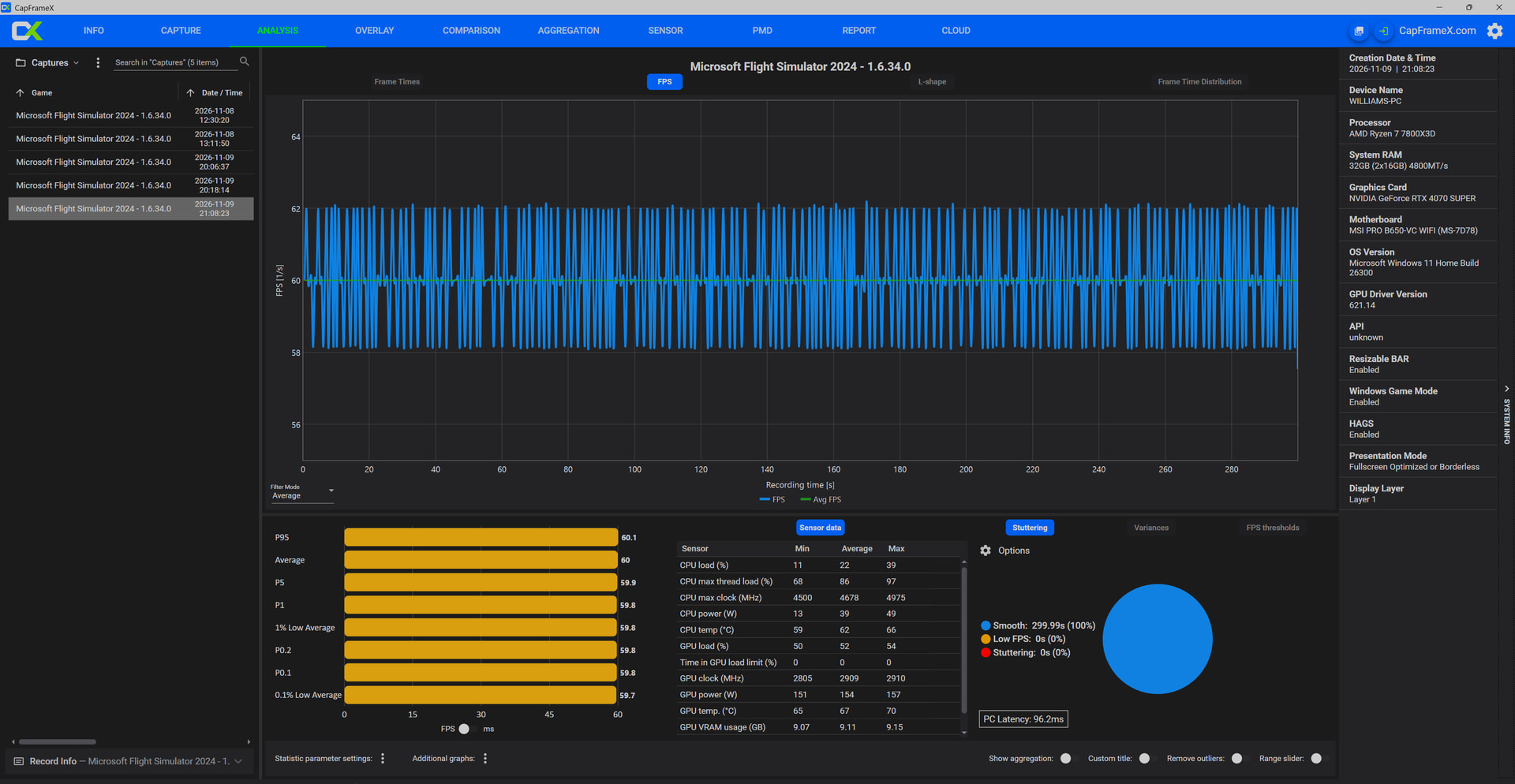
Can’t confirm. Did today one flight in Desktop Mode and one in VR. The driver works flawlessly. Update from 621.01. Ryzen 7900 with RTX4080, 64 GB RAM.
No problem here either. No clearing of anything – never do – and did not really notice a difference. Smooth flight in the 757 from Orbx ATL to Ini MSY.
Would be interesting what kind of hardware everybody use. And if you use some DLSS Overwrite, if in the App or with DLSS Swapper. I tried both, in Nvidia App and Preset M what used 310.9.16. Or some other? In SU7.1 is 310.6 by default. This is what i am using with Preset M.
In Nvidia App is Gsync on for full and windowed. Vsync On, Prefer Max Performance 120hz, Nvidia Color Theme 10bit default. HDR in sim off. In sim max frames to 30 and 2x FG.
It is strange.
I’m using DLSS Overwrite in the nVidia App. GSync and VSync is on, 120 Hz Display, 4x FG with Preset M. I’m using the MFG Unlocker and HDR.
Question due to the driver 621.14 till actual 621.14:
Still now i´m using 596.46 with the FGx3 or x4 with the DLSS enabler mod on my 4090.
Is the DLSS enabler mod not required anymore since 621.14?
Or is FG x3 or x4 still 50XX series execlusive (greyed out not selectable with 4090´s)?
Working fine for my setup as well…updated all and cleared all caches..smooth as butter atm…
i habe stutters with last update but im not sure if it is the driver fault or the SU 7.2 , i have found this " SHADERSPAK.d5d2118d.SM6.PC " in comunity , should i delete it ?
The thing is, newer is not always better.
As long as MSFS ( which is the only reason I built this pretty hefty Gaming desktop) isn’t mentioned in the release notes, I keep my hands off NVIDIA updates.
Happy 
I googled this, it appears to be part of Reshade. If you have got performance issues with MSFS2024 its always a good idea to try clearing out all your add-ons.