I’m still wondering how you can limit OFXR to 60 FPS when OFXR doesn’t even have a limiter?
Perhaps it also varies depending on the GPU, depending on how much processing power you have to spare… I’m using a 5090 with OFXR FidelityFX.
I’m still wondering how you can limit OFXR to 60 FPS when OFXR doesn’t even have a limiter?
Perhaps it also varies depending on the GPU, depending on how much processing power you have to spare… I’m using a 5090 with OFXR FidelityFX.
FidelityFx this is for AMD
I know but it run´s better than NVidia Optical Flow and i see no visual difference.
As of this morning the download seems bug free. It seems to also be a beta version of the code around as well…
The Quest 3 sets the limit. 120 Hz with SSW means it accepts no more than 60 FPS “at the input.” OFXR therefore has to calculate 60 FPS, leaving 30 for the simulator.
Alternatively, you can set the FPS limit in the simulator to 30.
I’ve tried everything now, but I can’t get OFXR and reprojection to run at the same time without errors (jitter, double images, etc.).
Maybe it works for you, though you’ll end up with the reprojection artifacts again; for me, it doesn’t work, or rather, I don’t need it.
For me, it’s enough to turn off reprojection and use only OFXR.
one of the biggest tools, since the openxr toolkit
you save yourself the cost of a new pc lol 
Tried 120 Hz in my Quest 3: Works fantastic! For my impression, 120 has the fewest artifacts.
Expample: 80 Hz: Around the wings/edges some artifacts. 120 Hz: artifacts disappeared.
I’m really happy with this resolution.
Question to all Quest 3 user: What is your resolution finally? (using supersampling, …)
Anyone try it with a bsb2?
I tried on Pico 4 Ultra and it works really great for me at 90hz with DLSS set to quality.
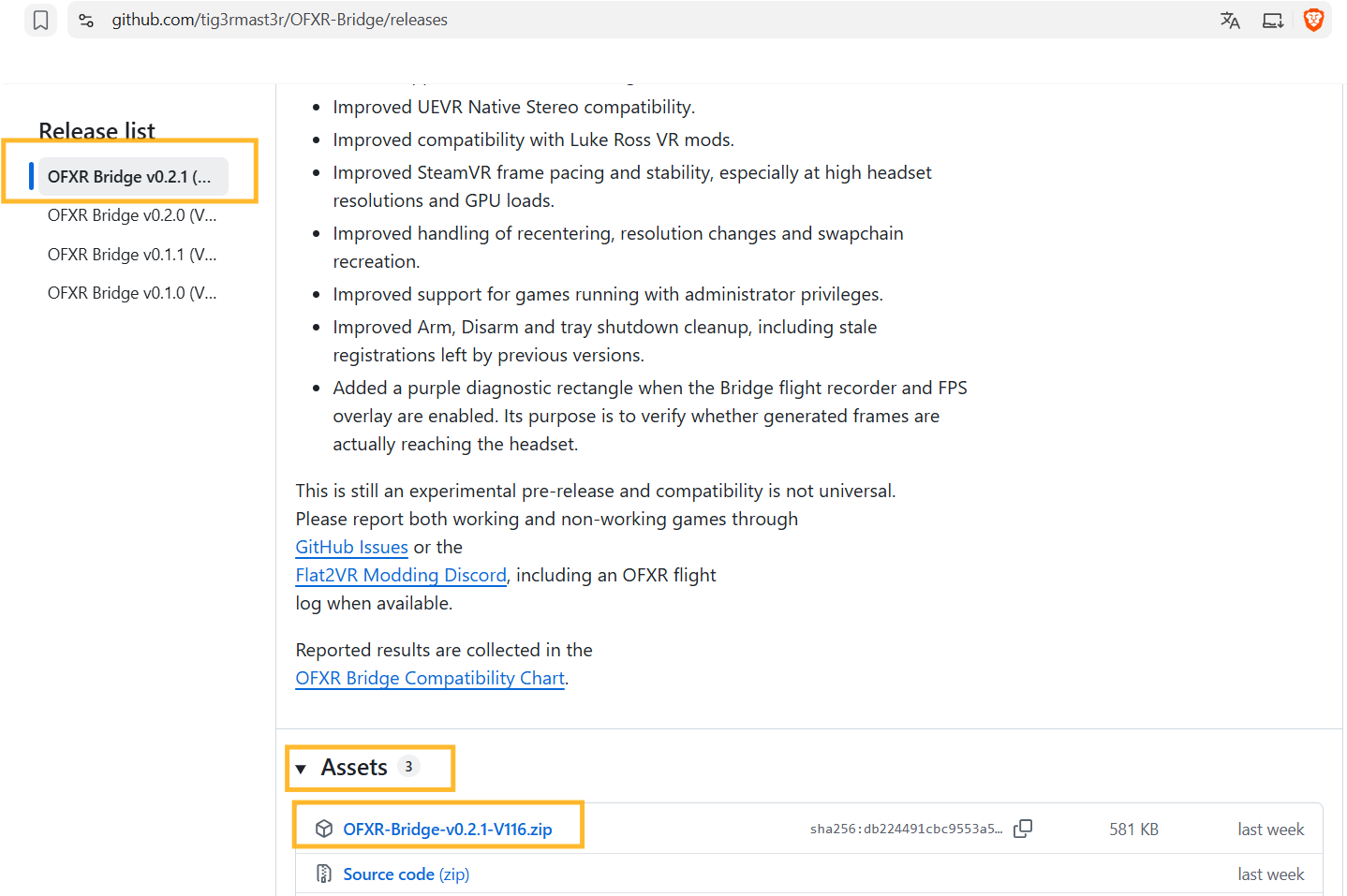
I am not so familiar with downloading things from Github. Could some please explain where to download it from exactly? much appreciated.
Another thing to note here.. I’ve been getting stutters all night and after some testing it took just one setting to get the smoothest Flight in VR. Butter Smooth. I use the 5080 yet when i use the FidelityFX setting everything is just incredible. The Nvidia settings have a lot of stutters.
i thought as a nvidia user i would have to use a nvidia setting.
Quest 3 > FidelityFX Setting > 80hz in vd > 200mbps > ssw off
Anyone else noticing having to use FidelityFX setting over nvidia setting? I will also test 75% resolution as 50% runs very nice.
I was keenly interested in this app, I even downloaded it then reading the read me file I noticed it doesn’t appear to work on an Nvidia GeForce GTX 1070 Ti. With my current settings I can run at 36/37 fps on Quest 3, reduced fov and resolution as well as VR optimizer and aerotune apps. More FPS is always welcome though!
many thanks
This app is a remarkable achievement, one I thought wasn’t possible. Running my Q3 at 80 hz, with SSW disabled in VD, and Fidelity FX framegen, has given me the smoothest results so far (5090, 7950x3d).
I expected there to be a noticeable jump in latency and maybe some sim sickness as a result, but so far the increased latency is barely noticeable.
I too found the nvidia framegen options a bit stuttery for now, but this is excellent and well worth further testing.
Would be very interested to see how this performs on the Steam Frame at some point.
It is maybe really a good idea to activate FidelityFX even on nVidia cards, since FidelityFX is CPU based, while nVidia OFA is running on the GPU. The latter causes the reduction in the base FPS. With FidelityFX, FrameGen operates more independently of other GPU calculations; this can be an advantage, especially on multi-core CPUs, as it prevents the simulator’s performance from being throttled.
I will give it a try on the weekend. Thanks for giving me the idea.
Dosent work with sboys3 driver and steamVr with openXr
Maybe try this: Release OFXR Bridge v0.2.3_beta4 (V277) — steadier delivery, and FPS counter fix · djules75/OFXR-Bridge · GitHub
(don´t know)
Yes, correct, there is no betterment what so ever in that cofiguration. So it looks like high rez headsets setups are not benefiting from this.