Hi, I’ve been having the same problem for a few days now.
Same problem for a few days … any idea on how to solve?
same here. i saved one flight plan (ga flight) and nothing else will save now. i would like to know since use simbrief to import my flight in and i have no other way of getting my fpl into the game (using geforce now to play)
Webplanner can’t save the flight plans…I’ve tried on the last 2 days unsuccessfully..any news? I wonder if there has been a change from devs..
Changed browser..from Google to EDGE and it works correctly. Wonder why Google don’t work as in the past.!!
I just tried on Edge (with the TBM930 aircraft), and it still doesn’t work.
The only one where I can save my flight plan is the Cirrus Vision Jet.
Tried right now with EDGE again : no problems to make and save a flight plan with TBM 930.
A also did a new very interesting test :
– My desk top where the SIM is running is loaded with Windows 10 so I tried to edit the webplanner on a different PC (Lap top) loaded with WINDOWS 11 : in this case NO Problems to make and save a flight plan with Google and Edge too.
Weird enough!!
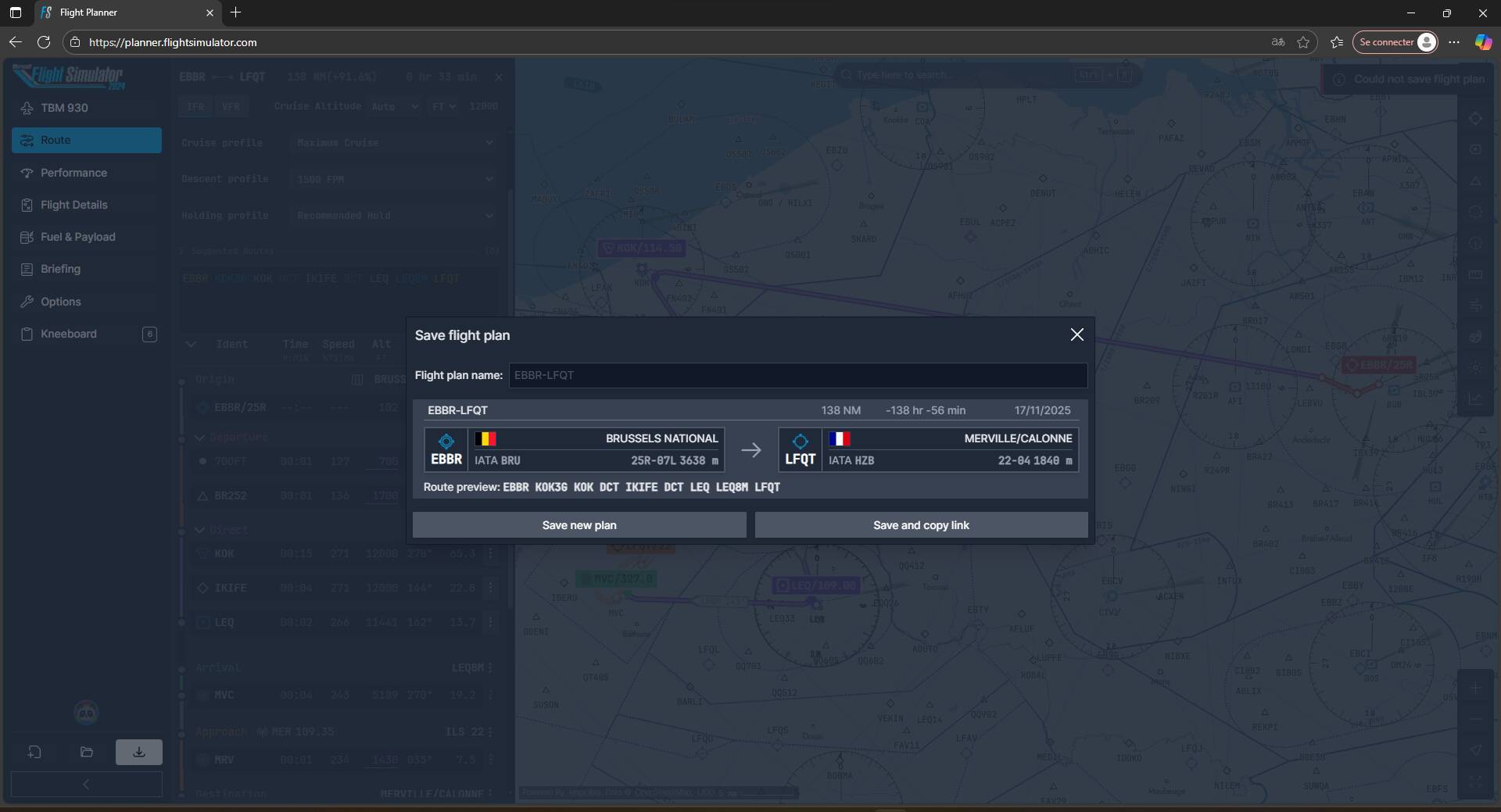
Looking at the screen shots, with my developer hat on, the red error messages are for failing to create a file plan.
So it’s not literally a file save problem, because there is no file to save.
Storage space is limitted to 100 flightplans.
Delete one flightplan and you should be able to save.
I have 28 flight plans stored and cannot save on PC with Windows 10 and Chrome.
The error message says : Could not save flight plan.
Can you save your flight plans ? Which browser are you on and are you on Windows 10 or 11 ??
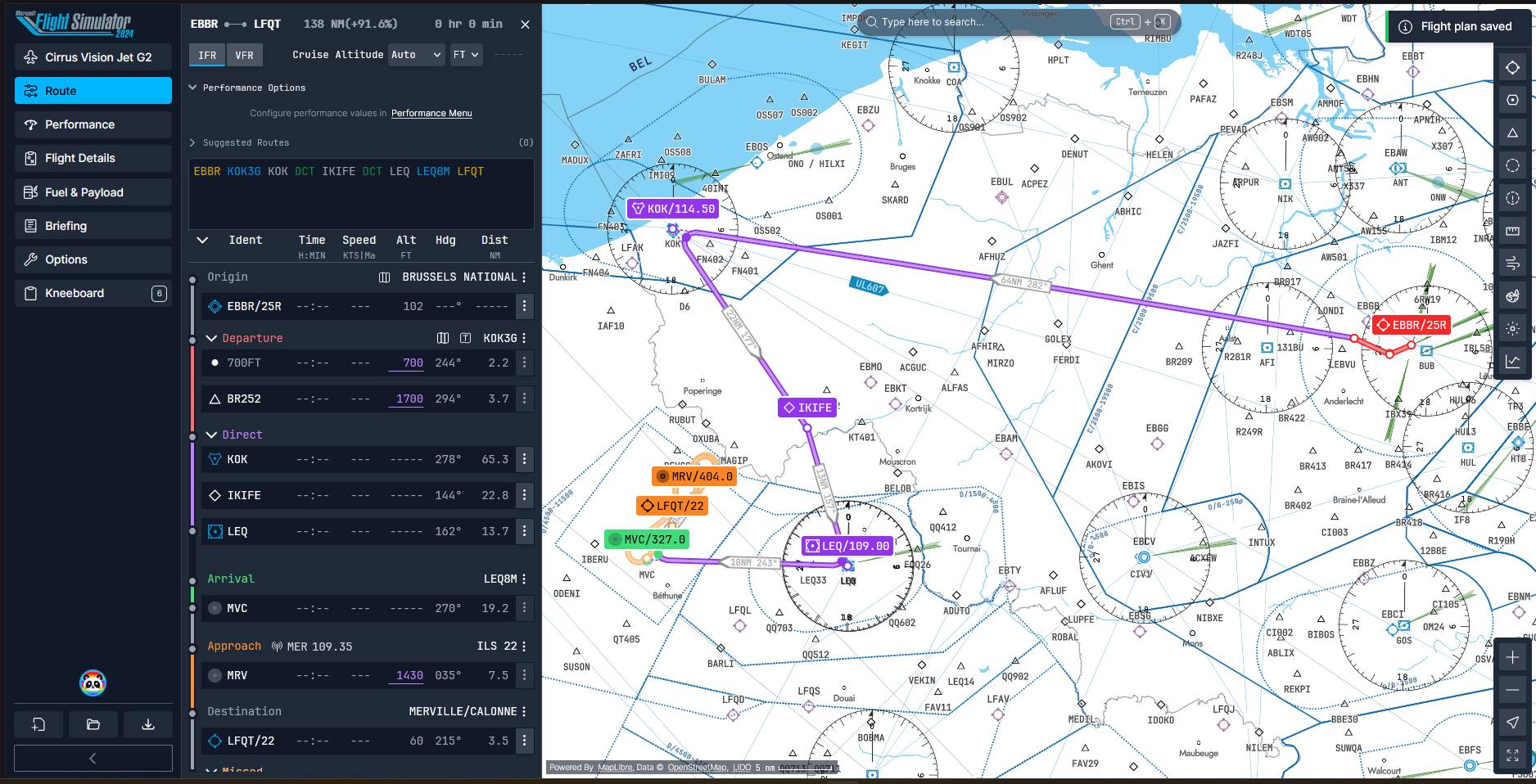
I’ve just tried the same as you. Same flight plan and changed aircraft to Vision jet : again, it doesn’t save!! (On windows 10 and Chrome)
The question is : are you on Windows 11 ?
Yes, I am on Windows 11.
That may explain why you can save it. As I said, I can also save the flight plans on windows11 either with Chrome or Edge (on a portable PC) . On my desk top using Windows 10 I can save if using Edge and cannot save when using Chrome.
The screenshots are classic Javascript errors, in the .js files, which are executed by one’s browser engine. Seen loads of them in my development career.
Normally the end user should never see those errors, but they will pop up during development/QA testing.
Think of Save as 2 steps:
1 create the data format of a flight plan
2 save that data to a physical file
If either step fails, the user is told that “Save failed”, which is true.
The .js errors look like they are from step 1, one error hints the layer “Waterways” is missing which implies that important server data is missing.
Well done for capturing the console errors, its enough info for a development team to focus on the exact lines of code that failed.
Thank you for the explanation..Hope the Devs will fix it soon as far as there is nothing more I can do .
Same issue here. With Win 11, with and without AdBlock, same issue with Firefox and Edge.
But:
no issue for a flightplan using Asobo Cessna 172 Skyhawk, Microsoft PC24
issue using Asobo C172SP G1000, Asobo Citation Longitude, Microsoft PC12-NGX
Wow…what a mess!. Later today I’ll run tests with the same airplanes..and see..I’ll post the results.