For some reason with 2024 and orbx, you cant change the path on the main msfs 2024 path, it defaults to the c drive localcache type path.. is there anyway to change this? If you try to link it to the main community folder by creating a new library it will fail on that, so far i can only use a custom separate folder
1 Like
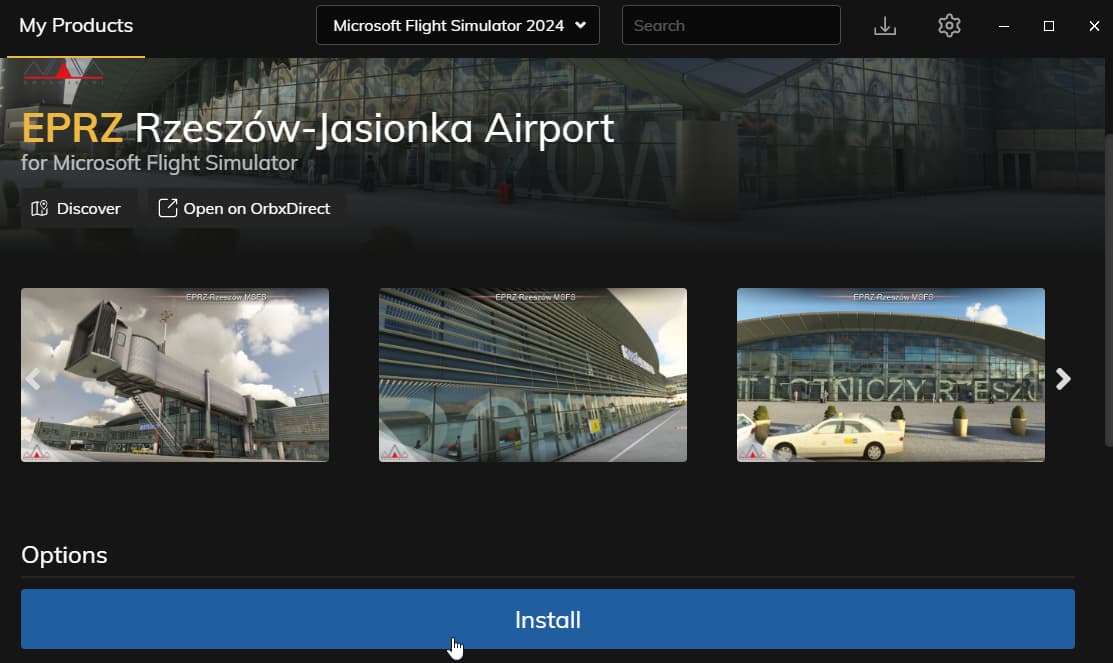
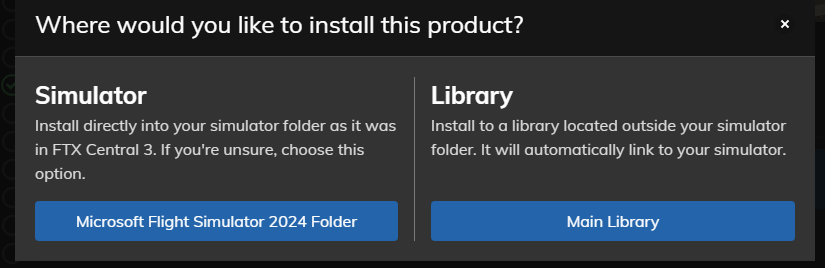
yeah i did that awhile back, but it seems to have chosen the C drive path, not the custom path i use on another drive (and no way to change it at this point)
I also have my MSFS2024 Community folder on a different drive and ORBX installs airports there without any issues as long as I select the MSFS 2024 folder not the “Main Library” folder.
Could you open the UserCfg.opt file in Notepad and copy the last two lines? Please paste them here in your reply.
appears its not taking the correct v drive path, in the opt file:
InstalledPackagesPath “C:\Users\admin\AppData\Local\Packages\Microsoft.Limitless_8wekyb3d8bbwe\LocalCache\Packages”
InstalledPackagesPathNextBoot "V:\Program Files\MSFS24"
I did change the first line, i was then getting ctd’s for some reason or freezes (with the su2 beta anyway), coincidence maybe, i assume the first line should be the V path as well, hence the issue
if i try to change the path in the sim, it just keeps popping up with the prompt to select the msfs24 folder
The community folder within the c drive path seems to have “links” to all the folders in the v drive community folder, which i think is normal
This is the path to your Community folder, which is why ORBX installs airports there. There is no issue with the ORBX application in this case.
//////////////////////////////
That line is incorrect because there shouldn’t be any characters between the quotation marks. It should be formatted like this:
InstalledPackagesPathNextBoot ""//////////////////////////////
Could you let me know exactly where you want the Community folder to be located?
Well, fsltl injector sees that c: drive path as well, and it doesnt see the path to community where the traffic was installed to.
The correct community path is just V:\Program Files\MSFS24\Community for the custom content
This worked fine before with 2020 and the opt : it had
InstalledPackagesPath “V:\Program Files\MSFS”
(thats the 2020)
The 2024 i had changed briefly to
InstalledPackagesPath “V:\Program Files\MSFS24”
and it seemed to work except the sim was crashing (i think that should be MSFS24\community though? with 2020 it didnt have community in the path in the opt, so im confused by that.
If you’re experiencing CTDs, one of the add-ons installed in V:\Program Files\MSFS24\Community could be causing the issue.
Additionally, it’s not recommended to install MSFS 2020/2024 in Program Files or Program Files (x86) due to potential permission issues with files and folders.
I recommend creating a new folder named MSFS 2024 directly on your V: drive, and inside that folder, create folder named Community.
Then, edit the second-to-last line in your UserCfg.opt file. It should look like this:
InstalledPackagesPath "V:\MSFS 2024"ok thx, ill try this path again, i did disable all addons and was still having the random freeze/ctd on loading simple non addon scenery areas
So that path should not point to the actual community folder correct? one level above?
Exactly mate.
Try without addons.
This topic was automatically closed 365 days after the last reply. New replies are no longer allowed.