I much prefer to be in the cockpit as much as possible. But it’s really difficult to fly the plane and look at the gauges etc at the same time. Clicking around is ok but that’s not something you’d have to do in real life.
The outside view has all the relevant info overlaid that would be excellent to have inside the cockpit too for beginners to get a better idea about what’s going on without having to use the outside view
I think you just need to get used to it. It’s may be difficult at first and there’s a learning curve to know where the instruments are. But the more you use it, the more you’ll get used to it. Eventually, they become muscle memory, and you can tell what the aircraft is doing just by using your peripheral vision to see the instruments.
It’s also helpful to modify your camera placement, give yourself a good balance between the visibility out the windshield, while making sure part of the relevant instruments are within the field of view. That way, you can still have good visibility outside.
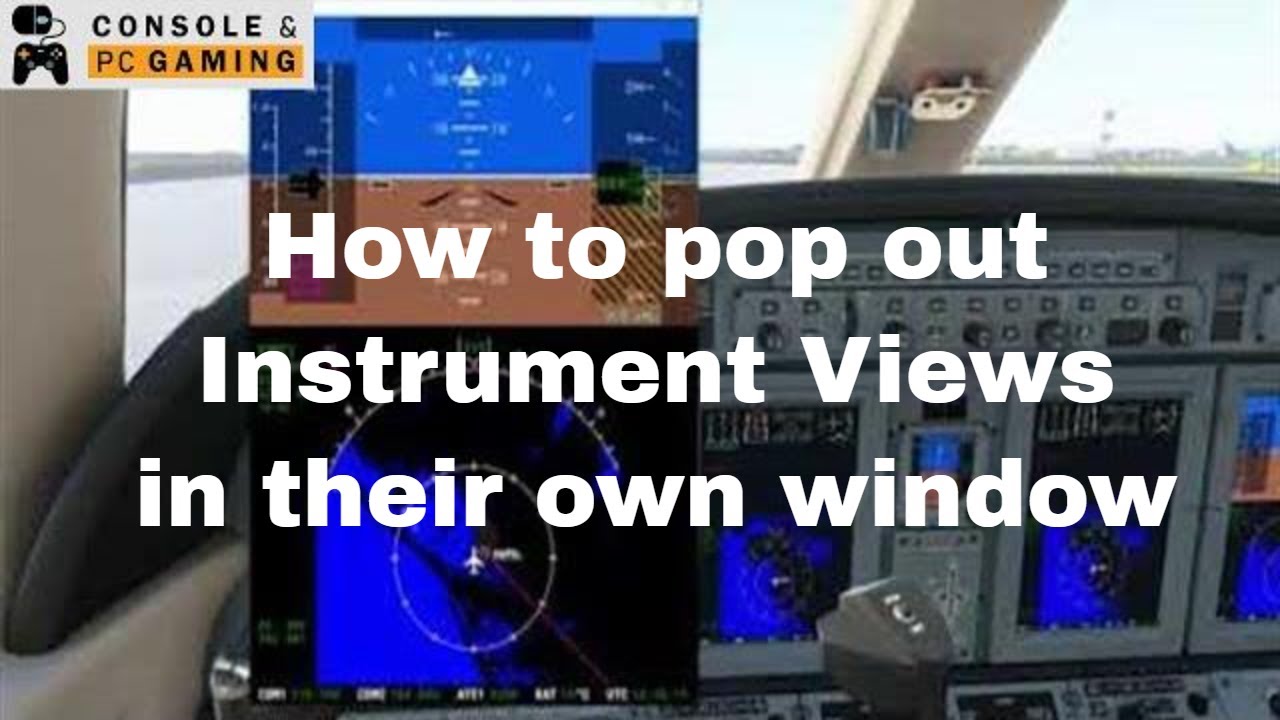
There’s also some keyboard shortcut that you can use to “undock” some instruments out so you can bring it out to greater detail inside the cockpit or anywhere else.
Depending on what and how you’re flying, I’d recommend taking advantage of the 10 custom camera views they offer. Sure, switching between camera views also isn’t something you’d do IRL, but its way easier than clicking around and fumbling with the camera controls.
Happy flying.
There are other competitors that have a HuD mode, even the older versions of the had a HuD view, but this is just one of those things that I guess they thought wasnt needed by us. Go Figure.
They had a perfectly good sim with FSX all they had to do was modify that to add the new features, and they for whatever reason felt the need to take out multiple screens, rotor craft, supersonic flight, the various view options we had, and so many more things its just sad. Kinda makes me wonder if they every flew in a plane or even played the last sim…
The main problem is that the plane continues flying while a simmer has sometimes to pan the camera down and endlessly click around on one avionic or navigation system for half a minute or longer.
What in real life is done with one hand fully intuitive while still watching outside the cockpit window and while still flying the plane (or at least still having the artificial horizon in view) and while still feeling and being fully aware of how the plane behaves and flies, fully blocks the outside view in a simulation.
The problem of having a fully interactive cockpit but also being in need of continuing to fly at the same time can be compared to play a car racing game but being in need of changing gears by looking down and using mouse movements on the gear shift knob to do so.
Imagine racing and being in need of having the camera slooowly panning down, having no possibility of looking outside of the car and the street anymore while the high speed race continues, and make the gear knob shifting movements with the mouse - and slooowly pan the camera up again.
That´s a problem every good simulation with a fully interactive sophisticated 3D cockpit has, and this cannot be solved.
That´s why I recommend pausing the sim with the PAUSE button every time something is programmed or done in the cockpit, and continue flying after the changes on the Garmin screens or the upper or lower panel has been made.
Only fighter jets and the newest Boeing 737 offers a HUD with all the relevant info - speed altitude VSI and artificial horizon - inside the cockpit direct in front of the eyes.
But you can use this feature to always have the artificial horizon in view no matter where you pan your camera inside the cockpit:
You’ve summed that up better than I could. Because of having to scroll down just to see speed, throttle setting, engine rpm, flaps, heading, altitude etc thus removing the outside view I find I just toggle to the outside view so I can see the relevant information then toggle back. Which of course ruins immersion for me.
The driving analogy is a good one. I also play F12021 even driving from the cockpit the info is overlaid for you.
It’s just frustrating personally because the overlay to give all the relevant information exists, it’s right there in the external view. I would imagine implementing an option to leave it on in internal view would be trivial.
Just remove the plane display in the external view and voila hud mode. You can turn off the hud in that view why not remove the plane and leave the hud as an option as well…
I could never understand why this wasn’t implemented on launch day. Can’t be difficult to get rid of the plane in external view surely. Plus with the sim not reading the cockpit gauges there should be an instant fps gain, at least in theory. It would also be better than it is now for cockpit builders who have to hack a cfg file to get a forward view without cockpit instruments.
I know in that other sim, when you switch to hud mode I go from 35 to 70 fps, and if it werent for their pretty trees Id probably spend more time in that one. ;p The ground traffic, power poles and lines, roads and so many other things are so much better.
What would be useful is a dockable trim gauge as it’s always out of sight. Either that or a less sensitive hat switch that doesn’t instanly pan to where my feet would normally be or the dome light when panning back
The mentioned bottom status bar has trim information, current heading, manifold pressure, rpm, altitude, fpm, autopilot settings, speed and some more in very little space. It really helps because I have the same problems as the op.
That does look interesting but tbh can’t make head nor tail of how I’m supposed to install it. It references some other software which seems to be about controllers etc which is odd.
Interesting thanks. I actually have a smashing little 10 inch screen that would be perfect for this. However without buying an adapter I’ll have to wait for my new GPU to arrive to connect it. Been waiting awhile so hopefully that is soon.