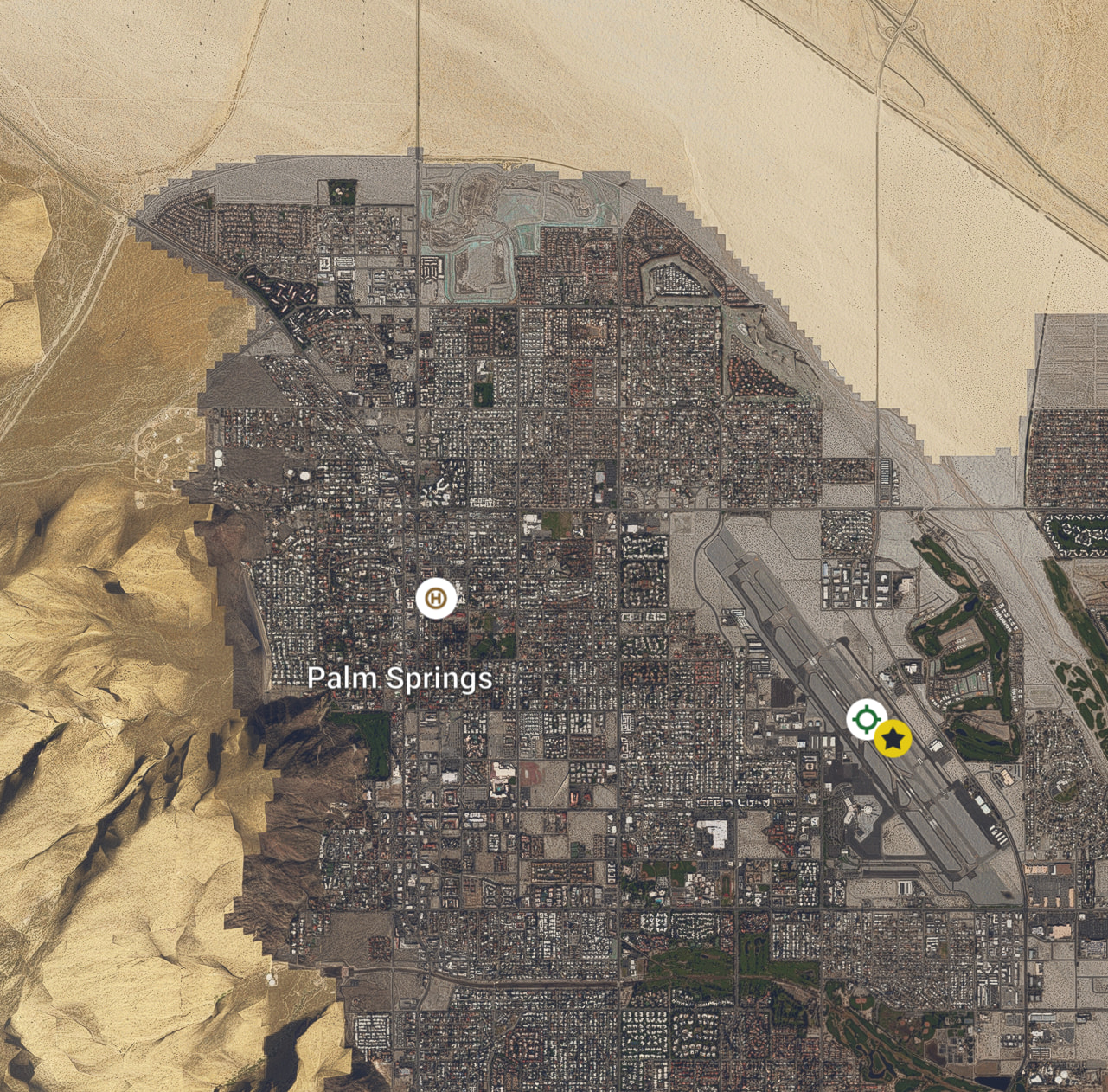
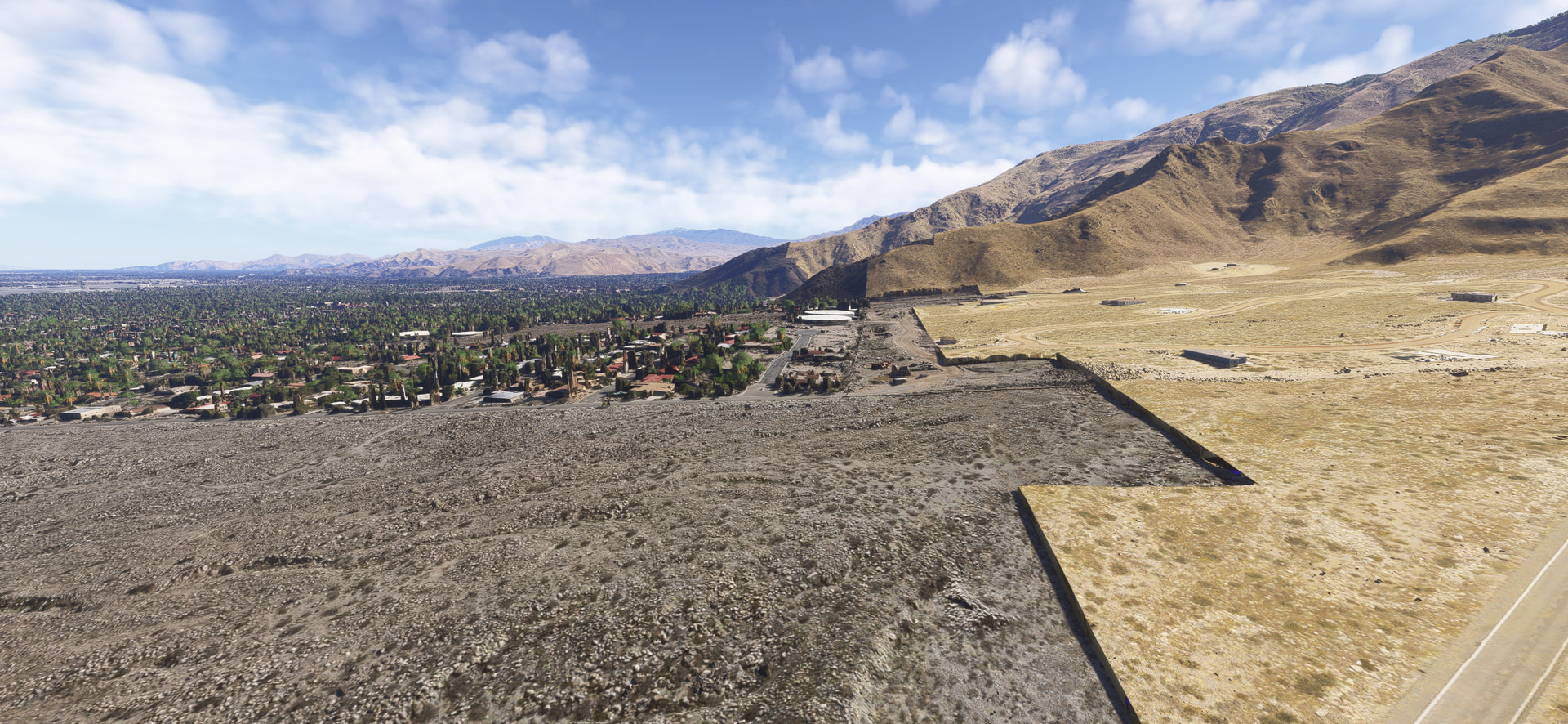
Seem to be something off with the aerial for parts of the mountain range next to Palm Springs airport. In free flight map view the aerial switches from an ugly white color that sticks out from the rest of the mountain. When zooming in on the map that part suddenly flickors and blends correctly and look nice. Unfortunately in flight it goes with the whiteish color. Can someone please have a look so its not only my setup. I have the latast City Update California installed. Thanks a million.
If you are referring to those that are immediately adjacent to the airport, It seems to zoom in and out smoothly for me.
I don’t have anything white or flicker that I can see.
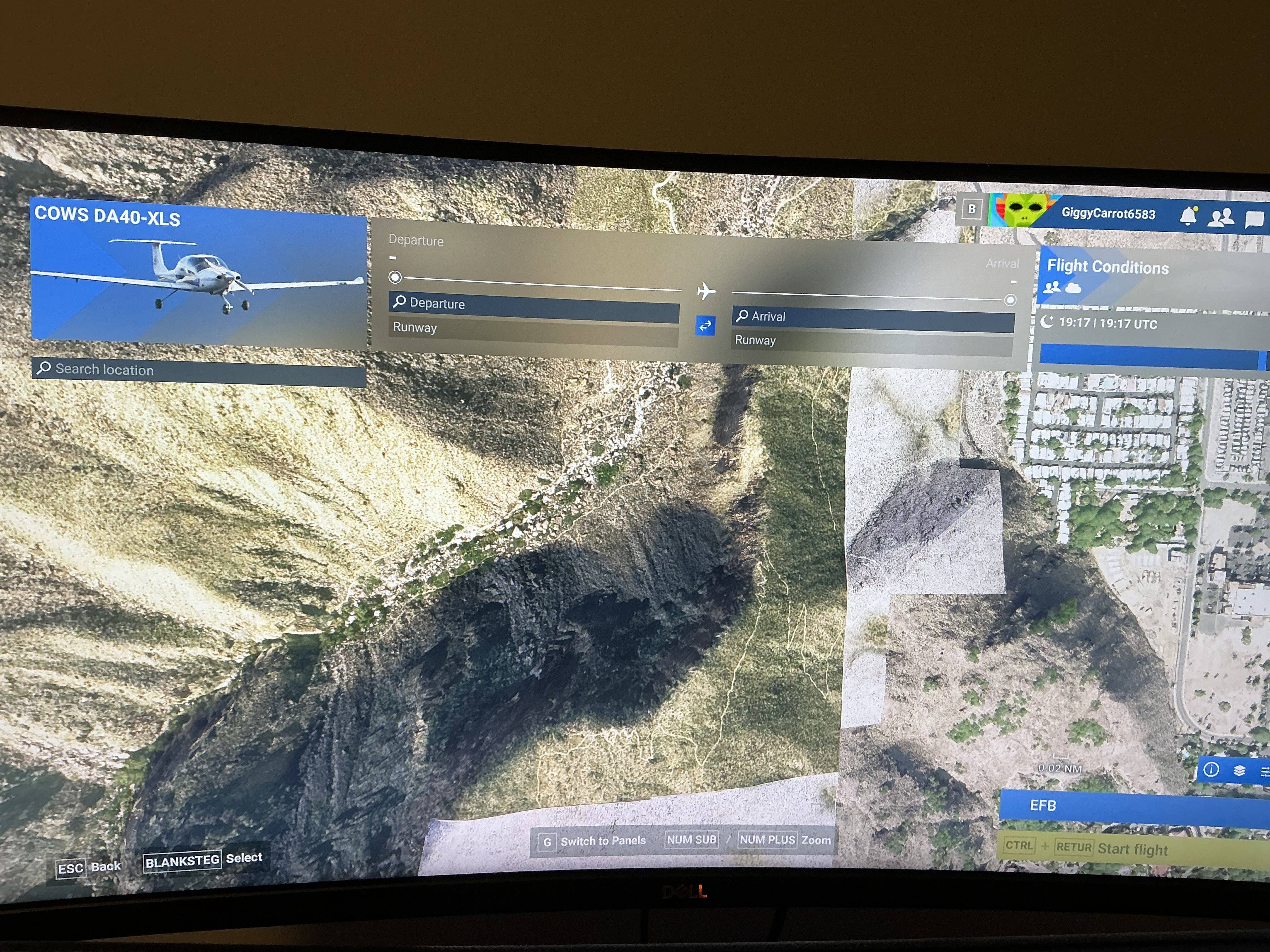
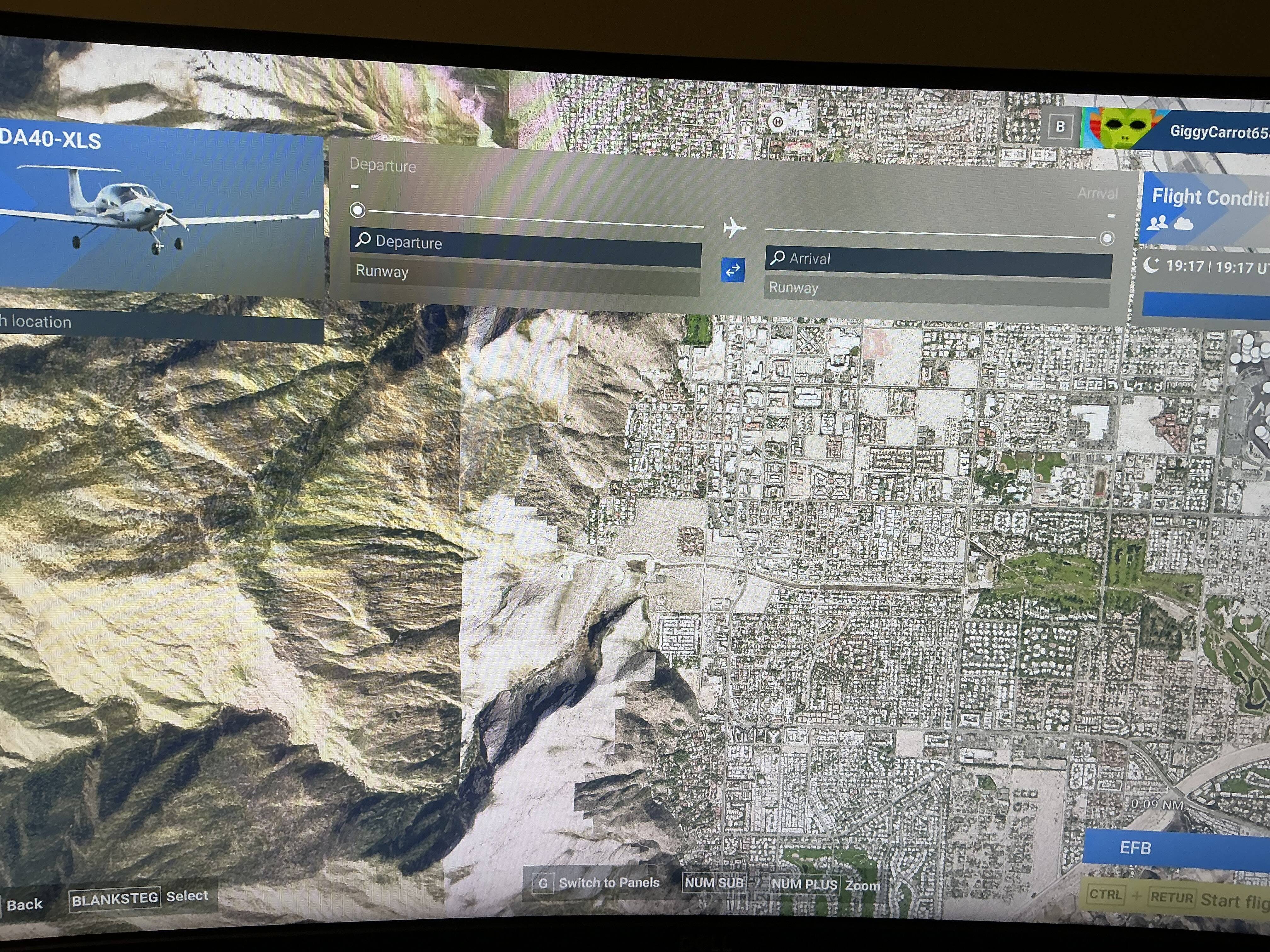
This is how it looks in free flight map and when in flight. When I zoom in on the map though it changes and look good for some reason.
Nothing at all like that.
Mine blends in seamlessly.
Custom scenery for PSP?
No default PSP. Removed everyting from my community folder and cleared cache. Also latest California City Update and straming the two USA World updates. Still odd looking Palm Spring  The strange thing is I seem to be the only one…
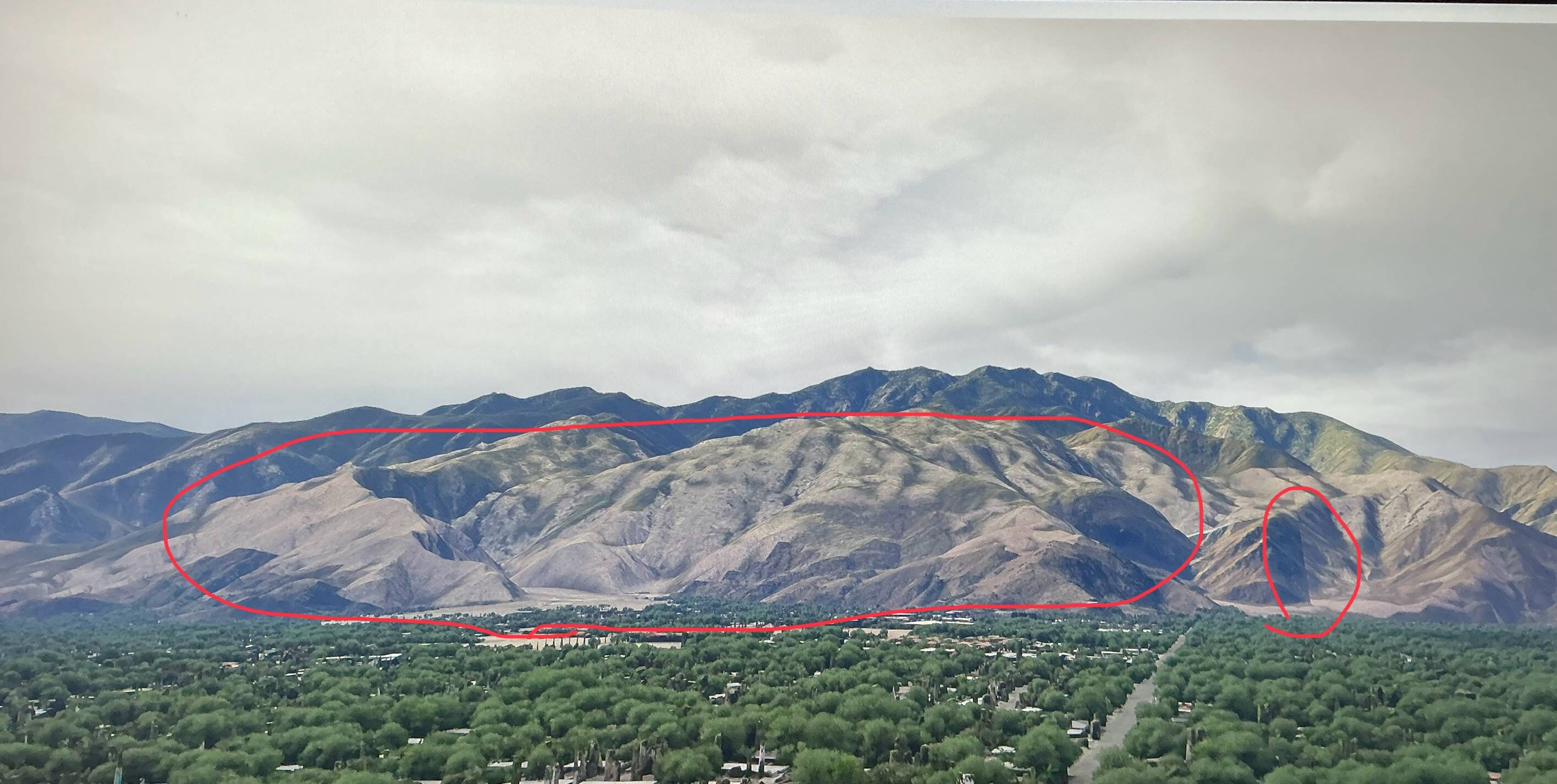
Just a follow up. After disabling Photogrammetry in “settings” the problem goes away. All consistent colors. But now unfortunately without real buildings.
Did you try cleaning out your cache?
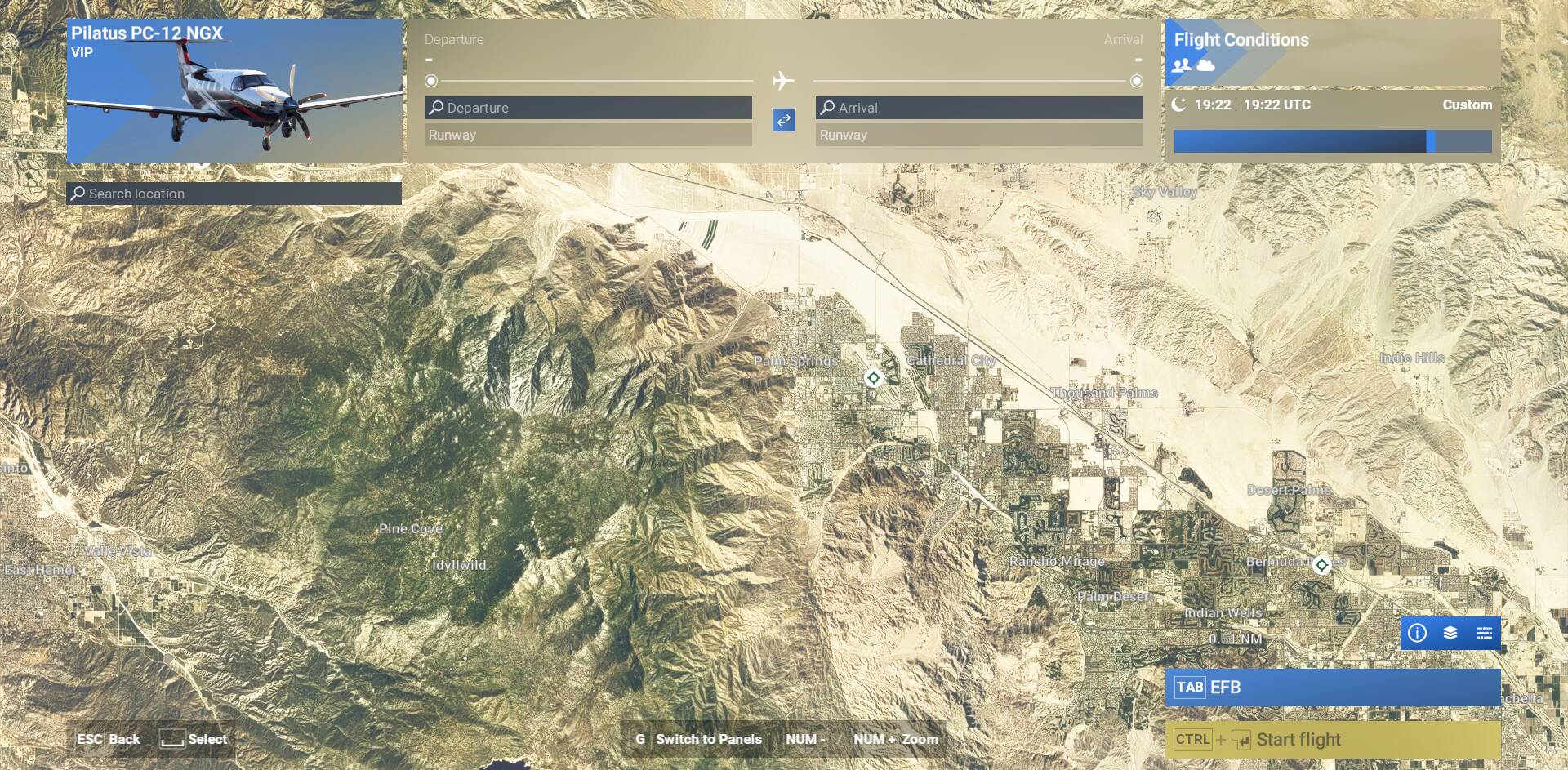
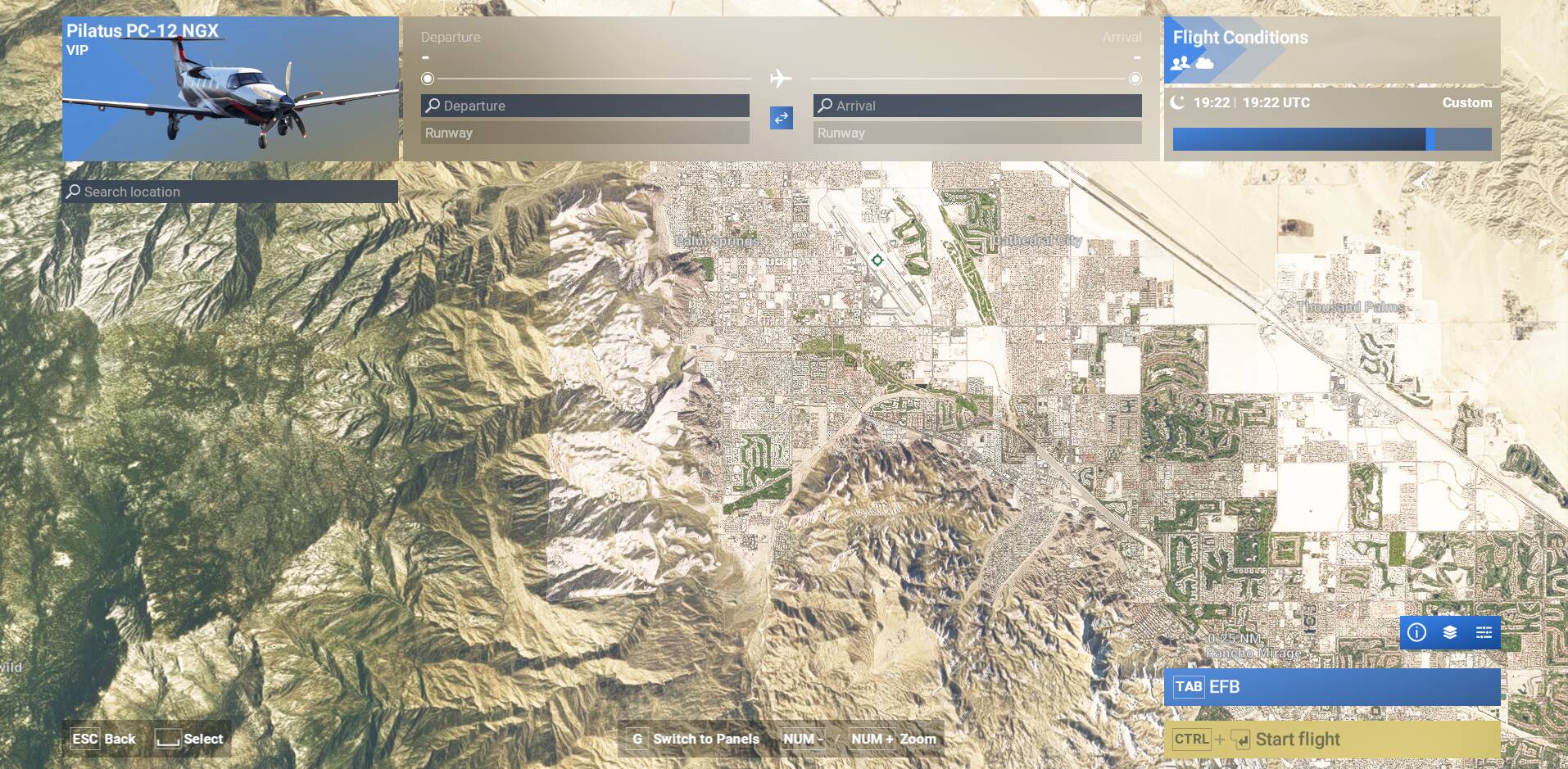

Been seeing this for some time. like others here, I thought I was the only one.
This is a known issue.
Still the same after SU5 
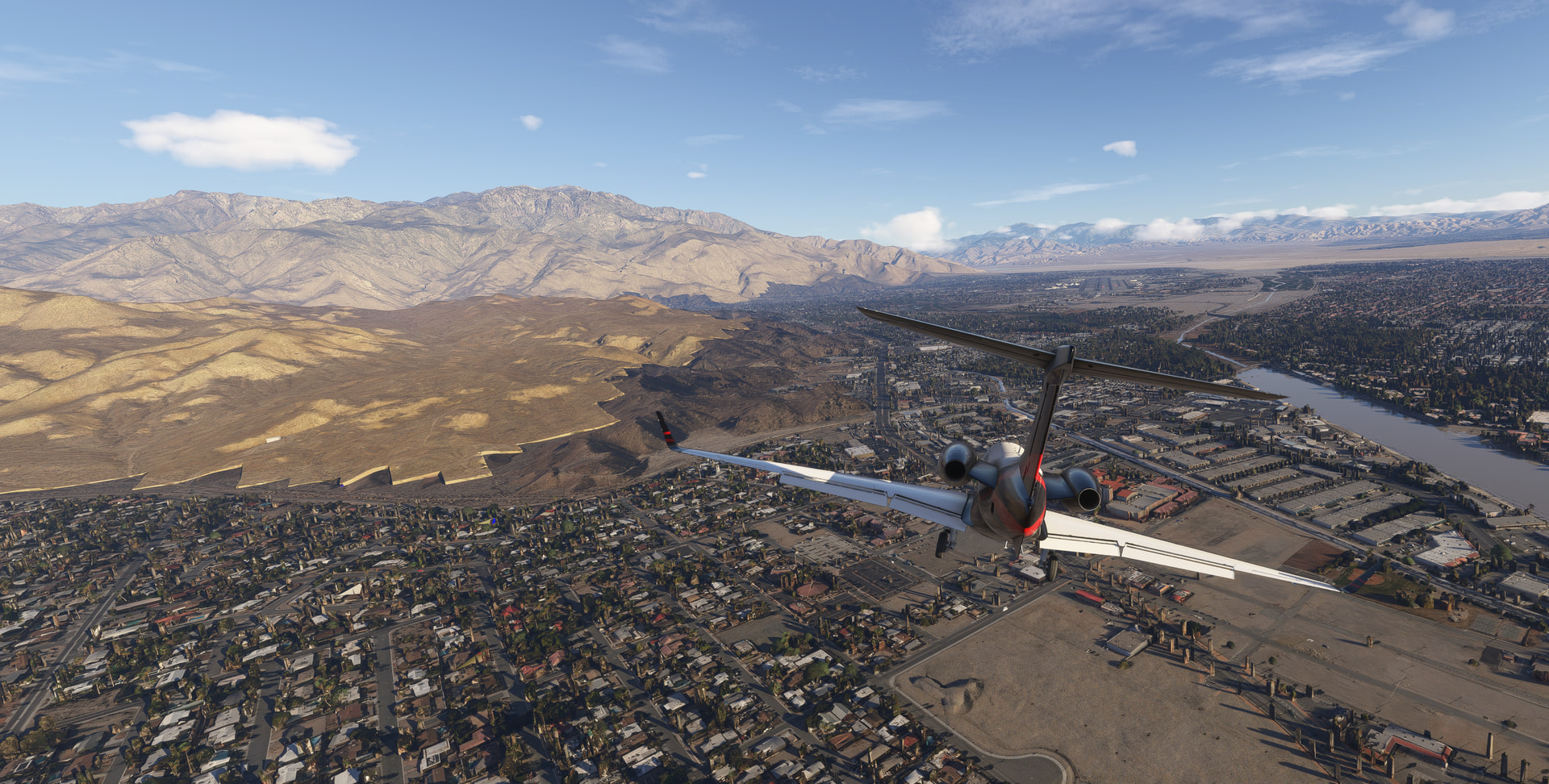
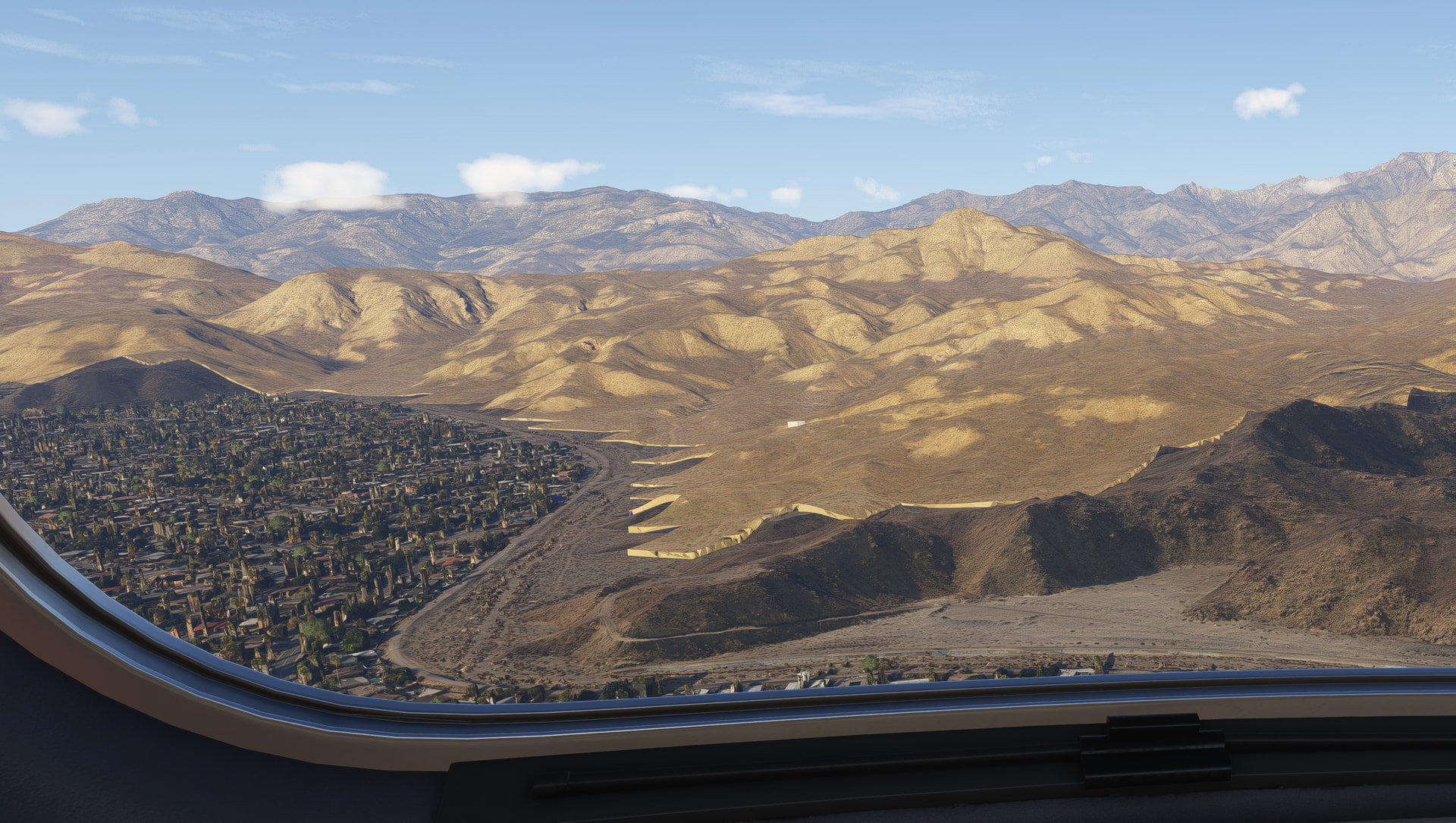
Kinda like Phoenix … disappointing!
Exactly, and one of my favourite flights is KPHX to KPSP. How unlucky am I.