ISSUE DESCRIPTION
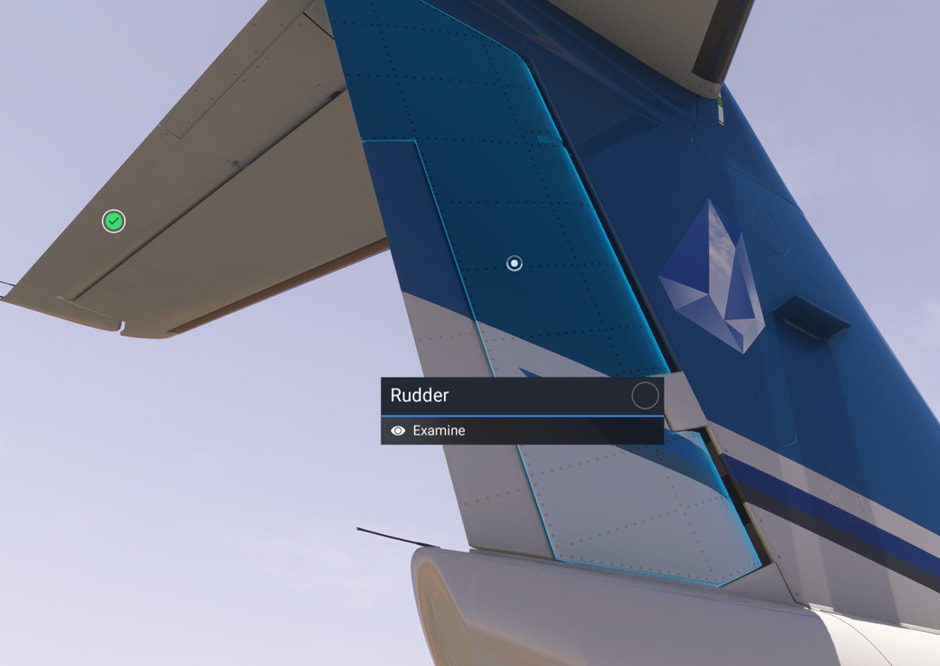
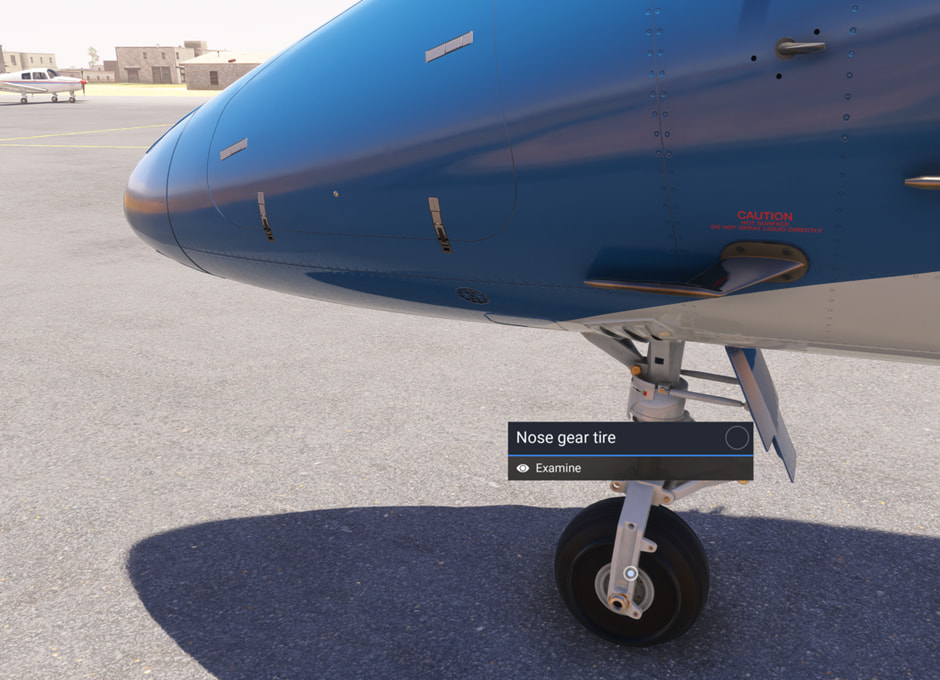
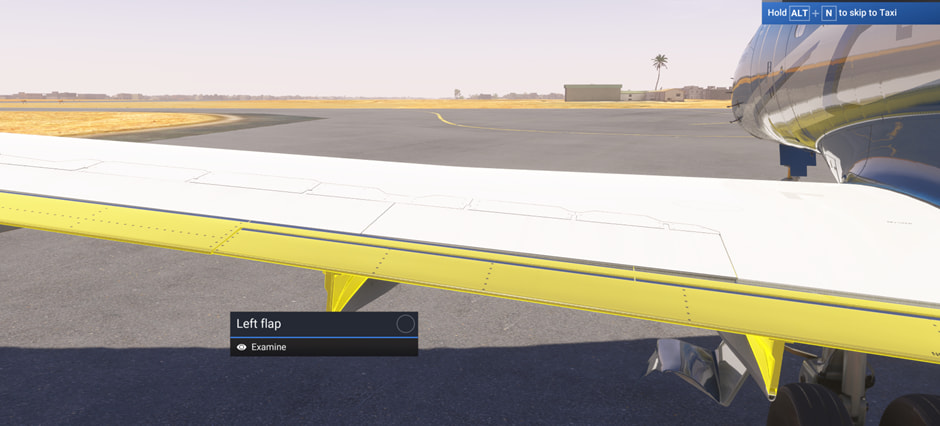
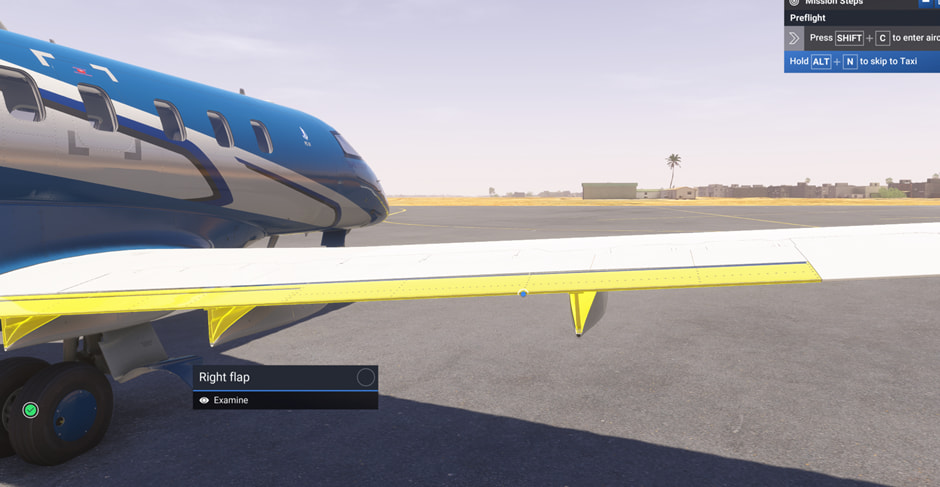
Description of the issue: In walkaround mode for Career the PC-24 does not check off the various items needed to improve reputation. IE - the tire will highlight in blue but the little circle does not go round and therefore it does not get the green tick as completed. The wings and rudder are the same - see pictures.
FREQUENCY OF ISSUE
How often does this occur for you (Example: Just once, every time on sim load, intermittently)?
Always
REPRODUCTION STEPS
Please list clear steps you took in order to help our test team reproduce the same issue:
-
Load into cargo mission
-
do walkaround checks
-
Various items do not check off as being complete and therefore affect reputation stats at end of mission
YOUR SETTINGS
If the issue still occurs with no mods and add-ons, please continue to report your issue. If not, please move this post to the User Support Hub.
What peripherals are you using: honeycomb
[PC Only] Are you using Developer Mode or have you made any changes to it? no
[PC, MSFS 2020 Only] Are you using DX11 or DX12? 12
[PC Only] What GPU (Graphics Card) do you use? 5080
[PC Only] What other relevant PC specs can you share?