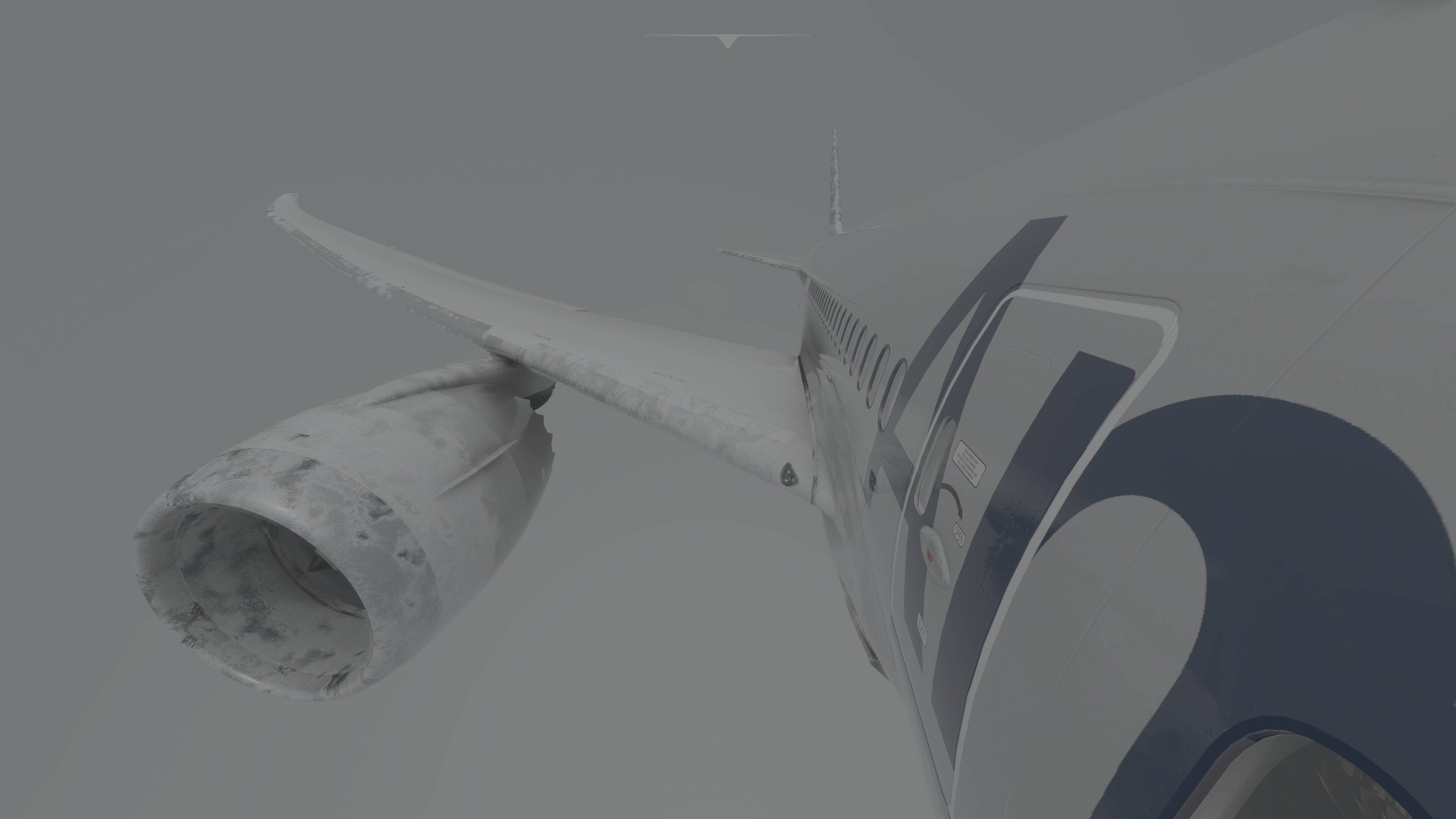
Still not sure at what time today’s meeting will be, but it should be in Discord, in the Announcements channel. But, I’m still thinking that it may be at 1:00 PM Eastern Time.
Or just go into Discord Microsoft Simulator and look for what channel has all the people.
Then again they can use Twitch. I’ve only attended one and can’t recall if it was Discord or Twitch. I do know they have all the old meetings in Discord.
Hopefully someone can give us the correct information!!
Is there a secret meeting?
The Dev Meeting that occurs ever Thursday. I think it at 1:00 PM Eastern time and don’t recall if it’s on Discord, Twitch or Facebook. But I am leaning more to them streaming it on Twitch or Redirecting...
Mat not be Twitch since they are now give a Cessna 152 lesson.
Just finished my last stutterfest flight for awhile as I am heading out of town. I had heard KSJC was bad but I was hoping it wouldnt be as bad as advertised for me - of course it was. And of course its an airport I paid for through the marketplace which is doubly disappointing - one I have landed at many times without any issue…Hopefully when I get back there will be some positive news for change - my personal opinion is they are going to make us wait for the next full update but I hope I am wroing…so amazingly awful - and only 2 weeks ago I had it setup pretty well performance wise for my PC.
Before the update, my system performed flawlessly at high framerates on ultra graphics settings. Now it’s a stutterfest, as you say. I’m pretty let down by this because this is my escape from COVID isolation, and now it’s unusable to me in most respects.
I have 16GB of RAM and I do not appear to have this issue.
I do, however, have the Frame Tanking Bug that seems tied to airspaces.
Flying anywhere else and my sim is flying nicely on high consistent frames.
The degradation has chased off some streamers who are fed up with the constant breaks. https://www.twitch.tv/videos/961829433 Cockpit Builders is a decent streamer with a large community of sim builders who has a full blown King Air sim pit complete with a King Air housing and all. Granted he has some other issues going on but the issue of performance degradation was at the top of his list for calling it quits until fixed. The MSFS specifc stuff starts at the 18:30 mark.
We need more than just “we’re looking in to it” responses. These types of breaks should not be happening and are compounding in every “update” Please take a step back Asobo and consider releasing betas before you make a forced update, the community is literally being chased off the platform. I’m at the point where i’m taking my sim pit back to X-Plane.
What you tend to see is Twitch streamers advertising it as MSFS content, then you find they are streaming XP11 instead. The little blue FPS counter is the give away.
I would imagine mislabelling your game is against the TOS, and there is an XP option, but they don’t want to use it for some reason.
I have it too all the time after the latest update (SimUpdate 3).
And I have also the issue of black display screens (G1000) upon loading a new flight, so I have to go back to the MSFS main map screen and reload the flight, and then it’s Ok.
As it stands now, it’s a buggy simulator, far from the versions available last year.
Cheers, Ed
I’m surprised this sim hasn’t gotten the same bad publicity that the Cyberpunk clusterf… had. At least Cyberpunk started bad but has been slowly improving, whilst FS2020 is the other way around. I don’t know about you, but in my case the very first public release was way better than this, and I’m not just talking about bugs. Even graphically it was better.
I suppose that since FS2020 caters to a gamers’ niche, articles about it don’t get as many clicks. Hope that changes with the more mainstream Xbox release and Asobo/MSFT are forced to be more transparent, improve their QA, release Betas first.
It’s incredible we as simmers and gamers are accepting software releases in these laughable states. You wouldn’t keep a car that runs on 1 cylinder several weeks a month, blows cold air every time you turn on the wipers and sometimes decides not to start at all.
It certainly seems to have ‘flown’ under the radar.
I’ll see myself out.
I agree. I am afraid that the MSFS audience is much smaller than the CP2027 audience. I do wish more pressure would be put on MS to make something be done.
“Take your like and get out of here”
Lol @ people flagging this as offensive. Maybe things get lost in translation? I genuinely laughed at Floydri’s comment (perhaps more of a sensible chuckle)… oh well.
The audience is NO WHERE as large as Cyberpunk lol… but yes, it’s a shame Asobo likes to promise, promise, promise and then crickets, crickets, crickets.
Also for the LOVE of GOD, get rid of this terrible icing.
I’m not sure how this went from a stuttering “fix” to FPS impact.
Did you watch the YouTube video? He said he had to make the change for his other games. If that is true, either
- MSFS screws around with settings for other games causing them to have stuttering,
- MSFS stuttering causes stuttering in other games,
- Most game creators don’t know how to code their games correctly for Windows,
- Windows made a change causing the stuttering and game creators have to fix their code to stop the stuttering,
- Windows made a change causing the stuttering and Windows should fix or rollback the change so game creators don’t have to change their code or users don’t have to adjust Windows settings.
#1, 2, 3, 4 - MSFS fix needed
#5 - Windows fix needed
All of my games have stuttering.
In addition, after each MSFS shutdown, Windows and installed programs also slowed down the startup
Yeah, to me though this looks like a mix up of the two separate bugs. This framedrop you experience seems to be of the 76T variant only that it doesn’t tank your frames to 2 as it is high manipulators.
The other bug would be “mainthread” limited
But what if Microsoft is really the problem. What if their Azure network cant handle all the traffic and has been throttled back until they can build their new Data Center? Remember when xbox went down last week or maybe it was the week before, well thats Azure, and the problem was over congestion…
Of course I did think that could be some of it until yesterday when I fired up the laptop and it worked, on that. Went to the desktop and it was still acting up (up until this point both machines were doing the same thing and the notebook I have done nothing too) did a total wipe and started the download for that machine…thing is it’s been running since 8:00 pm last night (eastern) and I still have 32.6 gigs to go…Speeds are fluctuating between 20 and 3 …
For me, turning data on or off has no impact on the bad performance that I see. Simply this: Before SU3=locked 40FPS & silky smooth. After SU3= 18-22 FPS and frametimes look like a fine toothed saw - stutters from hell.
Based on that, I do not think it is a data delivery issue.
Either way, they SHOULD communicate with us.
Same for me, turning data off has no effect. Also running on Low Global graphics runs just as bad.
The only way I get some what decent performance if to run on Medium resolution and limit tp 30 FPS.