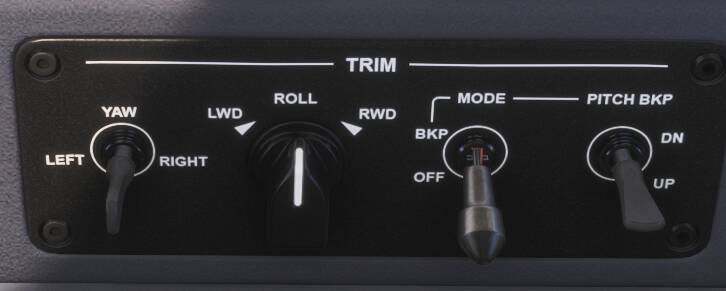
Loving the new Phenom 300E, however I’m running across a strange problem that basically kills the plane for me: the plane is auto-trimming to the extremes. After startup, the plane will trim all the way to either the top or to the bottom - it seems random which way it goes. When I try to trim with my normal trim keys the pitch value will move a couple decimals, but as soon as I let go it trims itself back to the extreme.
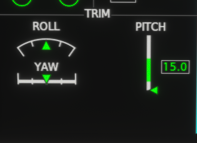
I’ve also tried the backup trim mode with manual trim, but it behaves the same way. I’m not having this happen in any other plane, just this one. AP is off. Anyone have any idea what could cause the Phenom to trim itself so heavily?