Pilatus PC-12 Bug List

ISSUE DESCRIPTION

Description of the issue: The PC-12 suffers from a number of avionics, autopilot, and systems bugs as follows:

  1. The aircraft seems to have issues with capturing altitudes and glidepaths. It will often fly through them. However, if set on a selected altitude manually, or a glidepath, it will hold them afterwards.
  2. The lower touch screen controller has the upper and lower display controls reversed. LowerMFD actually controls the upperMFD, and UpperMFD actually controls the lower.
  3. The “check Baro set” message appears nearly constantly in cruise, even when standard baro is set.
  4. The autothrottle seems too aggressive with power changes.
  5. The inertial separator does not appear to have a realistic impact on torque or ITT as it should.
  6. The prop does not feather until the engine is shutdown

If applicable, which aircraft is experiencing this issue:
Carenado Pilatus PC-12

[PC Only] Did you remove all your community mods/add-ons? If yes, are you still experiencing the issue? YES

FREQUENCY OF ISSUE

How often does this occur for you (Example: Just once, every time on sim load, intermittently)? Intermittent: Always

REPRODUCTION STEPS

Please list clear steps you took in order to help our test team reproduce the same issue:

Most of the issues are constant, and can be observed at any time.
In the case of the autopilot issues:

  1. select a higher altitude in the altitude selector

  2. activate FLC (flight level change)

  3. Set a desired airspeed

  4. The aircraft will often fail to level out at the selected altitude and will continue climbing.

  5. Select an ILS approach and select the LOC as the CDI

  6. set a course to intercept the localizer and activate APR mode

  7. The autopilot will intercept the localizer and glidepath, but will then command an increasing rate of descent and fly the aircraft into the ground if manual control is not taken. (See video attached)

YOUR SETTINGS

If the issue still occurs with no mods and add-ons, please continue to report your issue. If not, please move this post to the User Support Hub.

What peripherals are you using, if relevant:

[PC Only] Are you using Developer Mode or have you made any changes to it? No

[PC Only] What GPU (Graphics Card) do you use? RTX 4090

[PC Only] What other relevant PC specs can you share?

MEDIA

Please add a screenshot or video of the issue occurring.
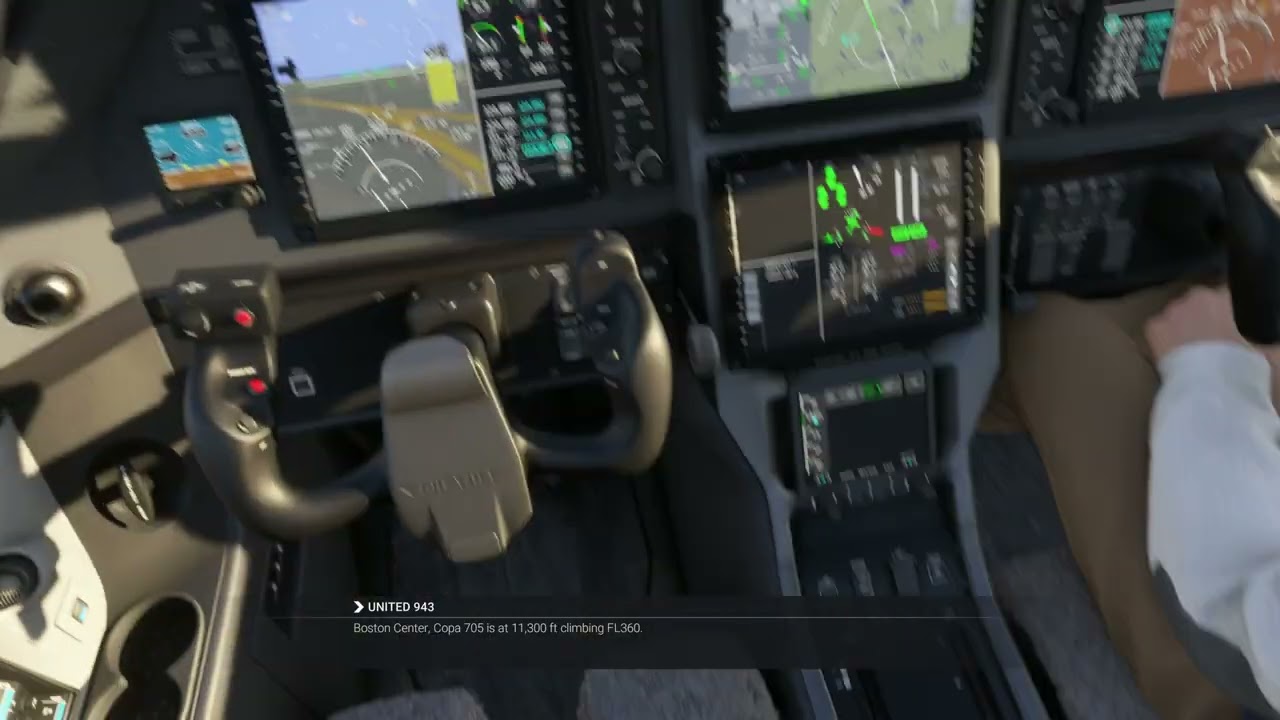
[END OF FIRST USER REPORT]


:loudspeaker: For anyone who wants to contribute on this issue, Click on the button below to use this template:

Do you have the same issue if you follow the OP’s steps to reproduce it?
•

Provide extra information to complete the original description of the issue:
•

If relevant, provide additional screenshots/video:
•
5 Likes

One of the reasons I dumped this game. Pilatus are total â– â– â– â– . Maybe not total, but pretty close.

Yeah, Carenado and Asobo’s attention to detail is really put to shame when you compare it to iniBuilds. The iniBuilds aircraft are fantastic. Because so many 3rd parties are involved this time, I’d suggest that it’s worth giving the sim another shot. The quality of one vendor is not indicative of the quality of some of the others.

3 Likes

Do you have the same issue if you follow the OP’s steps to reproduce it?
•

Provide extra information to complete the original description of the issue:
• When starting a mission in career mode, have to manually send the flight plan to avionics
• When sending a flight plan to the avionics, it’s often missing a waypoint right before landing

If relevant, provide additional screenshots/video:
•

Also if you complete a flight let say you have landing and XYZ airport and you used the ILS. When you load the next flight and you try to fly with FMS it does not recognize FMS it stuck at LOC Mode it had happened in 3 flights they were short so I had to fly in heading mode.

More problems:

  • The PC-12 is far too fast during taxi, even if throttle is set to 0%.
  • Low Propeller button does nothing
  • Lacks an aircraft specific throttle control function like the Cessna 208B has. For the latter the control function is called THROTTLE SET. Absolutely ANY aircraft axis that is more complicated than the Cessna 172S’s throttle must have an aircraft SPECIFIC control function override. Anyone with a throttle that supports configurable detents needs this.

The real PC-12 is a stellar aircraft, but in MSFS 2024 it’s just broken.

1 Like

I think the Low Propeller button should only be used in cruise. It does work and helps to reduce noise during cruise.

However I’ve noticed some other problem: when you use Beta during the taxi the prop doesn’t reach 1700 rpm anymore on full power. Consequently, the plane takes a very long time to reach VR and is slow on initial climb (in many airports that becomes very dangerous). I’ve used the slow prop button (press twice) to sort of reset the situation before I taxi onto the runway. I think it helps. But I do wonder if this is normal behaviour for the plane. As the NGX doesn’t have low idle (whereas older PC-12’s do) you are using beta quite some to prevent way too high taxi speeds. So I assume it is a bug as the PC12 is also known for its short capabilities (even on unsurfaced rwy’s).

B.T.W. in real life on long straight stretches taxispeeds of 30 kts are normal and can even be as high as 50 kts for an airliner.

Sound could have been better in this plane tbo.

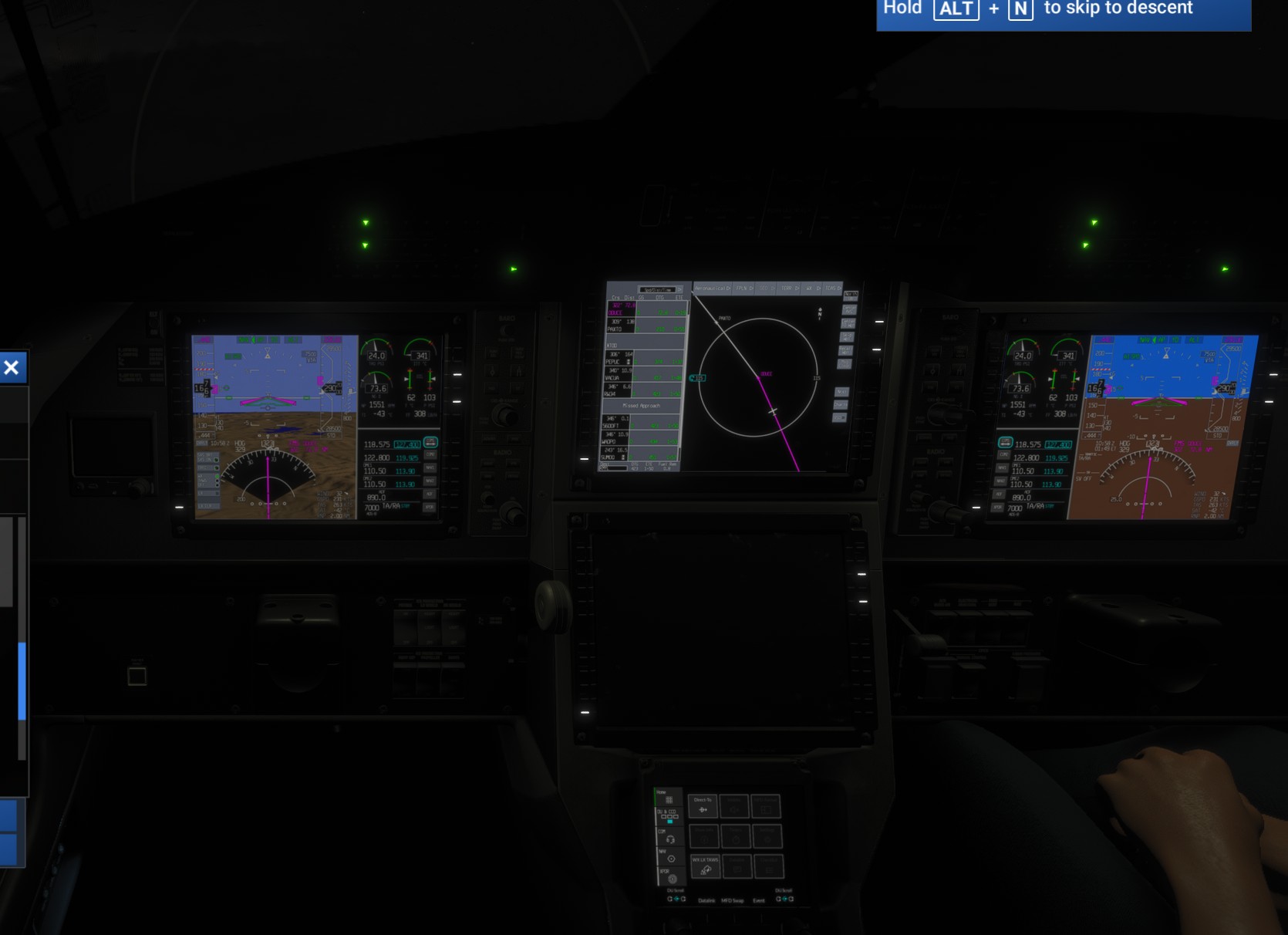
I seem to experience something that noone else yet has reported. When I load the Pilatus PC12, whether in career or free mode, I end up being in the cockpit directly and cannot exit the cockpit to do the walkaround with ctrl + C. This means that I need to press ALT-N in career mode which is really annoying. I have tried to load the game in safe mode, thinking that might be one of my add-ons interacting with the interface and checked the controls were properly programmed to no avail. I still have this issue, but only with this plane… Any hint? #pilatusPC12 bug #pilot #ctrl+C #no exit

All of the above plus the lack of presurization which leads to failing the career missions. Also sometimes the autopilot does not capture the fms path…

Do you have the same issue if you follow the OP’s steps to reproduce it?
•

Provide extra information to complete the original description of the issue:
•

If relevant, provide additional screenshots/video:
• When the autothrottle is activated before the takeoff process (as usual), the engine is constantly overthrown during climb below 10,000 feet. As soon as the altitude passes around 11,000 feet, the AT works properly; however, the climb speed shows a VS of more than 2,500 to 3,000 ft/min to maintain 140 knots throughout the climb phase. This rate of climb is not realistic, as it happens in real life.
Another problem experienced recently (yesterday February 19, 2025), it seems that the GPS is not working as when trying to establish a flight plan, waypoints appear at points on the map too far from their correct locations.
Furthermore, the engine noise entering the cabin is very low, almost silent…not realistic.
Checklist items on the lower display are incomplete.

Bonjour Ă  tous.
tout d’abord, je tiens à préciser que je suis débutant dans la simulation aérienne.
je me suis mis au PC-12 que je trouve vraiment sympa et effectivement je trouve aussi que sa vitesse de roulage est trop élevée même avec le throttle sur 0%.
Du coup, j’ai trouvé une petite astuce pas très conventionnelle certainement pour les puristes mais qui fonctionne pas mal :
je dispose du TCA Airbus complet mais pas de palonnier.
j’avais déjà remarqué sur mes premiers vols en Cessna 172 que le dosage du frein au roulage était compliqué car on/off en utilisant une touche type clavier ce qui me gênait.
Du coup, n’ayant pas de spoilers sur ces avions (et même si il y en avait ce ne serait pas gênant), j’ai attribué l’axe des spoilers en fonction “frein des roues”. du coup, on peut doser le freinage au roulage…
de ce fait, lors du roulage, pour éviter que l’avion ne s’emballe, je garde un léger freinage pour réguler la vitesse…
C’est peut être un peu bidouillage mais ça fonctionne pas mal

don’t know if i should report this as a bug.

In flight lower MFD went black. Also all other cockpit lights, panel lights, taxi lights and landing light u/s. Tried all the knob and rotary switches

Was a brand new plane with all the maintenance done
Managed to land it on a runway in bad weather in career.
Thanks to Asobo got dinged for missing atc (not sure about this on a 11h flight)
And dinged for landing without landing light (duh)

Think i deserved a ribbon for landing it without any lighting but go punished back to C.


1 Like

I am also experiencing issues with the autothrottle. I was flying an approach with autopilot and autothrottle engaged, and it would repetitively go nearly full power before passing the reference speed and going idle; about a 10 kt speed fluctuation each way. I ended up taking over and manually running the throttle.