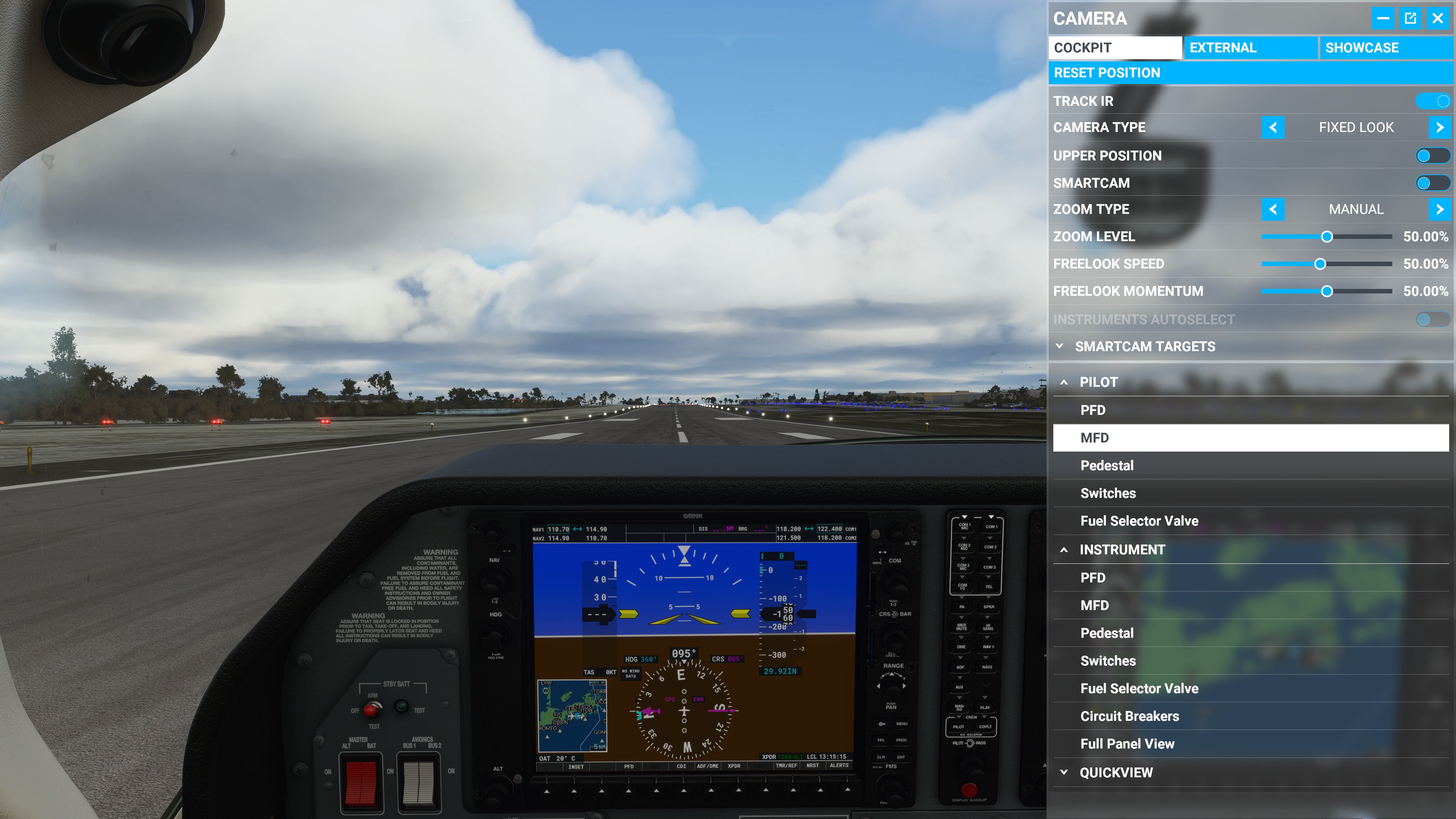
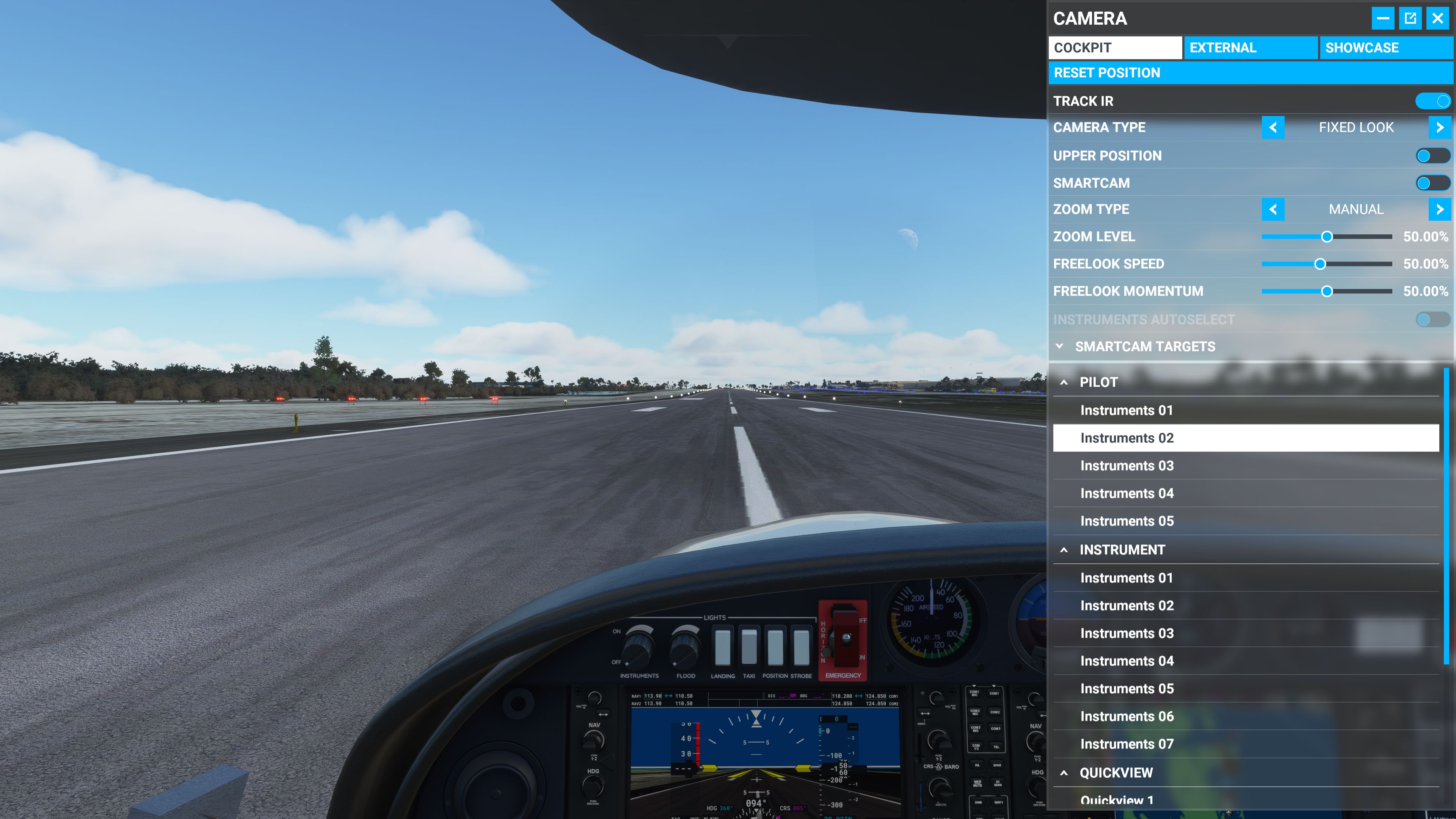
The “Pilot” cameras are now showing the same presets as “Instruments”. If you installed new aircraft, you’ll notice incorrect cockpit view/zoom because it cannot select the real VFR view. If you try to switch to and then save/reset VFR view (F10, Ctrl-F10, Shift-F10) you’ll CTD.
The “cameras.cfg” in the the aircraft directory (for example Asobo-aircraft-da40-ng\SimObjects\Airplanes\Asobo_DA40_NG) contain the correct cameras (e.g. “Pilot”) but are not shown in the UI. Uninstalling and re-installing aircraft via Content Manager does not help.