Piper PA-28 Hobbs meter has multiple problems

Using the template below will greatly help the team reproduce the issue and ease the process of fixing it. Before posting, search for an existing report. If you are not sure it’s a bug, please first report in User Support Hub.

3 tags are required - add them in the tag section next to the title above:

Feel free to delete this quote section after adding your appropriate tags.


ISSUE DESCRIPTION

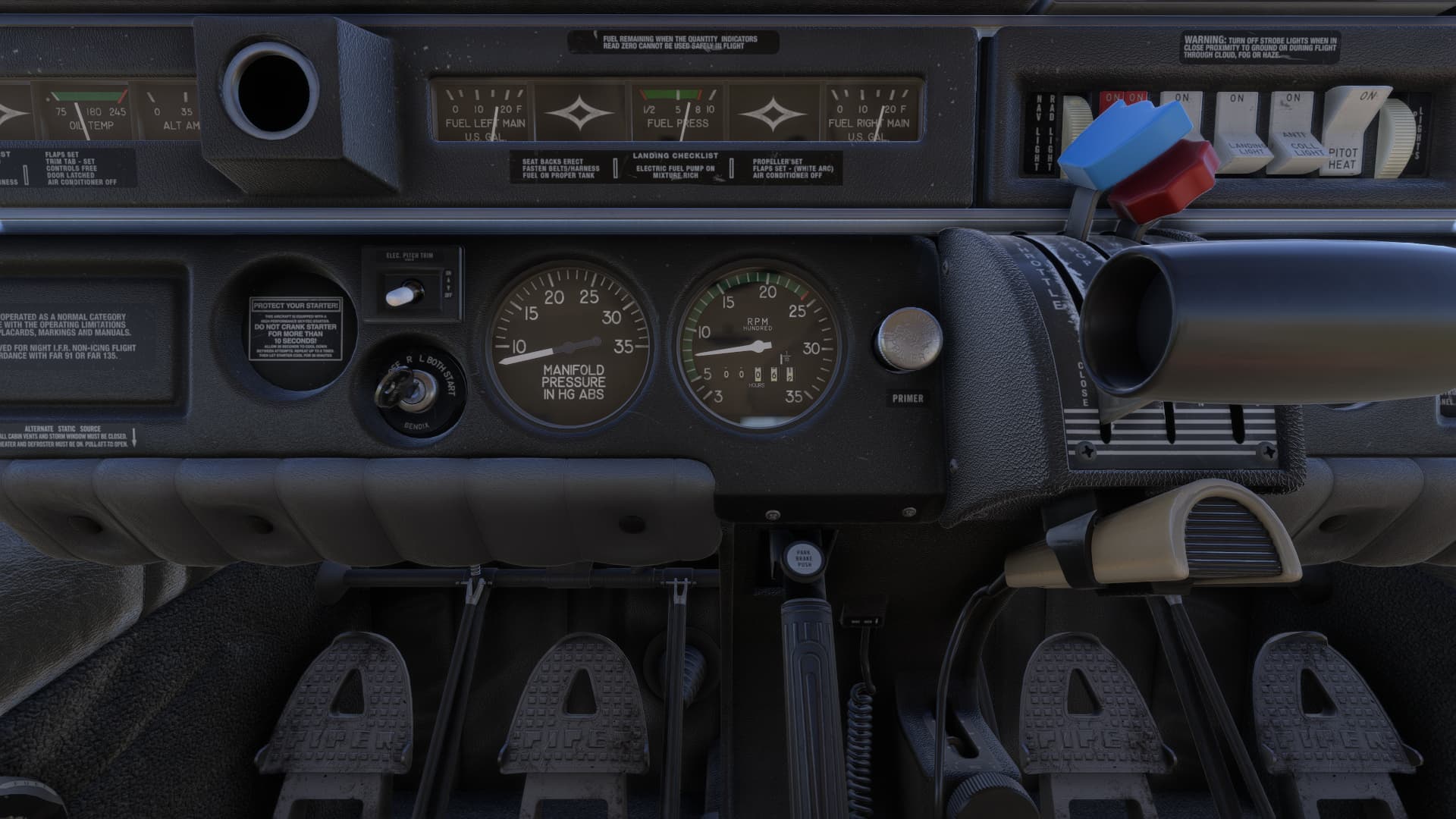
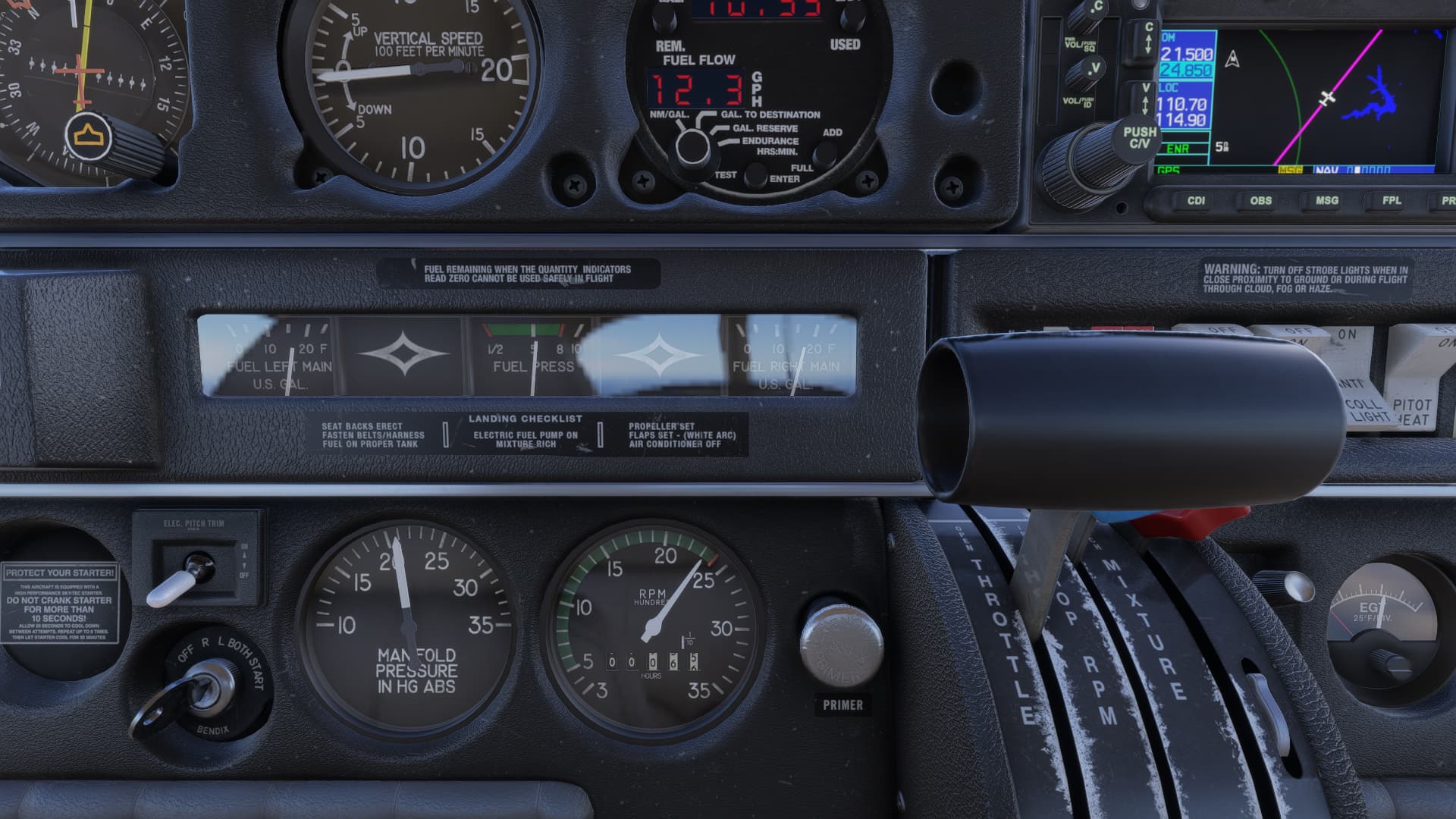
Description of the issue: Hobbs meter shows to 1/1000ths of an hour but is recording in 1/10ths like normal. The right most roller rolls backwards as well. 0 > 9 > 8 etc.

If applicable, which aircraft is experiencing this issue:

[PC Only] Did you remove all your community mods/add-ons? If yes, are you still experiencing the issue?
No

FREQUENCY OF ISSUE

How often does this occur for you (Example: Just once, every time on sim load, intermittently)?
Always.

REPRODUCTION STEPS

Please list clear steps you took in order to help our test team reproduce the same issue:

  1. Fly aircraft for long enough to see how the roller is working.

YOUR SETTINGS

If the issue still occurs with no mods and add-ons, please continue to report your issue. If not, please move this post to the User Support Hub.

What peripherals are you using, if relevant:

[PC Only] Are you using Developer Mode or have you made any changes to it?

No
[PC, MSFS 2020 Only] Are you using DX11 or DX12?

[PC Only] What GPU (Graphics Card) do you use?
RTX 3080 2nd Gen

[PC Only] What other relevant PC specs can you share?
Ryzen 9800 x3d, 64 GB ram
[END OF FIRST USER REPORT]


:loudspeaker: For anyone who wants to contribute on this issue, Click on the button below to use this template:

Do you have the same issue if you follow the OP’s steps to reproduce it?

Provide extra information to complete the original description of the issue:

If relevant, provide additional screenshots/video:

1 Like

Do you have the same issue if you follow the OP’s steps to reproduce it?
• Yes

Provide extra information to complete the original description of the issue:
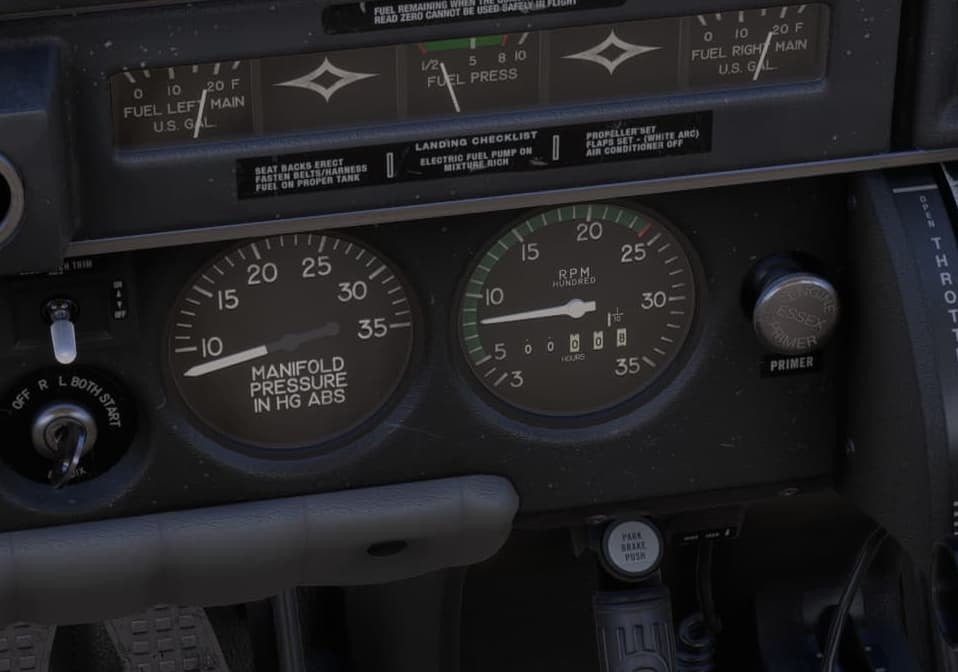
• As OP describes, the right-most roller is rolling backwards. The screenshot shows what is recorded in the logbook as a 1 hour 1 minute flight.

If relevant, provide additional screenshots/video:

2 Likes

A post was merged into an existing topic: Famous Flyer 12: Piper PA-28-236 Dakota

Hopefully they will please address the three white rollers too.

Same issue, Hours Meter counts backwards.

2 Likes

Do you have the same issue if you follow the OP’s steps to reproduce it?
• Yes

Provide extra information to complete the original description of the issue:
• Hobbs meter does roll backwards

If relevant, provide additional screenshots/video:
• This is the first screenshot I took, complete with date taken at top

And this is the second screenshot I took, complete with date again at top. Note how although this second screenshot is taken at a later date, the hours flown have reduced:

Using the template below will greatly help the team reproduce the issue and ease the process of fixing it. Before posting, search for an existing report. If you are not sure it’s a bug, please first report in User Support Hub.

3 tags are required - add them in the tag section next to the title above:

Feel free to delete this quote section after adding your appropriate tags.

ISSUE DESCRIPTION

Description of the issue: Hobbs meter in Famous Flyer 12: Piper PA-28-236 Dakota runs backwards.

FREQUENCY OF ISSUE

How often does this occur for you (Example: Just once, every time on sim load, intermittently)?

Every time I fly this plane.

REPRODUCTION STEPS

Please list clear steps you took in order to help our test team reproduce the same issue:

  1. Empty out community folder

  2. Run sim

  3. Free flight in MSFS 2024 in the Famous Flyer 12: Piper PA-28-236 Dakota

YOUR SETTINGS

If the issue still occurs with no mods and add-ons, please continue to report your issue. If not, please move this post to the User Support Hub.

What peripherals are you using, if relevant:

[PC Only] Are you using Developer Mode or have you made any changes to it?

Not in Developer Mode and no changes to it.

[PC, MSFS 2020 Only] Are you using DX11 or DX12?

N/A

[PC Only] What GPU (Graphics Card) do you use?

NVIDIA GeForce RTX 4070

[PC Only] What other relevant PC specs can you share?

Operating system: Microsoft Windows 11 Home, Version 10.0.26100
DirectX runtime version: DirectX 12
Driver: Game Ready Driver - 581.15 - Thu Aug 28, 2025
CPU: 13th Gen Intel(R) Core™ i7-13700KF
RAM: 32.0 GB
Storage (2): SSD - 931.5 GB,SSD - 931.5 GB

Total available graphics memory: 28583 MB

MEDIA

Please note the file timestamp on the photos uploaded. Start from the bottom photo and work up. You’ll see it runs backwards. There is also a thread about this on the forums.

https://forums.flightsimulator.com/t/piper-pa-28-hobbs-meter-has-multiple-problems/727812/3

Please add a screenshot or video of the issue occurring.

I think I created a post about this already - which like most of my other bugs reported has been summarily ignored :slight_smile:

But yes, the Hobbs is a mess in virtually every respect.

1 Like