Piper PA28-236 Dakota: structural failure far below VNE

ISSUE DESCRIPTION

Aircraft apparently suffers structural failure when reaching an IAS of >150 knots in stable flight in calm, low turbulence air. Restart with a non specific “You have crashed” message.

Which aircraft is experiencing this issue:
Piper PA28-236 Dakota

[PC Only] Did you remove all your community mods/add-ons? If yes, are you still experiencing the issue?

Yes and yes

FREQUENCY OF ISSUE

Every time IAS reaches >150 kts

REPRODUCTION STEPS

  1. Start flight in affected aircraft in any location
  2. Establish stable moderate rate straight ahead descent while retaining moderate power, sufficient to allow the speed to build up to >150 kts
    3.Shortly after reaching this speed, the screen will go black and the sim will restart the flight at your last position with the standard crash message

YOUR SETTINGS

Not pertinent

What peripherals are you using

I do not believe it is relevant but:
Keyboard, mouse, MS FFB joystick, Thrustmaster TM16000 throttle and rudder pedals

[PC Only] Are you using Developer Mode or have you made any changes to it?

No and no

[PC Only] What GPU (Graphics Card) do you use?
RTX 4080 Super

[PC Only] What other relevant PC specs can you share?
ASRock X670E PG Lightning
9800X3D
Gigabyte RTX 4080 Super
G.SKILL Flare X Series 64GB 6000 CAS 30 2x32GB
OS WD Black SN770 500GB
Game WD Black SN850X 2TB
NVIDIA 566.36 driver

MEDIA
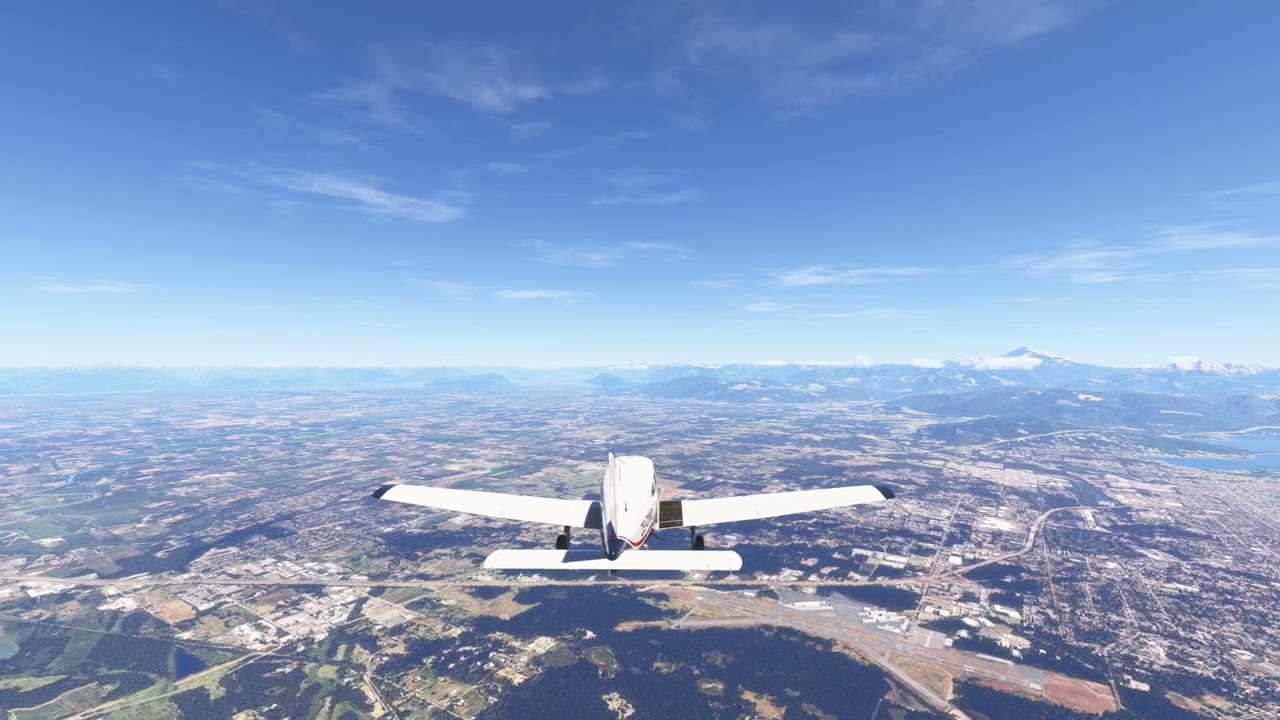
[END OF FIRST USER REPORT]


:loudspeaker: For anyone who wants to contribute on this issue, Click on the button below to use this template:

Do you have the same issue if you follow the OP’s steps to reproduce it?

Provide extra information to complete the original description of the issue:

If relevant, provide additional screenshots/video:

1 Like

Its more than likely a unit conversion error.

2 Likes

Vne per the Dakota POH is 173 knots.

173 mph = 150.3 knots

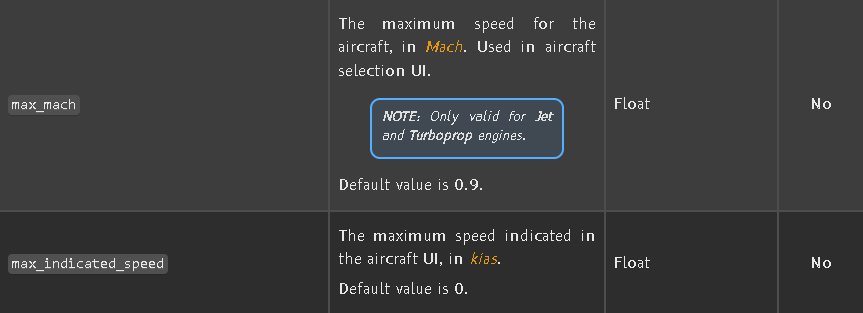
As the crash detection seems to occur around 150 knots, it stands to reason this could be, as @Hasheminia said, that the Vne limitation of the flight model was entered as 173mph instead of 173 knots (or the incorrect conversion was done somewhere else in the process).

6 Likes

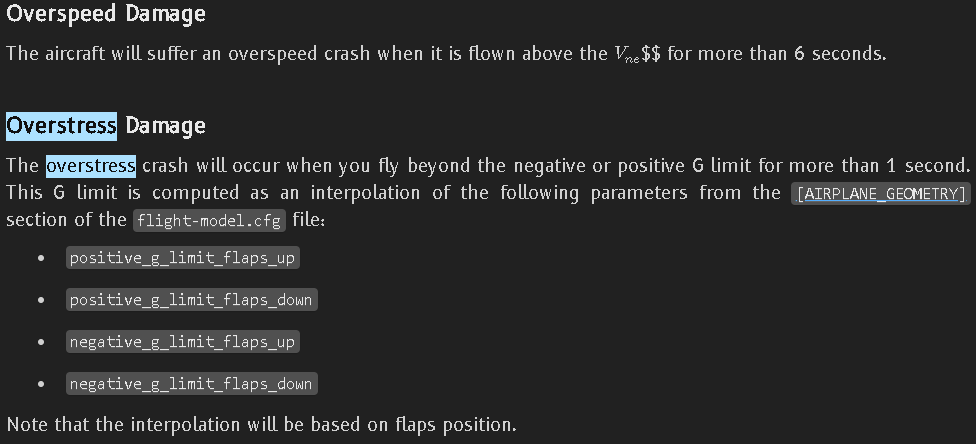
I’ve just had a look in the SDK for crash determination. I’ve found two, for overspeed, and overstress.

This sounds like just an overspeed situation, right?

1 Like

Some fine detective work going on here. :100:

4 Likes

Im guessing the VNE will not be getting fixed as this is a free aircraft, we’ll just have to fly it like a 172 i suppose…

Or with damage off when in it.

Thank you for the bug report.

We have created an internal ticket to see if our team already has this logged, and if not they will attempt to reproduce the issue and create a new bug report. This item is now marked as feedback-logged. If there is an existing bug report or one is created, we will move this thread to bug-logged.

5 Likes

• why the Vne value in the .cfg is not simply corrected??? (to 173 kts)

Probably because there are so many things that have to be fixed that this is one just isn’t a priority.

It seems they have updated the aircraft but results does not look right yet.

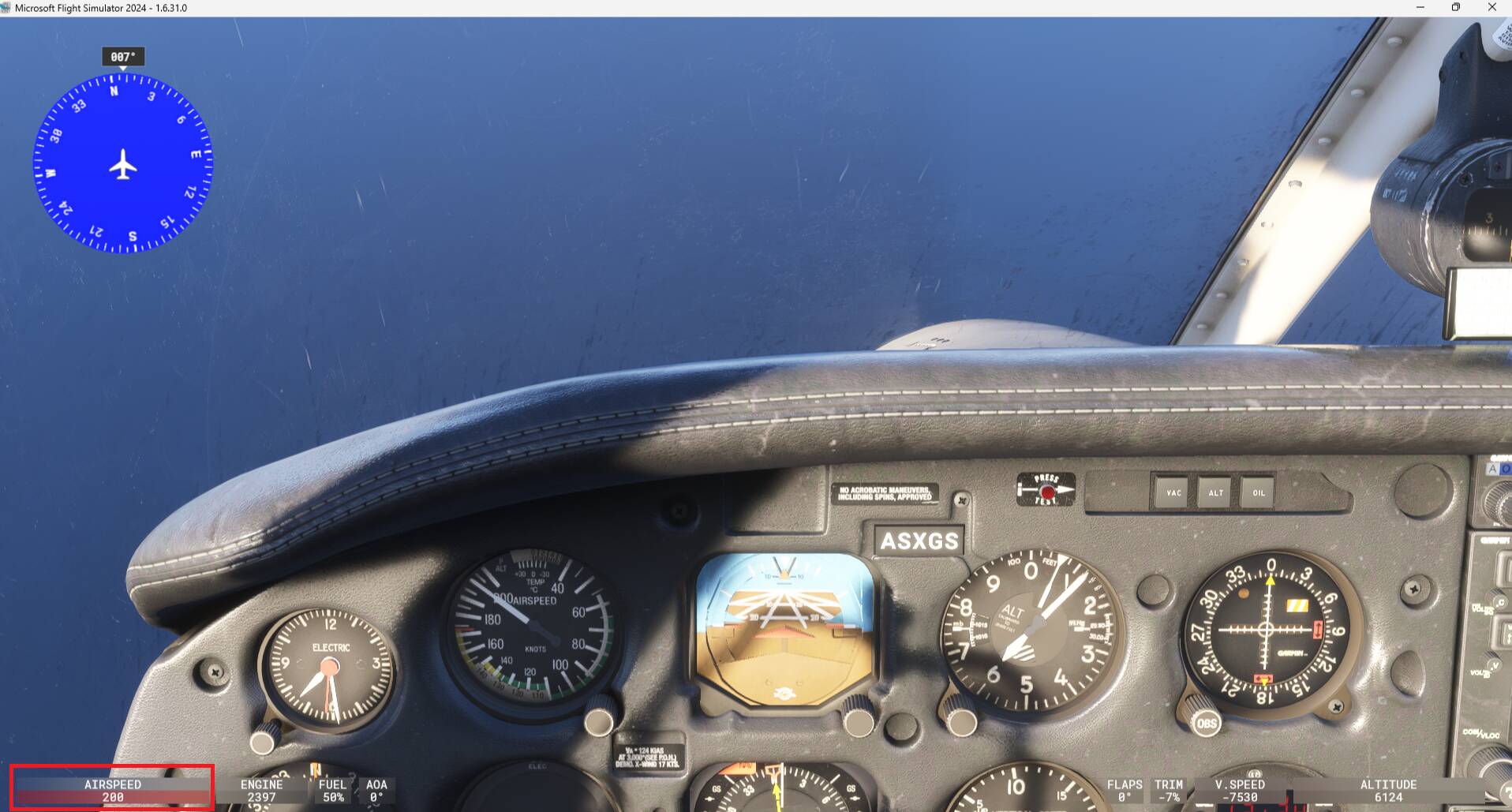
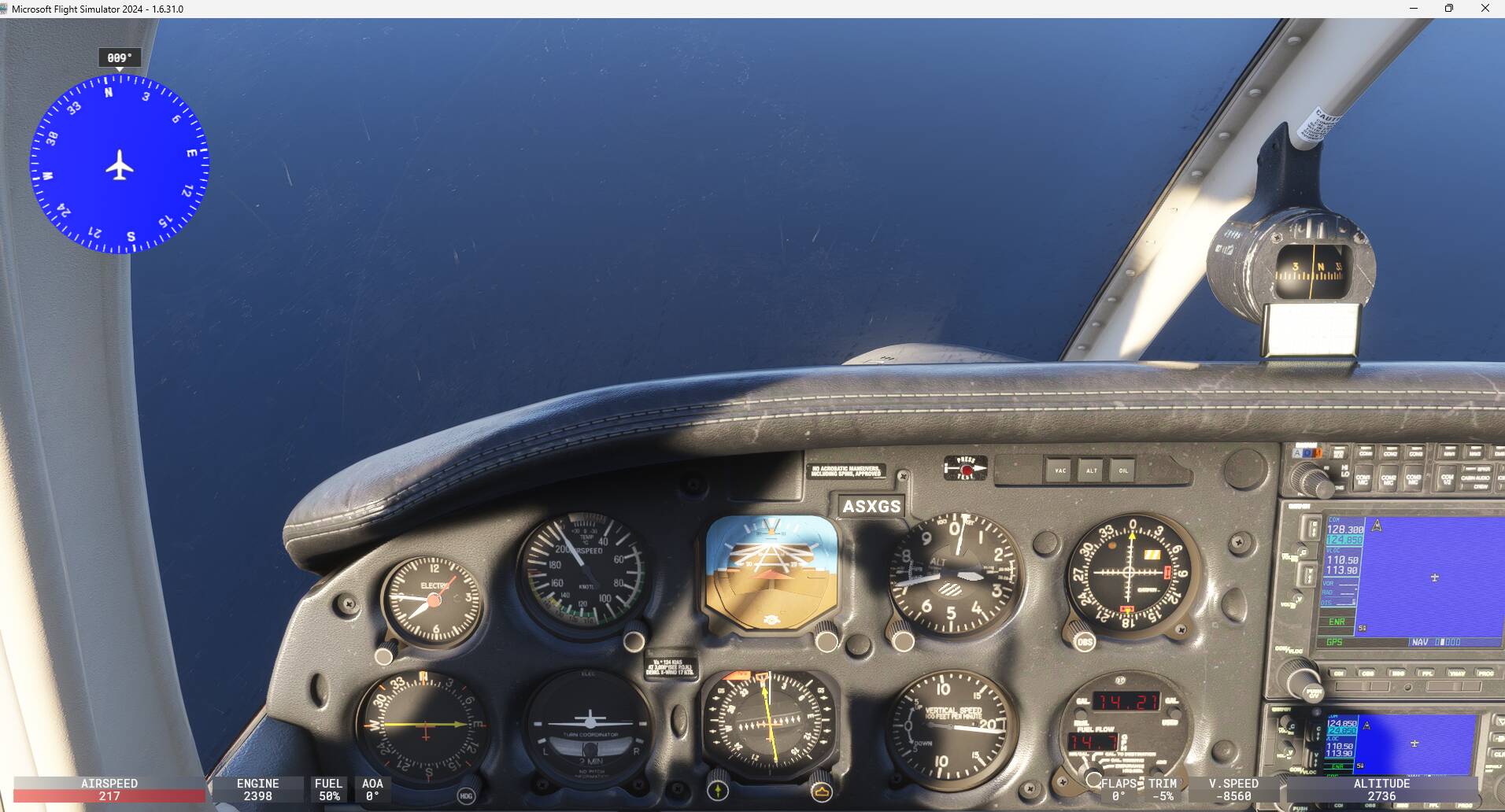
Starting a flight at 5000ft, going into a dive:
Airspeed on the HUD starts flashing red at 200kt:

Aircraft fatal damaged happens at 218kts (or maybe above a limit of 6 seconds at this speed):

As mentioned by @CharlieFox00 Piper PA28-236 Dakota: structural failure far below VNE - #3 by CharlieFox00, maybe a conversion issue between kts/mph exists for this aircraft.

As per @hobanagerik post Piper PA28-236 Dakota: structural failure far below VNE - #4 by hobanagerik, I understand that the HUD speed should flash red at VNE (173kts) and if maintained more than 6 seconds then get an fatal crash ?

2 Likes

They have made the plane super rigid now, only crashing above 173*(1+20%)=207.6 KIAS. More than 20% of Vne