ISSUE DESCRIPTION
Description of the issue:
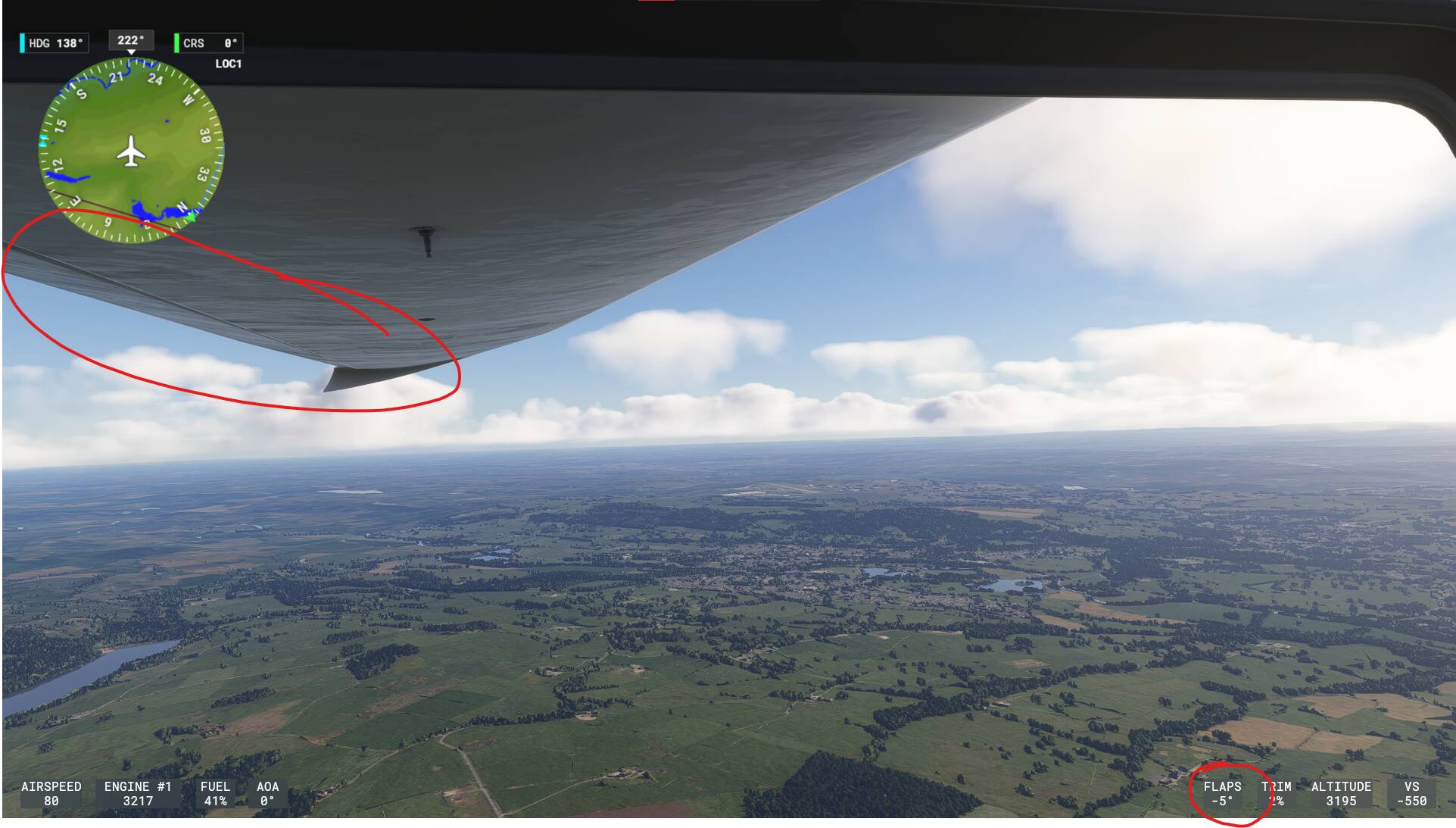
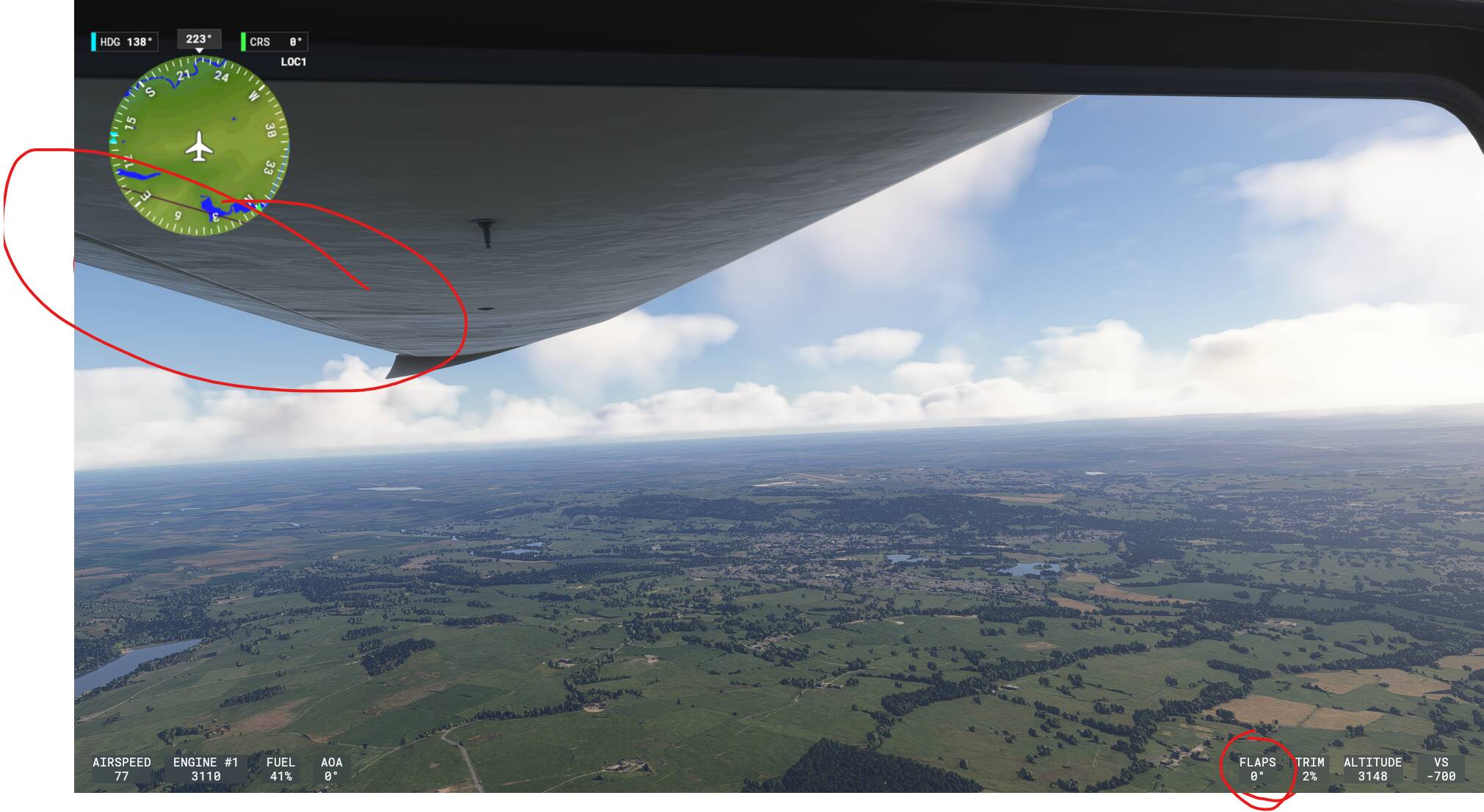
When putting the flaps on the Pipistrel Virus SW 121 to the lowest setting, i.e. -5, it doesn’t animate.
The behaviour of the aircraft flight characteristics responds accordingly, but the flaps themselves on either wing do not move from the 0% position at all.
It’s difficult to see in the screenshots but easy to observe when in game.
FREQUENCY OF ISSUE
How often does this occur for you (Example: Just once, every time on sim load, intermittently)?
Every time
REPRODUCTION STEPS
Please list clear steps you took in order to help our test team reproduce the same issue:
-
Select the Pipistrel Virus SW 121 & load into a normal free flight
-
Once in the aircraft, set the flaps to -5. Observe the lack of animation.
-
Get the aircraft airborne and repeat. Observe the animation between setting 0 and -5 (or lack thereof) but see how the flight characteristics of the aircraft change expectedly.
YOUR SETTINGS
If the issue still occurs with no mods and add-ons, please continue to report your issue. If not, please move this post to the User Support Hub.
What peripherals are you using, if relevant:
Not relevant. Keyboard command.
[PC Only] Are you using Developer Mode or have you made any changes to it?
No
[PC, MSFS 2020 Only] Are you using DX11 or DX12?
DX11
[PC Only] What GPU (Graphics Card) do you use?
Zotac RTX 2070 Super
[PC Only] What other relevant PC specs can you share?
n/a
MEDIA
Please add a screenshot or video of the issue occurring.