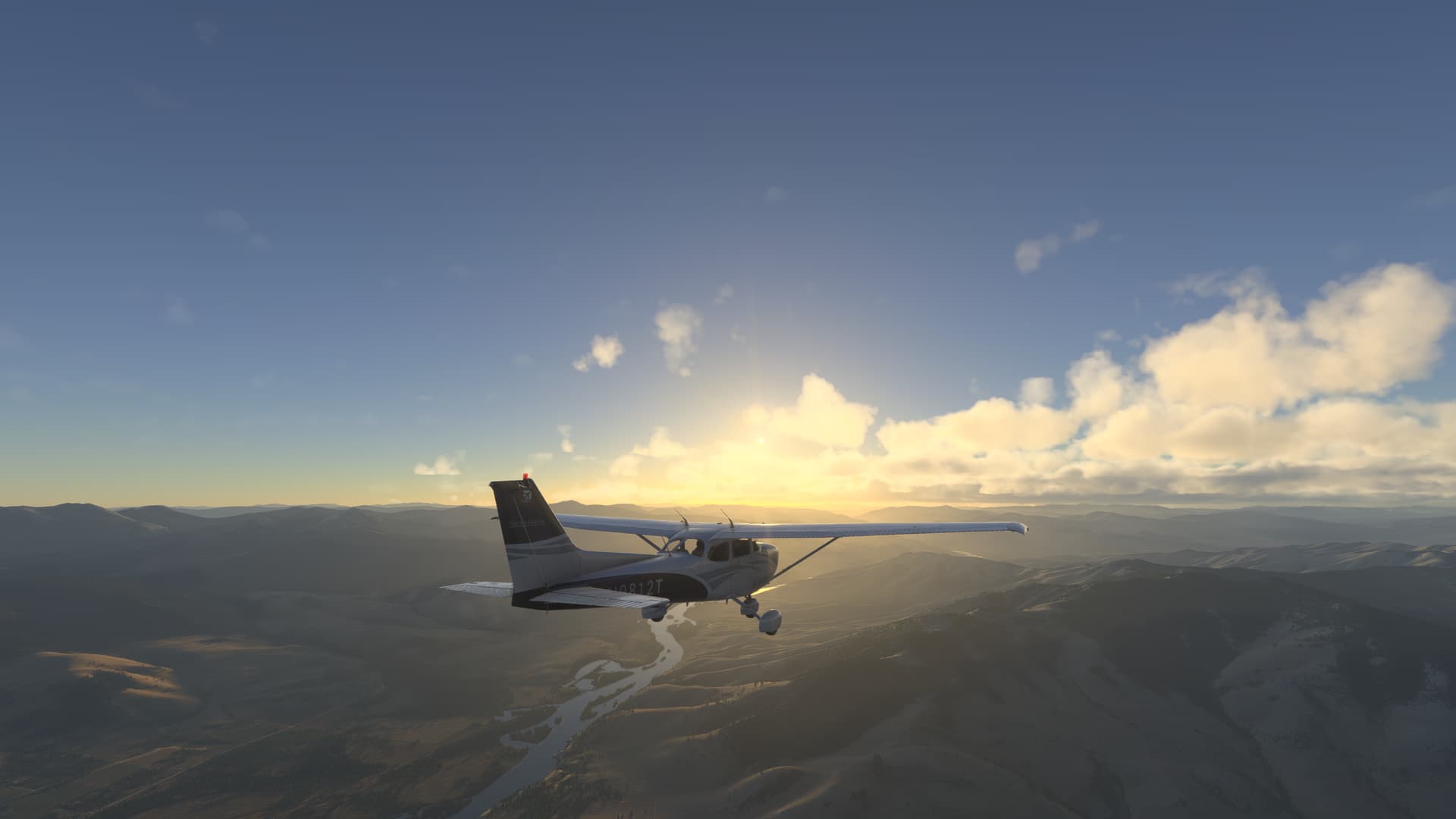
On Xbox there is no way to take a clean picture. There is always a UI there. You used to have a second after pressing the A button to then take a Xbox screenshot because the UI would disappear for a second. But after today that is no longer possible.
Taking pictures in this game is my favorite thing to do but now there is no longer a way to. The in game pictures are useless. They don’t go full screen and they have text all over them. Please. Every photo mode in existence has a way to hide / remove the UI so you can take a clean picture. This one for some reason doesn’t.
I want to use Photo Mode without the in-game onscreen grid lines. I want to be able to show/hide all UI elements when in Photo Mode. I want to be able to do that (show/hide the UI) without going into Settings.
Adding these options also grants users more options in how they use Photo Mode. I want to be able to use the image focus and exposure settings in Photo Mode, then use my preferred screen capture software, without the MSFS UI visible.
SU2 1.4.20.0 pcsteamuiworld-photographercamerasettingsfeedback