A couple of fly through’s usually fixes most of the melted building issues. I and others have had some luck manually caching areas before flying.
I don’t want photogrammetry off, that’s one of the main reasons why I bought MSFS in the first place. I wanted to fly over areas that were as close to IRL as possible . Would of been nice if Asobo stamped this problem onto the MSFS 2020 poster board advising
Us that World War Z has invaded all cities , towns .
This needs to be fixed ASAP . Read on another forum says that Increasing LOD sider in graphics fixes photogrammetry problem but more likely will fry your CPU🤦🏻 , looks like Asobo needs to put a code into the LOD slider to have it work at 80-100 setting most of us have it at
Bordeaux, lille, perpignan before the update the photogrammetry was perfect. since the update of london, these cities are now really degraded.
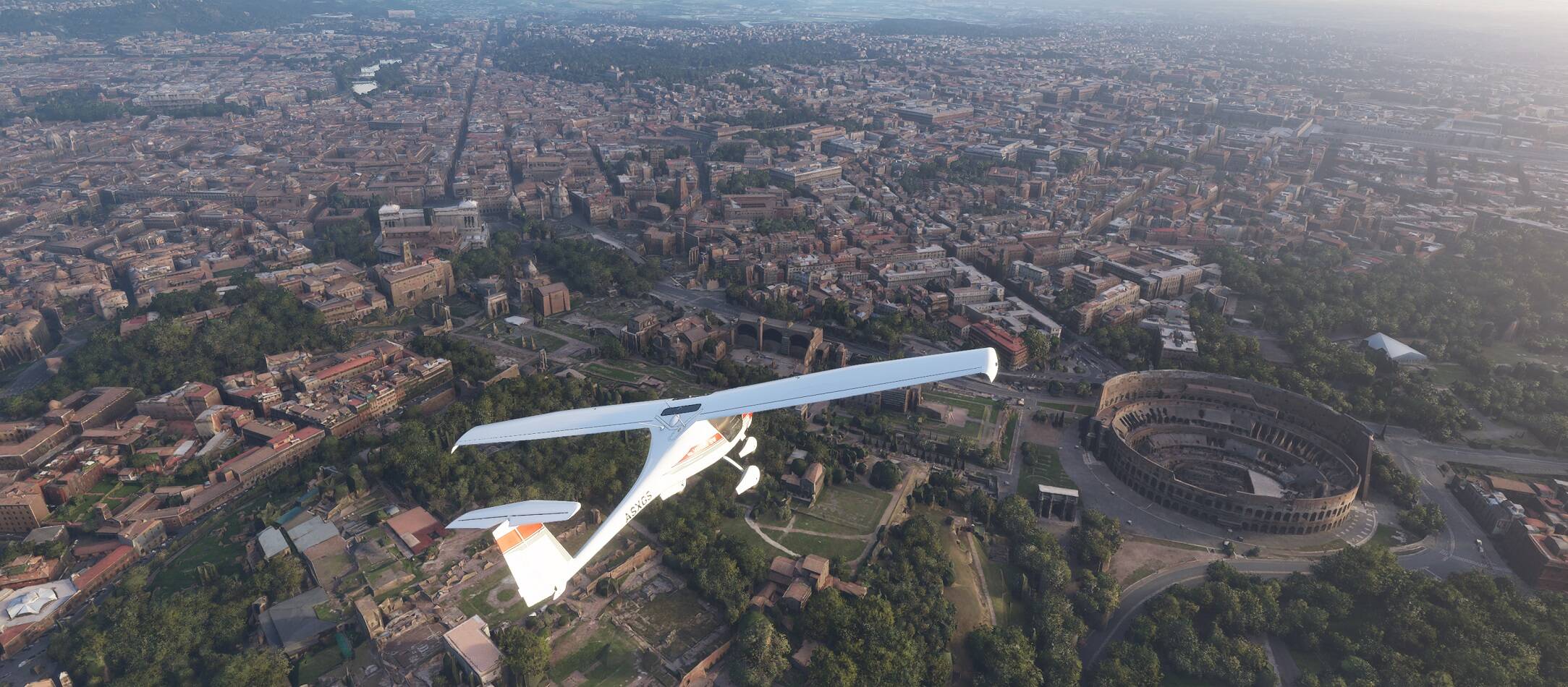
Even with fast internet, it can take some time to load and compute the PG data streaming in. I have 8/1Mbps aDSL and PG generally works OK.
When I run FS2020 on faster internet, it’s better, but not that much better.
This is new tech here, hasn’t been done before on this scale, it’s not perfect, but at FL50 in the 152, IMO it looks fantastic.
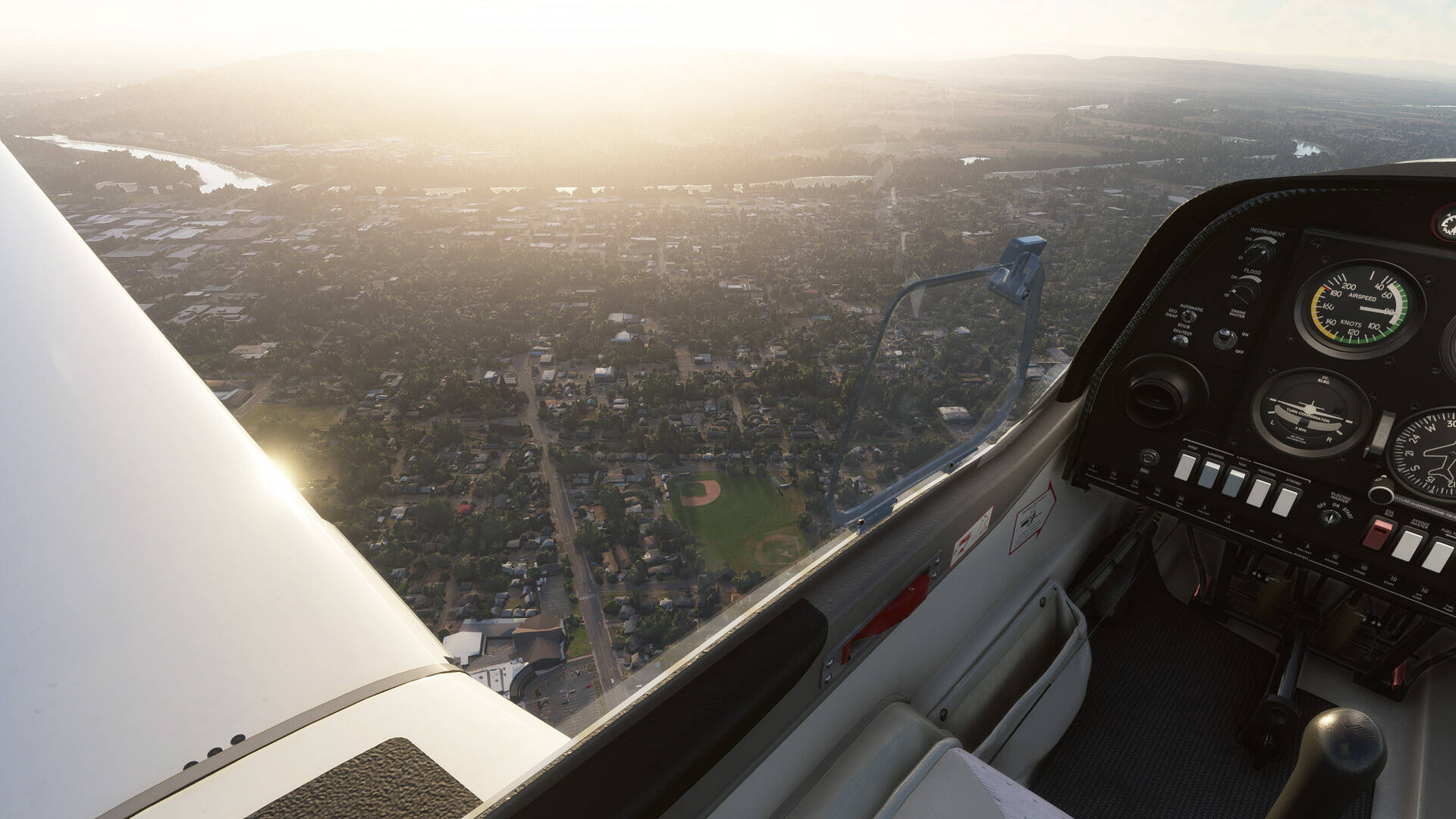
Just flew around Tokyo. No problems at all. Massive amount of geometry at play there too. Seems some people have issues and others not so much.
There’s allready multiple topics about this. Photogrammetry is great. Nothing wrong with it. Lot’s of people experience different results though, But in my opionion this is more related to difference in internet speed, ram amount and speed and different pc specs in general.
Btw, when you start a topic like this (clearly without using the search function first) why not add a simple screenshot of how it looks on your end? just saying it looks horrible without any evidence on how it looks isn’t gonna help anyone.
I can make a dozen screenshots from multiple cities to show you that it does look great. Only london looks worse then other cities. But still not horrible. It’s 100 times better then autogen that’s for sure.
So please make some screenshots, then at least we know if it looks how it’s supposed to look or if there’s something wrong with your sim. Would also be interested to see your ram amount and speed. This seems to have a big effect on how fast photogrammetry is loaded.
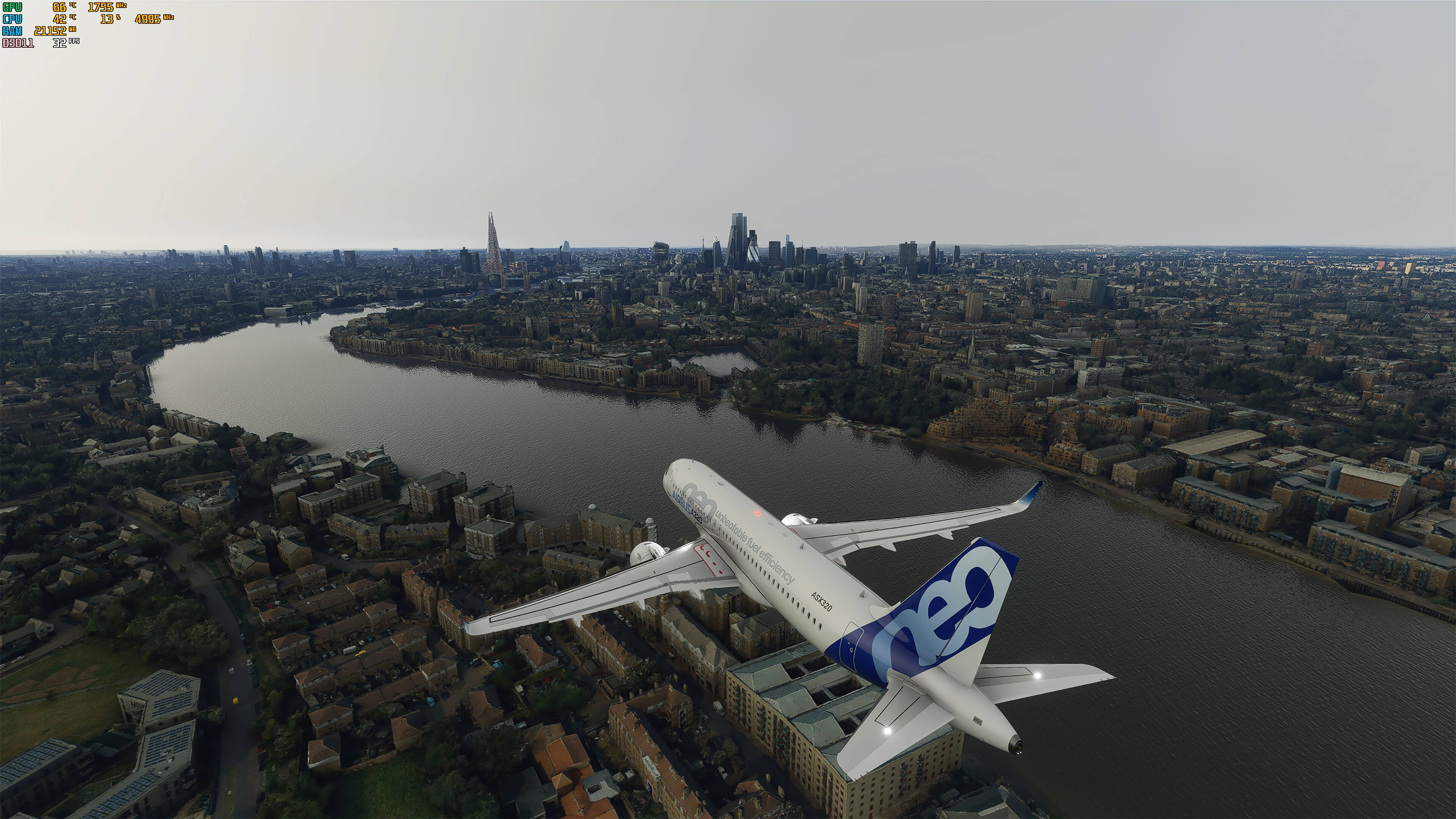
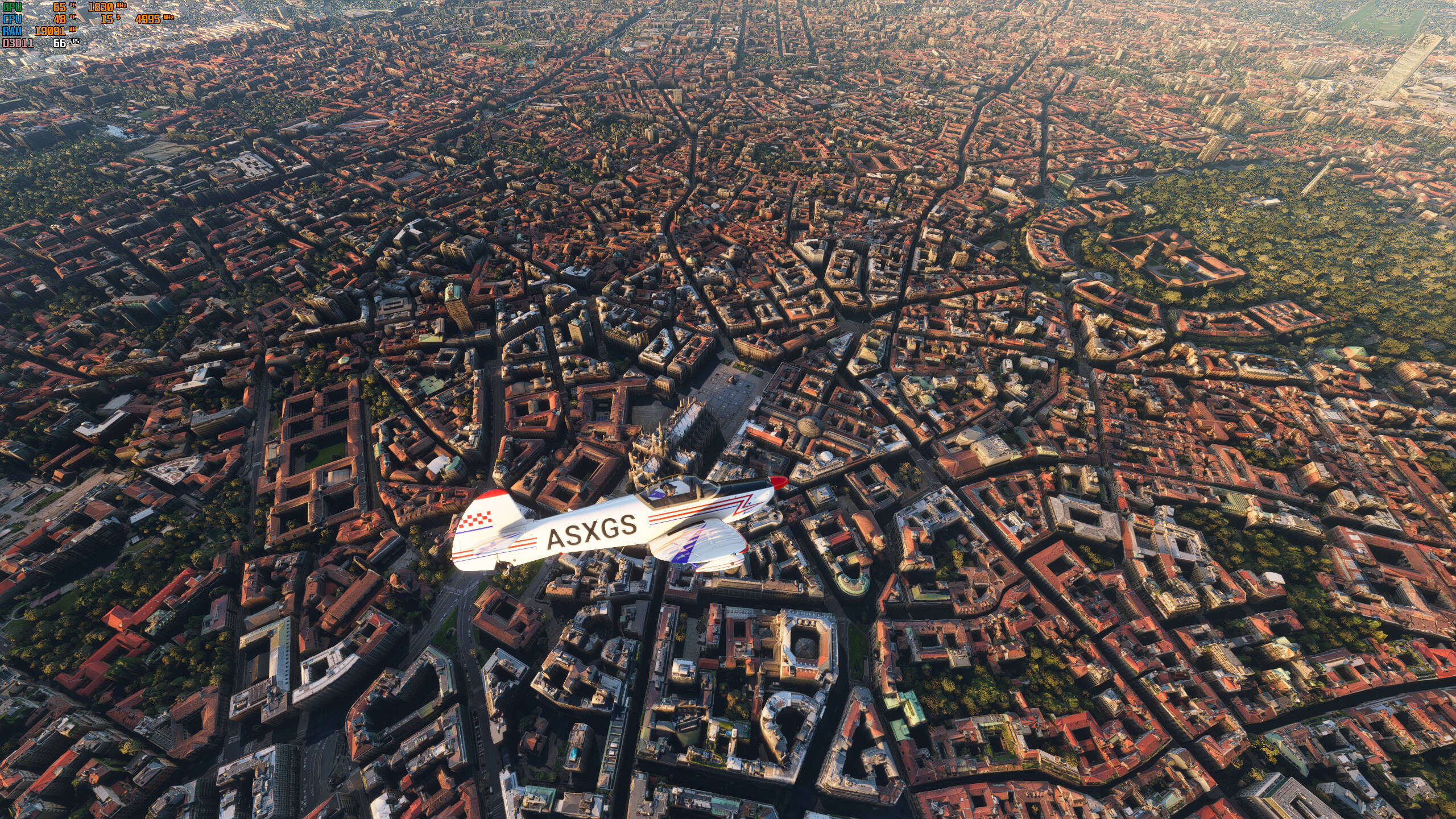
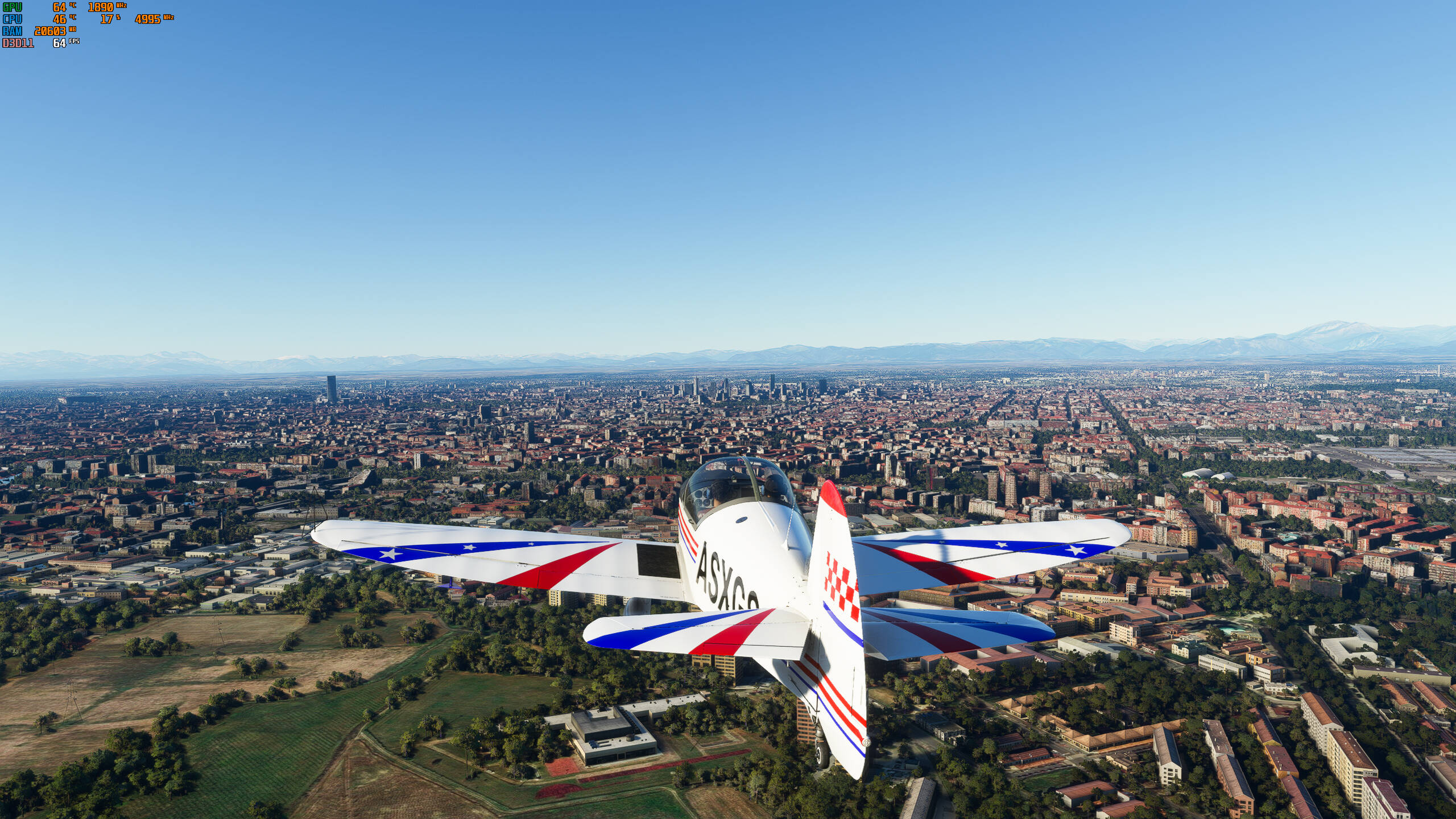
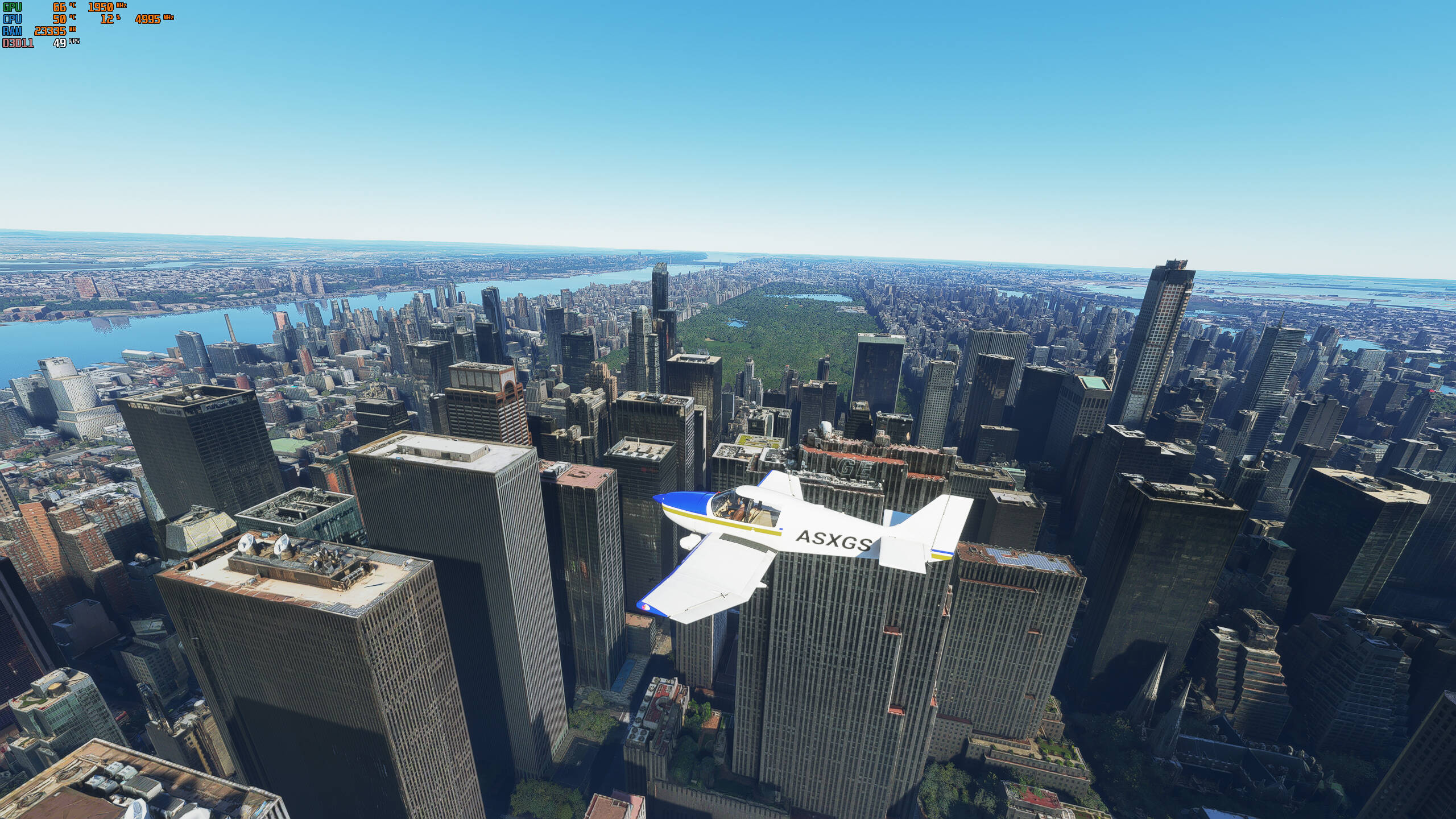
Yes, screenshots would help. I don’t have any issues with it, but there are many many threads on this. One point - if you want to walk the streets, then don’t use PG. It is intended to be viewed from a reasonable altitude - couple of hundred feet plus. Below that, you will see “melted lego” as people describe it. Avoid that, and you can get results like these (and don’t listen to @brokendigit - you have the choice to turn it on or off of course, but it isn’t broken or a mess):
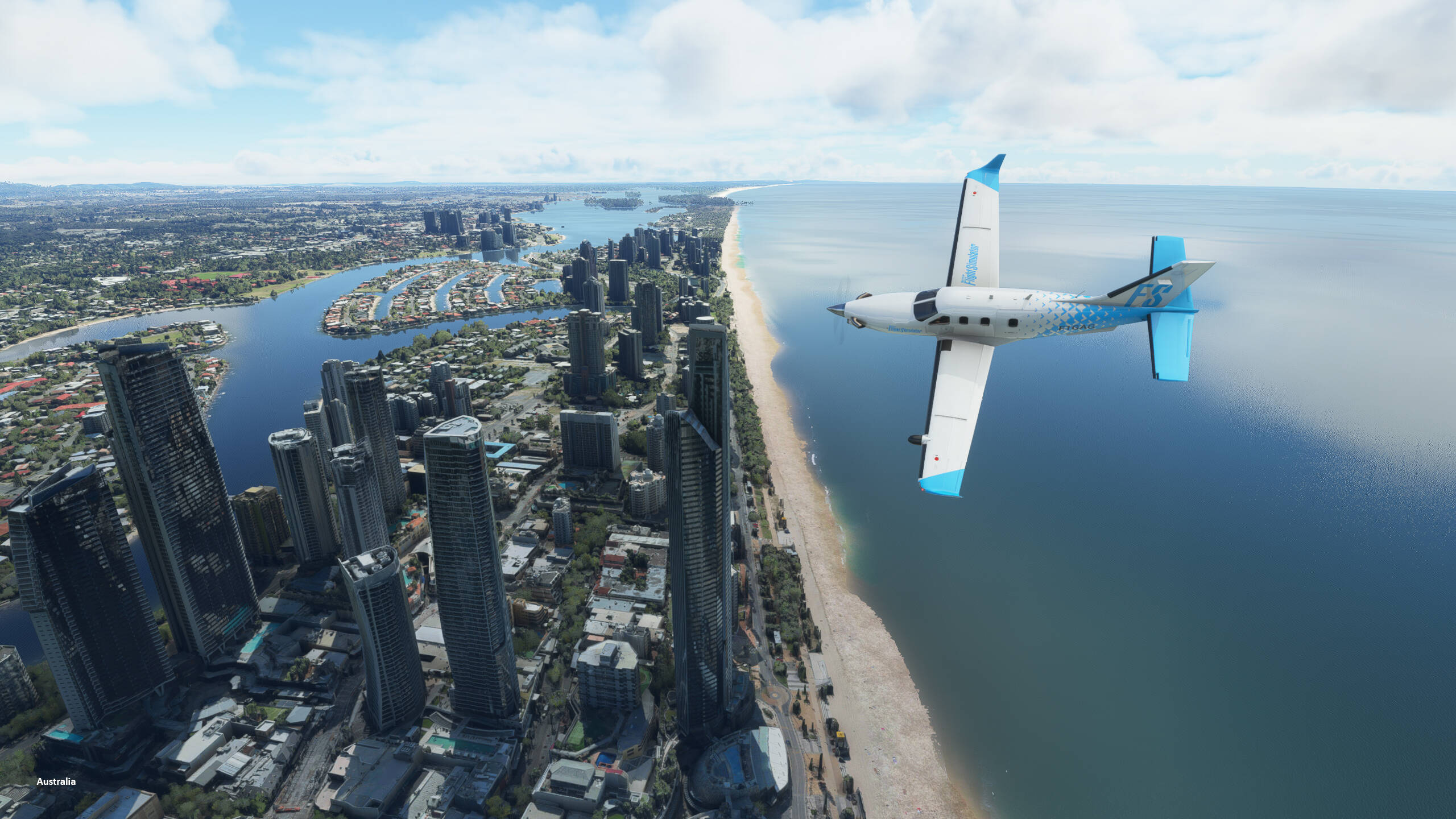
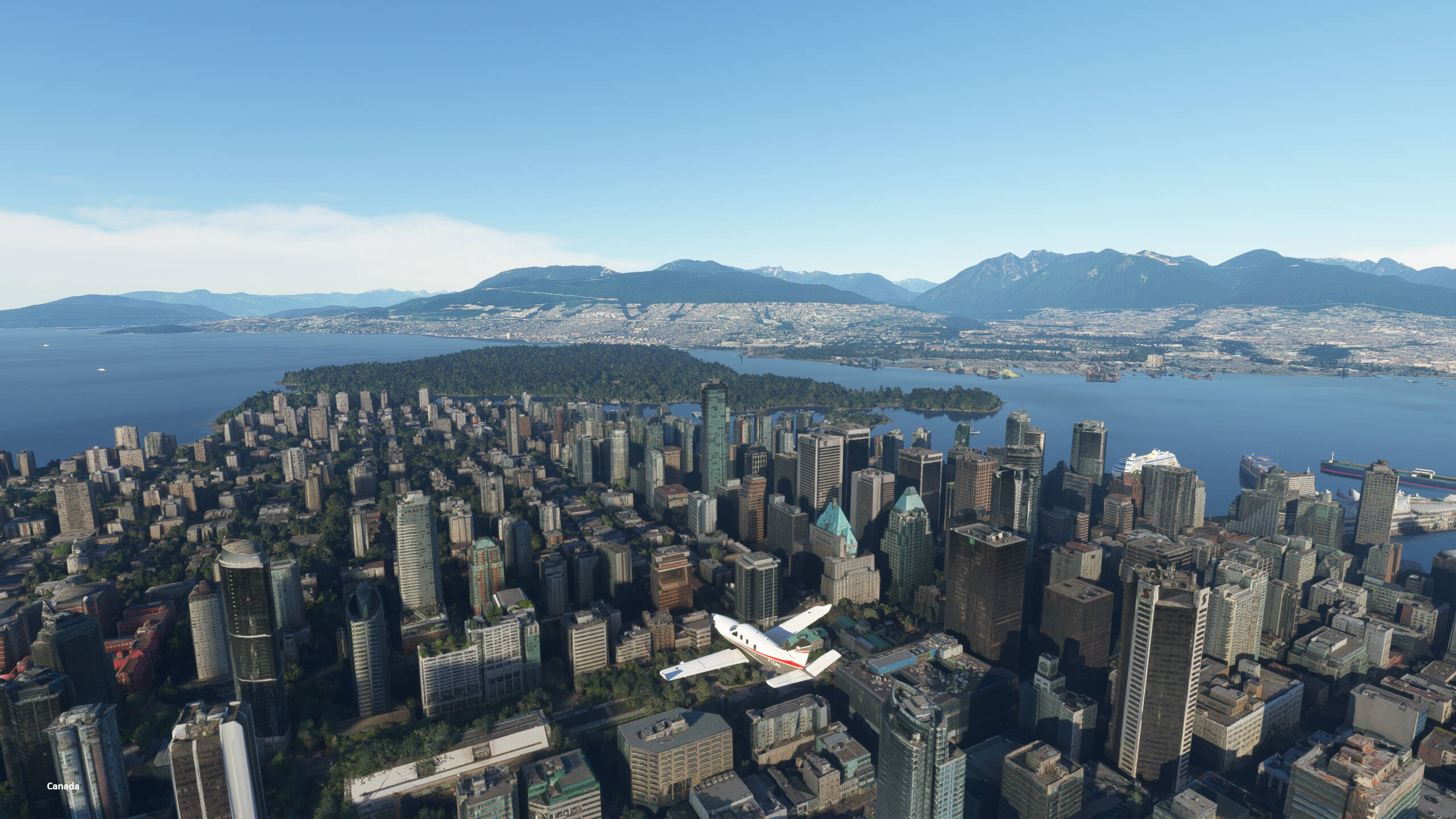
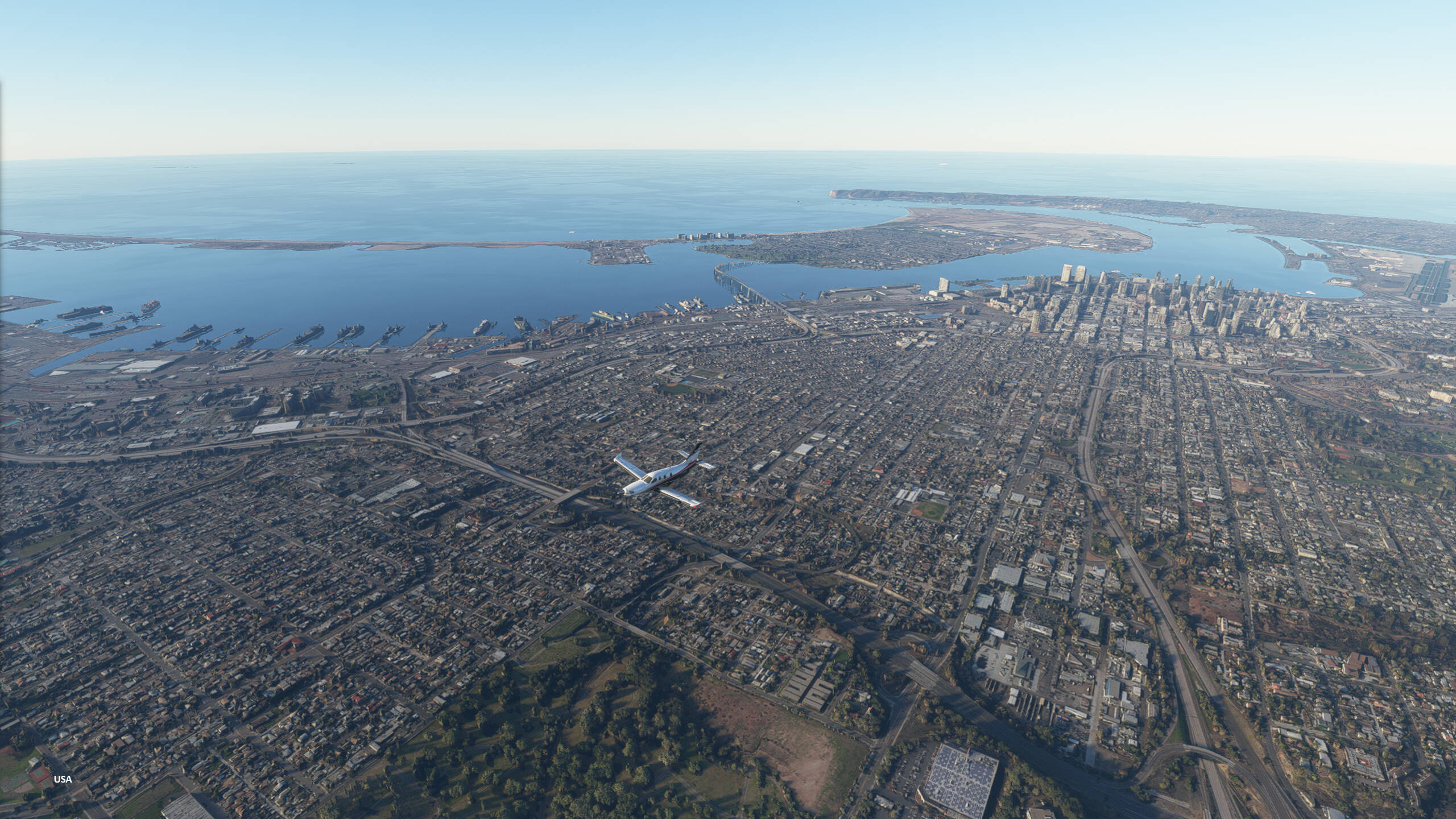
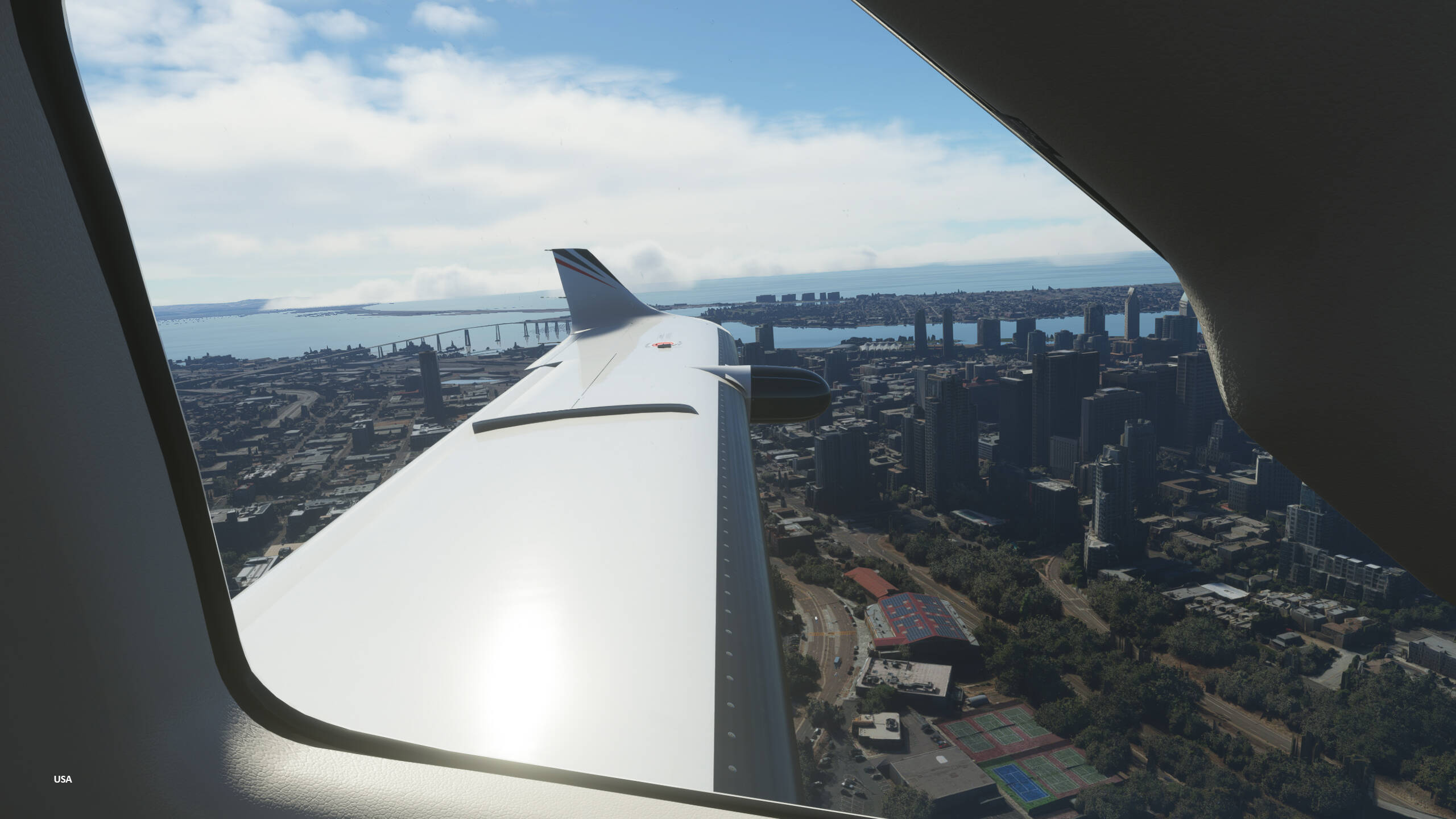
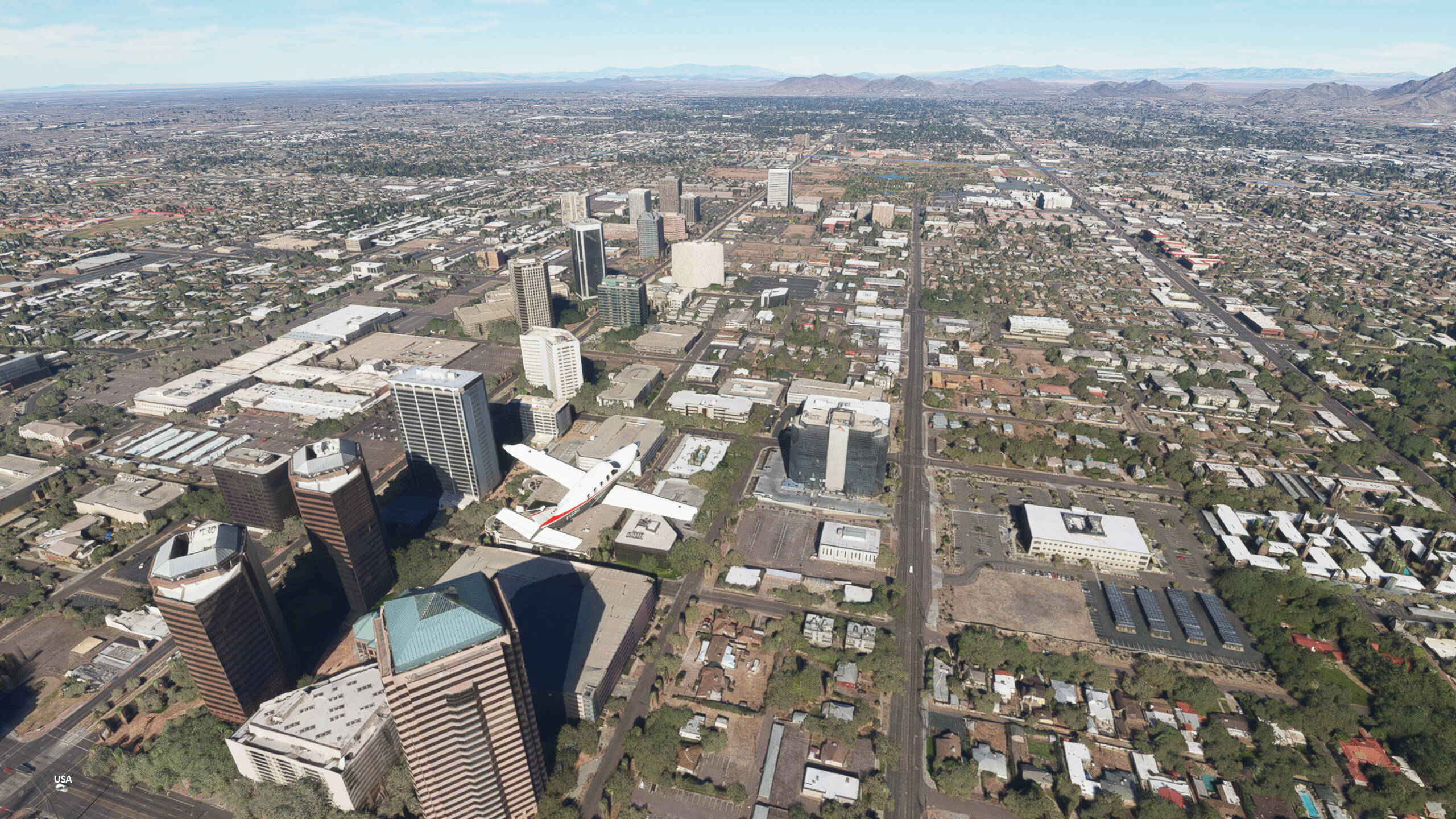
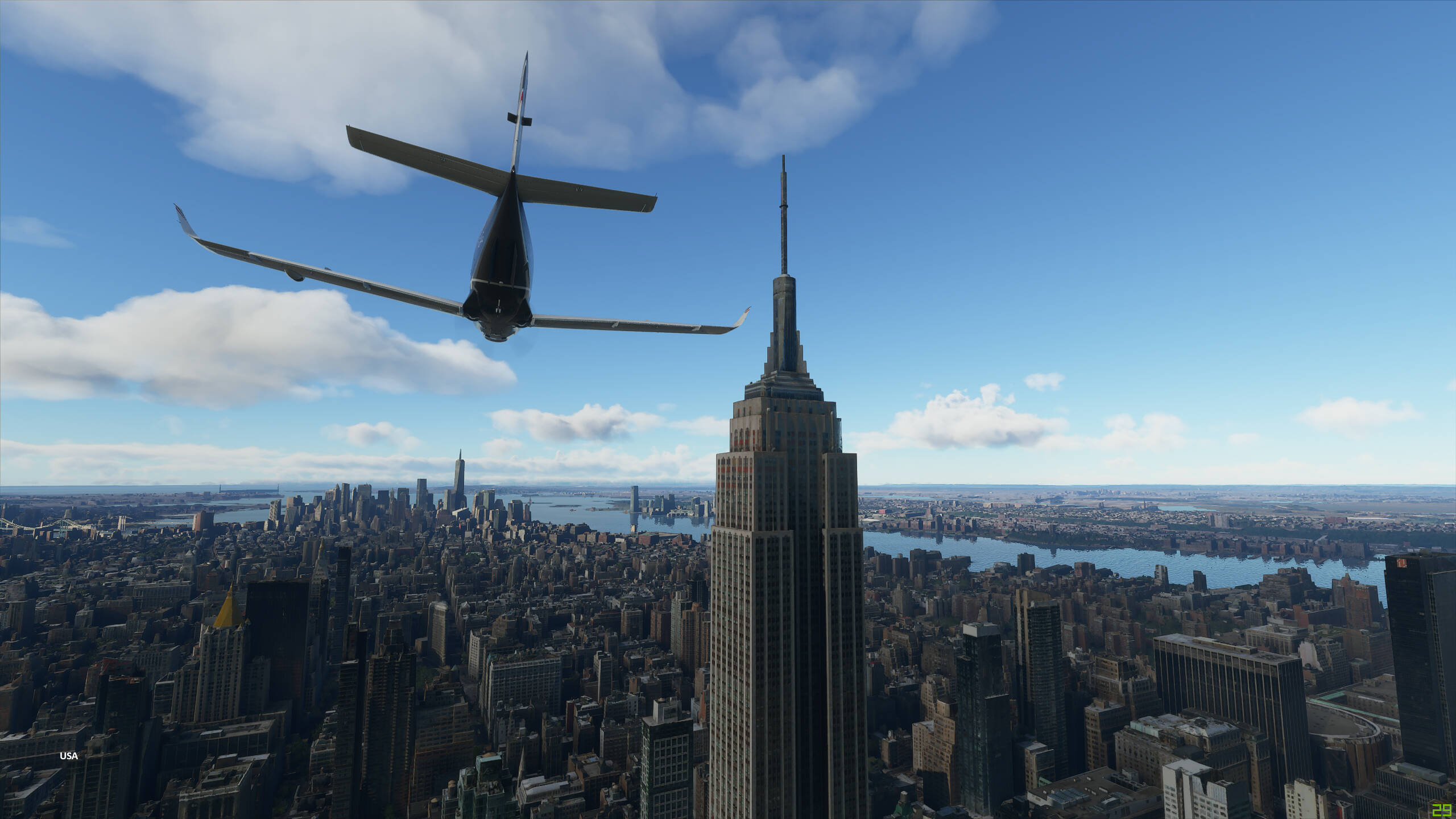
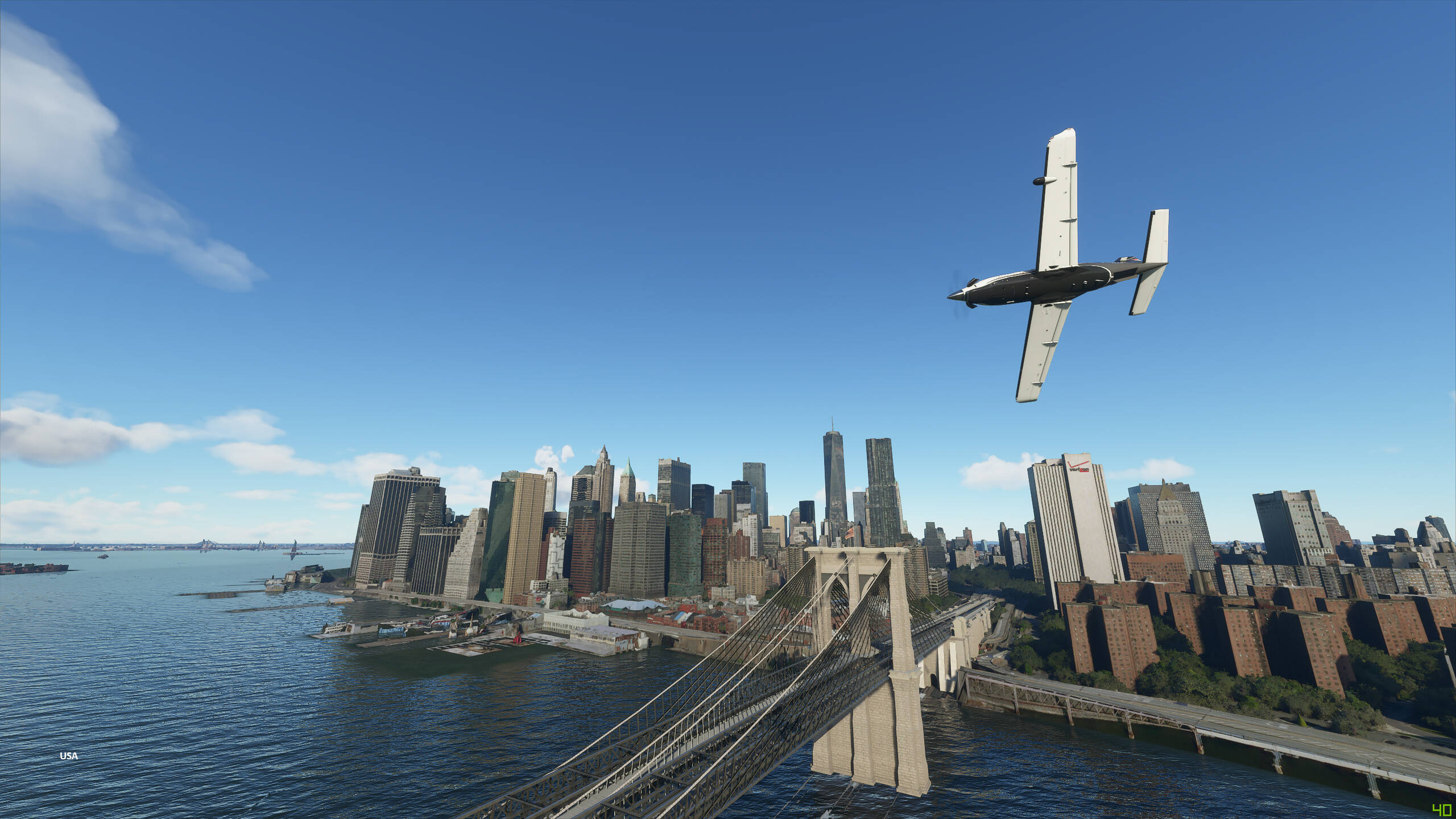
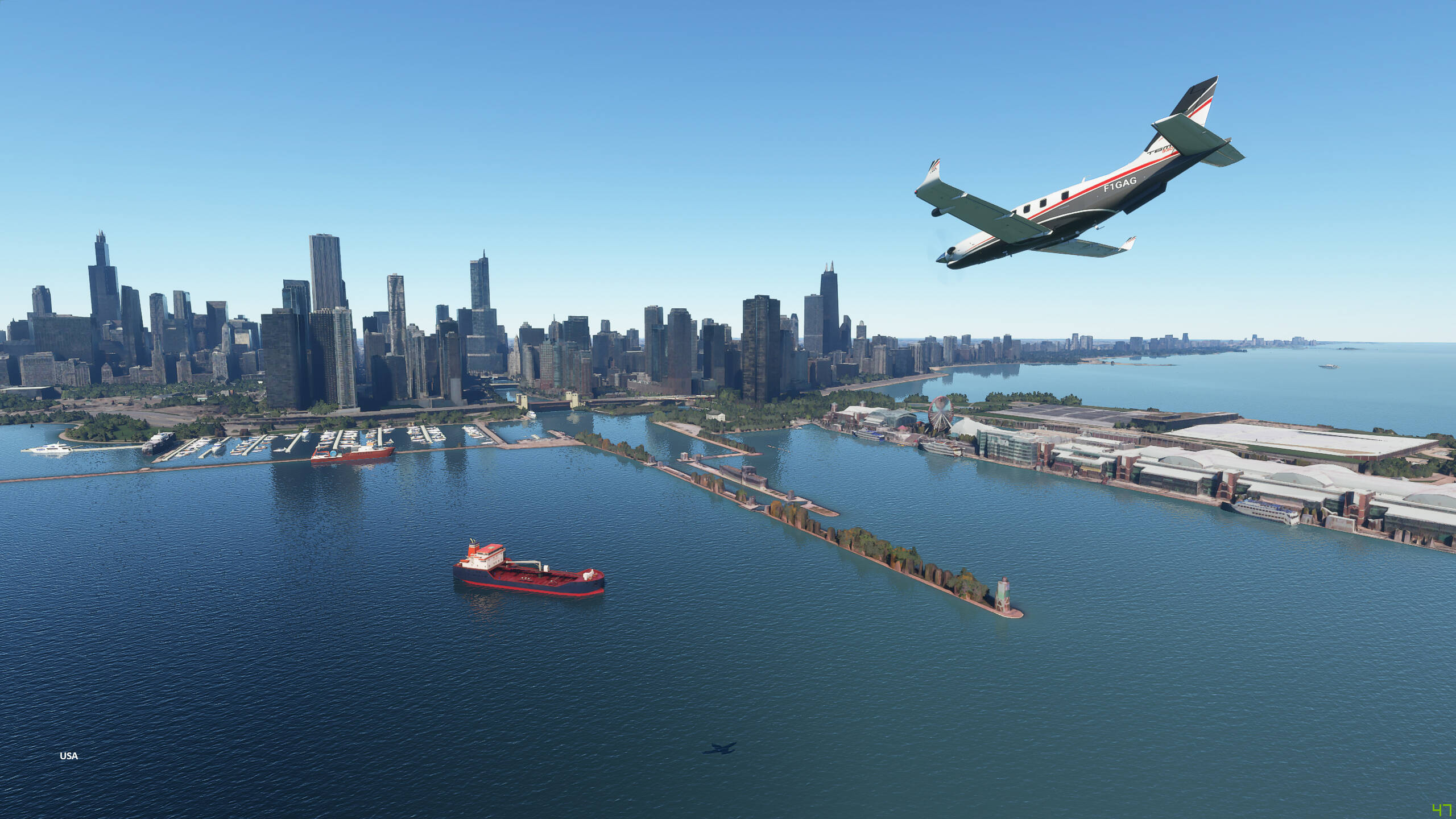
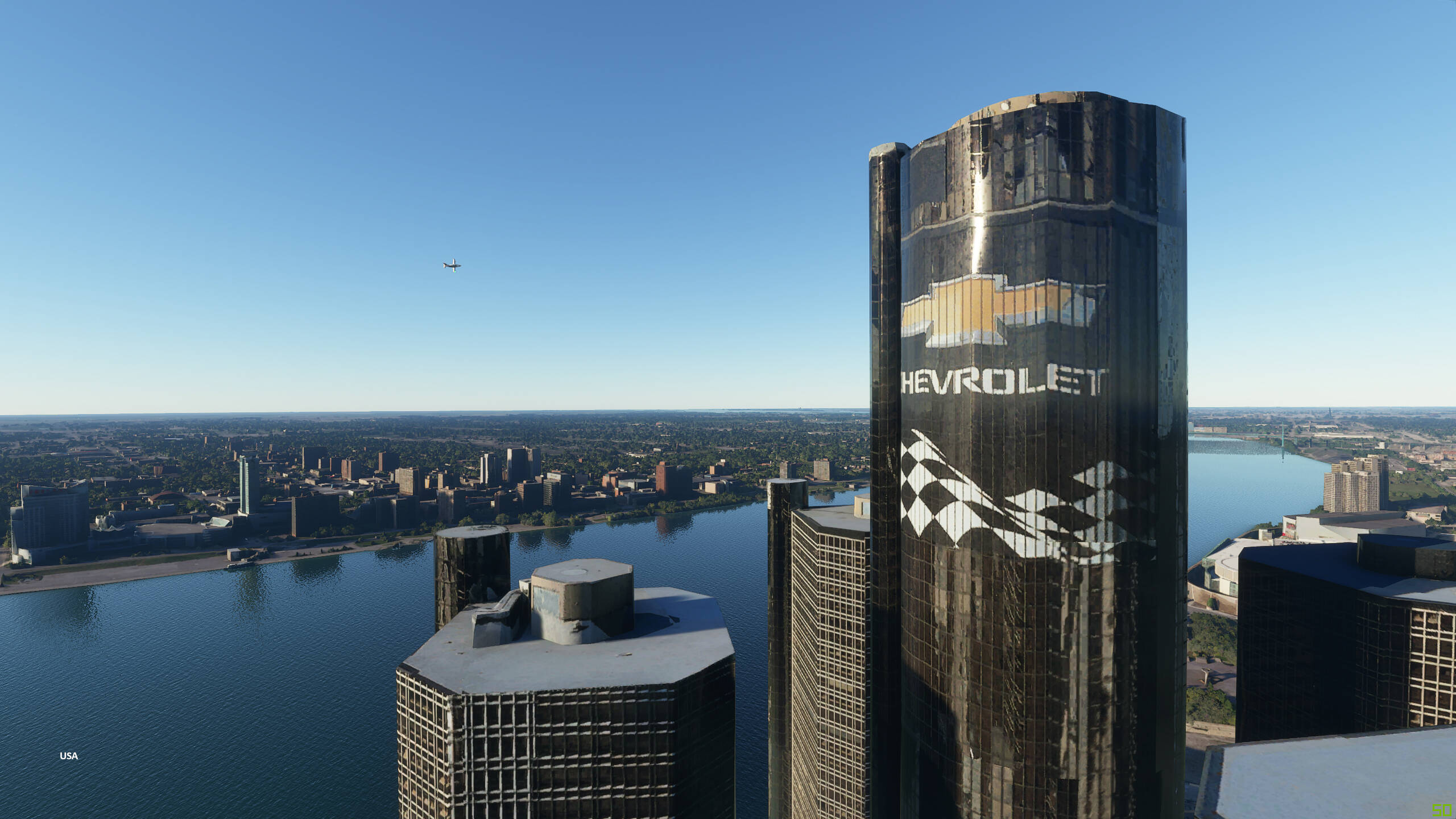
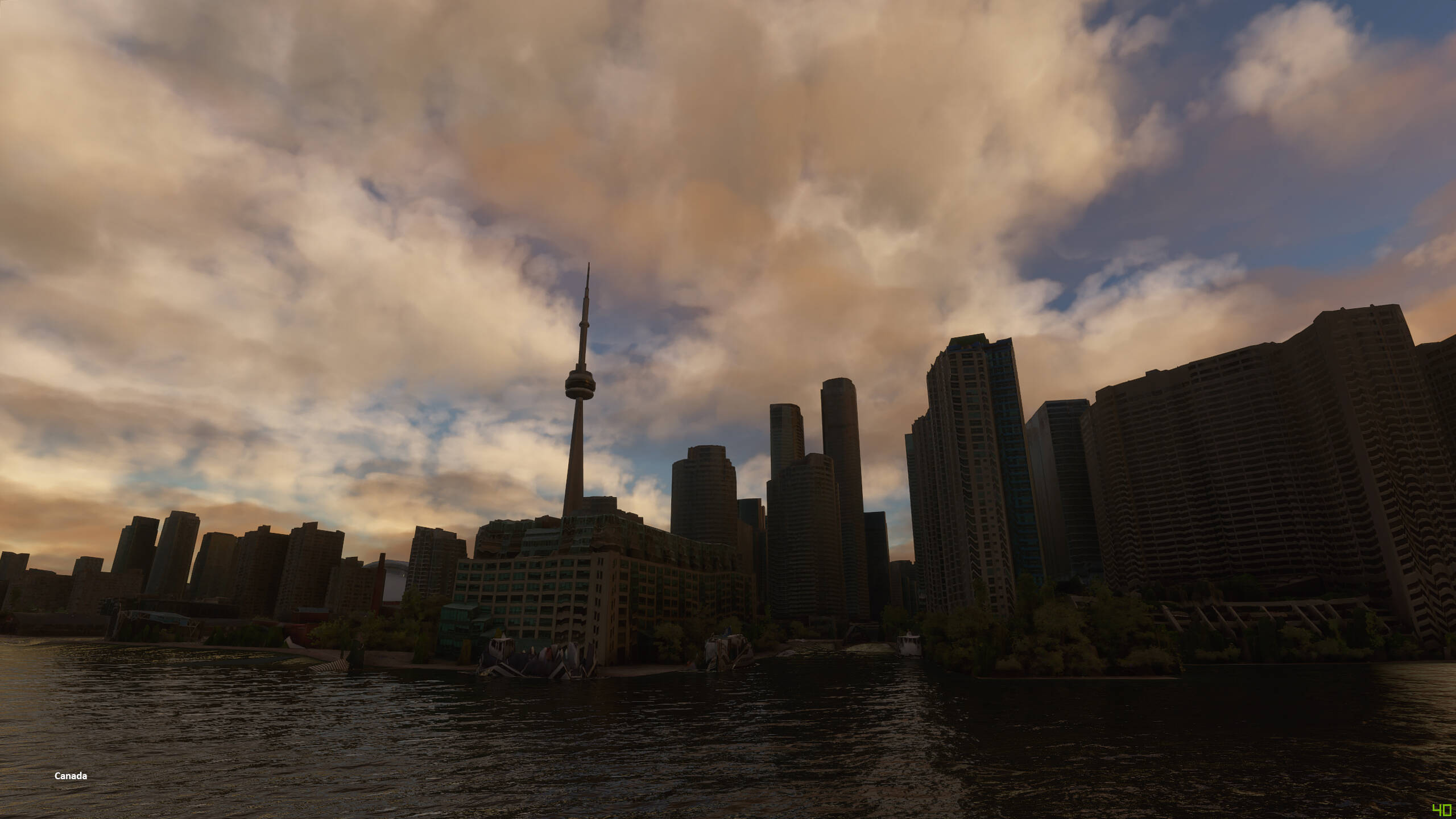
I would also be cautious about a thread where the OP first purchased the sim on Friday and on Monday posts here and calls buildings “melted”, must have absorbed the entire terminology of the FS community plus flew over the photogrammetry areas in a weekend, wow that must have been a steep curve
Probably other reasons too. I have a Ryzen 5800X, RTX 3080, 48 GB RAM (3200 MHz CL14) and a 1000/1000 Mbps internet connection and also have melted building issues.
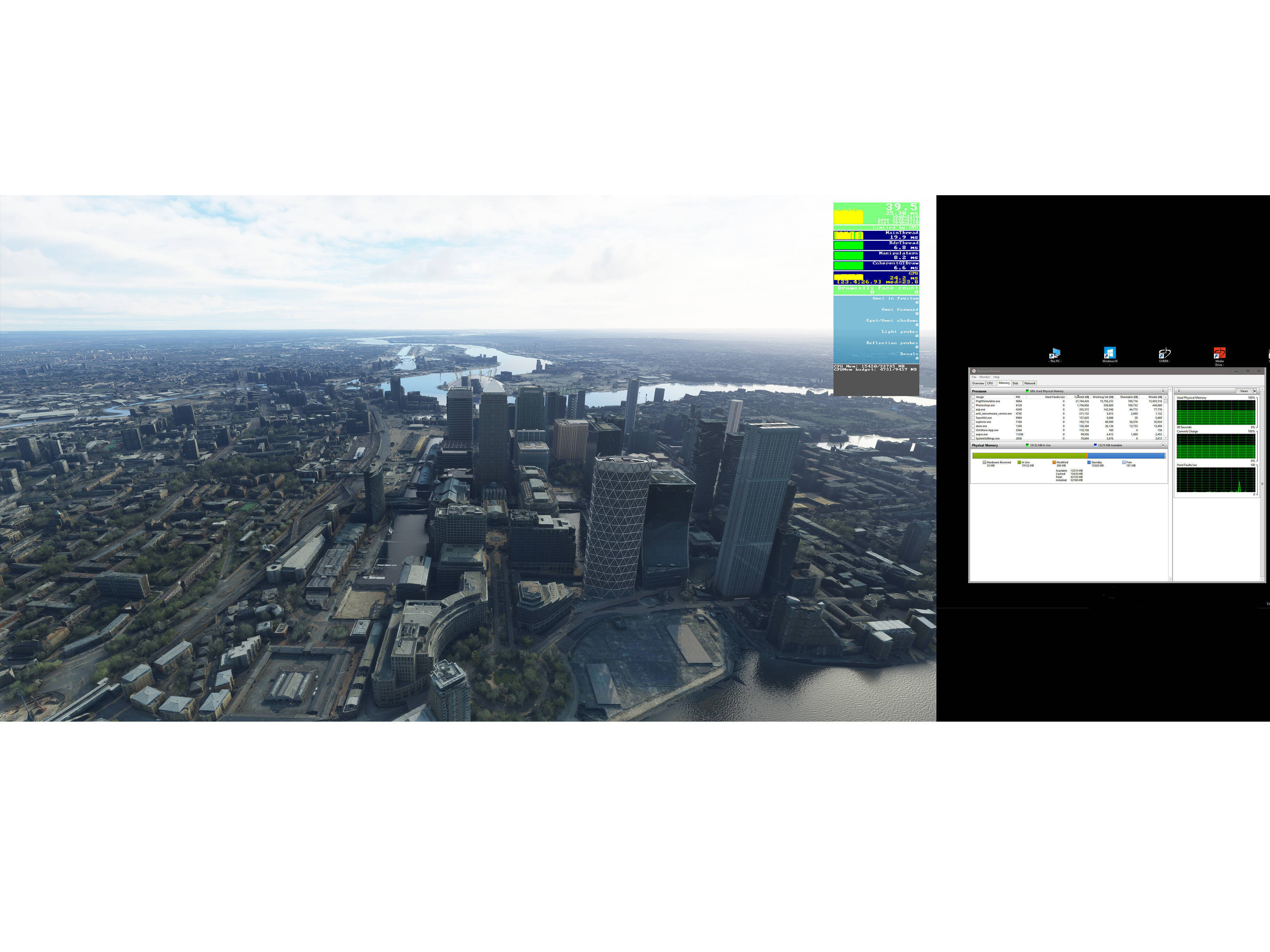
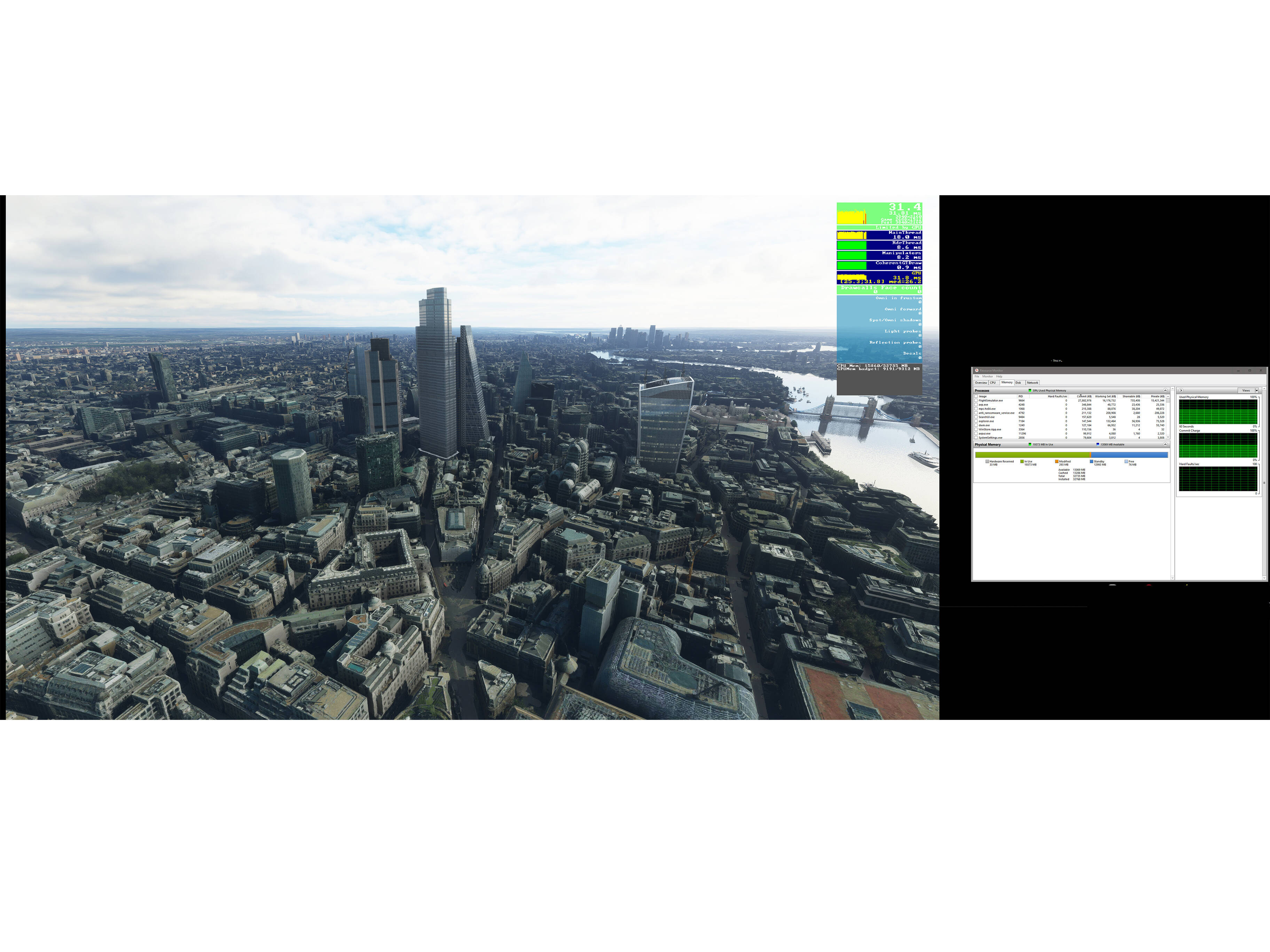
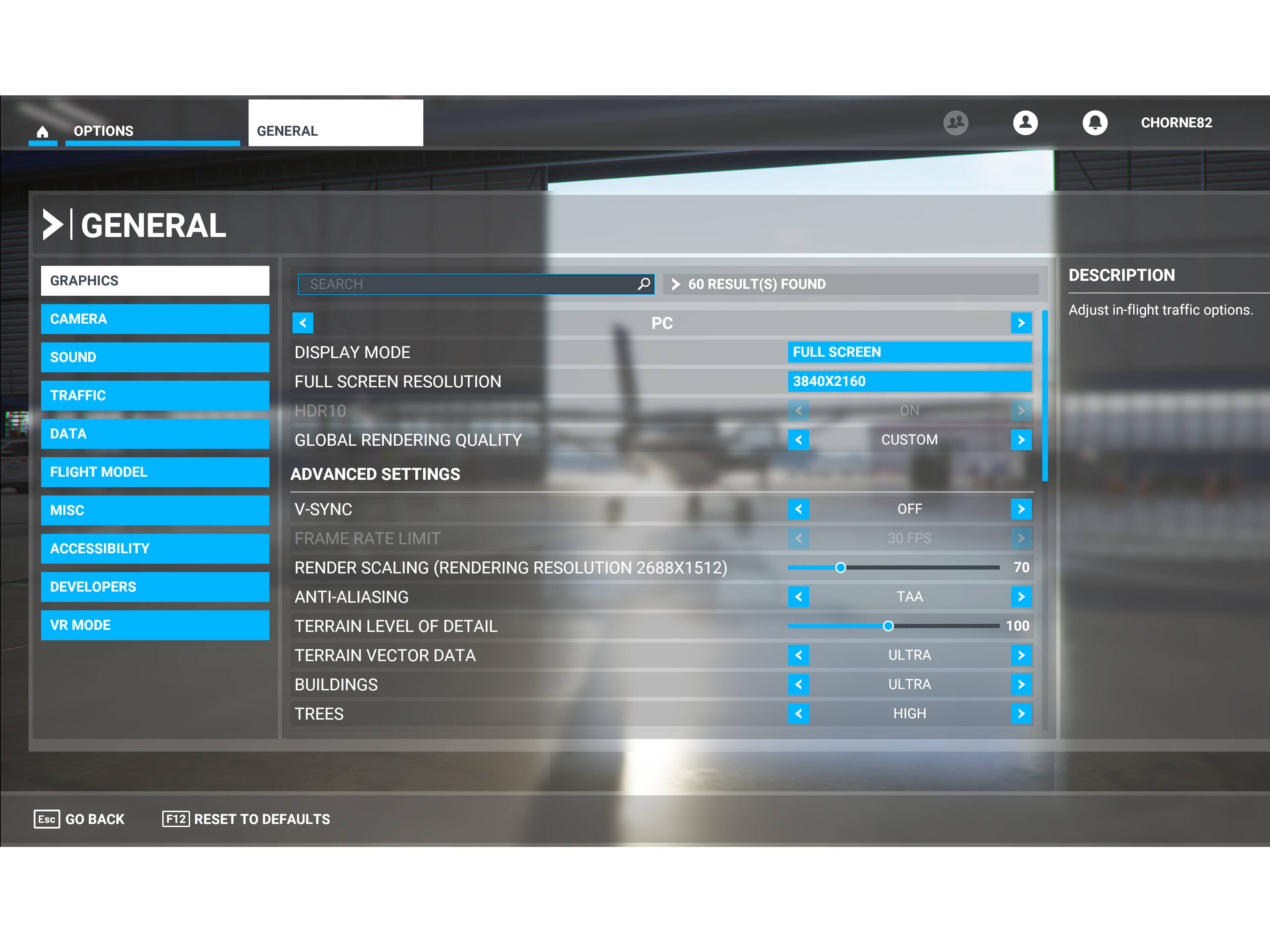
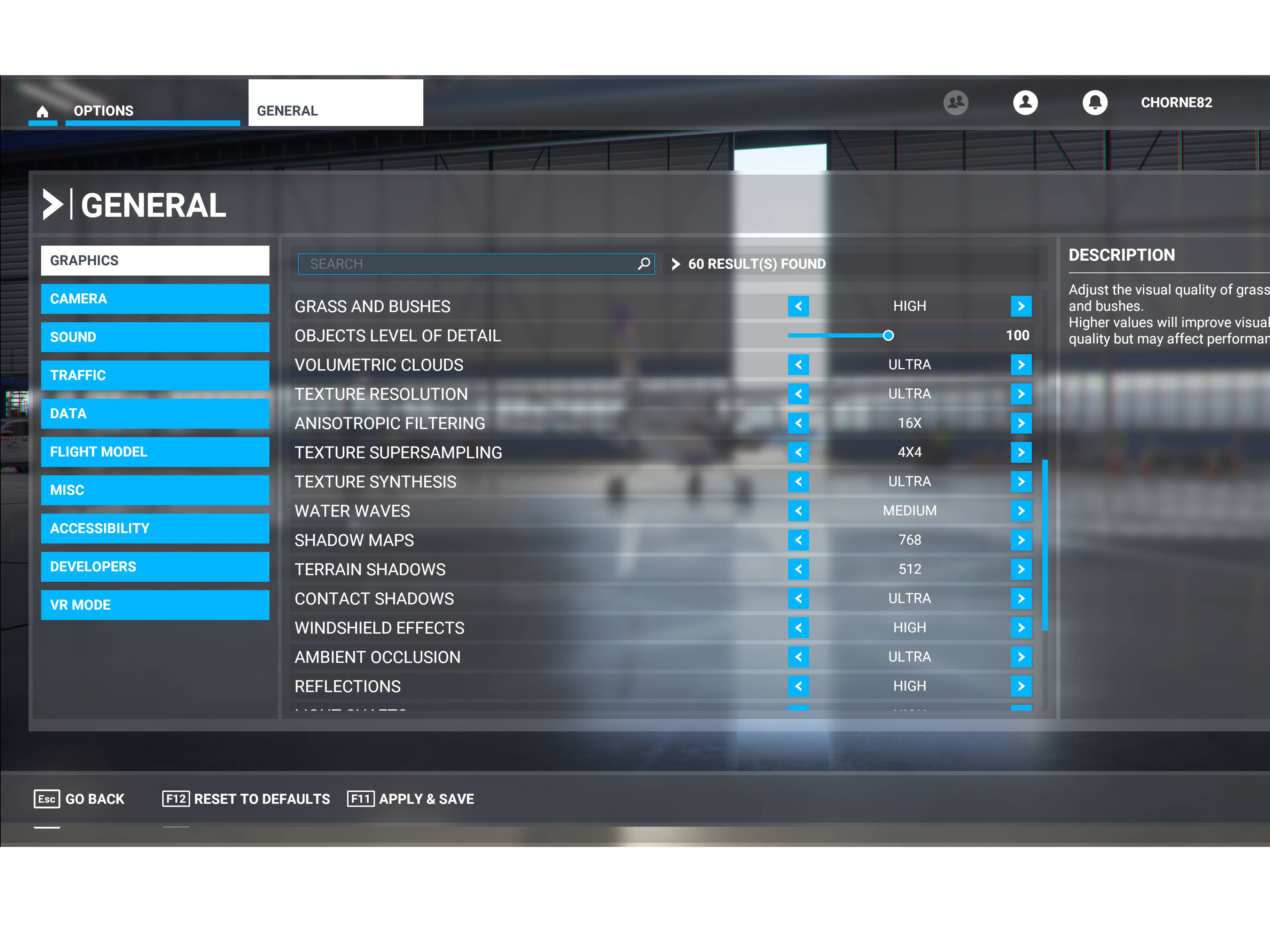
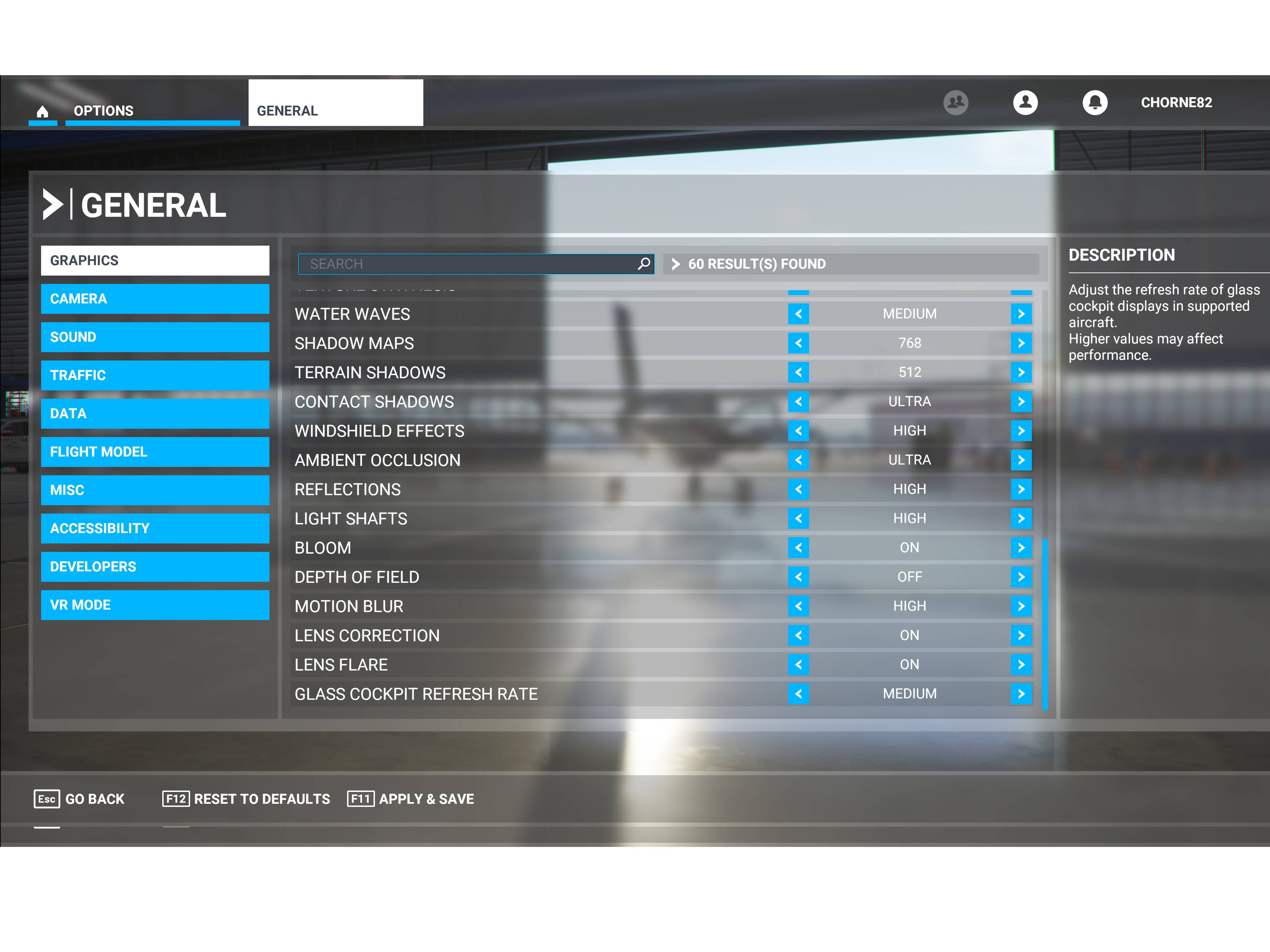
funny discussion… and no one ever asks about the graphics settings? i think the simulator is great and with the right hardware and graphics settings it all looks good! as you can see from the screenshots above.
Photogrammetry still has a long way to go before it gets perfect. Tokyo looks amazing in PG while certain areas like NY really suffer from melted building issues. ECgadget talks about this in the video below
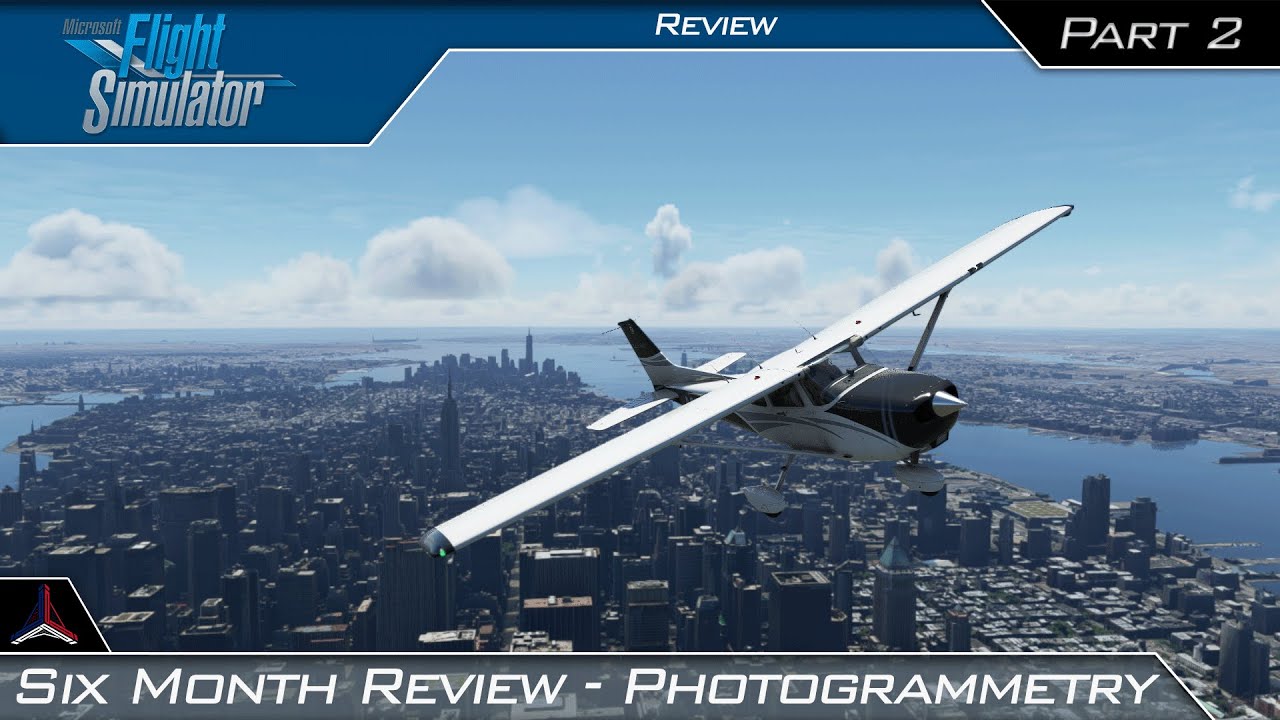
Microsoft Flight Simulator | Six Month Review - Photogrammetry NYC | Part 2
I am sure this issue will be resolved in few years as the Bing imagery gets better. If you don’t like PG, the best way to enjoy the scenery is to turn it off and use products like Drzwiecki Designs Chicago, Seattle, Orbx cityscape sydney, singapore etc which are really amazing.
I normally have PG turned off, I’m fine with the Auto Gen, but I only wished something could be done about toning the colour of the buildings down, the Autogen is too vivid in it’s colour, cities should have that dull grey weathered look with muted hues like you get from Photogrammetry, that in it’s self goes along way towards realism.
It’s not about the imagery getting better necessarily. NYC looks fine as can be seen in the pictures above, when rendered properly. The problem is the algorithm to display it. I find it interesting it works for some people and not others. Other than graphics settings, I wonder what the difference in that regard is? It seems as though it’s something more than internet speed or cpu or graphics card related.
I think also, the LOD radius algorithm needs a lot of optimization. But, it’s not an easy job with so many computer configurations to have to deal with… With the GPU target changing every year, and internet capacity so different around the world, it’s gotta be tough to work out the best path to optimization of what to display when.
I gotta say, however, why choose a cone as the first LOD to display? Is it that hard to figure out a companion point so at least it’s a rectangle?
As in the title, in big city i get graphic problem. They look as a nuclear war is started.
I think a picture can explain better then any word.
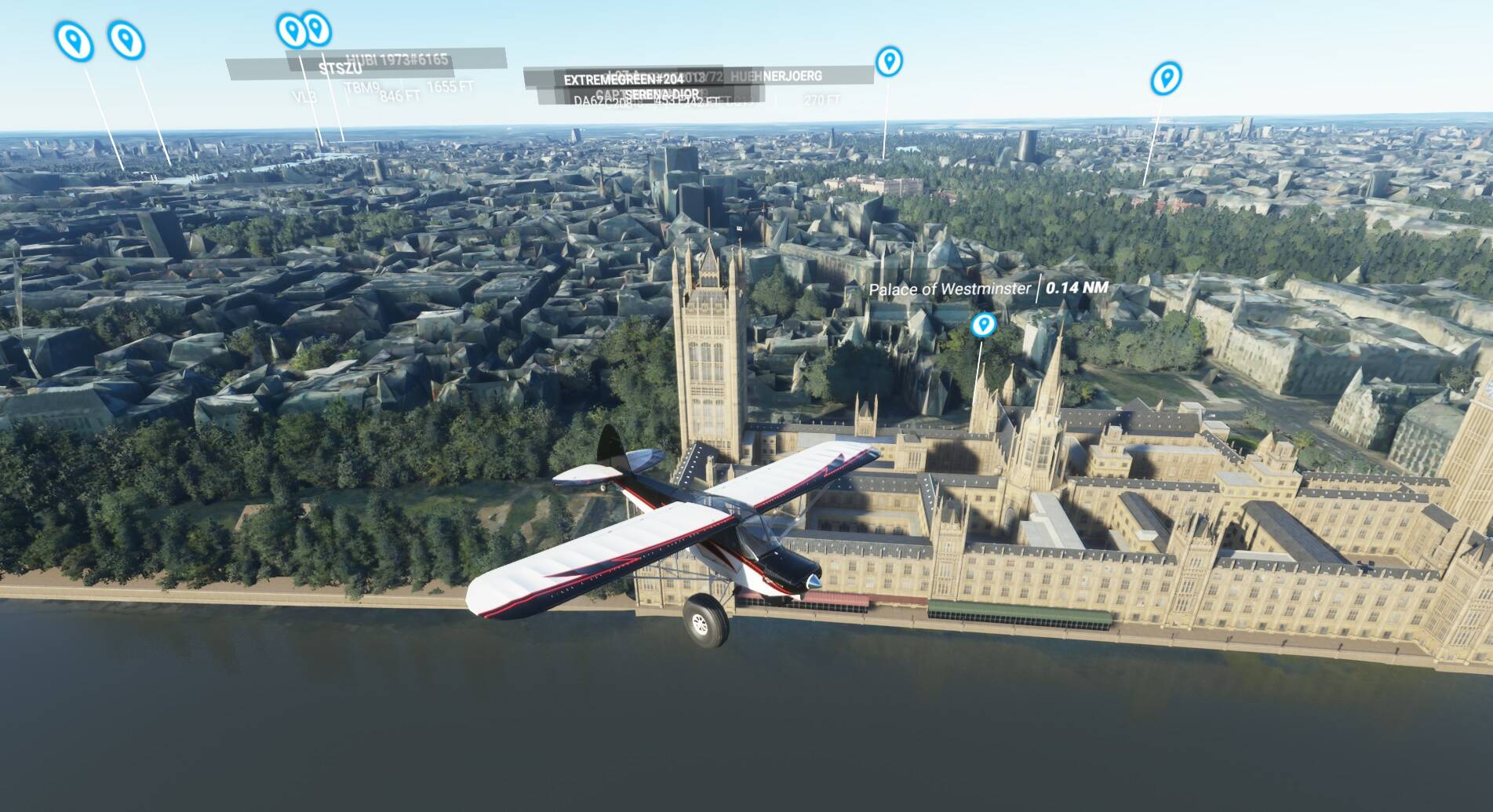

This is what I see in London, NY, Rome. In middle or small city I get a perfect photogrammetry.
But the strange thing is that the handcrafet POI look in a perfect shape. Only the 3D bing scene is broken
Of course photogrammetry and bing data is set on.
My spec:
laptop
CPU I7-8750H - Nvidia 1050Ti (4Gb) - 16Gb Ram - SSD. Internet speed 30Mb
General graphic setting is on MEDIUM
Thanks for any help
If you have a big enough rolling cache and fly over the same areas again and again, the scenery gets better on a faster rate. That’s because the cache contains the HTTP calls you would have made flying over the area for the very first time.
I’ve flown over NYC enough times that this is the case launching out of LaGuardia and headed south over Manhattan.
Over time that likely happens to in heavy PG new cities like the UK Scenery - theoretically. Hasn’t happened to me yet, but I’ve only launched out of Northolt twice headed for London Center. So far it’s really not gotten any better.
Can we add this to the already listed and voted upon photogrammetry bug? New threads just dilute the issue.
Can we please merge this into the already created and voted on “Please Fix Photogrammetry” bug? Additional threads and comments just dilute the issue.
Ok , thanks everyone , I’m gonna adjust my settings according to what some of you have posted on this thread . I also have 16Gb of RAM not 32Gb (my typo mistake ) . Placed an order for 64gb ram coming in today/tomorrow. Maybe my Ram is not rendering quick enough ?