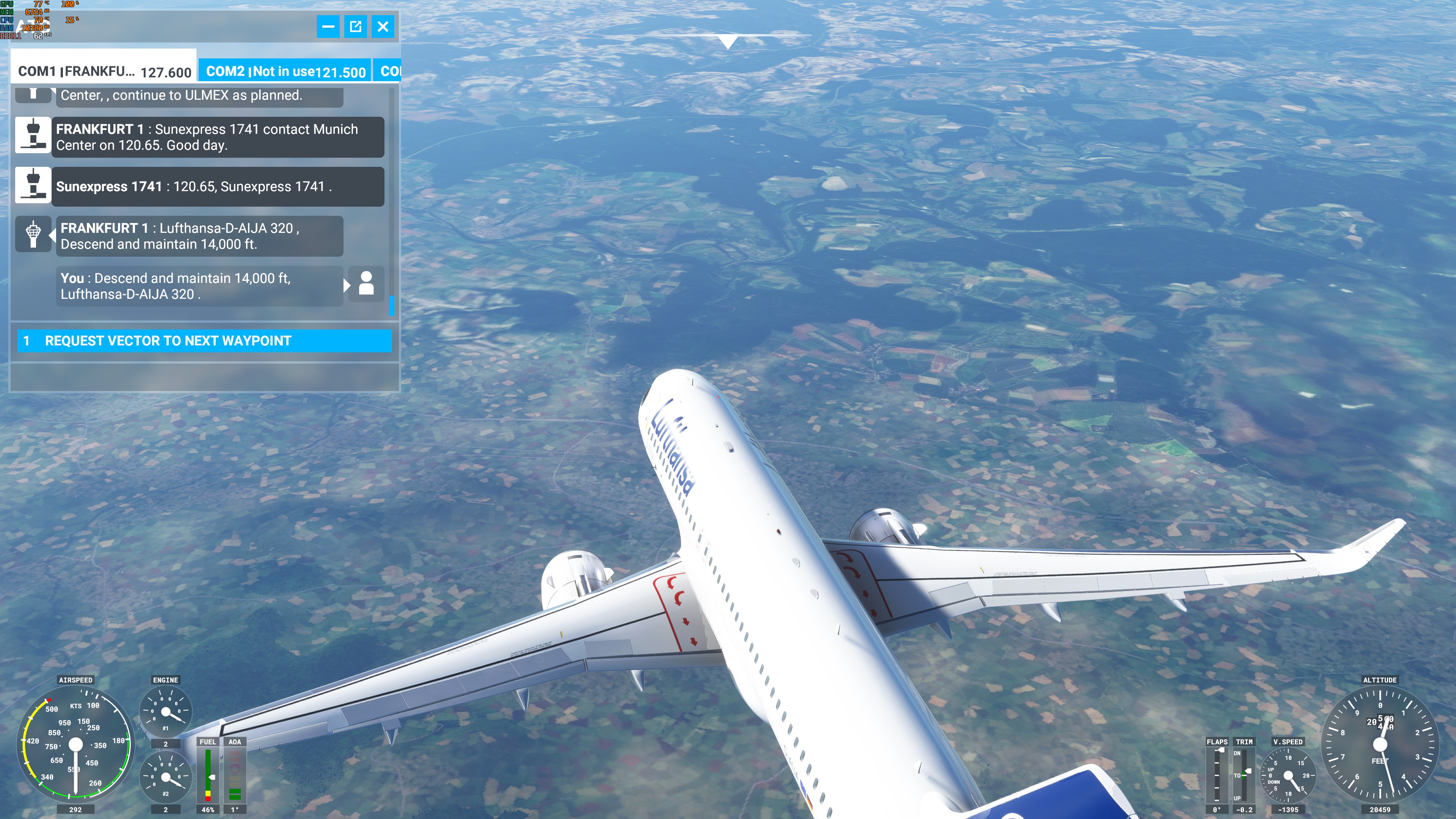
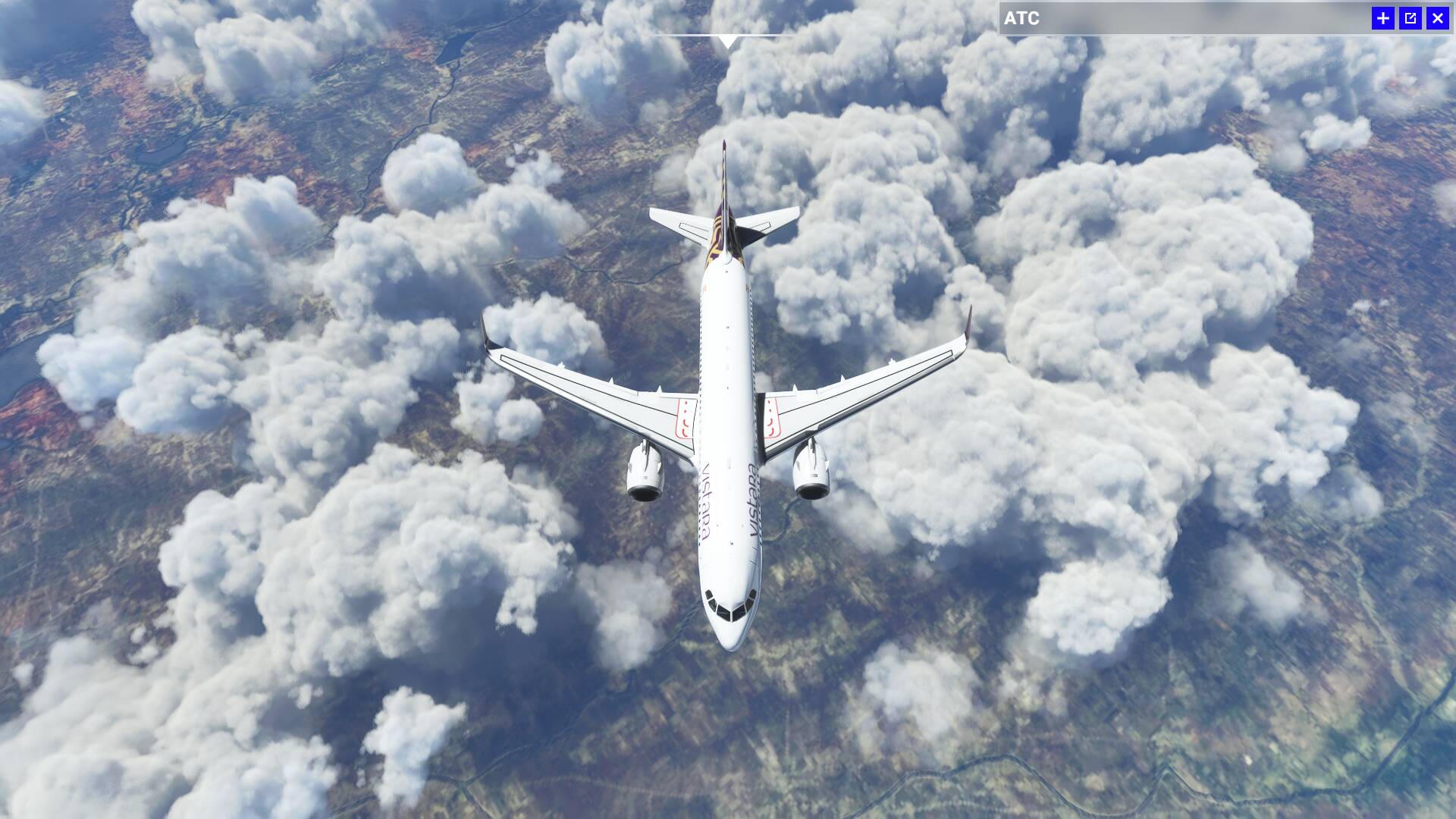
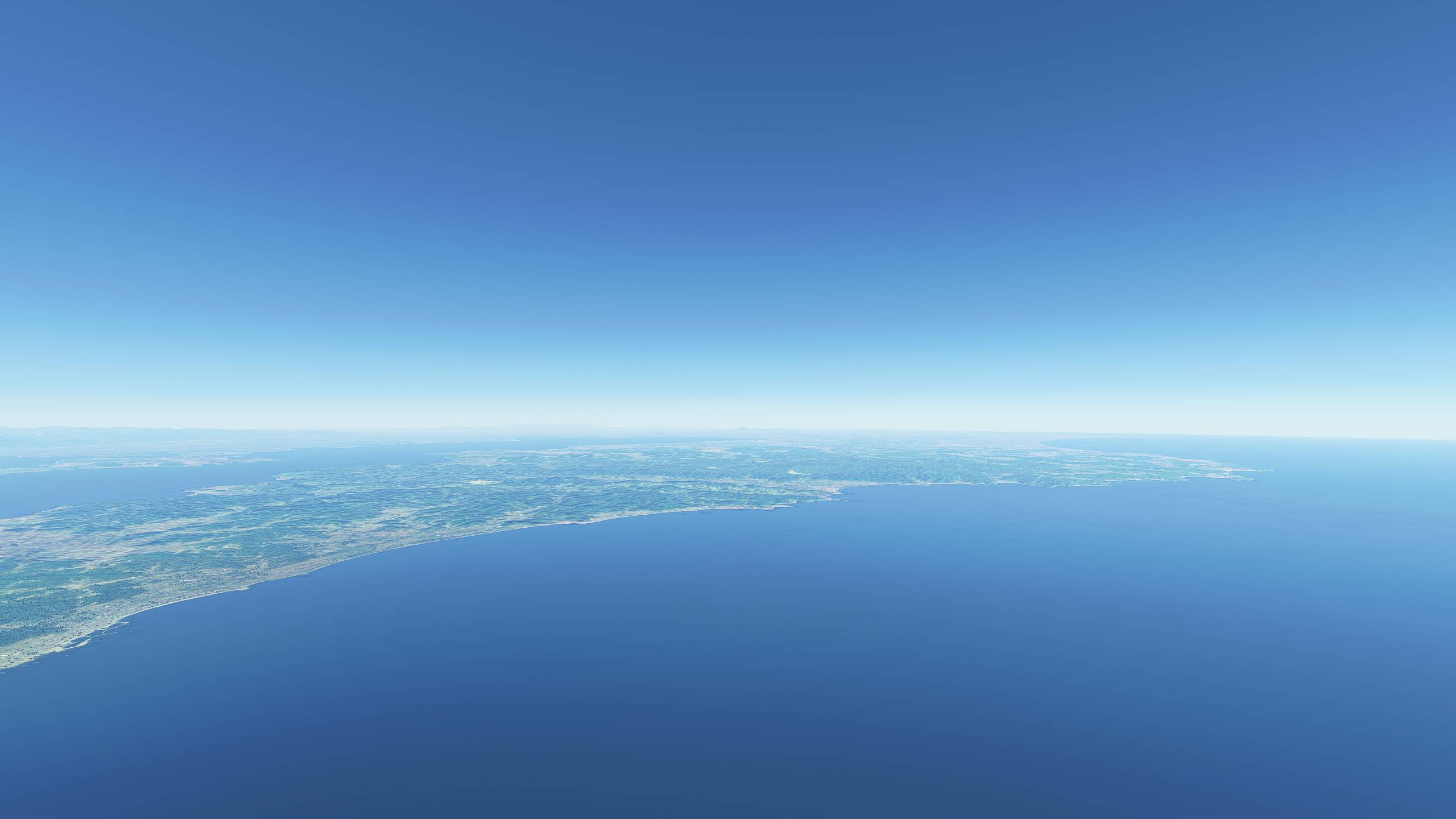
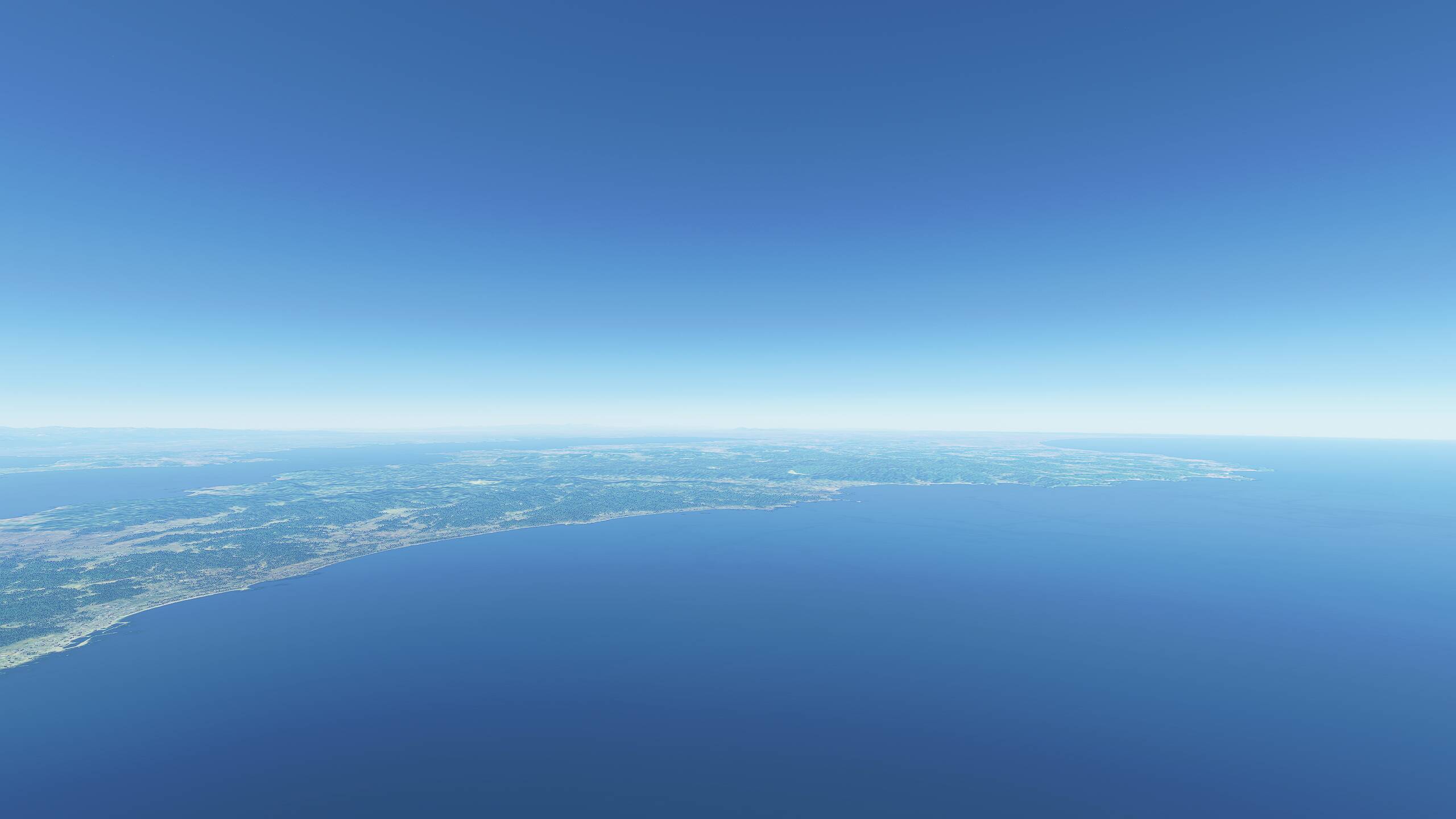
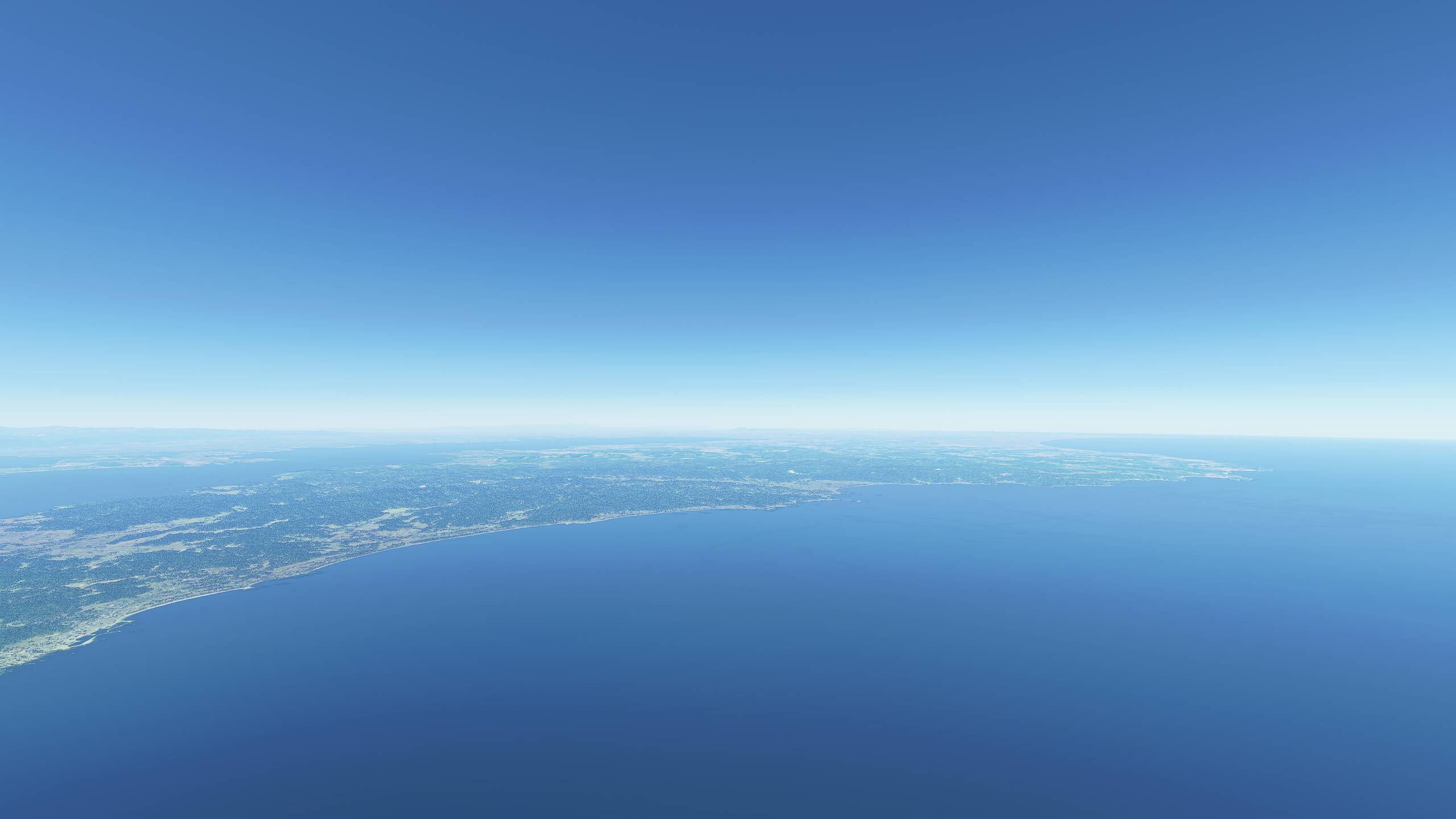
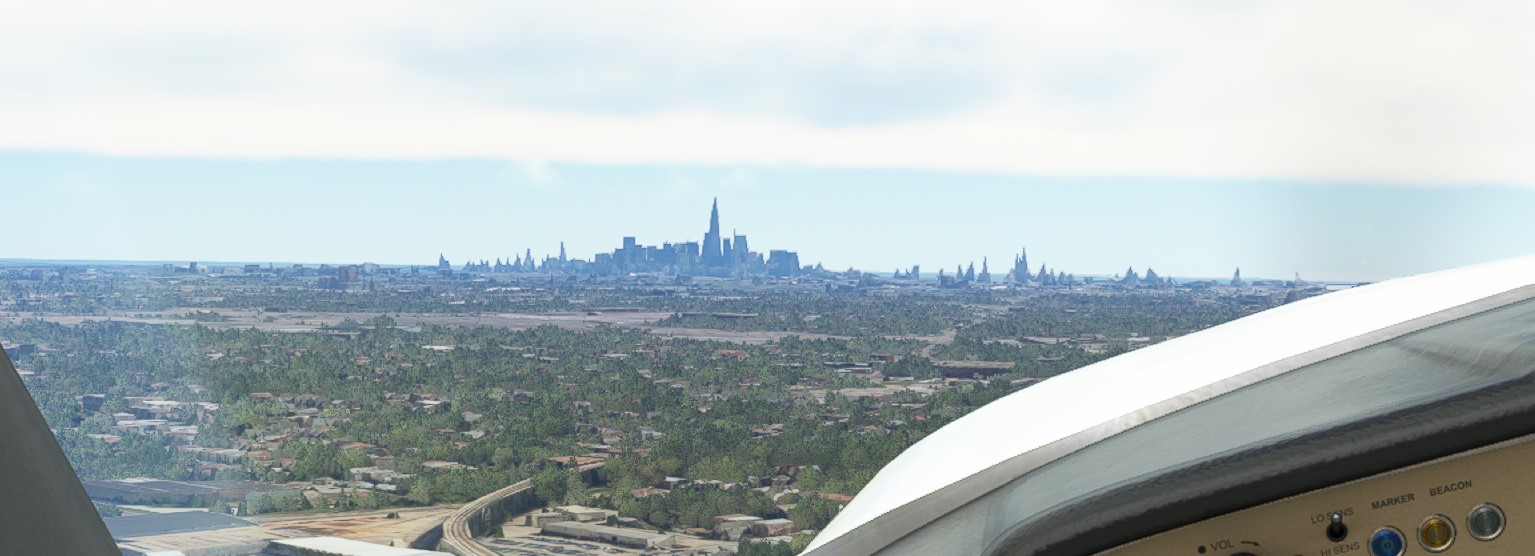
Is this blurry normal at 20000ft?
Settings:
- 4k
- Everything on Ultra
- LOD 150
Yes, this is “normal”/expected with SU5 as part of the performance updates, unfortunately. Hope it will change.
This new Sim Update totally ruined how LODs function on the PC version of the sim. I look at the Series S and X versions of this sim and shake my head in shame knowing that those versions manage to look better in greater distances during movement. In photogrammetry cities including Paris, France, areas look so mushy compared to their Xbox counterparts. It’s almost insane how such a downgrade was overseen by Asobo’s development team.
Can I ask, if you’re running the game in 4K and Ultra and seeing 60fps, why do you only have the LOD at 150?
Try manually editing the usercfg file and setting it to 350 or 400. You will see a huge difference.
wich parameter is this in the usercfg.opt?
thanks for the information.
Would you include Bing satellite coverage in the photogrammetry category? If not, can’t find a solid thread on this:
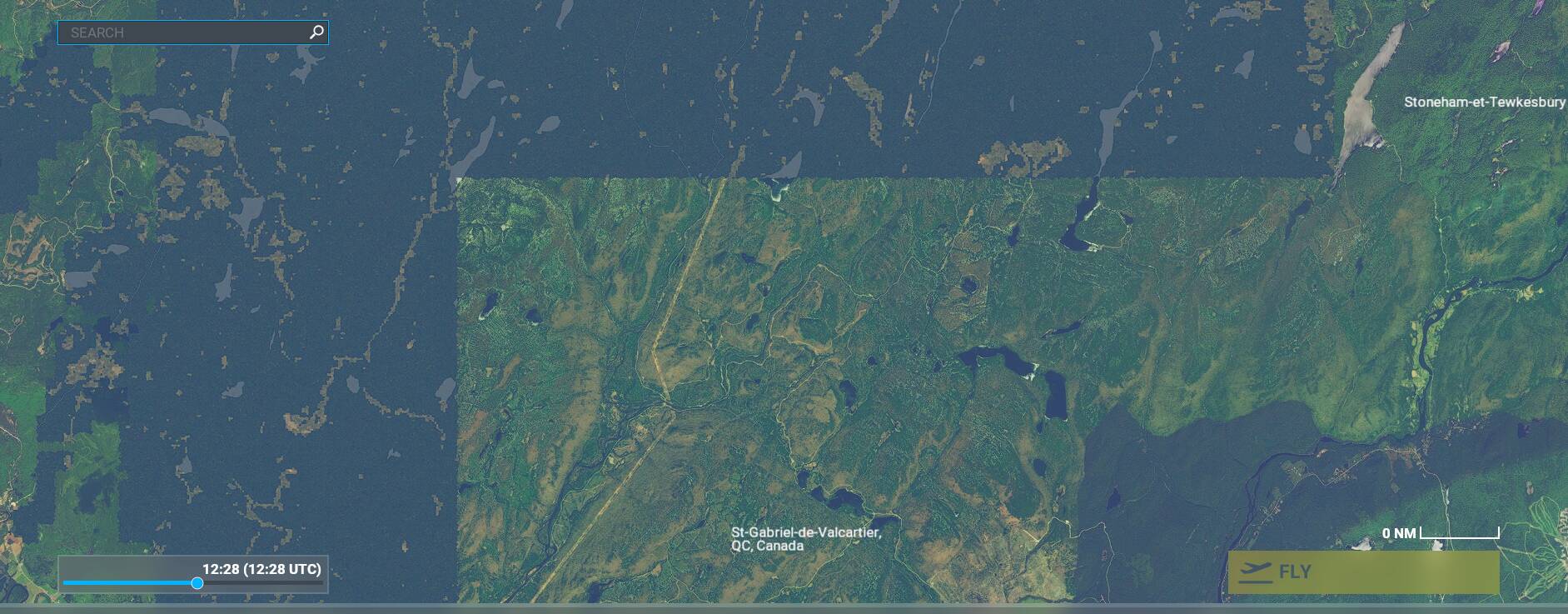
As most of you know, Bing satellite images don’t cover the whole earth. Most of Canada is not covered when you flight VFR at low level. I first thought it was just for very remote areas but I realised it is even starting just 50 km North of Quebec city for example which I think is not so remote.
As I like to fly out of cities in semi or remote places (Northern areas of Canada, Yukon, national parks, etc), it is discouraging me to follow MSFS pitch of «discovering the planet».
Here is an example of bad coverage just North of Quebec city, the transition from satellite to FSX style:
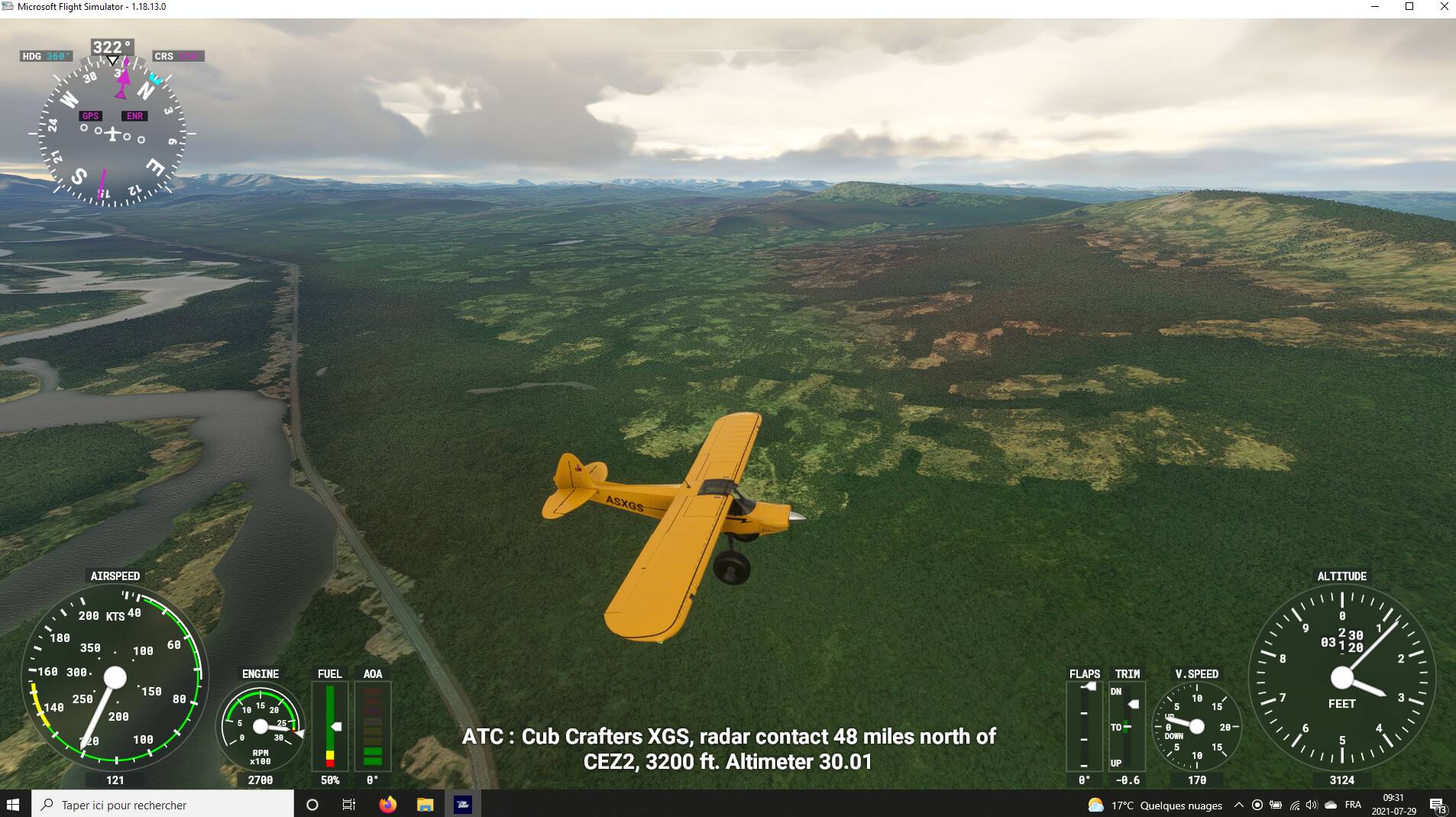
And another one in North of Yukon where I wanted to follow the route of my mother that is canoeing right now the Snake river (at 75 year old!) but there were no reason to fly there with this scenery:
That’s a completely different issue. Asobo can’t do anything about data which simply doesn’t exist.
Well, the data exists but maybe not at Bing. If you zoom in for instance the map of the Bushtalkradio site, they clearly have the data but I don’t know the source.
Maybe I should start another thread.
After SU5, I checked the LoD that can be edited in the UserCfg file to see how much of an impact it has.
Terrain : LoDFactor 2.000000
ObjectsLoD : LoDFactor 2.000000
Hi!
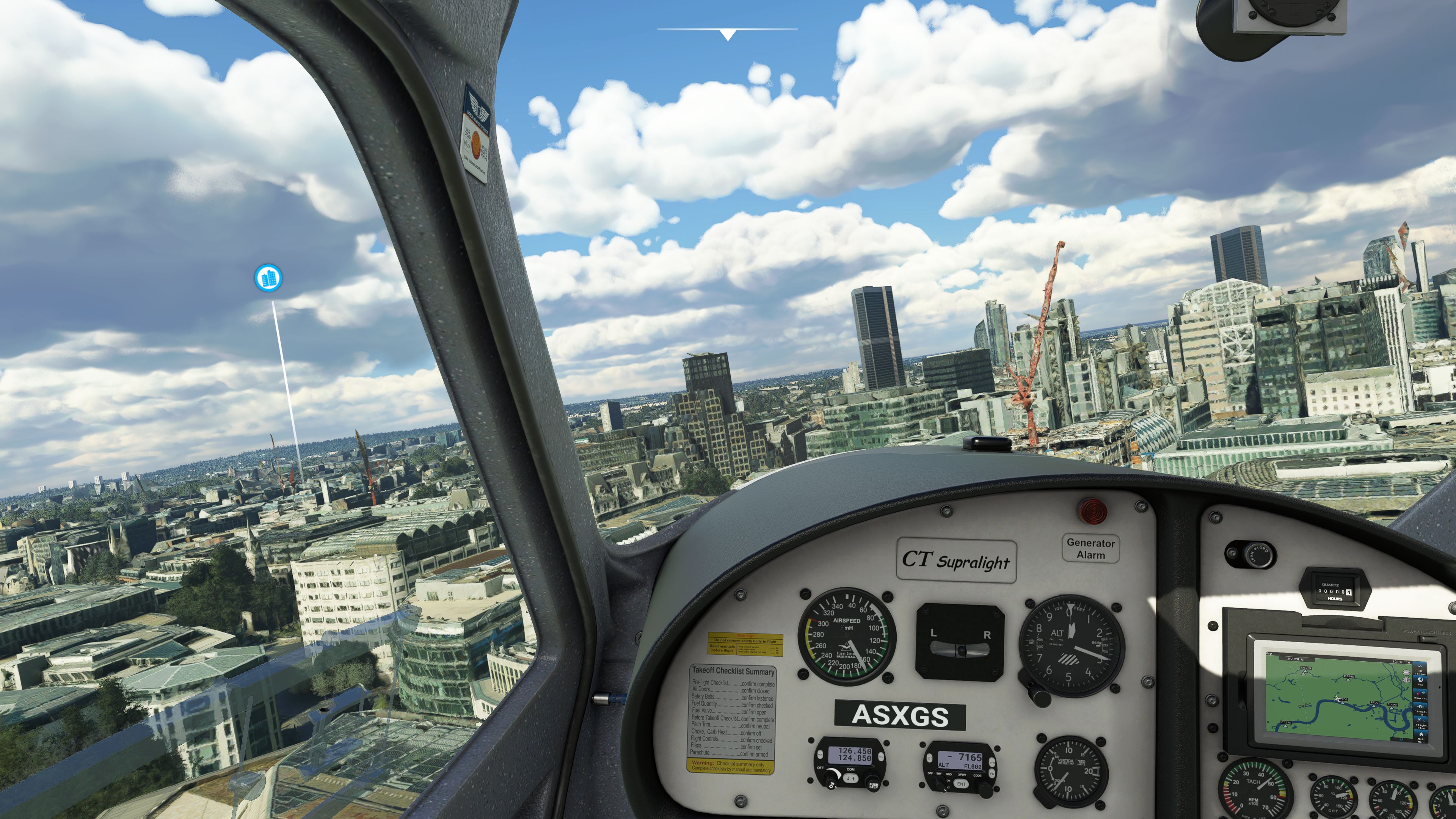
I have some problems with “melted buildings” as you can see in the attached picture.
What am I doing wrong!?
Look for example on the right side…and the crane.
I´m running all settings on high, sliders at 100.
If i disable photogrammetry I dont have melted buildings, but also no photogrammetry.
Thx!
Tom
I have the same problem, i think its MFS related
Chicago indeed looks horrible. I do testflights coming from KGYY every few weeks since release and after passing the ridiculously huge AI-constructed warehouses and factories along the south coast of Lake Michigan it now gets worse when the Chicago skyline comes in sight. It’s a show of brown peaks and pyramids. It looks absolutely horrible and is a mess.
Since the update I found I could push the LOD to 200 without becoming a slide show as would have been the case previously. There’s still a hit but nowhere near as much so I suggest you experiment.
The problem is not only the range here, the problem is the new rendering technique that they have applied…
I think a lot of the photogrammetry cities are like that, at least Salt Lake is the same. You see nothing but the bare slope where downtown sits until 10 miles out then suddenly a mass of garbled polygons pops in that barely resembles the skyline for another 5-6 miles. That’s with almost everything on ultra, sliders maxed, etc.
True, the photogrammetry resolution gets better the more you close in. Last poppings appear as close as around 1 mile.
Maybe the current photogrammetry data fidelity isn’t that well suited at all for some places.
I think the popping will be fixed by better modelling and DX12 when we get it but realistically better photogrammetry can only come from Bing.