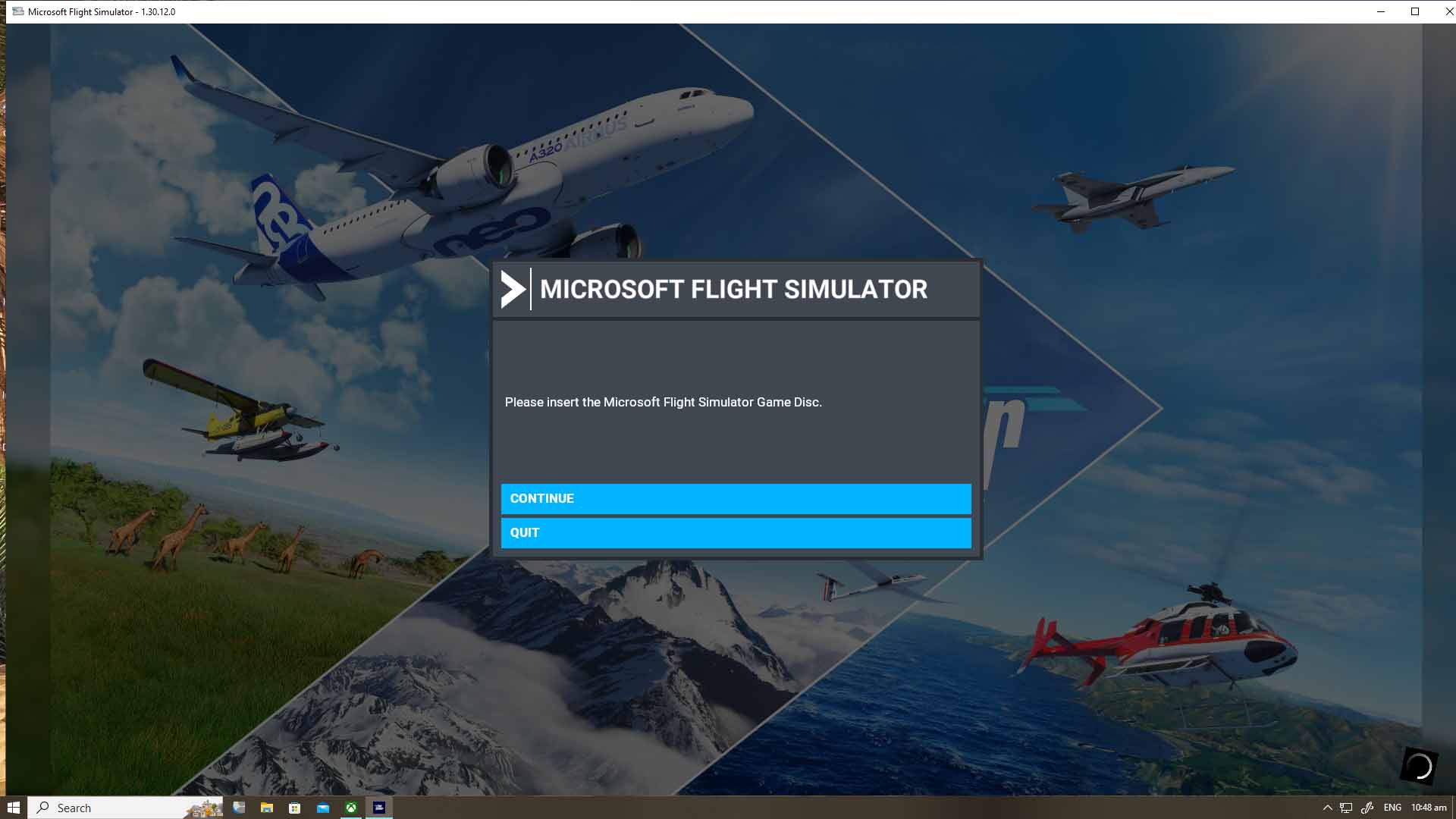
Hello, I have this message when I tried to fun my MSFS 2020. I am subscribed to PC Game Pass and its the first time that I had this message. Please help. My game is updated to the latest version, and I am regularly paying the monthly subscription. The screenshot is below. I appreicate any help. Thank you.
see Support at top of forum
I had this occur a week or so ago and a quick fix for me was the suggestion from the article above to “sync time settings” within windows

Even though I had automatic sync enabled, I did notice it had been a few weeks since sync had occurred and it immediately corrected the “Insert Game disc” message.
Interesting. So some form of encryption issue perhaps? Do you remember how far off your clock was?
Was using the sim and it was working fine… After installing another Aircraft it came up with insert disk.. Is anyone having the same problem?
Thanks
Paul
Had the same problem couple of days ago. The internet search is your friend, but I just fired it up a few times and kept pressing the yes option. Sorted it’s self out.
Open the Xbox app and see if you are still logged in. Probably not 
Log in and the problem must be solved.
Hi all, I have not been able to fly during the past week, been too busy, I did try today and each time I try to start the game I get a message to insert the game disk. Are there issues? Or do I need a new PC?