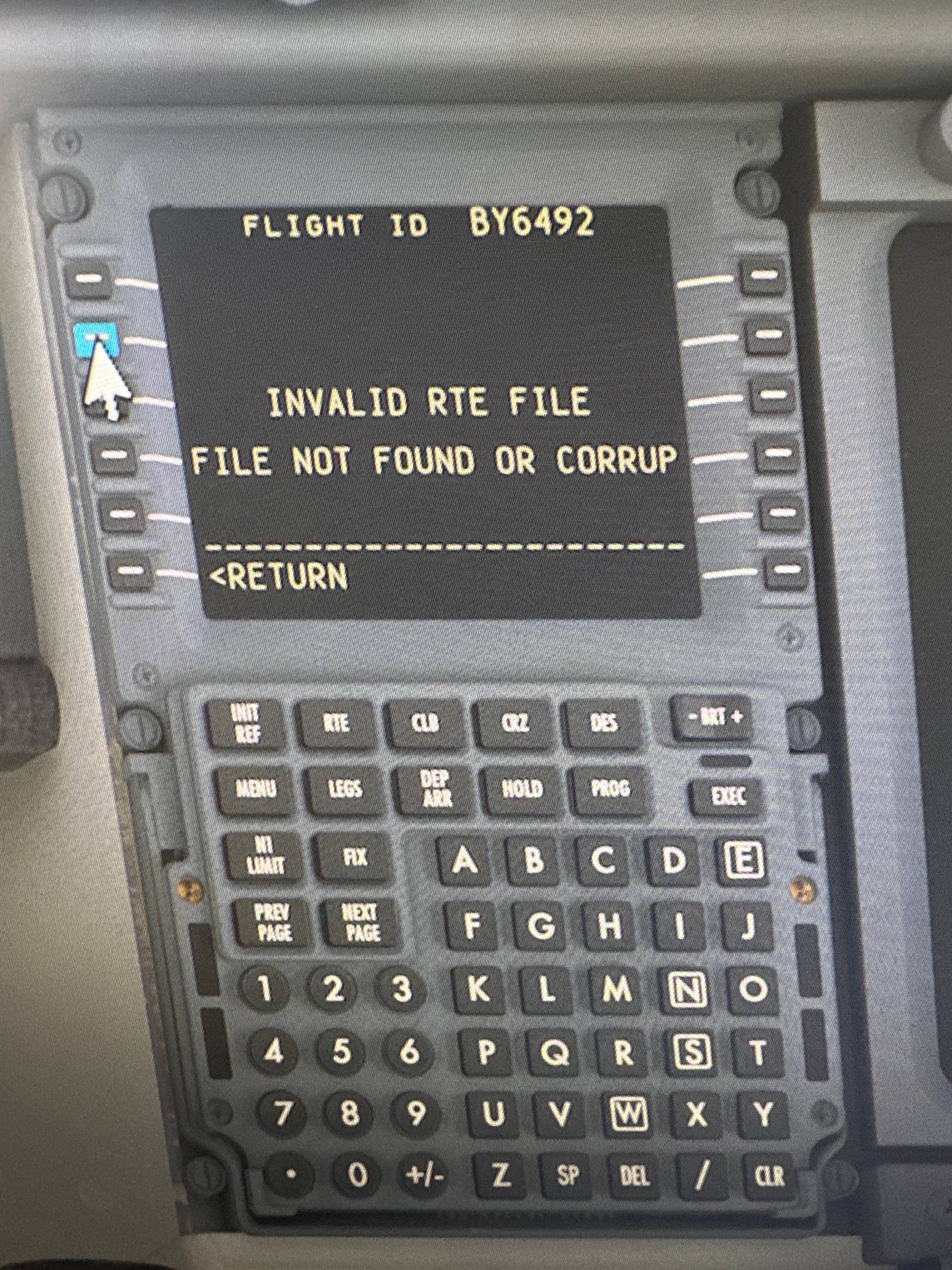
I’ve just upgraded my PMDG 737-800 after switching from MSFS2020.
I’m having issues pulling the route through from SimBrief via the FMC. My SimBrief username is saved into the EFB and I can pull the route through via that. But when I click FLT PLN REQUEST then click SIMBRIEF RTE EGBB-LEPA it says “INVALID RTE FILE FILE NOT FOUND OR CORRUPT”.
I am having this exact problem on 2024 having moved from Xbox to PC. It was working perfectly on Xbox but not on PC. I downloaded the nav data onto the UFT as I normally would have on Xbox but someone said something about needing to do it from Navigraph hub so I’m going to try clearing the data in the UFT and trying again via Navigraph hub tonight and see how that goes
I’m having similar issues with the PMDG 777F FMC on PS5. You can create an account and then a ticket on their website. Be very detailed in your ticket submission and include screenshots, the more people that report this wonky behavior the better evidence they’ll have to track down the root cause!
Thanks for responding, I’ll get a ticket submitted. I did initially request a refund but they denied it so I’m stuck with something that currently doesn’t work as intended.
Oh so you’re on Xbox? I never had this error on Xbox and just managed to fix it on PC that I’ve just moved to this week. If you try a factory reset on the UFT settings and then set up again and update nav data it seems to work. Granted this is on pc but worth a shot
The tablet in the aircraft (UFT is what PMDG call it). There’s a page shown as sliders for settings and down the bottom there is a button for factory reset.
Did miss the Xbox tag but mostly because it’s the exact problem I had