It’s p. 25 of the Introduction document.
1 Like
Don’t have it yet, but I fly with headphones.
Obvious Q, when your using Headphones you should have Headphone Simulation set to ON?
TG
Not sure about the right mouse click, only time Inusebit is tonset std pressure, but definitely hearing the noise and like you say I currently have no isea what it is its like a repetitive but slow/soft clicking sound.
I literally was on that page and didn’t see it. I need sleep. Lol
Thank you!!!
2 Likes
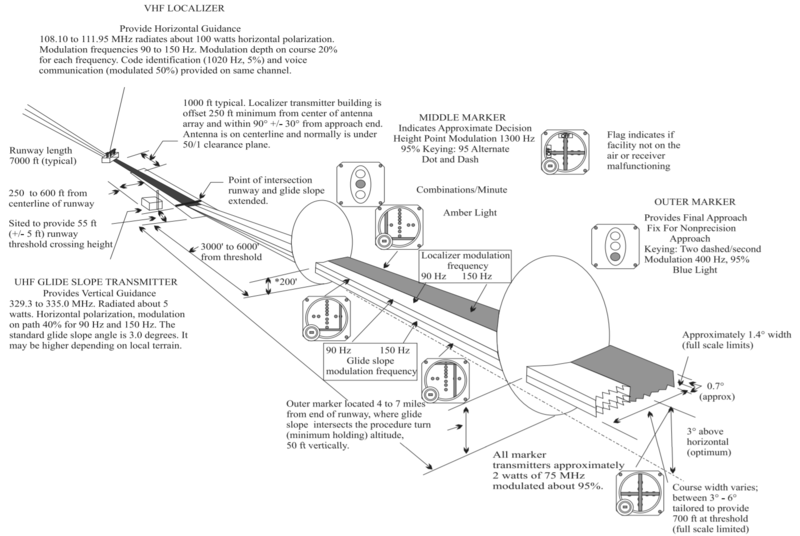
Can’t the Boeing (or any plane for that matter) get GS info on PFD when on downwind a few miles past the runway? I had to turn towards the runway after go-around, downwind and base to receive the GS. Maybe Calgary (CYYC) was a bad location for my first landing.
Have any of you been able to get passengers boarded? In the fmc, I have jetway enabled, door is open, but board passengers remains grayed out. I know I can manually add them in payload but curious if others can actually board them?
Okay, I am amazed with the quality of this bird, she is absolutely gorgeous and fantastic to fly in VR.
This PMDG product is worth every penny.
fyi - I manage to run it on my i7-7700k with a GTX 1080TI + Quest 2 in VR and it’s smooth and clear.
Thanks PMDG for a truly fantastic product.
5 Likes
In your community folder, pmdg 737, documentation.
1 Like
The noise could be due to the older style analogue back up instruments? See 19:41 in this video from the PMDG Youtube channel (which, as an aside, would seem to have pretty much all the answers to the majority of questions in this thread  )
)

3 Likes
No. You should be on final for GS reception.
The LOC/GS is radio transmitted and directionally controlled.
3 Likes
How do you arm TOGA in this plane? I have the Honeycomb Bravo and on the side of the throttle lever there is a small red button that’s supposed to be used for that but how do I assign it?
Here’s the bit in the manual:
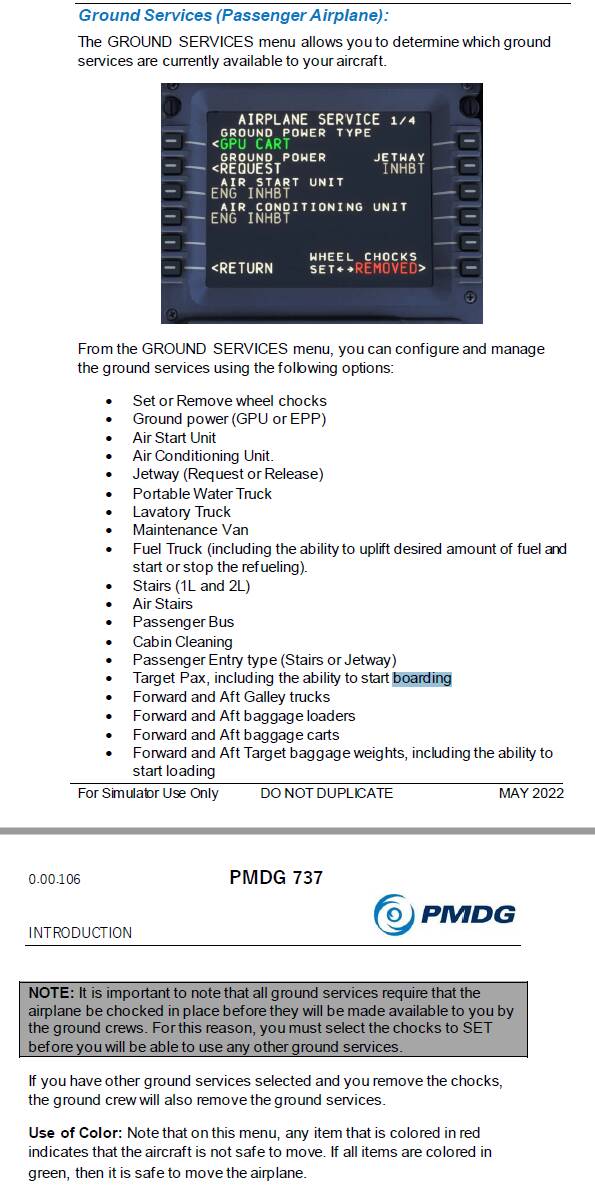
Maybe you need chocks in place and also the passenger entry type to match the jetway?
For some reason strobe lights don’t work
I don’t why, but I notice that when looking out of the front windshield in the cockpit, the sky and clouds look overexposed (very bright, washed out) looking form outside the plane or side windows all looks normal.
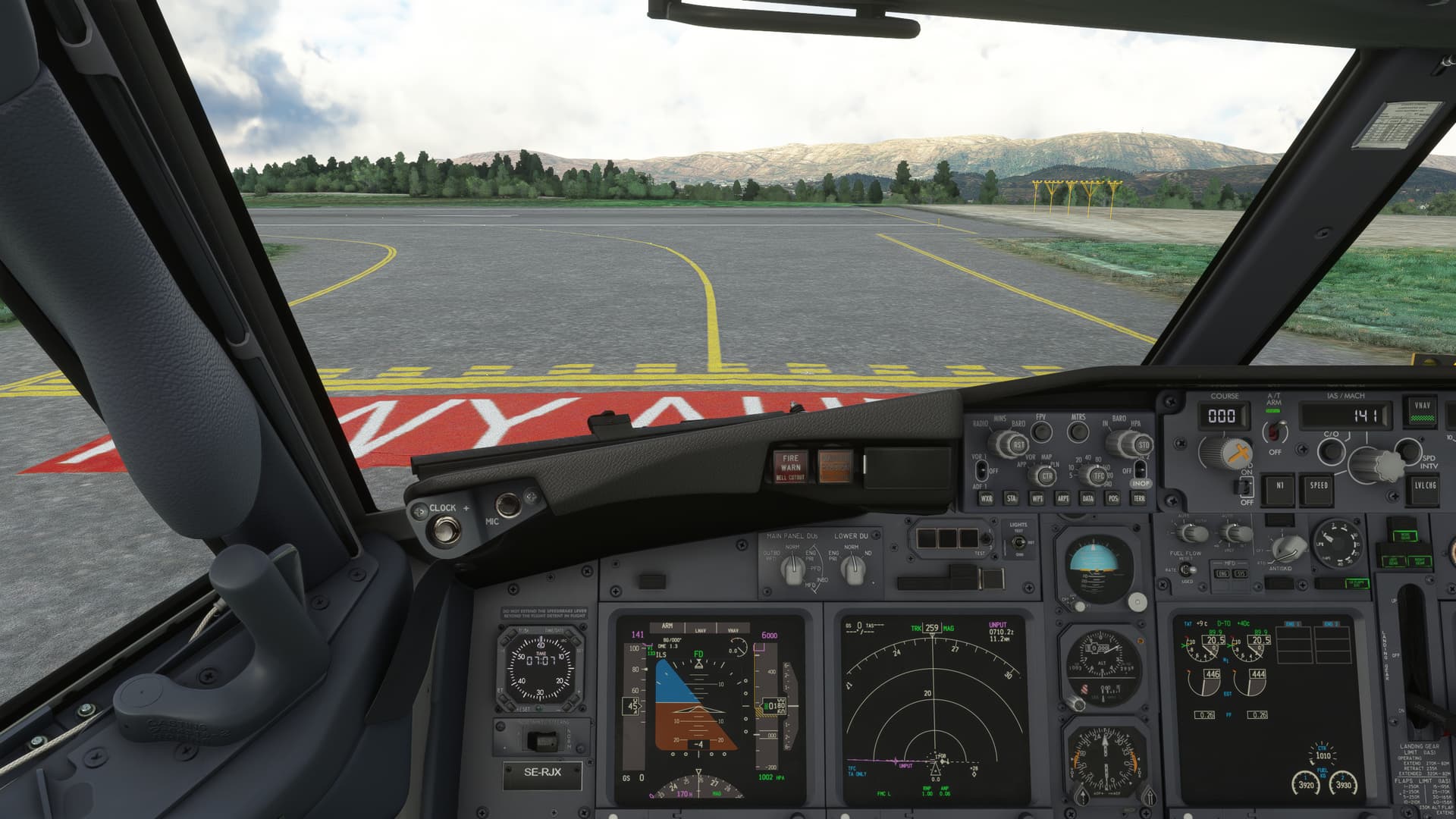
In the left lower corner of the FMC panel there is a screw to click on
3 Likes
I saw the same thing on one of Fabio’s streams in the first few days after they were allowed begin streaming. He didn’t discuss it while I was watching so I presumed it was an issue with either his capture/streaming setup or a graphics driver problem.
2 Likes
Hmm strange I have flown it a lot since release and this is the first flight with the issue
Thanks friend. I have the chocks in place… but still grayed out (for boarding). It’s weird. I can add the # of passengers in that menu, I just can’t click Start as it’s greyed out. I’m sure I’m doing something wrong or out of order.
1 Like
Welcome to MSFS. 
This has been an issue since day 1. More noticeable with HDR. I hate it… it’s been a complaint of mine since day 1. They need to allow us to calibrate our displays/exposure/brightness better.