Hello all…great plane and really enjoying it apart from one problem. On final I have everything set with correct flaps and gear down, but when I go to 40 flaps I get constant buzzer sounding all the way down to landing. I have disconnected the AP so it’s not that. I put the gear down before I went to 15 flaps so I don’t thing it’s a landing gear warning.
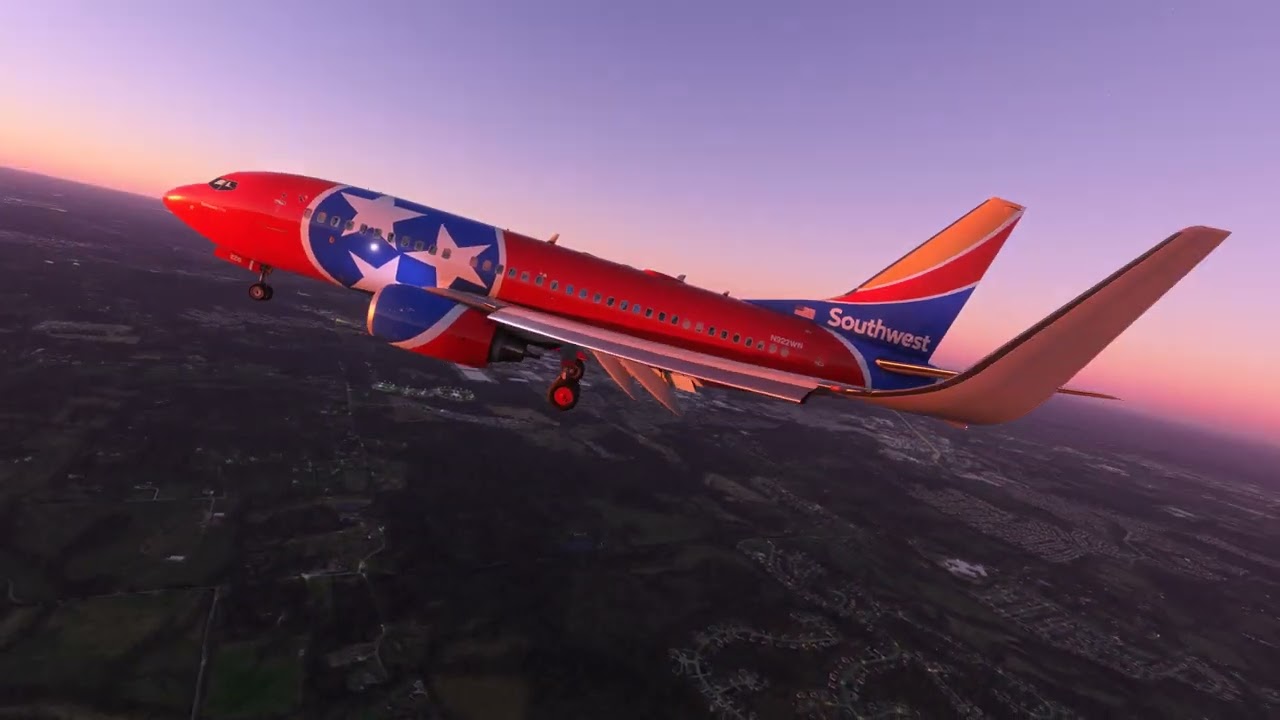
ILS landing on Runway 02R at KBNA, Nashville (Tennessee) International Airport. I had a full Autoland in progress down to <100 feet when I kicked off the AP and touched down manually. I didn’t flare enough - still trying get that down in this plane after many months lately flying warbirds and flying boats - but still rewarding.
Just another appreciation post of how amazing this aircraft is! P.S. just saw the Fenix A320, cannot wait for that bird too and I know not trying to go off topic
I see your problem as not correct speed of aircraft with deployed flaps position indicated and also gear down required. After you will have all set correctly, warning will stop. Look especially to left red dotted bar of flaps indication to not have lower than speed indicated, left of the speed indication.
I just recently purchased PMDG 737. Flew it one time and it seemed like a really decent purchase
HOWEVER, I Cant get it to work any more.
The plane now loads perfectly fine , but nothing works. None of the switches , no power , but external lights are on.
No animations either.
I deleted and reinstalled it. Still doesn’t work. I even reinstalled MSFS again, updated everything and installed PMDG a third time.
Still nothing works in the cockpit
Any one come across this issue? Im at a loss and it is driving me mad.
Thanks
load/save flight working ok to me, perfect, no problem load situation, only litle bit overspeeded but AP do it’s job after while, all loaded ok. Nice work.
on init page go to PMDG settings and there find Load cfg, choose f.ex. on runway and load it, don’t forget click Execute. It can reconfigure aircraft systems to this cfg, ready for takeoff. You can then select your prefferencies and Save it at same place as Load option is. There is also option to have some saved cfg as default anytime is aircraft loaded, very nice.
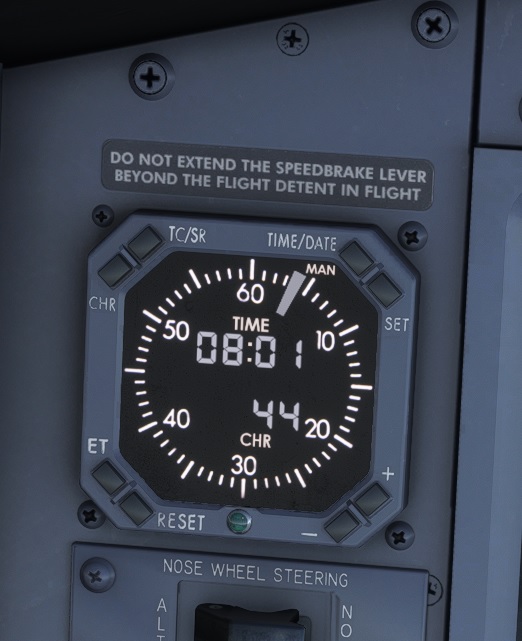
Does anyone know how to set/operate the clock and what are the buttons for? I looked into the manual and I could not find anything (unless I am blind).
IMPORTANT INFORMATION
PMDG 737 will not bind to any toggle switches of the Honeycomb Bravo throttle quadrant. All other buttons and throttle itself work but if you try to reset the toggles for example anti ice, it will not work.
Hi Geoffda..tks for your reply. I do disconnect the AP and have clicked the disconnect twice as I like to hand fly the plane in. I’ll try this again though
Tks Omico…I think you are correct as this is the only thing I can possibly think of. I’ll take a look at the little red dot as I have not paid attention to this at all but will try…tks
to be more clear, if you put flaps down then this is indicated as go low dotted line left next to speed at PFD attitude. Stabilize aircraft with alt and speed, lower flaps continuesly and check that. After you pass not recommended performance the warning comes. Rise up and wait for warning go off after while.
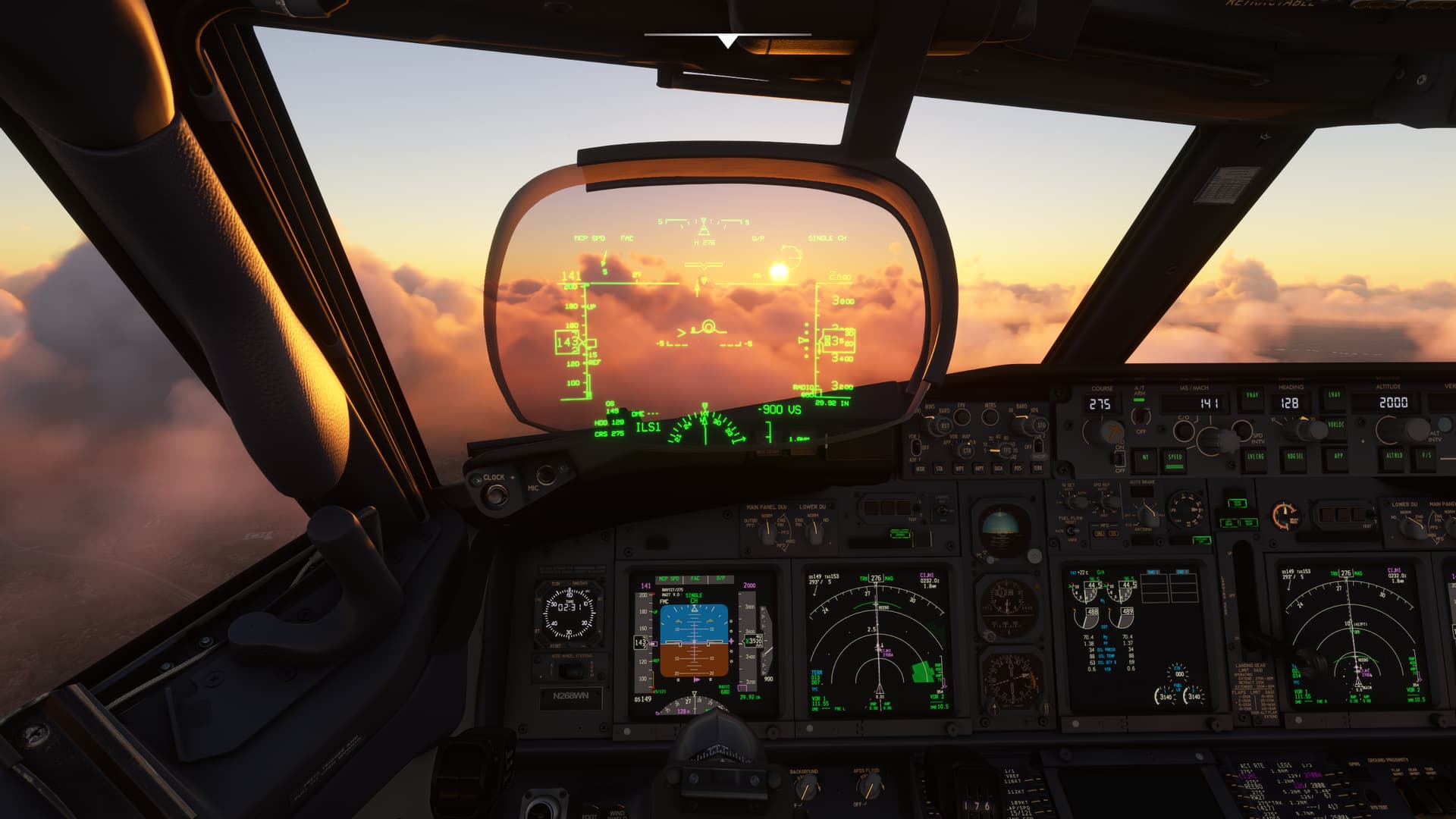
The glass is a HUD (heads up display). It’s an option on the aircraft you can enable or disable through options PMDG provides in the FMC menus. Camera movement in that video is being controlled by an IR head tracker made by Grass Monkey Simulations - it uses a small array of IR LEDs and a camera connected to your PC, running open-source software called OpenTrack. Works very, very well and about half the price of a TrackIR.
A couple people on the PMDG forums posted about similar problems. In one person’s case, it turns out something had glitched in the PMDG Operations Center when they installed it; in another person’s case they were trying to load in a non-PMDG livery from flightsim.to where they had failed to put in an aircraft tail number. Due to the way the aircraft is coded, all the systems and equipment options are tied to specific tail numbers and if there isn’t one in the aircraft.cfg file for the livery, it won’t be able to load up and configure itself properly.