If you select a new waypoint at an odd angle the aircraft will turn to the “shortest” point of intercept, so to speak. From memory usually seems to be at about 30-45 degree angle. You can mitigate this or sharpen it by using the heading until you feel confident enough you can establish on track in a smooth manner.
1 Like
No, that’s not normal. If you make a simple direct to a point and engage LNAV the airplane will simply point its nose to the point right away. It will not fly an intercept course.
It would only fly an intercept course if you typed a number in “intc crs” and the numbers there became big. Depending on what intercept course you choose, LNAV engagement rules may apply. We usually only do that when given a heading to intercept and cleared for a non precision approach flown in LNAV. They usually say something like “fly heading xxx, final vector, cleared approach blabla”.
2 Likes
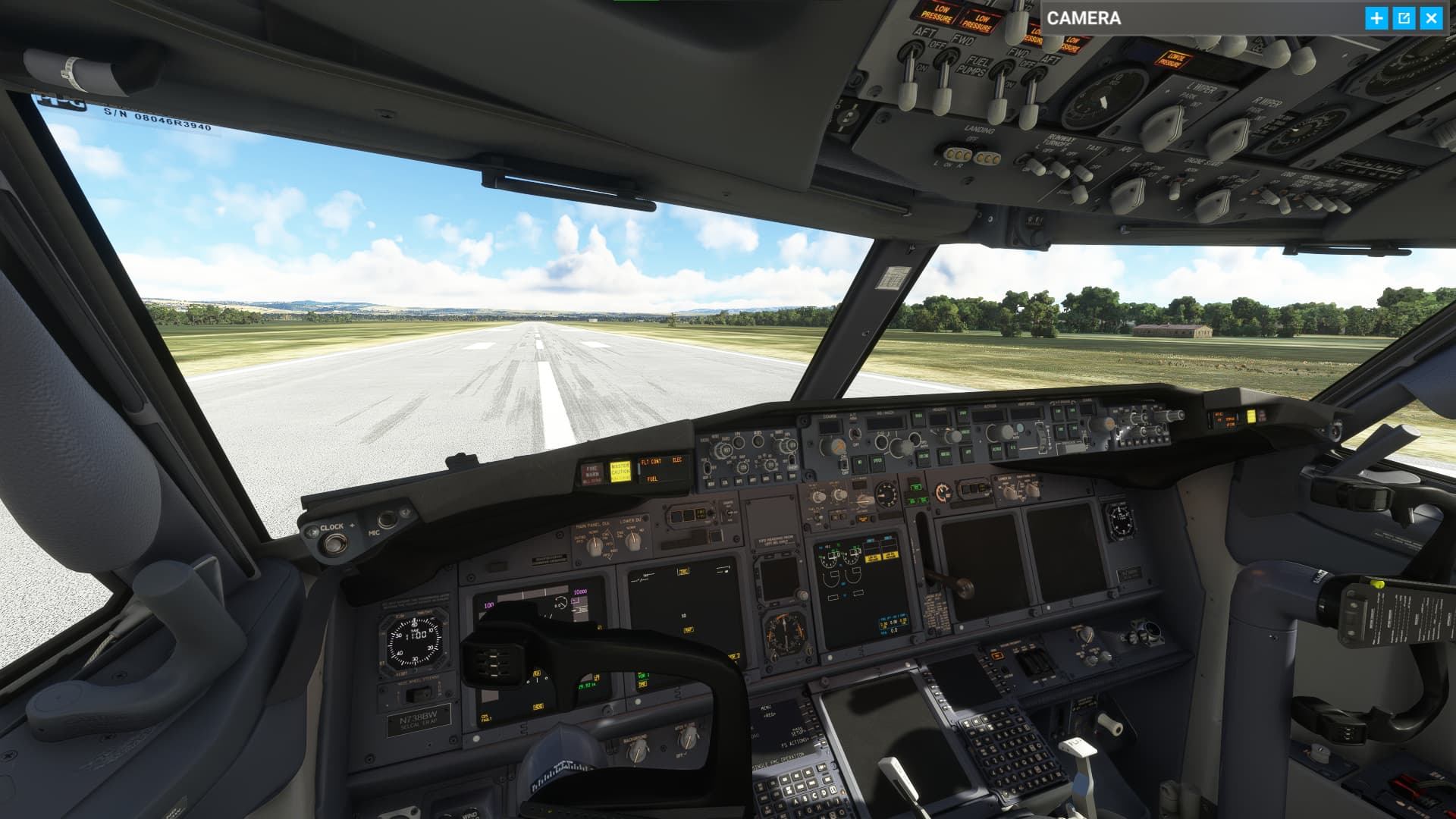
I only see that when I haven’t clicked the fly now button and then everything sorts itself out. No idea why it would be like that if that is fully loaded in.
I had that once i think i just reinstalled or it just went away after a bit of flying
Hmm. So its a bug?
Could be something you’re doing wrong too. When we give ourselves directs with tight turns, we often update the direct in the middle of the turn to clean up the LNAV track. Just give yourself another direct to the same point mid turn.
Could you post a screenshot or a video of what it’s doing?
Well I didn’t make the original post on this but I think I recall this happening to me as well. I will try to reproduce the behaviour next time I fly the 737.
1 Like
So, due to vectors, you find yourself with your next waypoint now at your 7 o’clock for example. How to you change course? Just hit LNAV and let the FMS sort it out (I often get a message in the FMS, I’m paraphrasing, “incorrect vector” or something like that)? Or do you use HDG to get the jet roughly aimed to the selected waypoint and then engage LNAV?
As I pass by the waypoint (still in HDG but with the waypoint now selected in the FMS), I can see the magenta line showing the turn required but if I keep moving away in HDG, this eventually goes away.
Just trying to figure out the logic of the FMS in situations like this.
I think that behaviour appears when theres something wrong with the activation of the product, then it goes full left and you cant click anything, i had it too once because it didnt get that right. Might have to contact PMDG about that if it doesnt work.
I can’t create a ticket to pmdg, I registered with a different e-mail several times, but it keeps saying that the e-mail was entered in the wrong format.
We’re talking different things here. If you manually enter an intercept heading, it will draw a straight legs extension that may or may not be interceptable depending on distance to the path and intercept angle. If you don’t enter an intercept heading it will draw a turn that we clean up by redirecting once established on the turn.
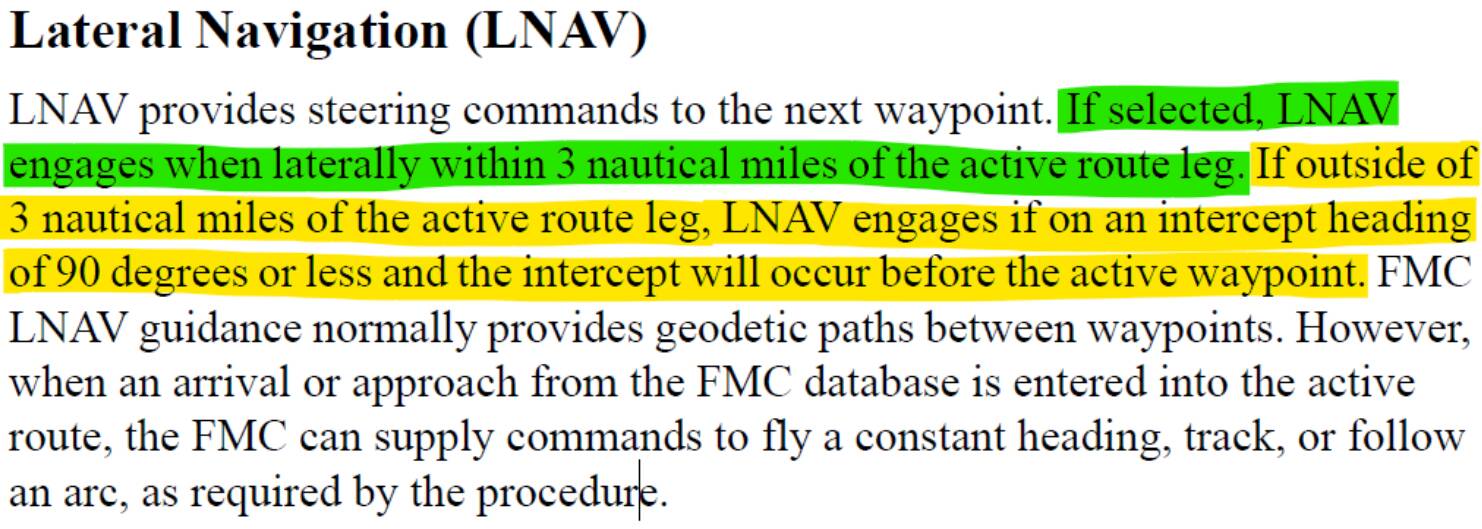
If these conditions aren’t met you’ll get the “NOT ON INTERCEPT HEADING”. The course of action is usually to use HDG SEL to establish yourself on an intercept heading and then arm LNAV.
2 Likes
Does anyone else think that with the SU11 and the new physics of the new PMDG update, this 737 seems made of paper?
4 Likes
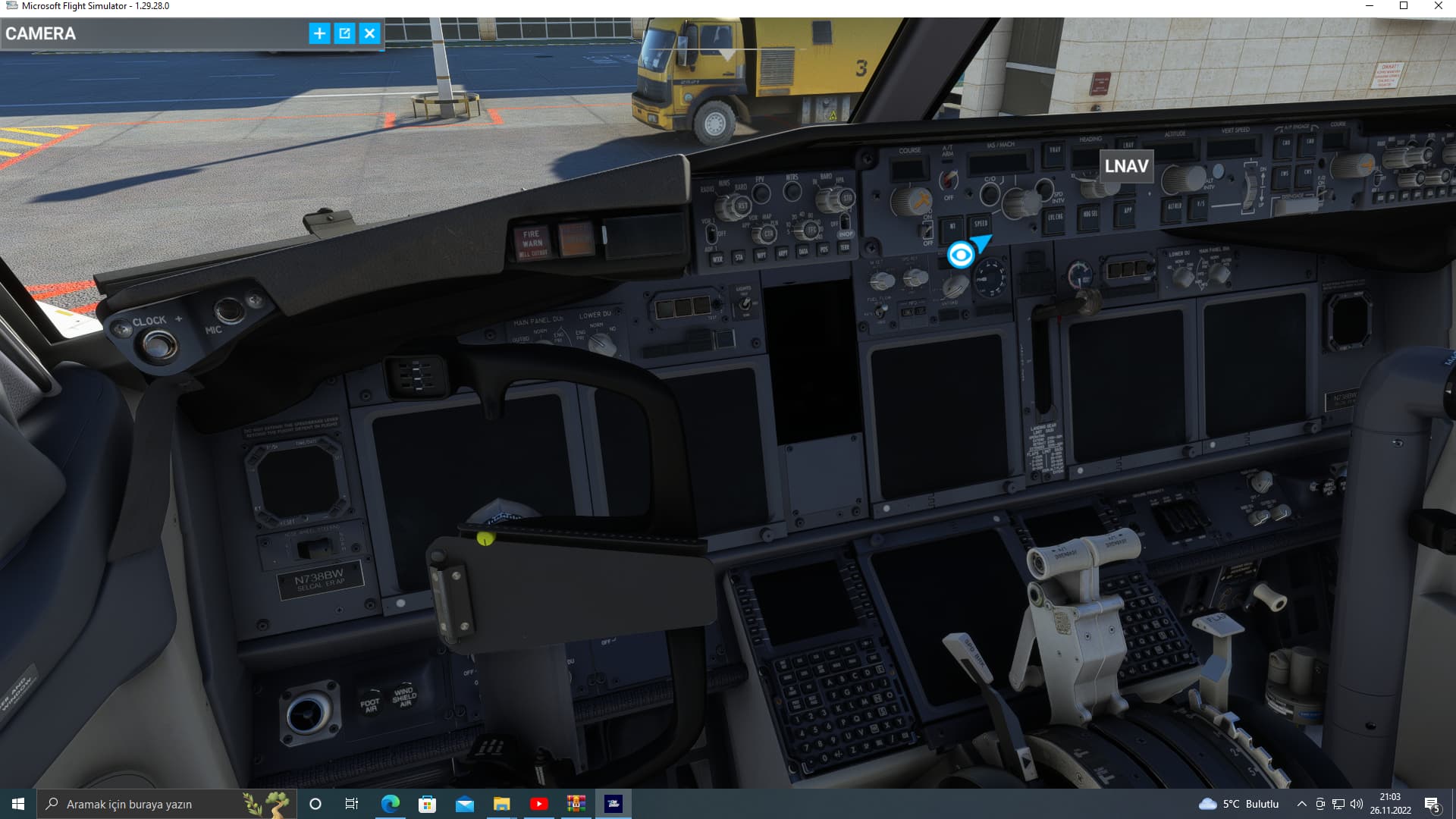
It is not detecting a valid license. Probably the quickest way to fix it is to uninstall then reinstall the aircraft.
Of course. Real airplanes don’t fly like that. These addons worked perfectly in P3D because they the airplane developers didn’t have to constantly adapt their parameters to the changes that the simulator developers made. Let’s hope the physics simulation in MSFS stabilises at some point and developers can finally start finetuning the behaviour of their airplanes.
8 Likes
Yes, of course, I agree with what you say. With my comment I wanted to express my disappointment, since I think the new physics for the 737 have gotten worse instead of better. I wanted to know if they were just my impressions or if someone else felt what I did. Hopefully the PMDG team can find a solution to this soon.
4 Likes
They will find a solution. Then Asobo will again change the atmospheric simulation and it’ll all stop working properly again until they come up with another fix. This is one of the problems with MSFS. It’s being developed as a game rather than a platform that external developers need to work with.
3 Likes
When I had a similar issue it was an activation key problem. Following the instructions here solved it for me…
Welcome to the world of xPlane forever. Platform change, addon change shortly thereafter, rinse, repeat. This isn’t unexpected.