The FSReborn Sting S4 is the first aircraft providing the GTN750 with the new WT G3X avionics for both PC and XBOX version
There is no more GPS hot swapping, you have to choose a GTN750 livery.
If you have installed some additional WTT package for this aircraft, you should remove it from your community folder.
4 Likes
Got some issues with the decent calculator in the Duke. Have you heard of anything?
Guys, nub question. Am just getting into using the GTN750 but I cant seem to get an API code from AVWX to activate the METAR. I can put my details in but I never receive the email to verify my account so I cant get code. I have tried several times re-sending the email etc but to no avail. Any idea where I can get one ?
Don’t want to state the obvious but have you checked your junk folder? The email I got from them went in there.
@ScorpionFilm422 can you please keep updating us as more Xbox planes receive the GTN750? Works great in the C414.
Is there a list of planes on Xbox that current have the capability?
Thanks!
Just another interested user here. I found out this morning that the NextGen EMB 110 got updated to include it on Xbox. Tested it out and it seems to be working great as well.
See the list of compatible aircraft here: Aircraft
The ones with the XBOX icon are also available on XBOX.
It’s working in my Flyndive Smaug (which isn’t in the list.)
It’s a fictional plane that’s loosely based on Mike Patey’s turbine-powered Wilga, which is in the list. Maybe that’s why it works?
This is huge that you’ve enabled it on Xbox. Excellent work you all are doing for us Xbox users, thanks so much. Keep them coming!
3 Likes
The GTN750 is now available to XBOX users in the NextGen Simulations EMB110 Bandeirante
3 Likes
Hey team. Bought the premium version for use in the new Lear Jet. So far I can only get the toolbar version to open. The plane is powered on and all avionics appear to be hunky dory. I’ve got the mod in the folder in the correct community folder. Did I misunderstand and this is just a panel that sits on top of the screen…..?
With the Learjet, you have to choose a livery for the GTN750.
1 Like
Thanks for the response. User error here. I chose the wrong livery. Appreciate the quick support.
2 Likes
Add Learjet 35a, confirmed functional GTN750 on Xbox
3 Likes
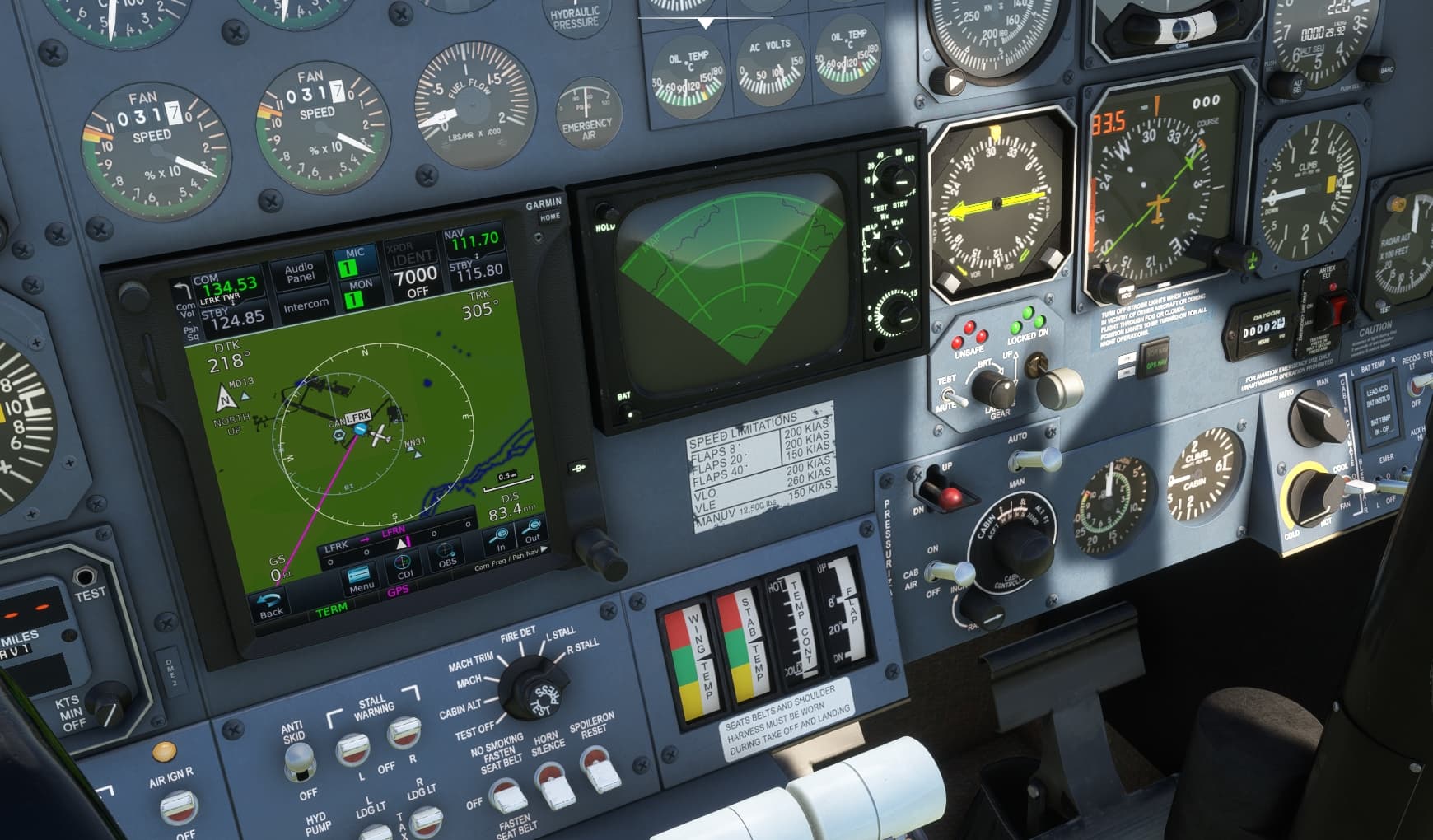
… unfortunately with repeating black screens 
1 Like
I have black avionics screens in any aircraft that I try to turn on a weather radar. Once it happens, it will be on every aircraft. The only way to fix it is to restart the whole sim.
I’m on Xbox.
@two1smake11s Which planes? I’ve done Learjet and c414 no issues. Are you sure you’re using compatible planes? I’m on Xbox as well. Some planes have the GTN750 but it’s not functional. Only two or three are functional on Xbox at this time.
@EchoEightSix I don’t believe it is related to the GTN750. I was letting the person above me know that it happens with any aircraft that contains a weather radar that is separate from the GPS. This happens with or without the GTN750. I think the weather radar is the problem.
I apologize that I did not make that clear at all the first time.
1 Like