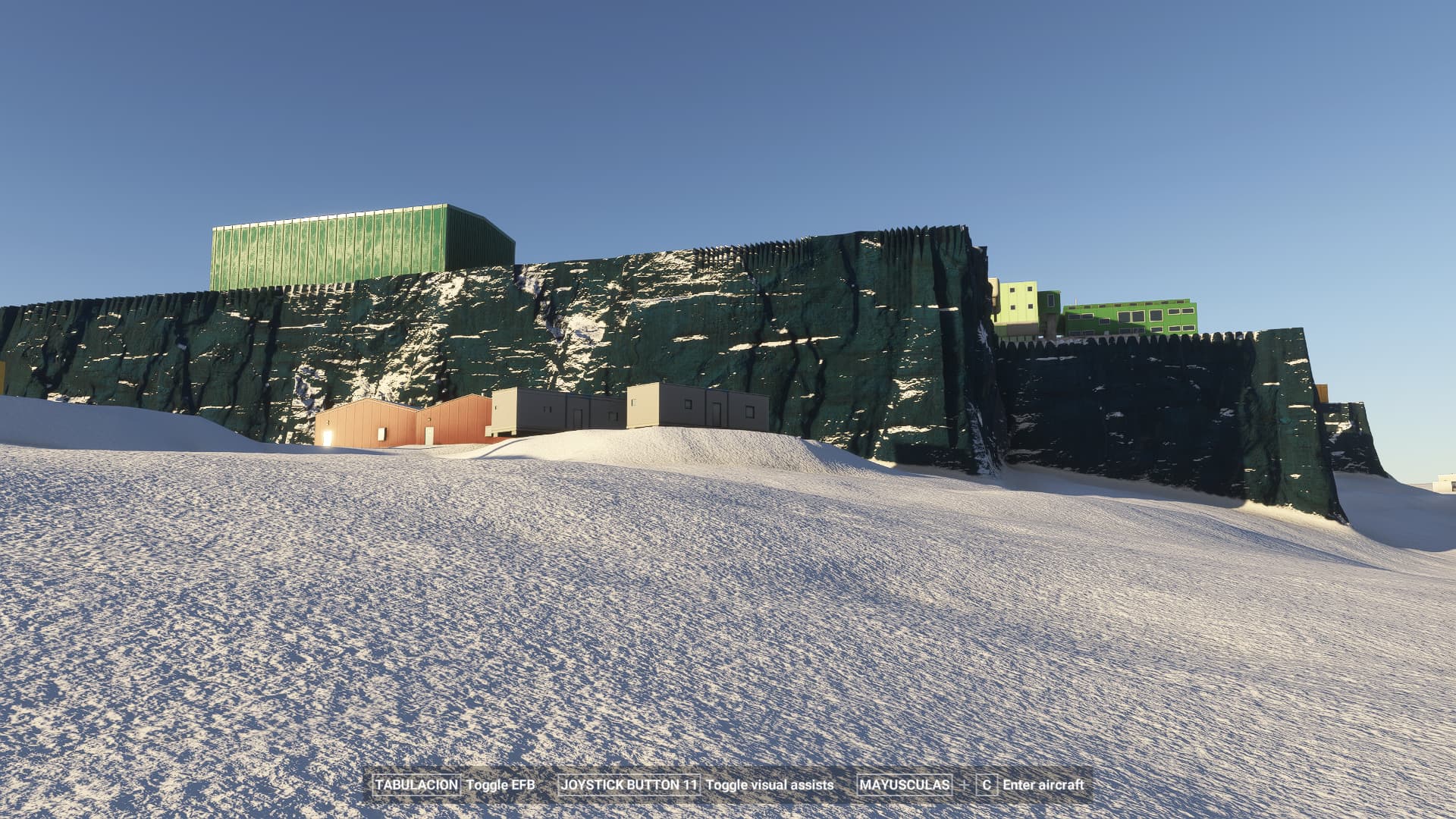
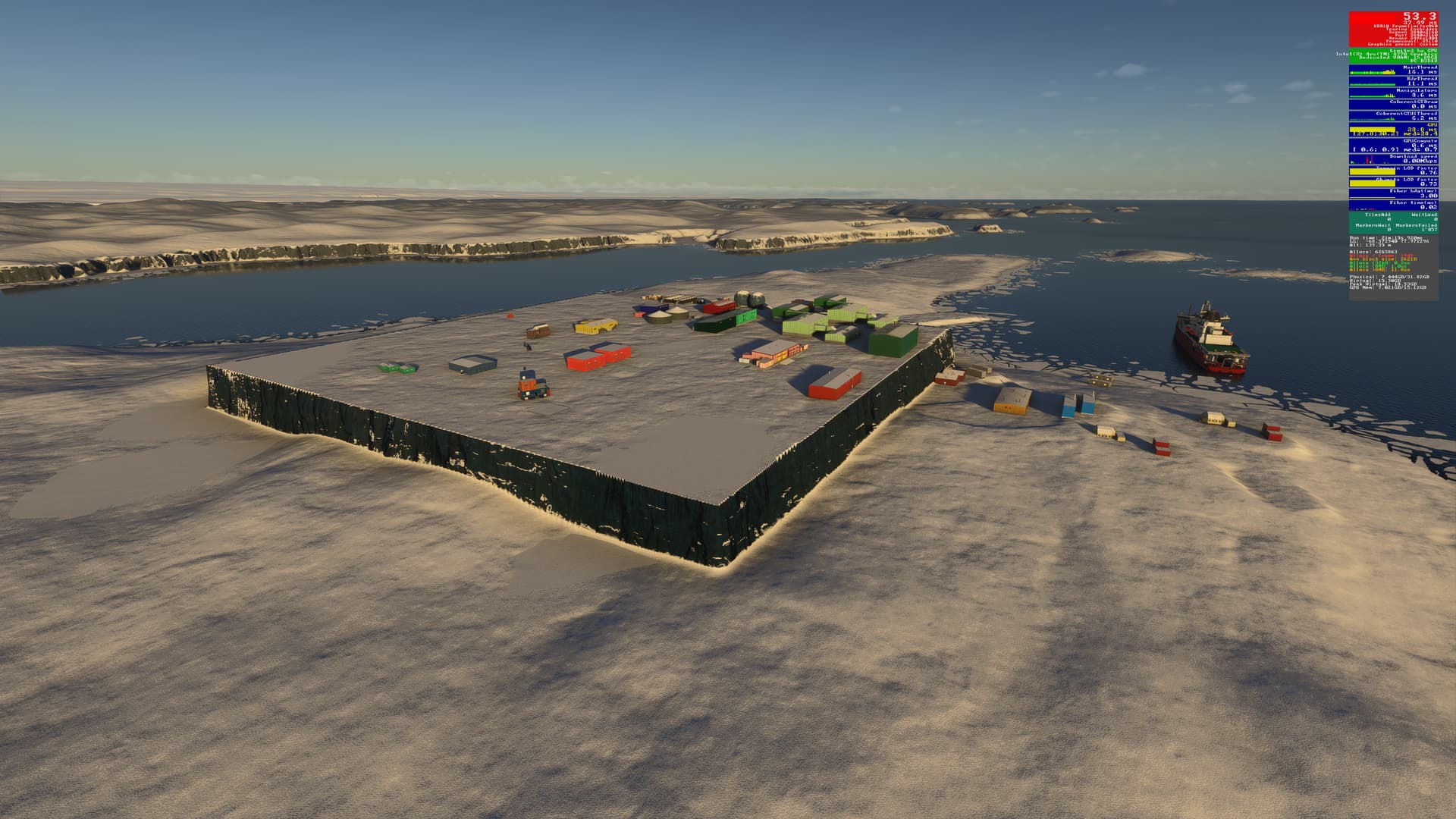
Using the template below will greatly help the team reproduce the issue and ease the process of fixing it. Before posting, search for an existing report. If you are not sure it’s a bug, please first report in User Support Hub.
3 tags are required - add them in the tag section next to the title above:
Microsoft USB Natural Keyboard, Microsoft USB Wireless Intellimouse Explorer, Xbox 360 Wired Controller, Logitech Extreme 3D Pro
OS
Windows 11 Pro 24 H2 v26100.4946 + all OS updates.
MSFS 2024 Edition
MS Store Premium Deluxe + all WUs & CUs
Downloaded Content
None (i.e., all Streamed)
Build Version
SU3 v1.5.27.0
3rd-Party & Community Addons
None
No performance-improving applications are installed (e.g. for CPU or GPU improvements).
Neither the Intel Arc Control Service or Arc Control App is running.
Expand to see my graphics settings
Item
Setting
Display Mode
Full Screen
HDR10
On
Exposure Compensation EV
-1
Full Screen Res
3840 x 2160
Anti-Aliasing
TAA
Render scaling
65 (Resolution: 2496 x 1404)
AMD FidelityFX Sharpening
150
Max Frame Rate
On
Max Frame Rate Value
60
Frame Generation
AMD FSR 3
Framerate Multiplier
2x
VSync
Off (N/A)
VSync Interval
Half refresh rate (N/A)
Dynamic Settings
On
Frame Rate Target
30
-
-
Global Rendering Quality
Custom
Terrain LOD
400
Off Screen Terrain Pre-Cache
Ultra
Displacement Mapping
On
Buildings
High
Trees
Medium
Plants
Medium
Rocks
Medium
Grass
Medium
Object LOD
200
Volumetric Clouds
Ultra
Texture Resolution
High
Anisotropic Filtering
16x
Water Waves
Medium
Raytraced Shadows
On
Shadow Maps
2048
Terrain Shadows
512
Contact Shadows
High
Windshield Effects
High
Ambient Occulsion
High
Cubemap Reflections
256
Raymarched Reflections
Medium
Light Shafts
Ultra
Depth of Field
Off
Motion Blur
Off
Glass Cockpit Refresh Rate
High
Characters Quantity
Low
Characters Variety
Medium
Characters Quality
Medium
Airport Services Quantity
Low
Airport Service Variety
Ultra
Parked Aircraft Quantity
Off
Parked Aircraft Variety
Ultra
Aircraft Traffic Quantity
Medium
Aircraft Traffic Variety
Ultra
Road Traffic
Medium
Sea Traffic
Medium
Fauna
Ultra
Expand to see my other settings
Item
Setting
Online Tab
Photogrammetry
On
Aircraft Traffic Type
Real-Time Online
Air Traffic in Career
Off
Live Weather
On
Multiplayer
On
Multiplayer Servers
West USA
Show MP aircraft in close proximity
Off
Rolling Cache
16GB
Bandwidth
Unlimited
Flight Model Tab
Flight Model
Modern
Advanced Options Tab
Developer Mode
Off (Dev-FPS enabled by using the -showFramerate switch)