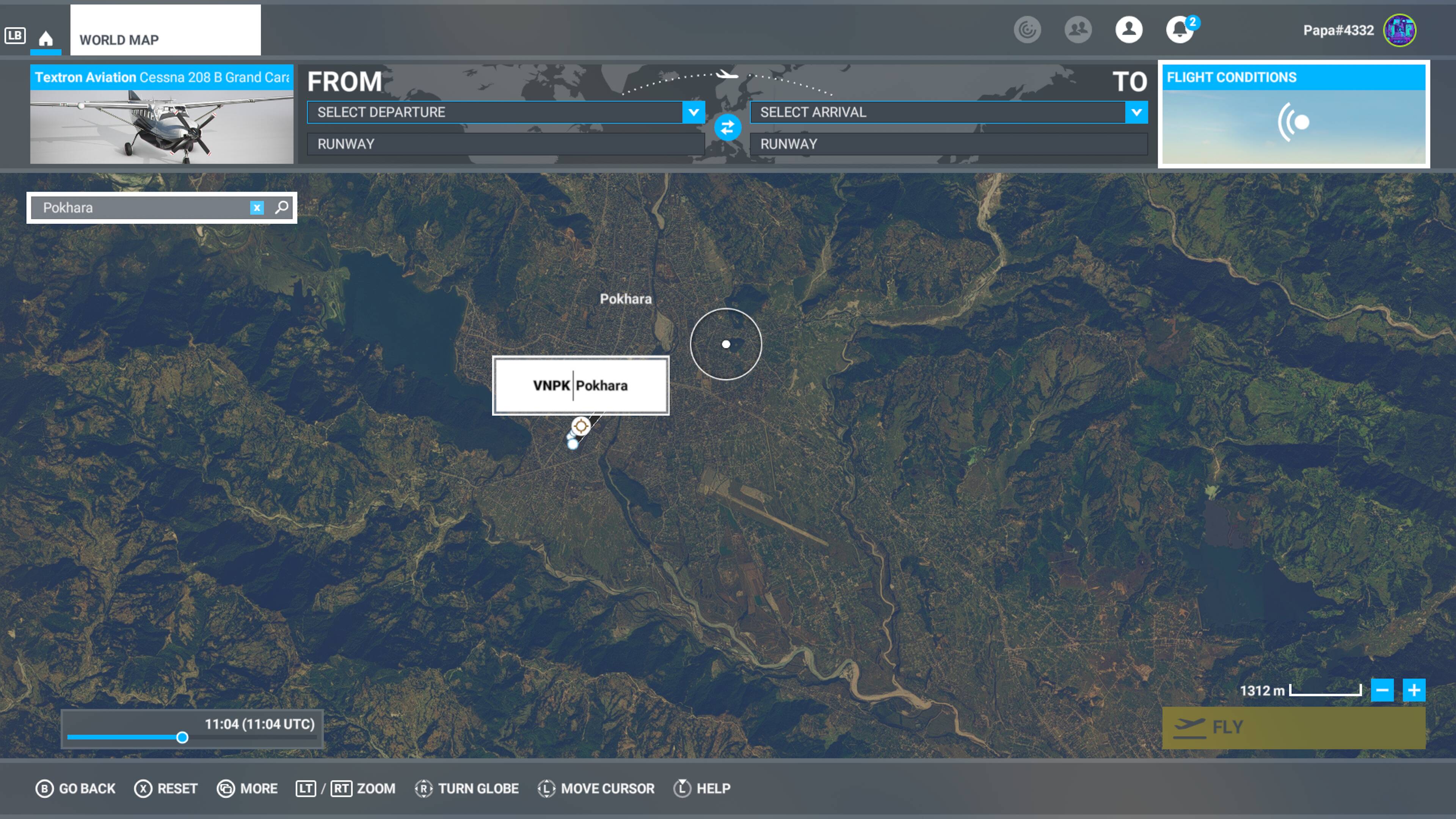
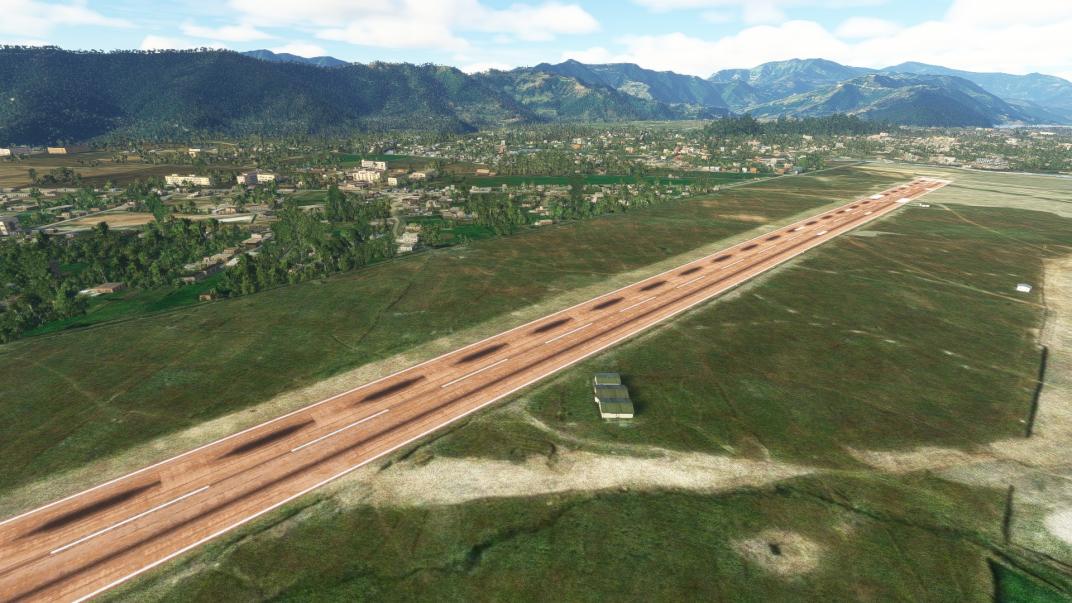
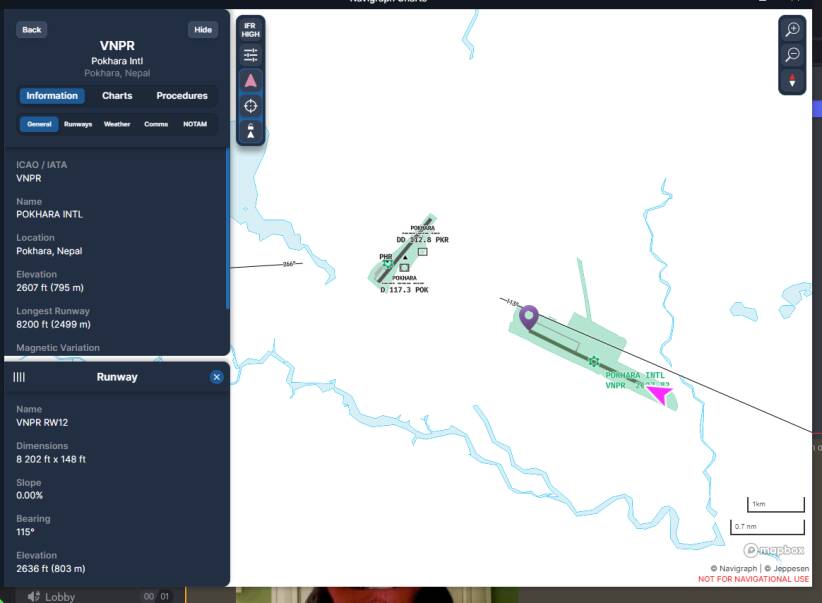
There is an add-on airport for VNPR but it’s not built or supported by Asobo. Please make sure it’s not installed on your PC. Initial reports from other PC users indicate this airport also doesn’t exist on PC with stock Navblue data.
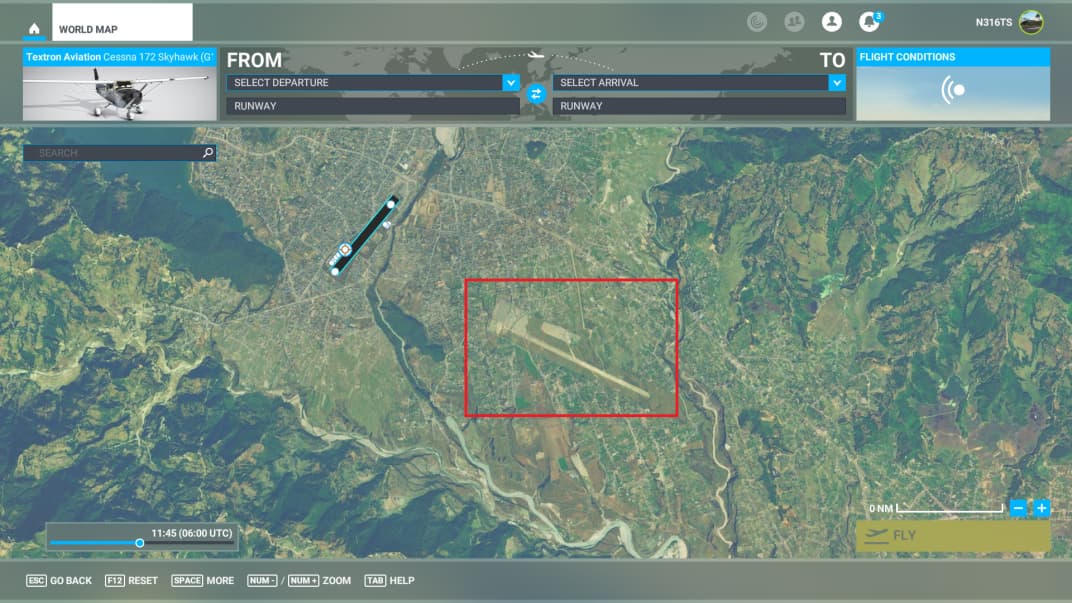
One fellow Mod is on Navblue - he sees nothing in the World Map. There is a Bing Maps outline of the airport, but it’s essentially a texture map - there’s no defined runways.
I am on Navigraph NavData. I see an Airport and there is data for it, but that cannot be used as a basis for filing this Bug report for several reasons:
The provider of Navdata for the stock sim (no add-ons) is Navblue - they don’t have the airport in their dataset - and both PC and XBox were recently updated with the February 2023 AIRAC just this past week.
Navigraph can’t be used on XBox, as it’s a Community Mod, and the console doesn’t have the ability to accept / use Community Mods.
So I’m afraid this bug report can’t be validated, and even so, the data would require a Third Party provider (Navigraph) which can’t be used on XBox.
What I see in Navigraph below:
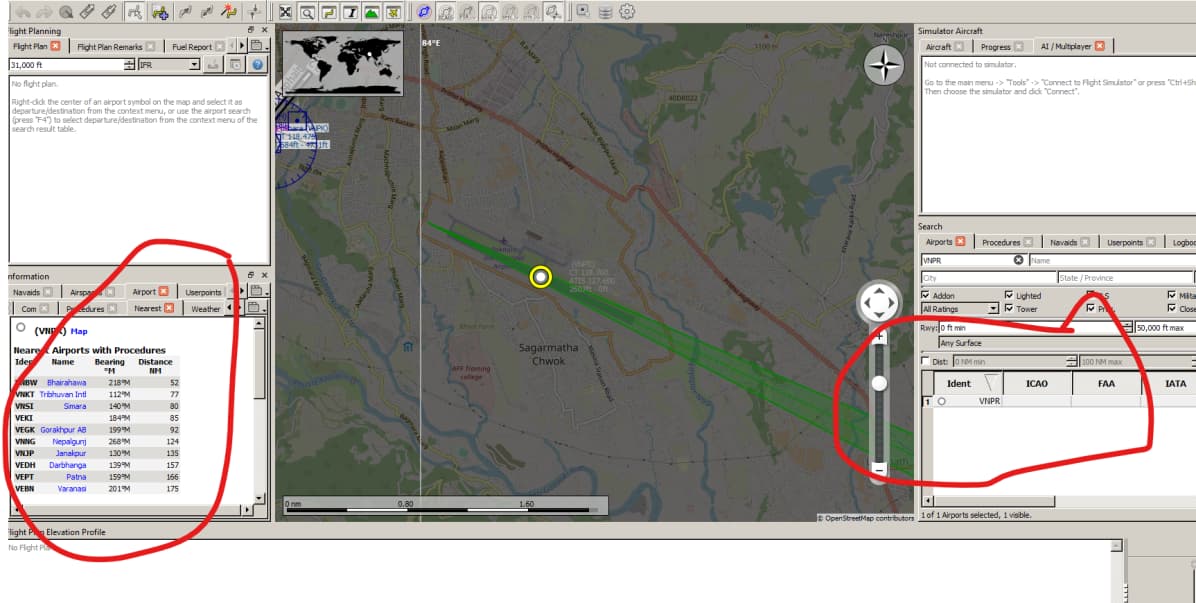
Little Nav Map reports an airfield that was formerly there - or not complete - note the circled sections that should have airport data, but nothing is populated.
Navigraph has no charts for this field - acknowledges what you see above that there is an airport that runs 12/30 and approximately 8,200’ / 2500m in length.
Again - the base sim which uses Navblue does not have this airport in existence. Therefore it can’t be deployed in XBox because XBox and PC use the same Navblue database.
The airport cannot be added via Navigraph as Navigraph requires an individual subscription and is a Community Mod, which the console doesn’t support.
In the future, please make sure all Mods are disabled on PC, including Navdata, so that an accurate comparison may be made between that and XBox. Thanks!
Status: Resolved - cannot implement - airport is missing from Navblue data, will only appear using third-party navigation information which is not supported on XBox.
 Thank you for using the Bug section, using templates provided will greatly help the team reproducing the issue and ease the process of fixing it.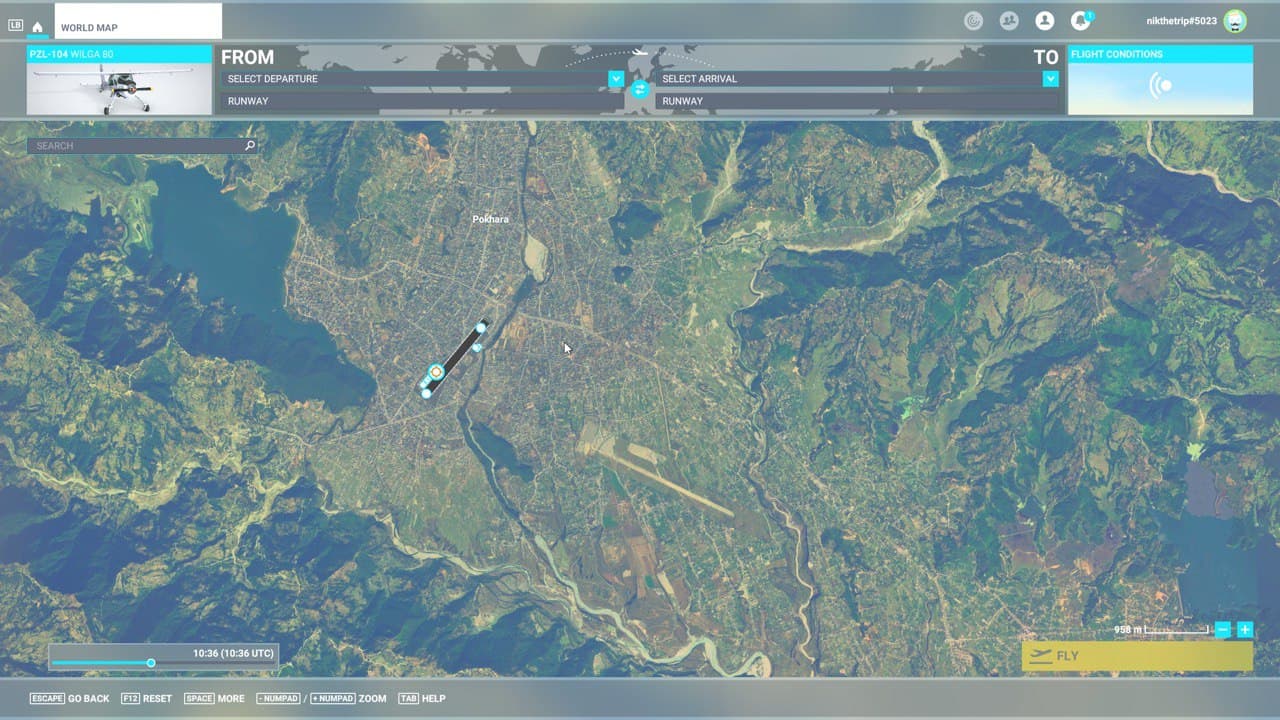
 For anyone who wants to contribute on this issue, Click on the button below to use this template: