Ok just did it with the iniBuilds A321N exact same scenario just different plane. And the option to request IFR clearance showed up in the ATC menu. I don’t know how the EFB communicates with the ATC but I hope it’s not plane dependant, because I really only fly the A320N by iniBuilds. I’ll try again over the next days to see if it’s only the A320N.
So I did this same flight again, this time with Orbx ESSA disabled and the default ESSA enabled. I have to say that everything was smooth from startup to shutdown. I saw a steady 60 FPS for most of the flight (capped, no FG, 4K w/ DLSS Performance). Short final and touchdown was fine too, no slideshows.
I was also monitoring the metrics and noticed that the used VRAM matched the available VRAM like it never has done prior to SU2. Occasionally the used VRAM went over budget but after a short while it was adjusted down to match what was available. This, as far as I understand, is pretty optimal. Use what’s available, not more and not less.
So, clearly something has been done with the VRAM usage in SU2 which is promising, although the jury is still out.
PS. not saying Orbx ESSA is to blame for the slideshow yesterday, that still needs testing.
Just can break it down to:
- With SU 1 i had NOT A SINGLE CTD
- In the Beta of SU 2 had several CTD and left and re-joined it. The last .18 was most CTD–affected
- No Session started with SU 2 could be left by hitting “Exit to Desktop” . Each session resulted in a CTD so far.
Great.
Puff…SU2 not going well for me. I am getting a consistent CTD when wanting to fly with my Flysimware C414. Next problem is that I seem to be maxing out VRAM leading to a slide show. This is new for SU2. I downed my texture resultion setting in FS to Medium from High which seems to help with this. I have a 7800x3d 64gb ram and a 4070 Super with 12gb VRAM.
I am running on a 55inch TV at 4k.
Downing the texture resolution to Medium seems to have made a big improvement. I cant decide if its made a big visual downgrade…so i guess not much. I am running DLSS suoer sampling at DLAA setting which i know is very taxing but the cockpit is so sharp. Posting this mainly to remind those who are having slide shows to check VRAM usage etc
Just had a CTD at the gate at LIRF with the iniBuilds A321N. Was just using the iniBuilds EFB to get fuel etc. then it stuttered suddenly then CTD.
Xbox Series X
Aircraft: iniBuilds A321N
Airport: LIRF
Rolling Cache: 100GB
Photogrammetry: ON
Live Weather: ON
Live Traffic: ON
Multiplayer: OFF
2 Likes
I forgot to mention the other change i have noticed with SU2…I am 100% limited by main thread. Running at 4k DLAA etc i would have thought , as was the case with SU1, i would be hitting a GPU limit. So not sure whats happening here . Any ideas ?
I play on Xbox and have spent close to $1k on Add ONS from 2020 and 2024, since I am a flight sim fan. I also play with a yoke, throttle and pedals.
So I have been very disappointed with msfs 2024 until now. It was nothing like what was advertise back in 2024 and performance and graphics on Xbox left a lot to say. Short of false advertising and promoting on the videos shown, which made me even more upset.
However after this new update 2.0, msfs 2024 finally feels like an upgrade and a new sim from what is msfs 2020. It’s what it should have been from the beginning , or have waited for this update for a full release and call it instead msfs 2025.
I can say from personal experience so far that it runs, feels and looks so much better. I have not stopped flying since the update and I’m loving it now.
Only 3 things for me I did not see any improvements or fix:
-
People on the ground still look like ■■■■ and distorted at short distances. Not upclose face to face, but walk away 10 meters and they look like a polygon again.
-
At night, some lights on the ground on monuments and some other landmarks seem excessively and I mean very excessively bright, making it hard to even see what it is. They either have too many lights or too much brightness. It’s an easy fix and the way it’s now it’s not very good or realistic.
-
Distant runway lights seem quite blurry and distorted.
So far, everything else seems much much better.
Thank you
4 Likes
According to the release notes:
- Added a Wake Turbulence Visualization option
- Added a Wake Turbulence assistance
No wake turbulence for XBOX, Is it a bug, an oversight, or by design?
It should be in: Settings, General, Flight Interface (for visualization) and Settings, Assistances, to turn it on/off
Neither Exposure Compensation UV
Setings, General, Graphics.
Exposure Compensation UV
1 Like
Did some first testing with my settings, dropped down everything 1 tier… makes no difference, still a drop in performance. Hardly hitting 30 fps now where i had easily 50 fps before (same plane and airport)
Next step try other nvidia drivers
Ok this is what i have learned…see my earlier post re my PC specs…in SU2 , i have reduced texture quality to Medium, this get the VRAM usage below max and resolves the stuttery mess. Now for DLSS Super Sampling Aliasing do not use DLAA, use Quality instead.
Also, if you are anything like me, perhaps you did lots and lots of tweaks to your 3d application settings etc etc…i did a clean install of the latest Nvidia driver on purpose because it resets everything back…however dont forget to go into Nvidia app and turn GYSNC back on if you have a compatible monitor. Re DLAA setting, i could get good performance in an analogue aircraft but soon as i was in a glass cockpit, FPS tanked to nothing …but soon as seleted quality I am back up to amazing performance. So texture and DLAA are total killers in SU2
That’s been broken since SU7 was released for 2020, chances are it’ll never get fixed
Flight push to atc worked fine for me on the A320N V2 this afternoon, pushed departure Sid arrival sar and ils approach to atc and all worked fine. This was on Xbox series X though. Imported the fight plan into the Mcdu from simbrief and matched the simbrief plan on the efb.
The release notes say “Restored Microsoft Flight Simulator (2020) sorting order for liveries of non modular aircraft in Aircraft Selector/Configurator”, but I can’t see any obvious difference from SU1. I have a crib sheet of where everything is to help me find 3rd part A32NX and Fenix liveries and all the ones I’ve spot checked look to be in the same grouping and order as before -just with MSFS2020 labels on the top-level aircraft selection “page”. I was rather hoping all the A32NXs would be grouped under a single top level icon the way they were in MSFS2020…
First flight in the A320 from CYYZ to CYOW stuttered quite a bit and ultimately CTD due to the sudden loss of control issue noted in the following thread:
Second flight the following day with the A321LR flying the same route ran into exactly the same issue at about the same point. I recovered twice before finally giving up.
I find it hard to believe that no one on the development team has not encountered this issue when testing on the Xbox Series X. So much was covered off with Sim Update 2, yet this terminal issue remains …
I’m not giving up. I will stay in the beta program and hopefully this and the other Xbox bugs I have posted with eventually get cleared.
Folks, SU2 is broken, its got a VRAM problem. I have tried multiple settings, just keep running out of VRAM then get a slide show. When VRAM is not maxed performance is great. I have a 4070 Super with 12gb so not like its a low powered card. I am running 4k
7 Likes
Hopefully the SU 3 Beta is the secret hotfix for all the issues we had during the beta and now live.
1 Like
Even though very few of “my” personal bugs were addressed, i feel its running better.
Particularly the user interface, minus the lag when changing joystick rofiles, (what’s up with that?) but besides that… browsing through the ui and all the “woosh” in-out animations are less stuttery and more fluid to me.
The changes in the trees are a very welcome fix, there’s less of them and the colors more consistent with the surrounding scene. Good work. But more is needed.
the uv exposure control is MOST welcome addition, that is the way to go Asobo, give us more control over that kind of things. Likewise for the frame generation.
The improvements in the atc phraseology are welcome but i would really like to see the functionality of the atc improved.
The windshield reflections on a number of aircraft and the dimmed screens are still there since launch in october. Those are a deal breaker for me, particularly in the a310 which is one of my main go-to aircraft.
I have never, and still don’t, had problems with ctd’s. I attribute that to running a clean sim and a debloated windows installation.
My poor 3080 is using all 10GB (8.8 actual) at 1440p. I haven’t used FS24 enough to get a solid reference point, so I’m wondering if I just don’t have enough VRAM, or if utilization is too high due to that bug others seem to have…
Xbox Series X (PG off, live weather on, 32GB cache):
-
since SU2 in career mode I can’t switch from IFR to VFR via EFB and I’m doomed to this ridicoulus IFR.
-
much more game stuttering and freezes.
-
boarding animations in career mode still not fixed (e.g. CJ4):
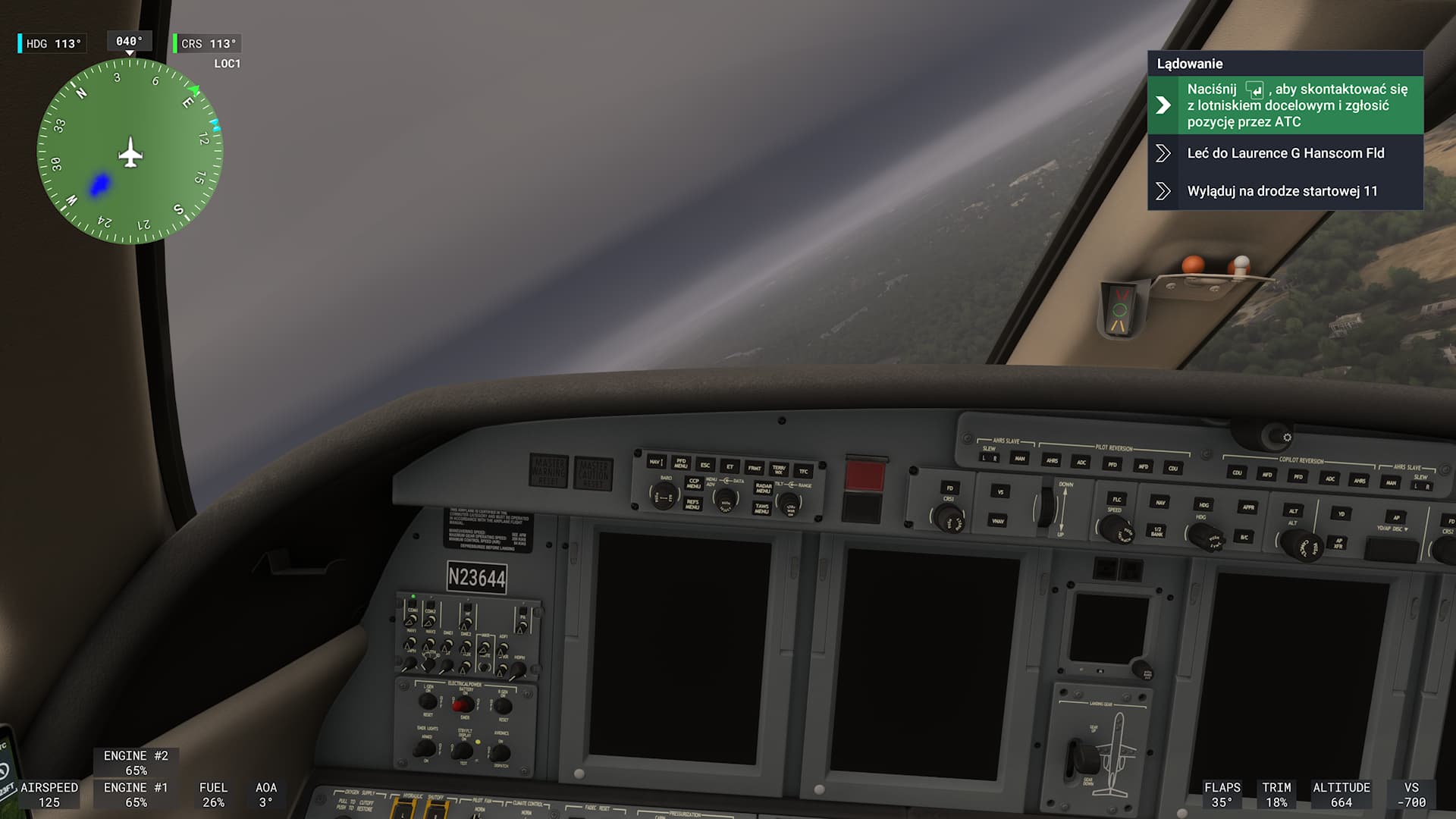
- black screens before landing. In SU1 I had almost no black screens at all.
-
when changing altitude in EFB, an error appears and the mission is aborted. Then the menu looks like this:
-
when skip taxi, sometimes the plane is still turned back to the runway.


1 Like