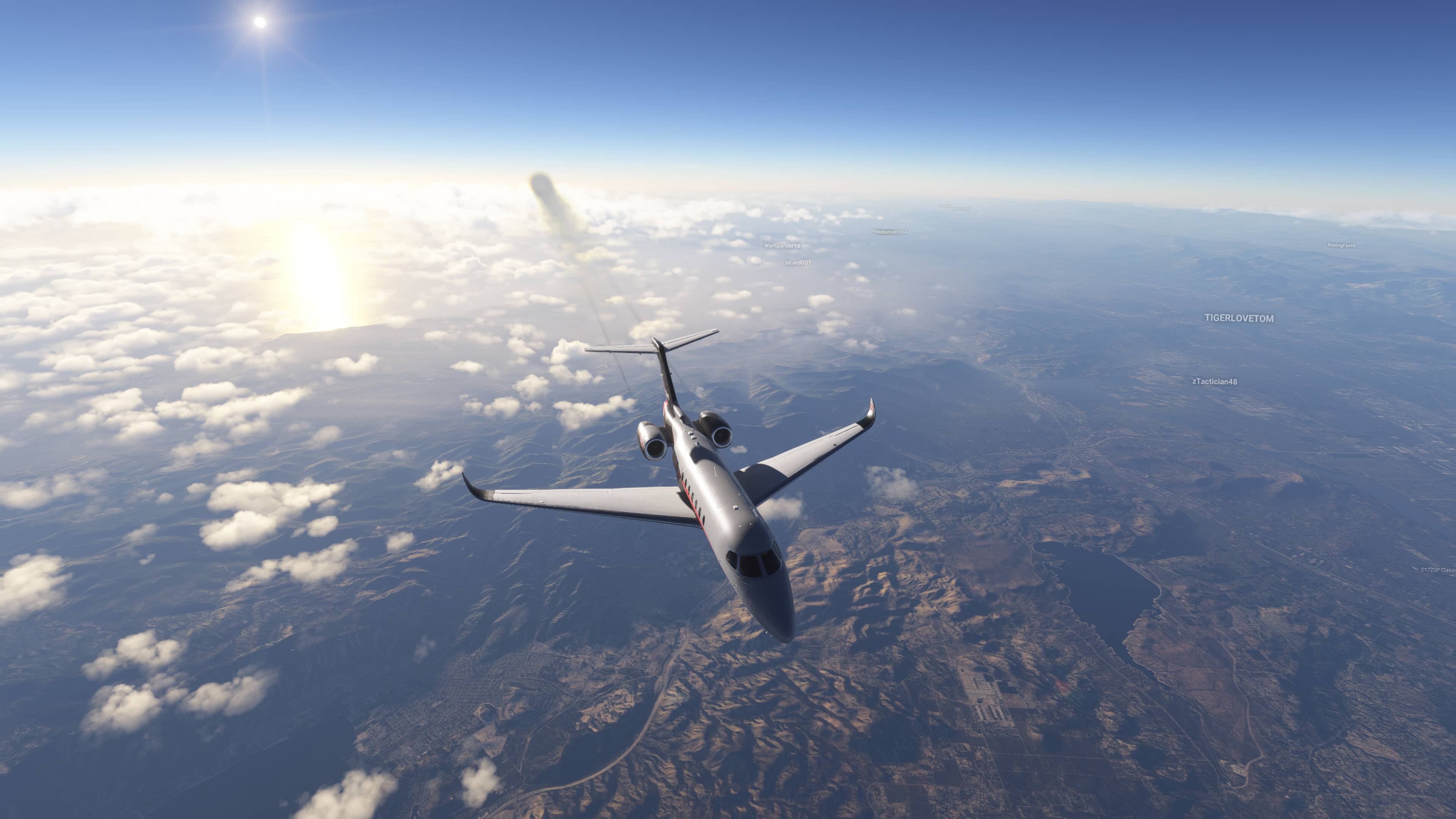
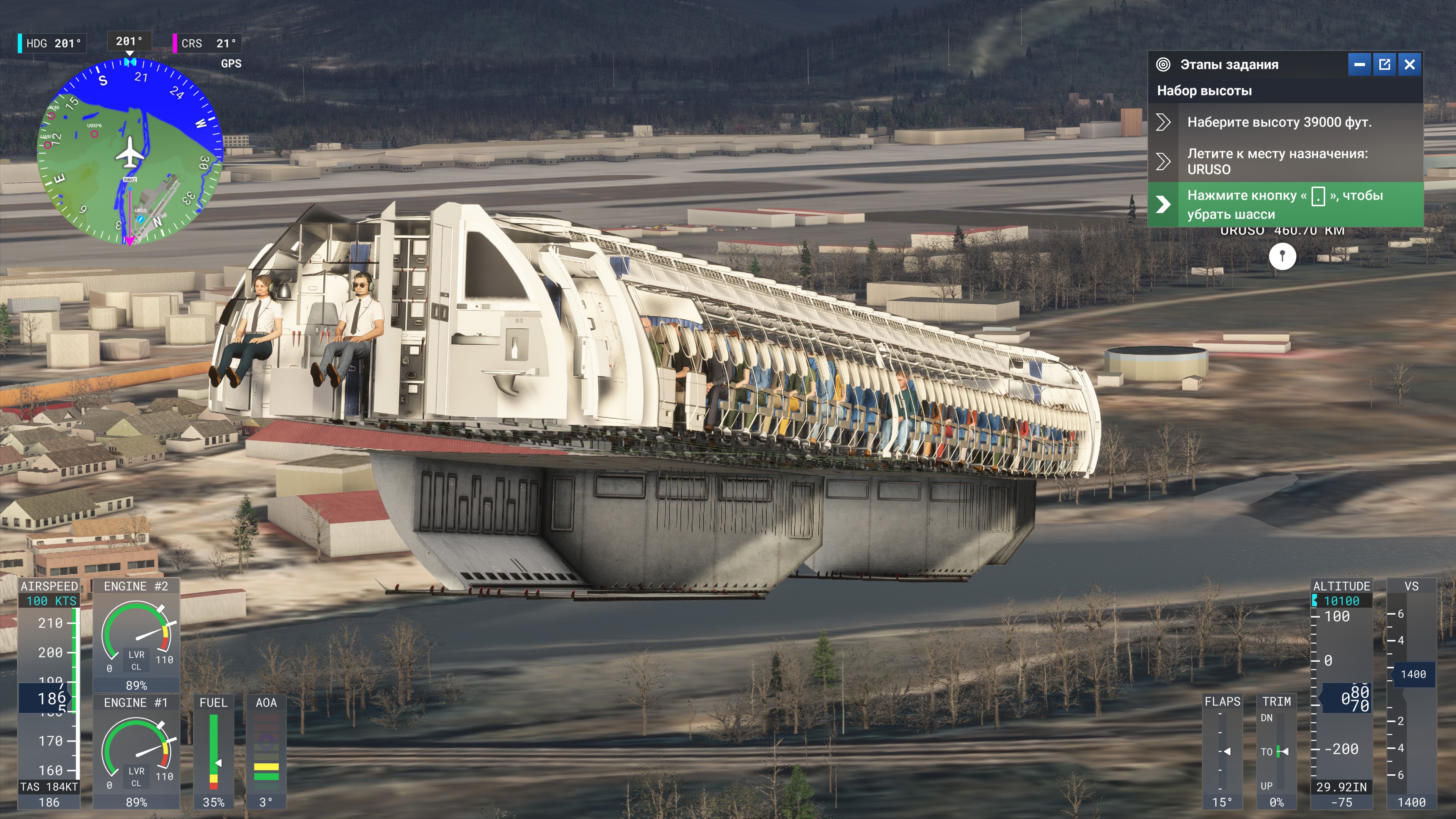
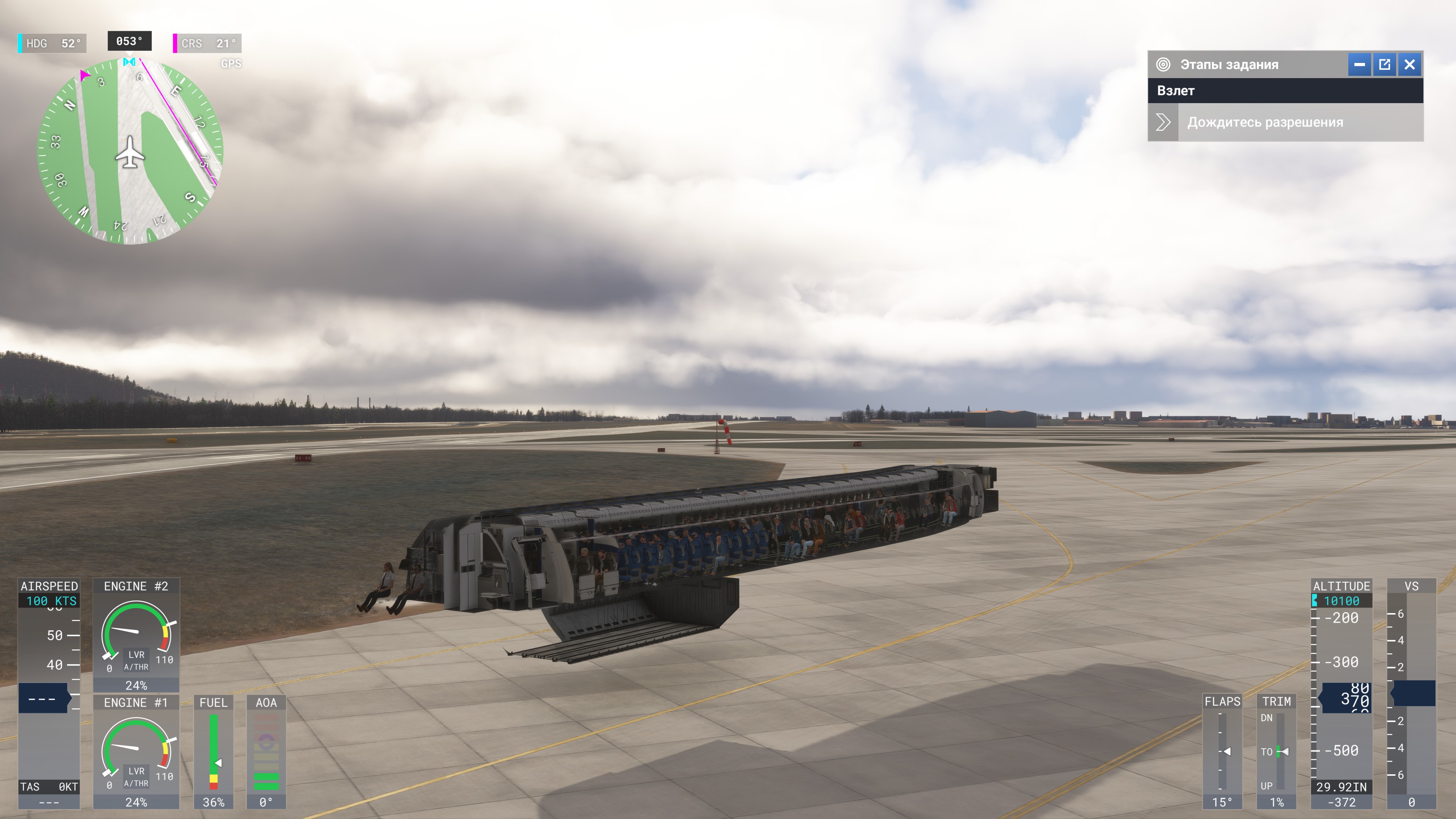
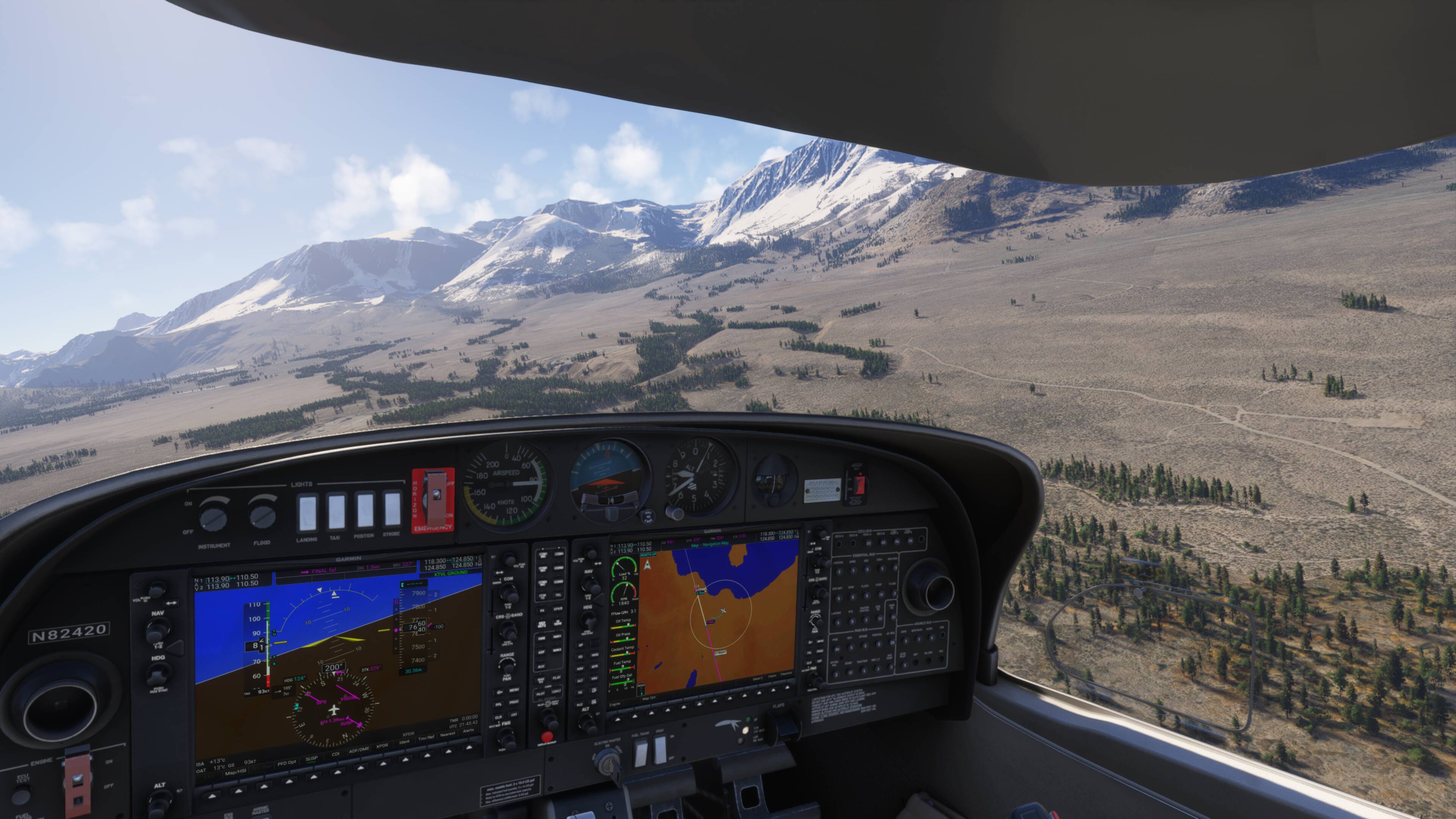
Day 1 of asking why Heavy Certification is still locked even after the Devs said it would be released with SU3, and SU4.
I Will Be Back Everyday Until Heavy Cert Is Released…
Day 1 of asking why Heavy Certification is still locked even after the Devs said it would be released with SU3, and SU4.
I Will Be Back Everyday Until Heavy Cert Is Released…
Don’t bother until after New Year. Asobo is on holiday until after then and nothing will happen.
A lot of people in the Los Angeles area right now on the USA West server. Make sure you have your multiplayer settings set to “All” and not just “Live.”
Estava com mesmo problema de cintilação, desliguei o G-Sync e acabou o problema. Vale a pena tentar…
Moderator Edit:
Translated from pt by Microsoft
I had the same flickering problem, I turned off G-Sync and the problem ended. It’s worth a try…
Plenty of time for it to stack up and get traction then.
Flying the cirrus sr22 around Italy at moment, LOD is breathtaking. I’m having a few days break from the airliners.
Just went back for a leg in 2020 and boy that is smooth panning around without stutters and with Chaseplane… In 2020 a fps of 30, while in 2024 I have 45…
Yes, everything is so strange on FS24, you never get a real smoothness like you should, which is something FS20 almost always does. In terms of fps in heavy situations, FS24 does more fps than FS20, but it can’t be as smooth as FS20. Too bad.
…and panning is a disaster…FS20 had the problem, but on FS24 the situation, at least for now, is much worse.
Everything is perfect for me! The system doesn’t stutter at all; this was a real stress test for the 9800/5090/32. I’m not a blogger, but I know there are issues, and perhaps this video will demonstrate how smooth the FS24 has become.
 what’s there to say except omg
Its not a “bad performance” stutter. I have got a 9800x3D and a 5080 + 64 GB Ram and the performance is really good. The camera panning stutters and some random stutters i get are not connected with any performance demanding level in the scenery i fly. I have not one single stutter in Chicago + Drzewieckis City Landmarks and get 80 FPS on Ultra … and on the other hand a simple plain vanilla scenery like Bern Switzerland i have those hiccup stutters every 20 seconds.
I’ve just noticed that shadows casted by trees are visible only form ridiculously short distance. I’ve got screenshot made maybe a month ago in the same place. It looked so much better. Now the trees looks like unnatural green sticks. They don’t blend into the landscape. Is it just me or is it another magic Asobo’s tweak for better performance?
SU3
SU4
Takes me back to the old days last year. How I miss them 
I purchased this plane only a few weeks ago and I didn’t notice the problem then….? And I’m disappointed as I was hoping to land the ag version of this plane on as many as possible of the 3052 New Zealand farm airstrips I’ve loaded into LittleNavMap (my first ever ride was in a Beaver topdresser as a 12 year old on Akitio Station.. I like the Beaver but as a learner I haven’t yet mastered tail draggers..)
I’ve tried all of the graphics options to no avail.
My System is:
Ryzen 9 9950X3D 16 Cores - 64GB DDR5 RAM
NVIDIA GeForce RTX5090 32GB
Windows 11 Professional
Pimax Crystal Super 50PPD QLED
Nice video 
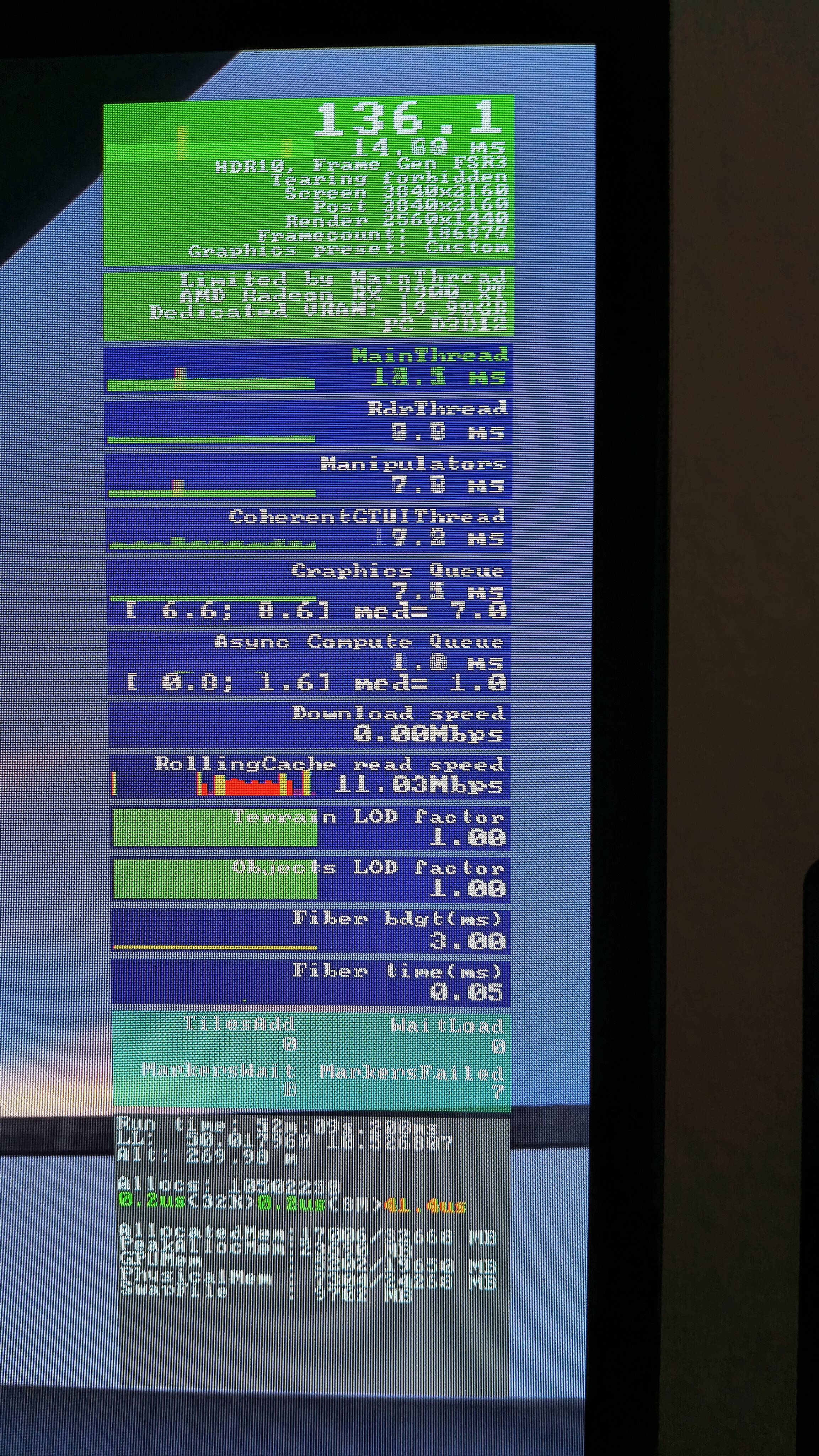
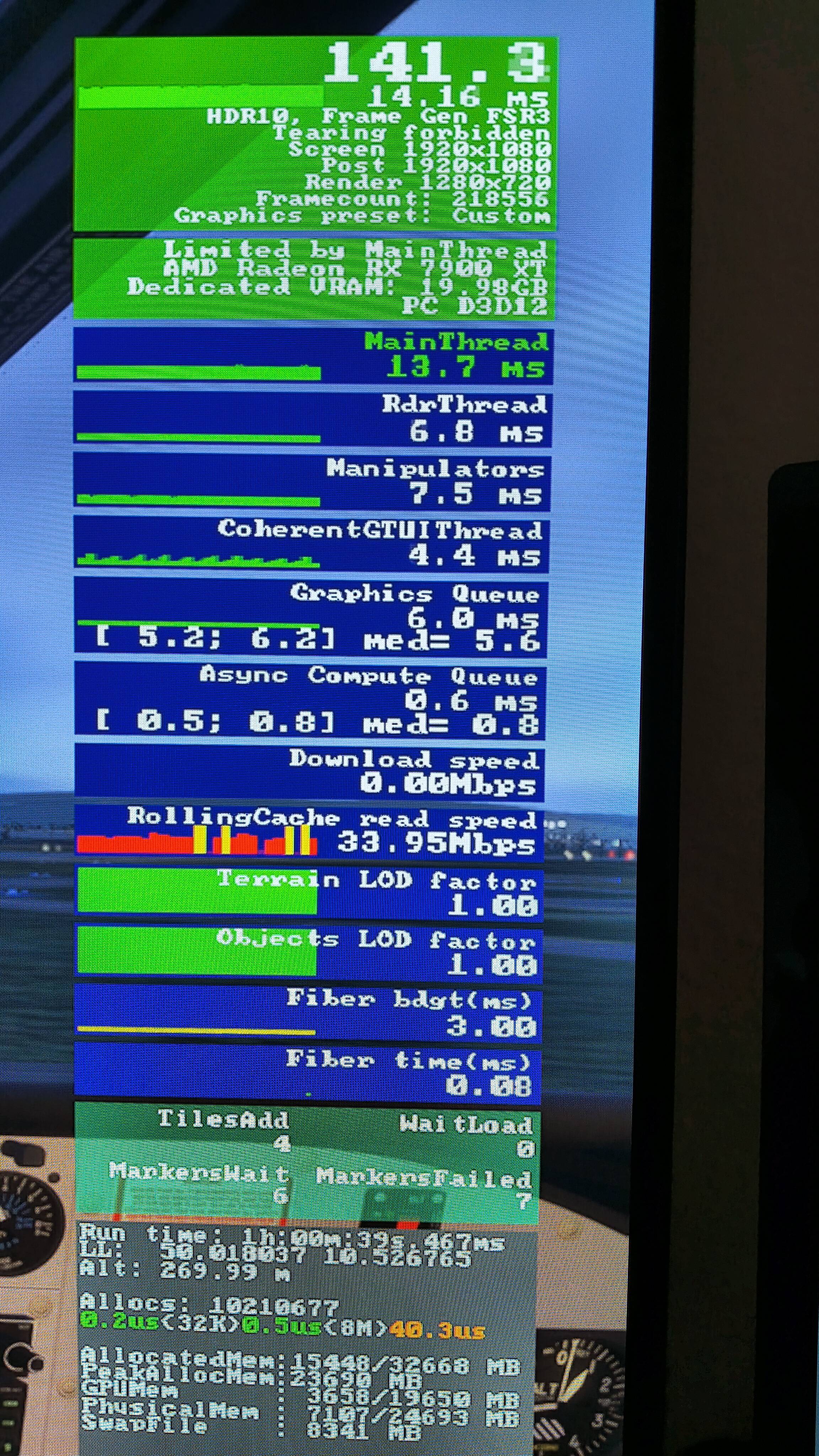
But I have always short stutters and hiccups, when I make turns on the ground and in the air and when I move the camera inside the cockpit and in external view. Even with absolutely everything at Low and Off and 0 TLOD and 0 OLOD, for some tests!!! Then the Dev Mode display says 80-140 FPS, everything is in the green area, with AMD FSR3 x2. And I really have stutters and graphics dropouts when turning or bank my aircraft or move sideways my head with headtracking…
Tested with empty community folder! Also with a small single engine piston on a small rural airfield and clear skies! With a 2160 resolution and also with a low 1080 resolution on my 4K TV (120Hz)!!
The simple intro video after starting the sim has stutters.
The loading of the World Map has stutters.
Loading the selected flight have stutters, right before the yellow “Start Flight” comes up.
I have a RX 7900 XT (20GB), 32GB Corsair RAM, Ryzen 5600X, Samsung and WD SSD NVMe M.2, 50 - 350 MBit/s Internet. LG OLED 4K with AMD Premium FreeSync…
Thats pretty the same Thing i have. Those hiccup Like stutters are a SU 4 bug. I get that with a 9800x3d and rtx 5080 too.
The worst is 0.1%, but the reason is unclear. And although I flew a small aircraft in free flight yesterday and did not experience any freezes, only occasionally the fps dropped when panning, but so slightly that I would prefer not to pay attention to it, and besides, I recorded parallel 8K video.
But when I returned in the evening to take a 737 career flight from Brisbane to YBBN, I was again faced with terrible performance. Again, the GPU refuses to work at 100%, and the fps is 55 with a resolution of 2540x1440p. I returned the full resolution of 5120x1440, removed the windowed mode, closed all third-party applications, but all in vain, something prevents msfs24 from working at full capacity, as it was just a few hours earlier, when I shaved the ground on f14 with Tlod400 and ~55 fps. Now I have uploaded to YBBN and made a free flight, and my fps is 100+ again, and the gpu is loaded at 90+%. What’s happening? Why is that? While I don’t have any answers to these questions, I have a hunch that this is due to the loading of servers in prime time or career mode.
Update: I loaded into a 737 career at Brisbane Airport and again got 55 fps. The GPU isn’t working at full capacity either on the monitor or in VR. The entire flight was at 50-80% GPU load. Furthermore, the TAA antialiasing looks terrible, with artifacts and jaggies all over the place.
And I’m back to 2020. Fps on arrival in 2024 is just plain terrible and as long MS/Asobo doesn’t want to improve this it has no use for me. Even the sound goes down the drain when the fps drops to 10 on an airport like LFLL which is pretty small. SMH… again.