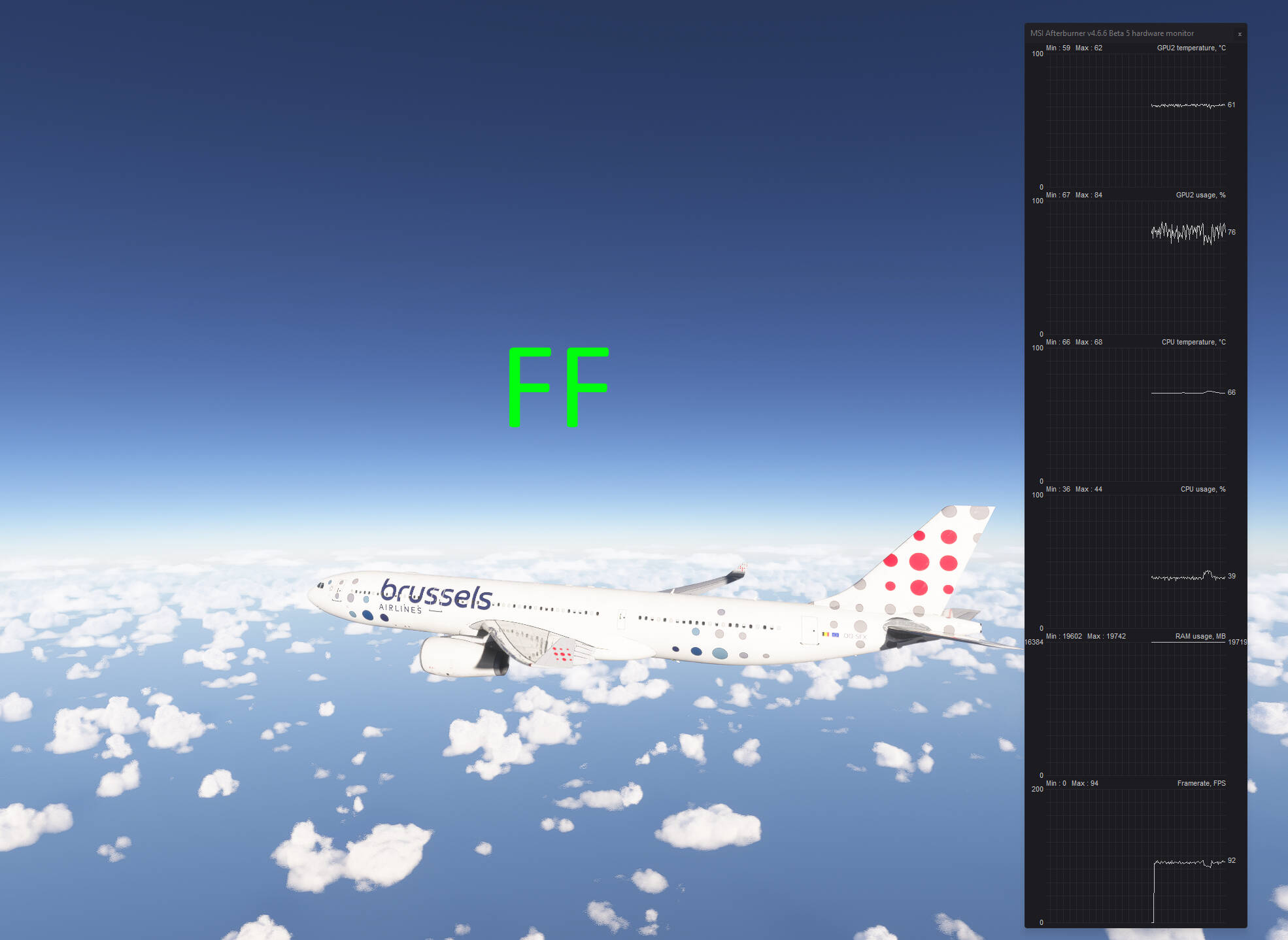
Yes I definitely think it’s worth it now. It’s just such a shame it took a year to get to this stage, when it should have been in the current stage back at launch. (At the very least) still has some issues, mainly ATC and career for me.
Imagine what the sim would be like now with a year’s worth of sim updates if it didn’t have all the previous issues? I am certainly looking forward to seeing how far it develops over the next few years and I most certainly will not be preordering the next version! I will probably wait a year before buying it.
There are mistakes in your career that cause productivity to drop significantly compared to free flight. I tried the A330-300 from ini in my career, and barely took off from KLXA, terrible trolling. Immediately I switch to free flight and everything is fine with me, I fly freely over LA on this huge bird and everything is fine with the smoothness of the game.
And it’s definitely not about the plane, I’ve been sending reports all week, and in my career, only one flight on a 737 went well when the CPU worked properly and put 100% load on the GPU. In other cases, productivity dropped by ~50%.
Just done a couple of flights in the A20N and I decided to try something that someone noticed in a group flight last night. We were all on live time and they decided to switch to daylight (which didn’t work as we were flying to Longyear ) but when they switched it back to live time, the stuttering they were experiencing went away
So today I tried this (after loading in) flying from default Belize to LVFR Miami and then again flying from LVFR Miami to inibuilds JFK. Performance I have to say was really good with none of the audio and visual stuttering that I have been getting. Probably just coincidence but maybe worth trying any time anyone sees stuttering to see if it is a thing or not
Interesting! I have noticed some stuttering lately and have been playing around with the time, doing some sightseeing while the area I was flying over was dark IRL. I’ll have to play around with it some more and see if the stuttering is limited to using Custom time.
There’s only so much they can do with the amount of memory available on Xbox S. I’m sorry that’s all you could afford, and understand your frustration. But, it’s a very complex program, and glass cockpit gauges demand a lot of memory. It’s essentially displaying a screen within a screen, that has to be able to manage lighting on that screen and from that screen, as well as 3D transformations of that screen, inside the 3D transformations going on in the sim.
I have to admit, however, I don’t understand at all Asobo’s choice to not give Xbox users the same control over sim graphics complexity that PC users get. It makes no sense. Xbox users need that control even more than PC users do. Just because the general design rules of Xbox state that options should be kept to a minimum, that doesn’t mean it needs to be a hard and fast rule, does it?
Try Florence Italy … not one single stutter…. then Bern Switzerland… total stutterfest. And the time was also not live in Florence. It was career flightseeing.
I haven’t had any Freelance rotorcraft SAR missions populate anywhere on the globe since updating to SU4. Employee Rotorcraft SAR are available on occassion. But why no Freelance
Still, something strange is happening in career mode… terrible lags, while in free flight everything is fine at exactly the same place/time/ weather. Simulation acceleration is not used, the settings are identical.
Whenever I load into a flight it’s always set at custom and I revert back to live. Though sometimes it’ll revert back to custom all by itself, sometimes several times. I haven’t noticed any stuttering going back and to but if it happens again I’ll look out for the stuttering
So the issue I’ve got is really bad fps drops at airports when changing camera views in any aircraft I use. Running 9950x3d and an rtx 5090 with frame gen set to x3 in Nvidia app vsync set in app too and using autofps. Only started since the last update I never get these drops in cruise. Now I’m not entirely sure but from what it looks like to me is that it’s reloading simobjects on every camera view change which was an issue previously. Not sure if anyone else is having same issue.
Yes, I have the same problem. It doesn’t seem to load a circle around the viewpoint, but a cone in the direction of the gaze. Rotating the viewpoint reloads the textures of aerial objects and terrain. There’s no point even waiting a few minutes, it doesn’t change anything. When the wheels lift off the ground, the situation improves. Ultimately, it doesn’t matter if it ruins every single takeoff and landing.
This update gives me MSFS SU5 vibes … Since release I’ve constant Exception code: 0xc0000005 CTD, even, when there’s nothing in the community folder. Before it was super stable, but from me this release stability deserves a BIG 1
I know that you probably know what you are doing but I would double-check that you deleted your StreamedPackages and SceneryIndexes folders and let them rebuild. It is quite easy for them to keep out of date data and cause you problems.
Those are the hiccup stutters i talked about. Get them too with 9800x3d and rtx 5080. There is no solution for them so far. I tried many Things rolling Cache, lower Details etc, …nothing helps.
 ) but when they switched it back to live time, the stuttering they were experiencing went away