Incredible amount of work done my so many people; many thanks. My initial impression is “Wow”! Significant improvement in frame rates and stability. Can’t wait to start checking out all the airport and POI upgrades. Brilliant! 
6 Likes
Took the Fenix for a spin last night from Luton to Ini Manchester, performance was solid, much snappier (really snappy!), night lighting was stunning. 5800X3D, 7900XT.
I need to do more testing but looking great so far. Hopefully soon, I’ll be able to fly in actual day light.
1 Like
Since the XB-1 is out, too, is there any announcement post for that like for the previous Famous Flyers? (e.g. like Microsoft Flight Simulator Releases Famous Flyer 12: The Piper PA-28-236 Dakota - Microsoft Flight Simulator)
Forgive me, I honestly still don’t get this. I have both 2020 & 2024. Which sim is the “Community2024” folder added to? If 2020, why would the user be adding 2024-only content to it? If 2024, why would you need a specific 2024 folder inside 2024? Do the sims look back and forth at each other’s Community folders? I thought they were completely separate, or is that an optional thing to save space?
1 Like
There’s no announcement post for the XB-1, however there are videos available on our YouTube channel, alongside an Polls and Feedback thread for players to provide their comments on this aircraft!

6 Likes
1 I still can’t get feathering to work.
2 Even on the lowest setting my PC sounds like it talking off. So loud I can’t hear ATC. It was great until yesterday.
NVIDIA system information report created on: 07/17/2025 15:33:57
NVIDIA App version: 11.0.4.526
Operating system: Microsoft Windows 11 Pro, Version 25H2 (OS Build 26200.7019)
DirectX runtime version: DirectX 12
Driver: Game Ready Driver - 581.57 - Tue Oct 14, 2025
CPU: AMD Ryzen 7 9800X3D 8-Core Processor
RAM: 64.0 GB
Storage (2): SSD - 1.8 TB,SSD - 1.8 TB
Graphics card
GPU processor: NVIDIA GeForce RTX 4070 Ti
Direct3D feature level: 12_1
CUDA cores: 7680
Graphics clock: 2610 MHz
Resizable bar: Yes
Memory data rate: 21.00 Gbps
Memory interface: 192-bit
Memory bandwidth: 504.048 GB/s
Total available graphics memory: 43798 MB
Dedicated video memory: 12282 MB GDDR6X
System video memory: 0 MB
Shared system memory: 31516 MB
Video BIOS version: 95.04.3c.40.26
IRQ: Not used
Bus: PCI Express x16 Gen4
Device ID: 10DE 2782 13B1196E
Part number: G141 0331
Display (1): DELL S2721DGF
Resolution: 2560 x 1440 (recommended)
Refresh rate: 165 Hz
Desktop color depth: Highest (32-bit)
Display technology: G-SYNC Compatible
HDCP: Supported
Some have solved the 97% load problem by resetting the operating system’s Hosts file back to default.
1 Like
I have to say, I really really hate the front and center ad on loading the game now.
3 Likes
Did you try deleting the xbox app and reinstalling? That could also be a thing. Uninstall both ms24 and xbox app and have another go at reinstalling.
I found that my JustFlight PA 38 no longer works after the SU4. Won’t even load.
I believe that due to the constant changes in the beta, 3rd parties weren’t updating their products to fix anything that broke in case it broke again. Now that SU4 is live, they will all set about making them work again
2 Likes
Thought my computer that handled MS 2024 flawlessly in 2D on all ultra settings even at JFK, simply was just not powerful enough using Pimax Crystal Super using the 57PPD engine.
YouTuber said it was great but I hated VR performance. I had to use 72 refresh rate and medium settings in MS graphics settings.
The SU4 foveat rendering implementation blew me away. I am back to 90hz refresh on VR and for the first time butter performance on ultra in VR.
I had buyer remorse with my Pimax and had oled engine on order. The SU4 update was such an improvement that I’m considering canceling my Pimax order for the Micro-Oled (but probably won’t).
it’s nice to know that there was nothing wrong my hardware, the issue was all software.
It was still stuttering until I turned on FOV render using 25-30 scale
Again Team, Thank you!
1 Like
Thanks for fixing my VR experience. Though it was all software since terrible for so long but ended up being software. The new FOV with scale is a game changer too.
No more buyers remorse with the 57PPD Pimax. Experience so improved, it’s like a new and different VR headset.
I usually don’t participate in forums but had to send this thank you!
hello,
same thing for me 
I don’t think there’s a problem with the JF PA38 as such, it loads fine for me. Have you tried reinstalling?
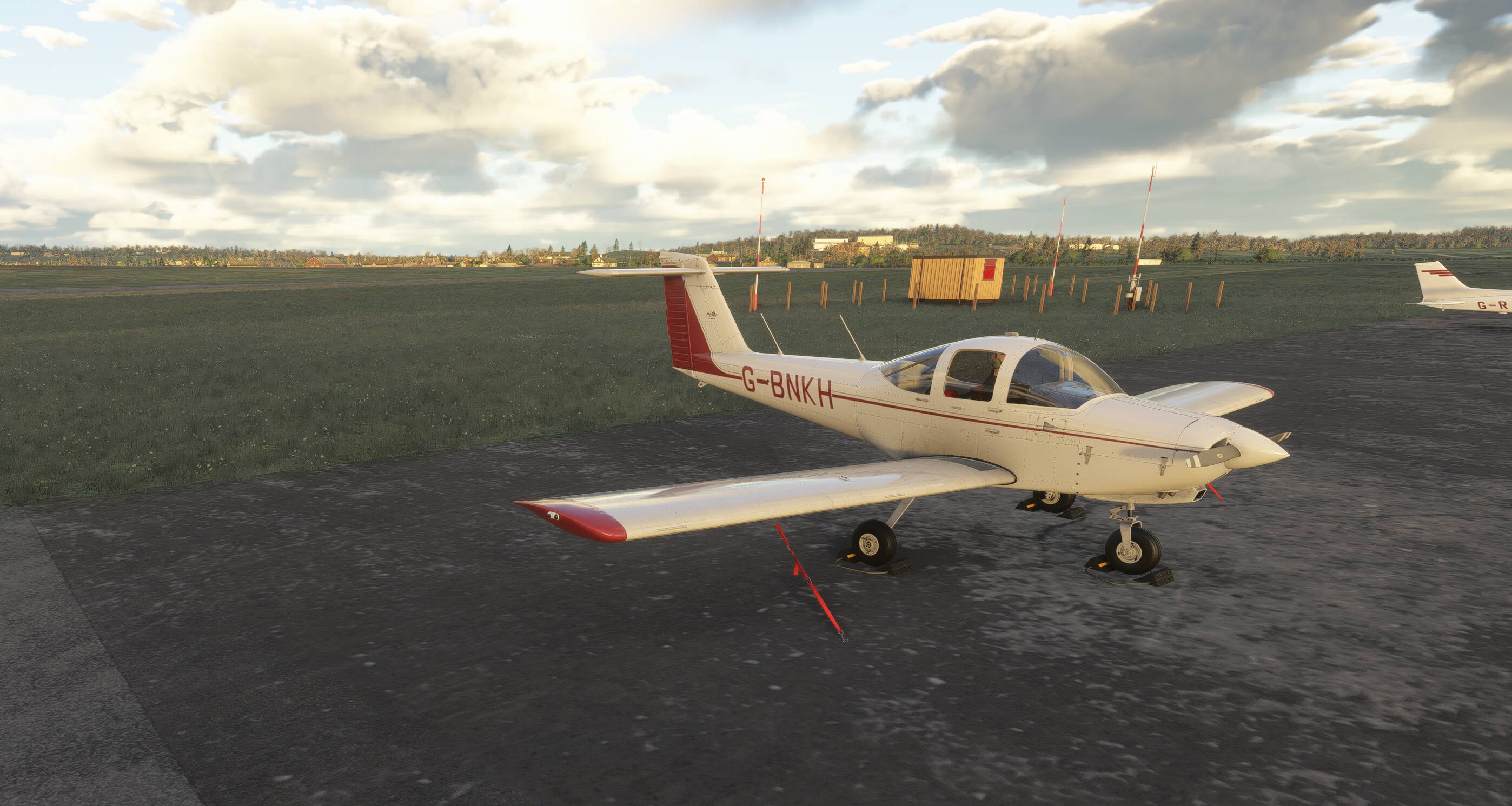
This was a known glitch for a very long time. The prices in credits are close to the real prices, so you could’ve figured the prices for the CJ4 were way off. I actually waited for this update before buying them. Sorry you lost so much credits.
This is an excellent update on first impressions from a performance and visual point of view.
I’ve been flying over Kashmir and Mumbai in the JF Hawk and low level through London at 420kts, including over Inibuilds EGLL, and the performance has been superb. I’ve just finished a flight from my home airfield, (Burning Blue Halfpenny Green) over the Shropshire hills to Wales and back, skimming the treetops and hedgerows in the FI Spitfire and again, seeing the scenery whizz past without the slightest hitch has been a joy.
It’s been so refreshing to just fly. Yes, I’ve had a few minor niggles, and will no doubt find more, but on the whole, I’m very pleased with the progress. Congratulations to Asobo/MS.
5 Likes
Worked great but I can no longer access the sim to do a flight. Its freezing in the main menu! I have never had this happen to me in any update!
Are you on Xbox or PC?