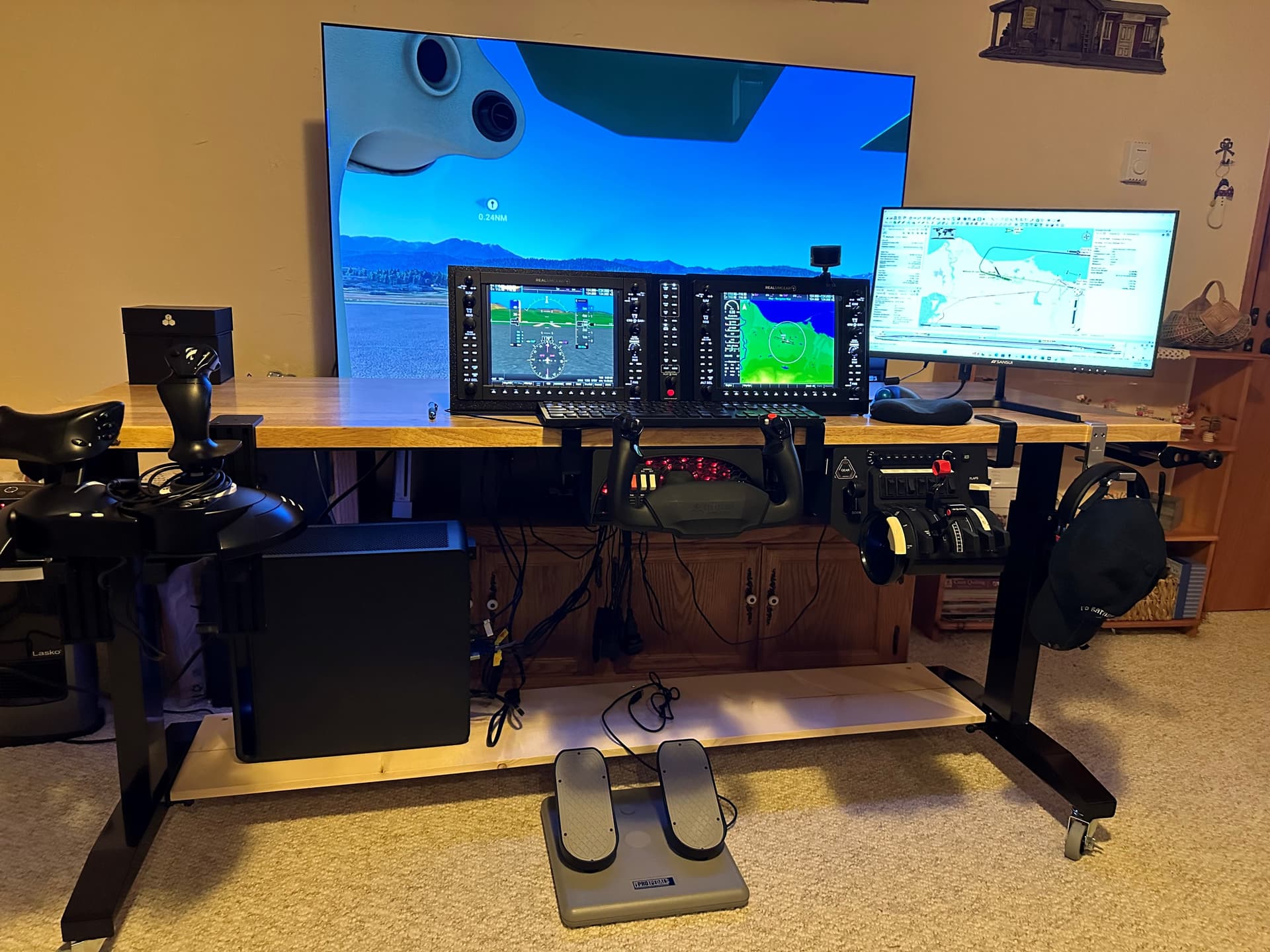
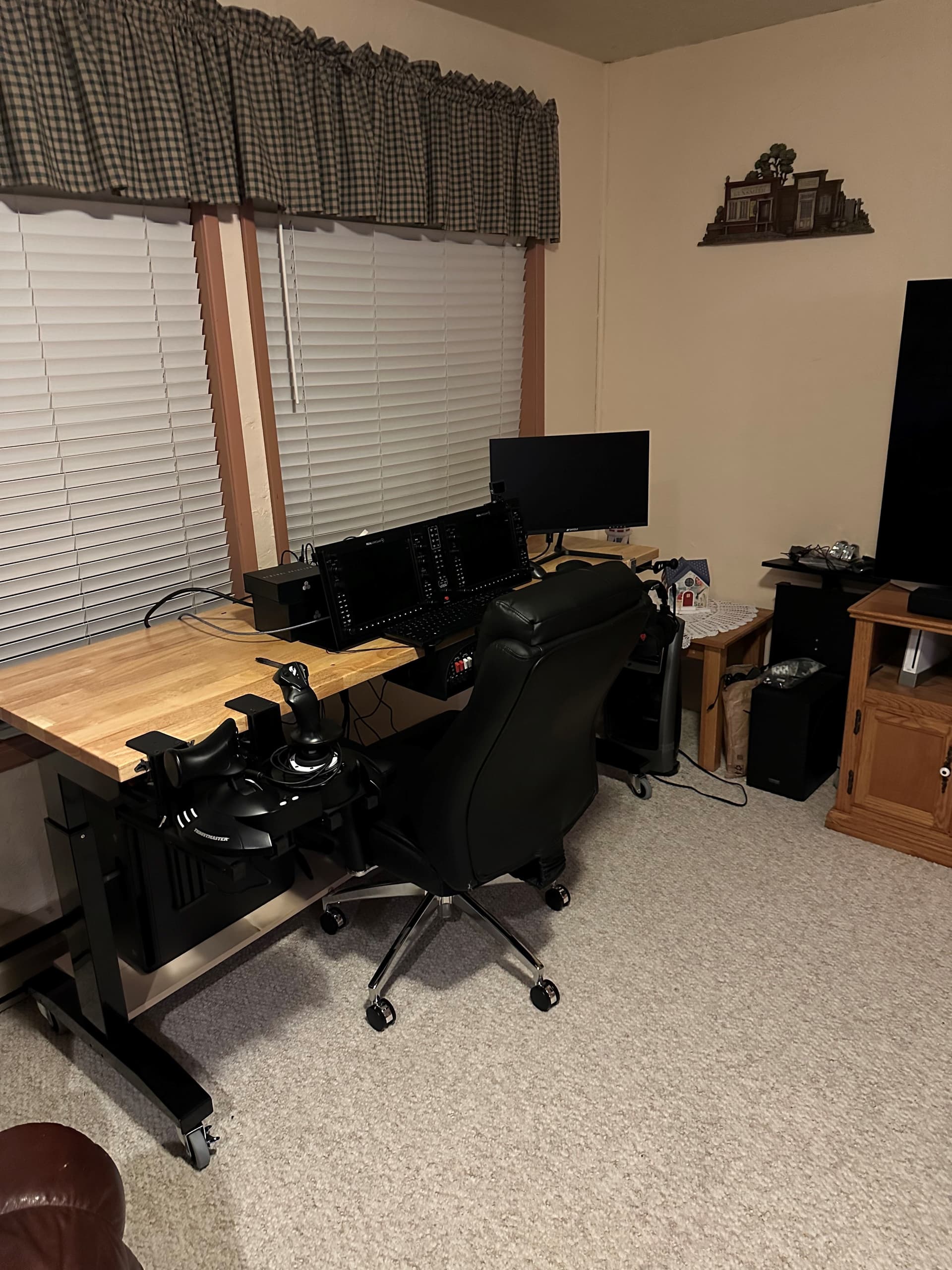
I have always been looking at ways to improve my MSFS experience, better gaming computer, super widescreen curved monitor, etc. Probably pre-covid, I tried using my large screen TV with a “ho-hum” result. Well naturally TV’s are getting better and being asked to do more so I had purchased a 65" LG TV loaded with way more that I realized. A few months ago I had an “epiphany” moment regarding what that TV could do. I pulled my gaming computer from the Den and hooked it up to the family room TV. BLEW ME AWAY. The TV had a NVIDIA card and was perfect for MSFS! Sitting up somewhat close to a 65" monitor made the whole experience so much better. Landing “depth perception”, in particular, was much closer to reality (I have a private pilot license so this was always a big gripe of mine). Well now it’s time for a new gaming computer (and excuse, right?) and a mobile FS platform (need it out of the way for movies, etc.). I also decide to go crazy and get some RealSimGear G1000 hardware and a “chart” monitor to the side. I’ve attached 2 pics, one with everything off to the side for regular TV viewing, and the other set up and running for the FS experience. This is all on a mobile workbench that rolls & adjusts up and down. I use the Honeycomb Alpha and Bravo equipment designed with a quick-release setup for swap-out with the Thrustmaster gear on the left. It takes less than 3 minutes to transition from either setup.
12 Likes