So many optimizations I see in the list but these bugs are STILL occuring.
1 Like
Moved to Sim Update 5 Beta | MSFS 2024 > SU5 Beta Discussion .
Sim Update 5 Beta | MSFS 2024 > Install, Performance & Graphics is for reporting regressions:
I hope this gets seen and gets priority, it is a crucial bug!
So the Off-Screen Terrain Pre-Cache setting, yeah, I noticed this as well on my first Twitch flight stream.
1 Like
STILL not fixed (1.7.7.0),
Why fix very minor detailed bugs, but not fix the self-induced bug during SU4 which is much more critical for medium end pc users?
5 Likes
STILL not fixed (1.7.9.0)
4 Likes
Agreed, still not fixed in 1.7.9.0, I think this bug should take priority IMO so we can get proper smoothness.
4 Likes
Not seeing this issue on my system, but I am not using DLSS or FG .. Is that the difference?
I’m using FSR3.. but I have noticed there’s a rather slow “catch-up” when switching window focus. It takes a while for the sim to stabilize the frame rate, it starts off low and then climbs gradually and this on a 4090.
Yeah I’m noticing jerky panning and relatively poor performance on this build compared to eg SU4. I’m also noticing a steady drain in RAM usage over the course of a flight.
Starting off at c30Gb on departure rising too 45-50 Gb after arrival. Is this maybe a memory leak?
1 Like
I made this quick video to showcase the issue:
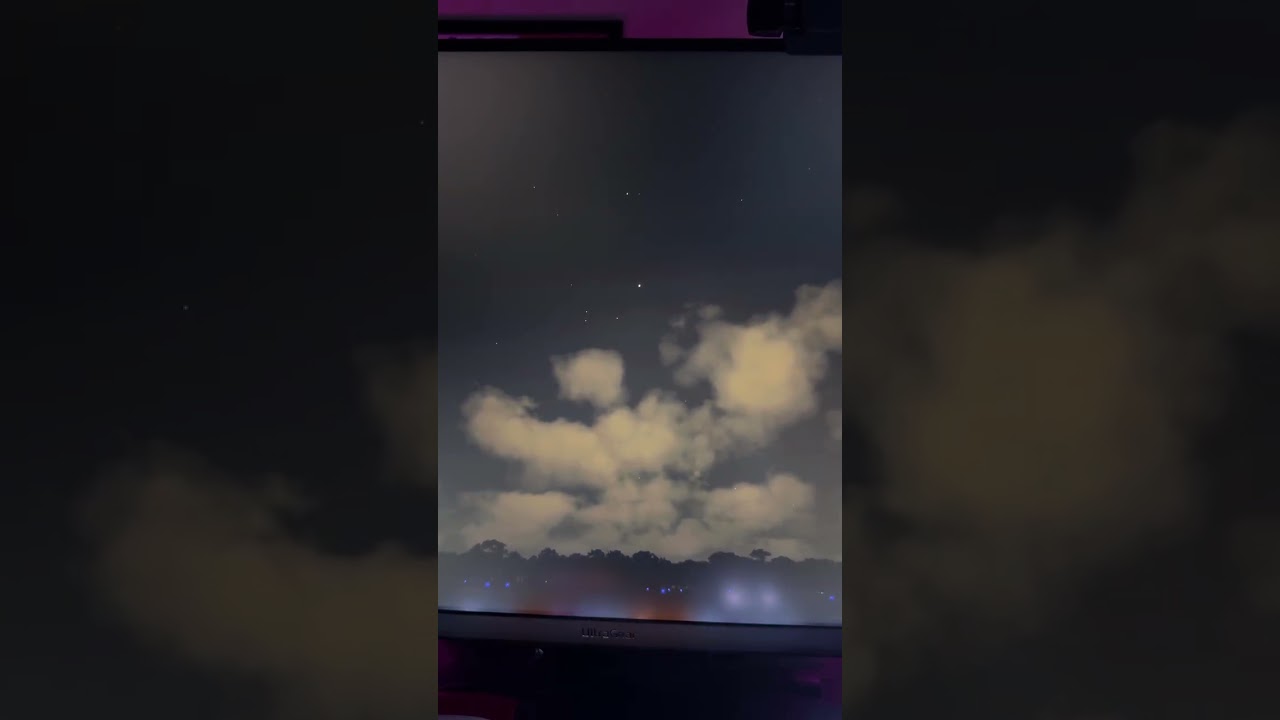
It could be a memory leak too, I tried both High and Ultra for the Pre-Cache setting and same issue. That’s a pretty big stutter though.
6 Likes
I really hope the devs are looking into this. This is such a critical bug.
7 Likes
There are, meanwhile, several threads regarding this topic, but no one has the status ‘bug-logged’ as far as I see. As long as there is no bug, there will be no fix.
1 Like
How do we go about getting it logged?
As soon as the team tries to reproduce it, it gets status “feedback-logged”. This is already the case.
When the team is able to reproduce it and it is classified as bug, it gets staus “bug-logged”. You can’t do anything about it, this is up to the team.
As I already said, from my point of view it is no bug. It is maybe a collateral damage, but not more. The behaviour is caused by saving VRAM, which was really crucial for the overall performance. Even today some people are complaining about VRAM usage, although it has been reduced a lot. But this means, VRAM usage is at the edge, and it is not possible to spent more VRAM again for caching.
1 Like
So basically they said: lets delete precaching to save on vram?
Yes, all other VRAM content would cause even more trouble.
What exactly is the issue you’re having?
What settings are you using and what are your specs - GPU/CPU/RAM?
Just asking because if I get some free time later, I might try to check if I can reproduce it.
Take a look at the blurry runways forum post on top. You can read it there, I think its closely related to the precaching issue. I believe it is affecting people with medium end pc’s.
Try going to a heavy big fps eating airport, and try to land with maxing out your cpu usage. The runway will be a blurry mess.
And yes I know, with CPU maxed out you should see performance issues, but normally you would see it in FPS or stutters. But not to see blurry runways.
I should reproduce the runway texture loading bug by landing at EGLL with traffic on, correct?
I’m running a Ryzen 7 9850X3D, 64 GB DDR5 RAM and an RTX 5090, playing in 4K. So my setup is pretty high-end - I’m not sure if I’ll be able to reproduce the bug if it mainly affects medium-end PCs.
In any case, I’ll try landing at EGLL, EHAM, KLAX, KJFK and see if I can reproduce it.
EDIT
That might be a bit of a problem in my case, because I don’t remember my CPU ever being maxed out in MSFS. If your CPU is running at 100%, it probably means you might need to lower some settings and reduce the number of programs running in the background.
1 Like