Hi pilots,
I have a question about installing Windows 10 on a NVMe drive. It refused to do so yesterday, and I found out that secure boot must be enabled to install on an NVMe.
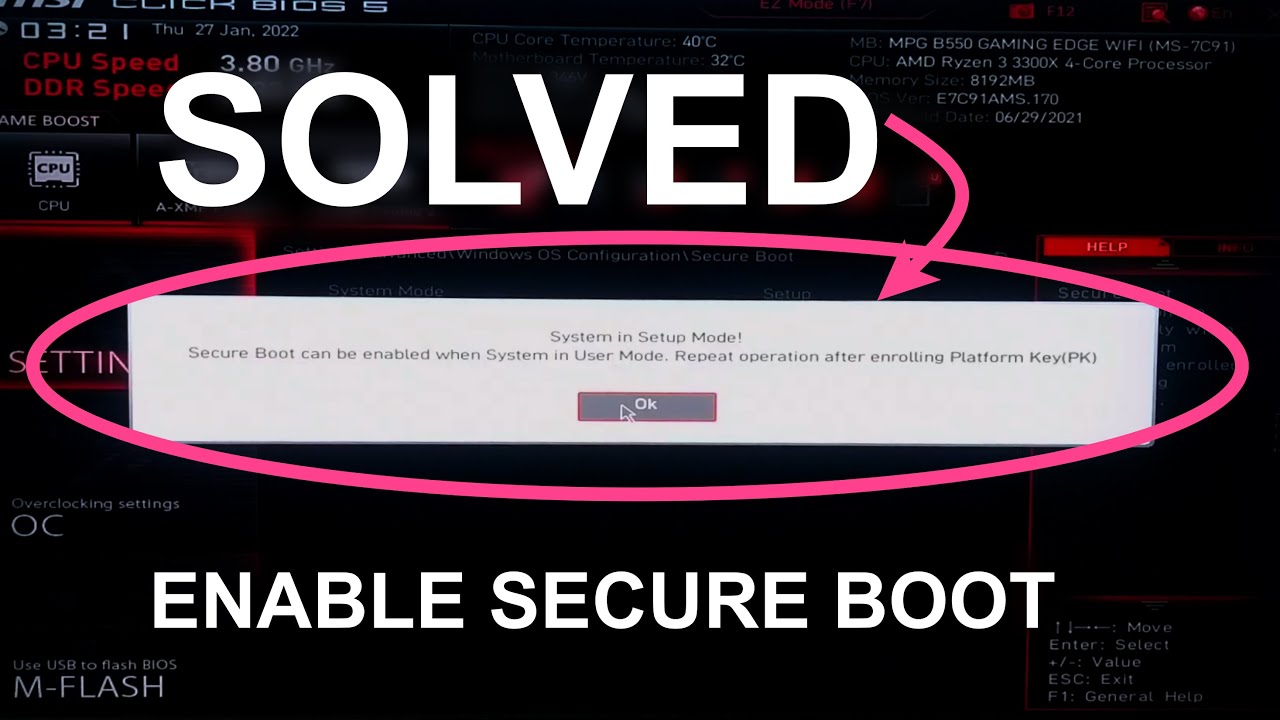
To enable secure boot I need to switch to user mode.
“System in setup mode. Secure boot can be enabled when system is user mode.”
And here is the next problem:
But to switch to user mode I “need to enroll the factory keys.
Secure boot can be enabled when system in User Mode. Repeat operation after enrolling platform key (PK.)”
I don´t have any factory keys or any BIOS and UEFI serials and keys for this mainboard, what is this stuff?
What does the mainboard want from me?
I have not dared to activate this because maybe my computer will get BIOS password blocked when doing so, and asking for a password or serial I don´t have?
What is this function, is this safe?
Where can I get MSI factory keys from? This is not in the manual of my mainboard.
Thank you very much for your tips and help 
The question should be; why should someone install W 10 instead of W11 ??
Scott
1 Like
Because many of us hate Win 11 for many reasons. I’m with the OP on this.
1 Like
After hours of trying… making one boot drive after another with RUFUS and Windows Media Creation Tool… in GPT and MBR…
…unplugging all SSD drives…
And more hours of trying… accidentally formatting the wrong drive one time which lead to a data loss of 1 Terabyte…
And more trying and failing… it finally worked.
Do you know what the problem was? It was impossible to install on any partition, but I had to delete all partitions on my NVMe, keep the whole drive as unallocated space, and installed with a USB drive formatted in FAT32 and MBR.
And it is so worth it!
I am at the log-on screen after 2-3 seconds, but with all drivers and Steam and Dragon Center and more installed 
The purely NVMe-driven new performance of the Fenix will be outstanding!
Hm all websites where saying this. I already have it disabled again
About Secure boot - enabled?
Not only Secure Boot on and off, for surely over an hour I have tried every possible setting in the BIOS…
Now it´s off, this will probably enhance performance a bit when it´s off.
Oh WOW!!! LOOK AT THIS!!
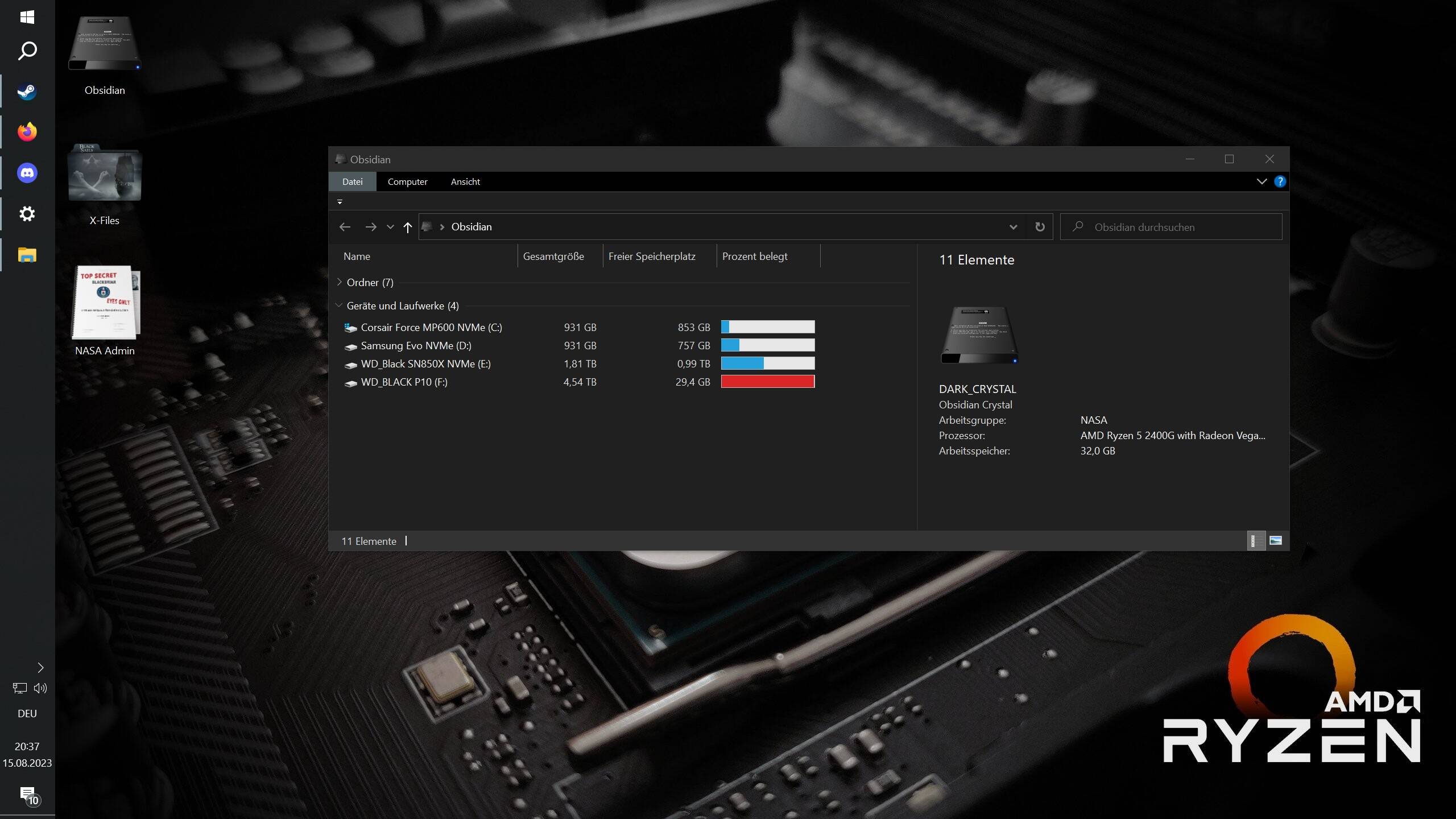
While Windows was installed on an SSD I never had more than 3-5 Mbits download speed, because these lame pieces of SSD-trash never had a higher long-term continous writing rate than 10-50 megabyte per second.
(I am not lying, these pieces of SSD-trash where writing 500-600mb/sec only for a few seconds, maybe maximal 4 seconds or so, and continued their writing process with 15 - to maximum 50mb/sec. Every copy-paste task of bigger files took hours.)
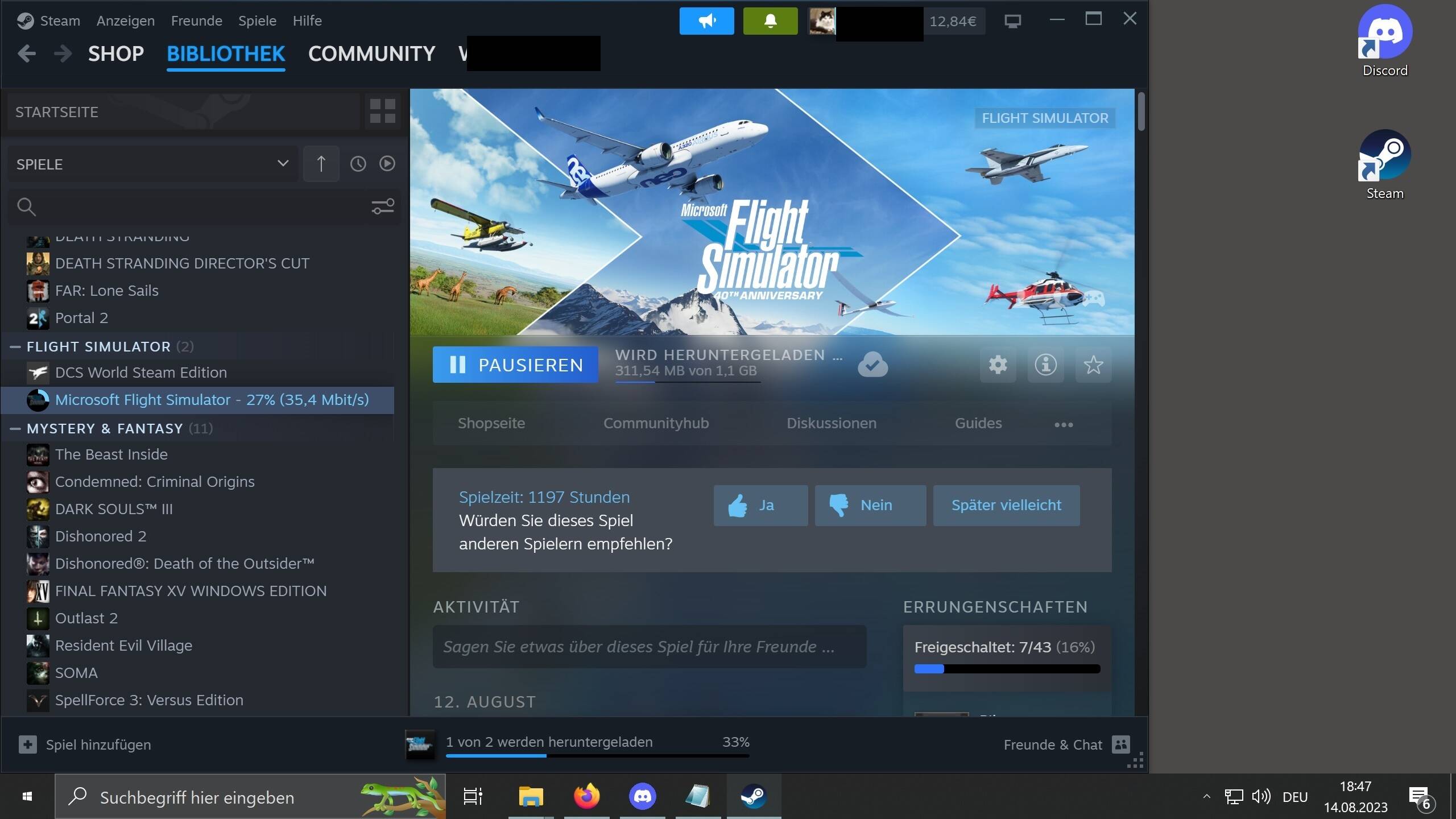
Now I have the disk speed capacity for 40Mbits Steam game download speed!
I did not even know I even have a 40Mbits internet because every game on Steam since 2020 downloaded with 3Mbits and I thought this is “normal” hahahaha
No it´s not the SSD´s where too slow for faster downloads.
Oh wow getting Windows on that NVMe was definately worth it, it was so WORTH IT!!!
AWESOME now I even have fast download speeds and not only hyper operating system performance. My new Flight Sim 2020 download will be finished in a few hours, not DAYS like before
I can only give you all one tip:
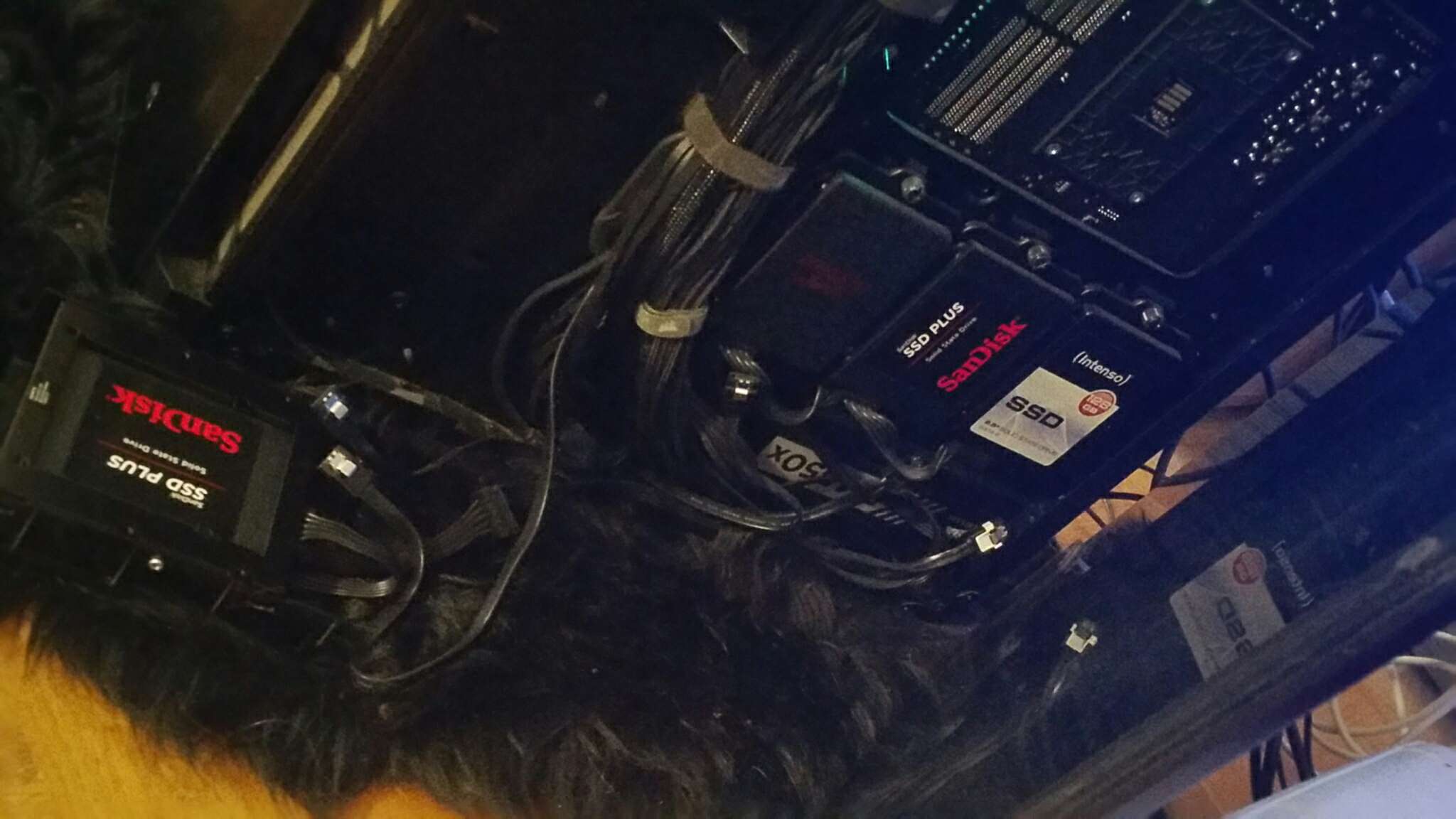
All SSD drives ------------------------------------> belong right there:
And NVMe drives on the computer only
1 Like
Side note… If you ever run into a situation where you have a boot image larger than 32GB but sill have a FAT32 format requirement, use this:
https://www.softpedia.com/get/Multimedia/Graphic/Digital-Photo-Tools/SmartDisk-FAT32-Format-Utility.shtml
A coworker formatted a 4TB storage unit with this tool just to see if it worked. The only downside is there’s no “Quick Format” option - it’s full format only, so grab a cup of coffee.
1 Like
Thank you very much, I add this to my program folder
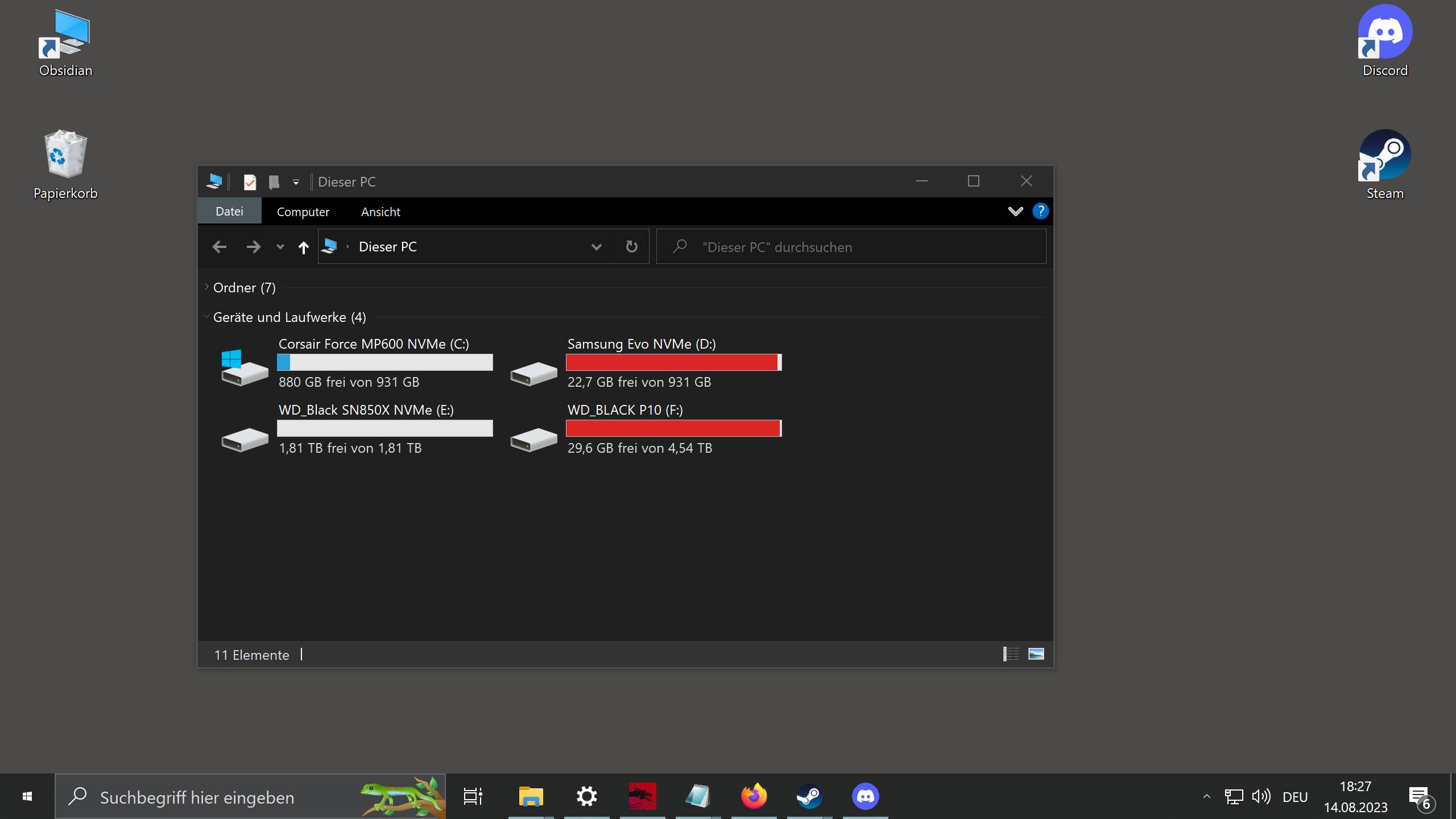
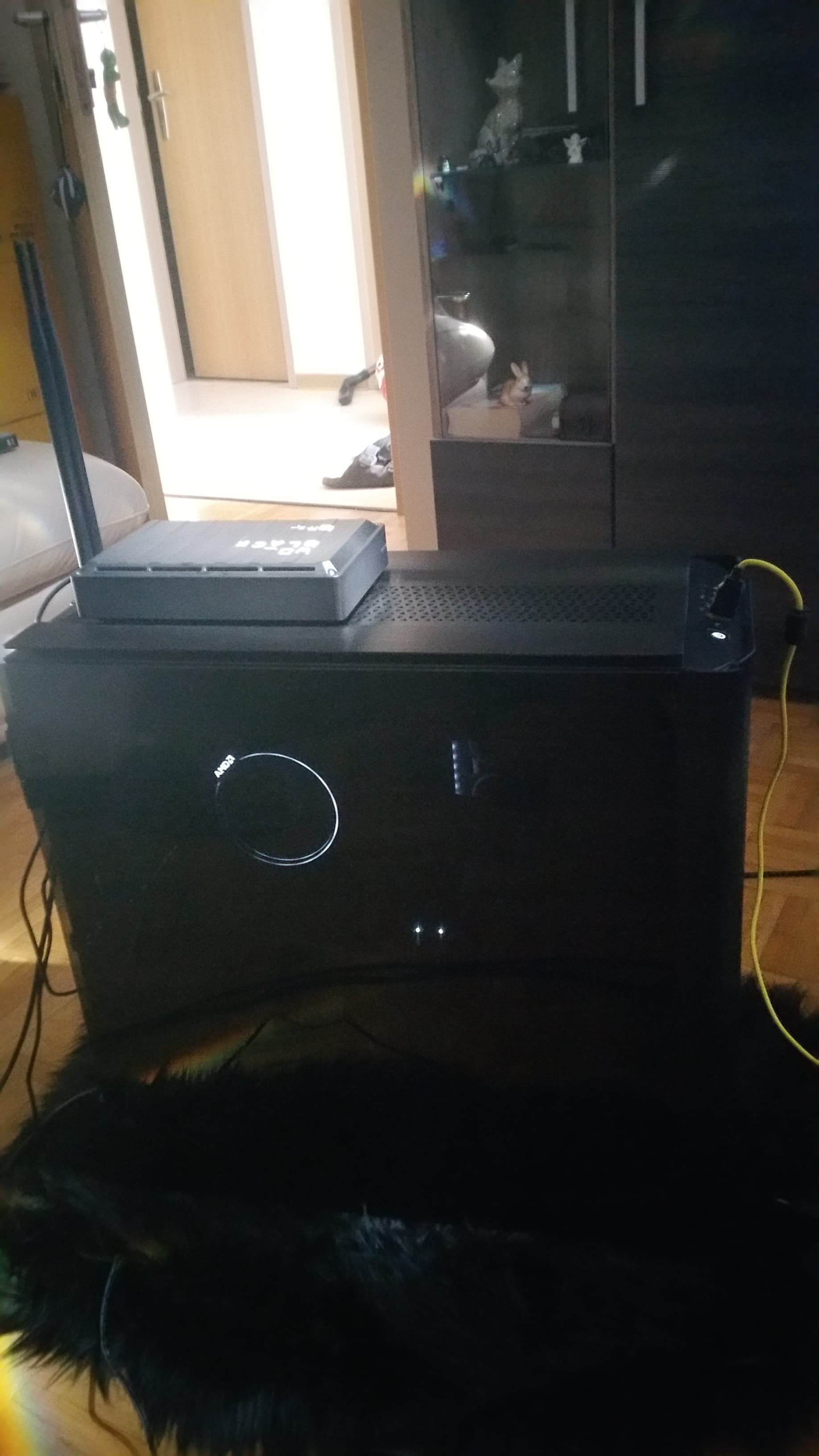
I am very satisfied with my new strict NVMe-only* PC and new operating system.
It now boots in 2-3 seconds (but with all drivers and programs running, not empty fresh Windows) and is incredible agile and responsive.
*(for reliable long-term data storage regular 5 - 12TB mechanical drives are used, most of them are unplugged the whole year and are only for backup.)
For everyone who keeps failing trying to install Windows 10 on an NVMe - like I did on Sunday, for four hours nonstop… here is the solution.
“Cannot be installed on this partition or cannot find partition” - delete all partitions on the drive and install on the new fresh unallocated space.
Begins to install, but ends the install after ten seconds with some strange error message “could not be continued could not made the operating system boot-ready” or something blah blah - unplug all other SSD drives with a boot manager on it.
Activate only UEFI stick and UEFI Harddrive in boot order.
Ends with some unknown crash saying “failed to update while installing” - plug in the ethernet cable while installing Windows. Or it will fail while downloading.
Crashes a few minutes after going to the desktop with no error message, needs to be repaired, says after the repair “a Windows update needed to be rolled back because of instability” - it installed a wannabe Radeon driver on it´s own just because of being plugged in to the internet. Unplug the ethernet cable as soon as the new fresh Windows arrives at the desktop for the first time after preparing the computer, and install an offline version of the Radeon Adrenaline driver FIRST (IMPORTANT!!
Or you need driver cleaner in safe mode which is VERY annoying and takes another 20 minutes longer than it needs to be) before going online for the first time.
Because the Radeon driver will highly likely crash (hung forever at 60% or so, and needed to be removed with driver cleaner and reinstalled again) when Windows installs some other generic-graphics-card-driver first.
NVMe must be introduced in GPT-format in Disk Manager, and formatted in 4096 bytes file allocation size. You can try 8096 bytes file allocation size and maybe get even faster read speed, but that´s a waste of space and these drives are small anyway (only 1 or 2 TB) so don´t waste too much space.
Enjoy booting to the desktop in 2-3 seconds!
1 Like
A very helpful post. Thank you.
PS I feel a bit sorry for the rabbit that appears to be frozen in the light. 
That cute rabbit in this photo was already sent to my fiance.
But Desktop bun-bun (previous desktop wallpaper) is waiting for a comeback!
1 Like