ISSUE DESCRIPTION
Description of the issue:
Trying a Light cargo mission in the 172 on PS5. Hotas 4, mouse, controller, keyboard. I cannot do any flights in the C172 anymore.
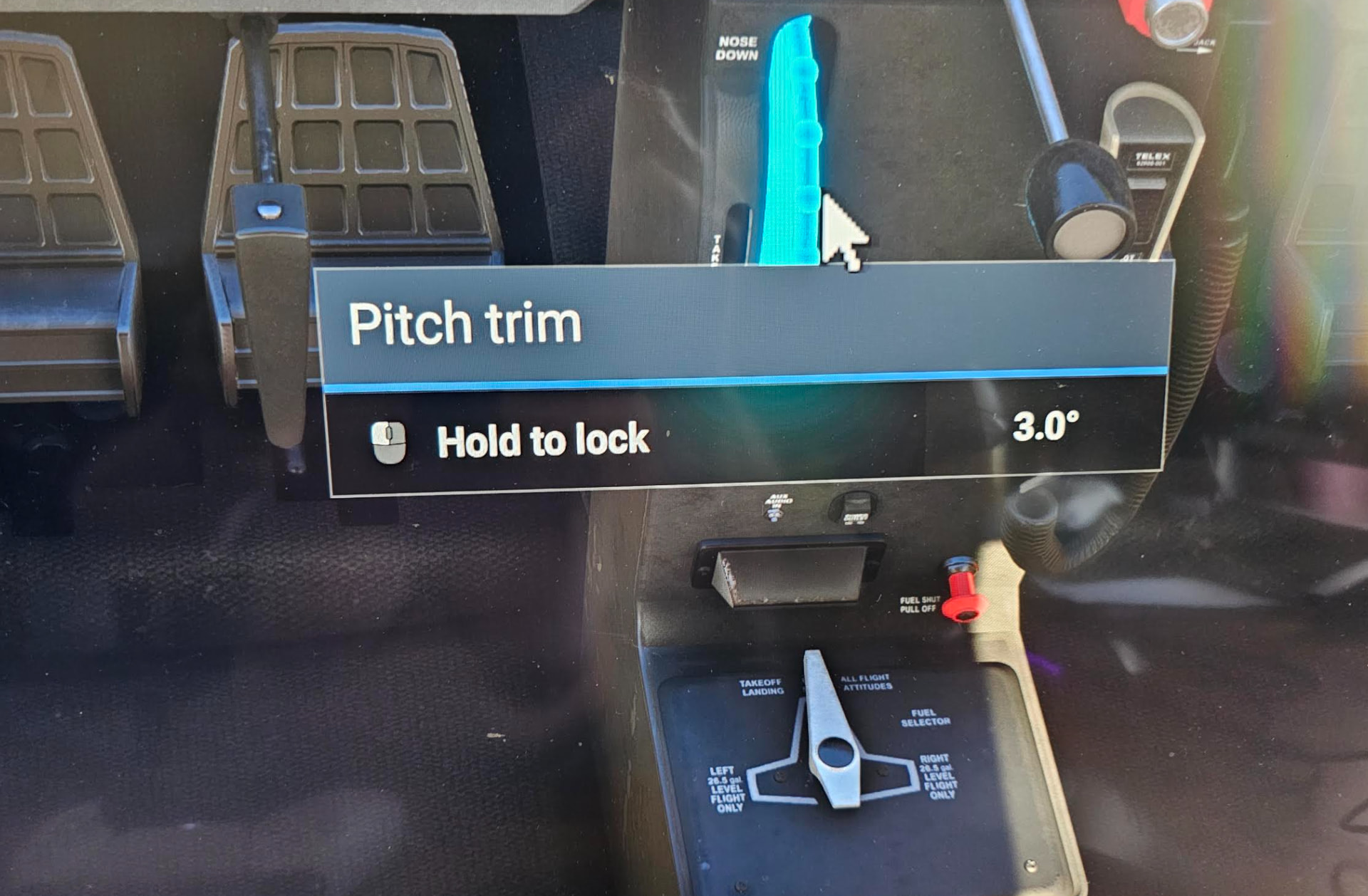
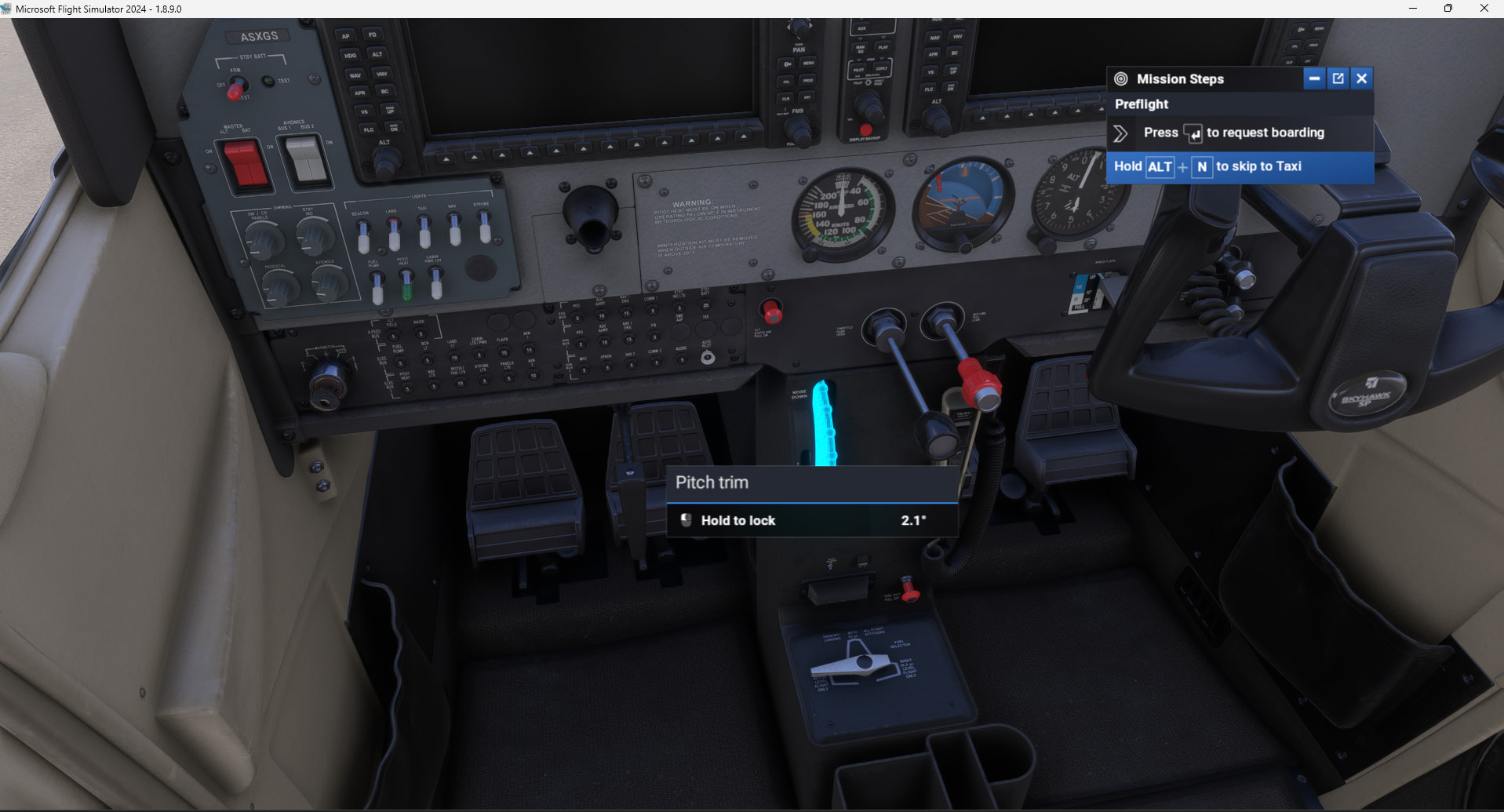
The elevator trim wheel will not move nose up no matter what binding I try. (Nor will it allow me to alter it on the Yoke electric switch) I have tried deleting all conflicting bindings and having just mouse or just Hotas 4.
No luck. This is stuck at maximum nose down and as I scroll, or push R1 R hat up, the wheel moves goes down to -18deg but jumps straight back to -19deg
FREQUENCY OF ISSUE
How often does this occur for you (Example: Just once, every time on sim load, intermittently)? All the time
REPRODUCTION STEPS
Please list clear steps you took in order to help our test team reproduce the same issue:
-
Load up mission in newest beta 6 in PS5 pro
-
Taxi to runway and try to adjust trim before T/O
-
Trim wheel and electric trim buttom cannot adjust trim to a T/O position. It seems to be stuck at -19 deg no matter what I try.
-
I have tried deleting all conflicting bindings and having either just Hotas 4 or just mouse to scroll wheel or push electric trim and NO luck.
-
So, I cannot do a mission in this at all!
YOUR SETTINGS
If the issue still occurs with no mods and add-ons, please continue to report your issue. If not, please move this post to the User Support Hub.
What peripherals are you using: Hotas4, keyboard, mouse, controller
[PC Only] Are you using Developer Mode or have you made any changes to it? no
[PC Only] What GPU (Graphics Card) do you use?
[PC Only] What other relevant PC specs can you share? PS5 pro