ISSUE DESCRIPTION
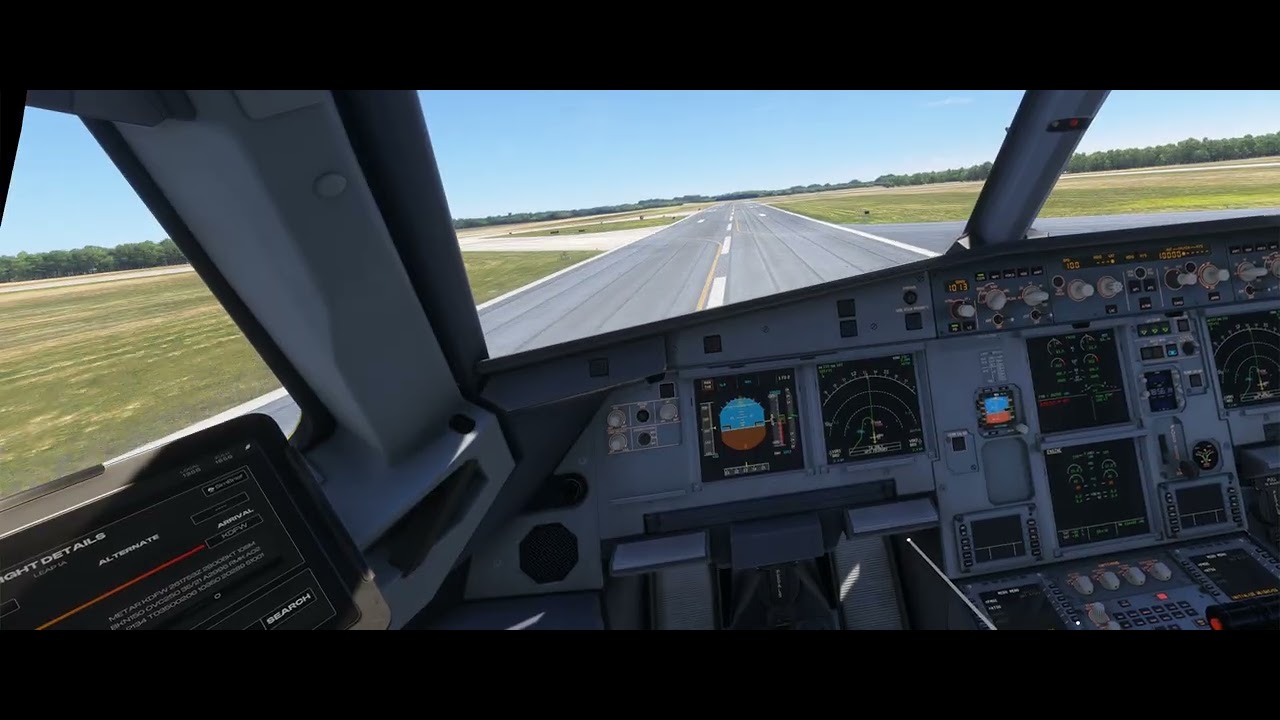
MSFS 2024 post-SU5. Quest 3 VR via Virtual Desktop / VDXR Aircraft: default Microsoft/iniBuilds A320neo Start on runway, ready for takeoff No GSX, no toolbar panels, no third-party aircraft Before takeoff: Airbus FCU push/pull knob interaction works in VR Rejected takeoff while remaining on ground: push/pull still works Normal takeoff: immediately after liftoff, push/pull knob interaction stops working in VR After failure: loading any Airbus aircraft still has broken push/pull in VR 2D/monitor mode still works Only restarting the simulator restores VR push/pull interaction
The trigger appears to be the aircraft transitioning from on-ground to airborne. A rejected takeoff while remaining on the ground does not break the function; actual liftoff does.
VR runtime: Virtual Desktop / VDXR
Headset: Quest 3
Cockpit Interaction System: Legacy tested; Lock mode also tested and does not resolve
MSFS launched normally, not as admin
Failure persists across airbus aircraft until simulator restart
FREQUENCY: Consistently every time.
REPRODUCTION STEPS
Please list clear steps you took in order to help our test team reproduce the same issue:
-
Load aircraft/flightplan and start either at gate or ready for takeoff. Canned airbus A320 neo (Microsoft/Inibuilids).
-
Check push/pull knob functions, specifically altimeter knob to move to STD mode and back in 2D mode. Works as expected.
-
Ctrl+tab to launch VR, Repeat step 2. Knob still works as expected.
-
Initiate take off and right after take off in VR mode, altimeter knob stops working. Go back to 2D mode and knob works as expected.
-
Reproducible in any Airbus aircraft with pull knob function. Happens in 3rd party Fenix aircraft as well.
-
Load any airbus aircraft without restarting sim and this function is now broken. Only reproducible once sim is restarted.
-
Anyone with other VR setup, please test this and reply here. It will help if this is a broader issue.
YOUR SETTINGS
If the issue still occurs with no mods and add-ons, please continue to report your issue. If not, please move this post to the User Support Hub.
What peripherals are you using, if relevant:
[PC Only] Are you using Developer Mode or have you made any changes to it? No
[PC, MSFS 2020 Only] Are you using DX11 or DX12? N/A
[PC Only] What GPU (Graphics Card) do you use? RTX 5090
[PC Only] What other relevant PC specs can you share? AMD Ryzen 9 X3D CPU with 64 GB RAM.
MEDIA
Please add a screenshot or video of the issue occurring.