ISSUE DESCRIPTION
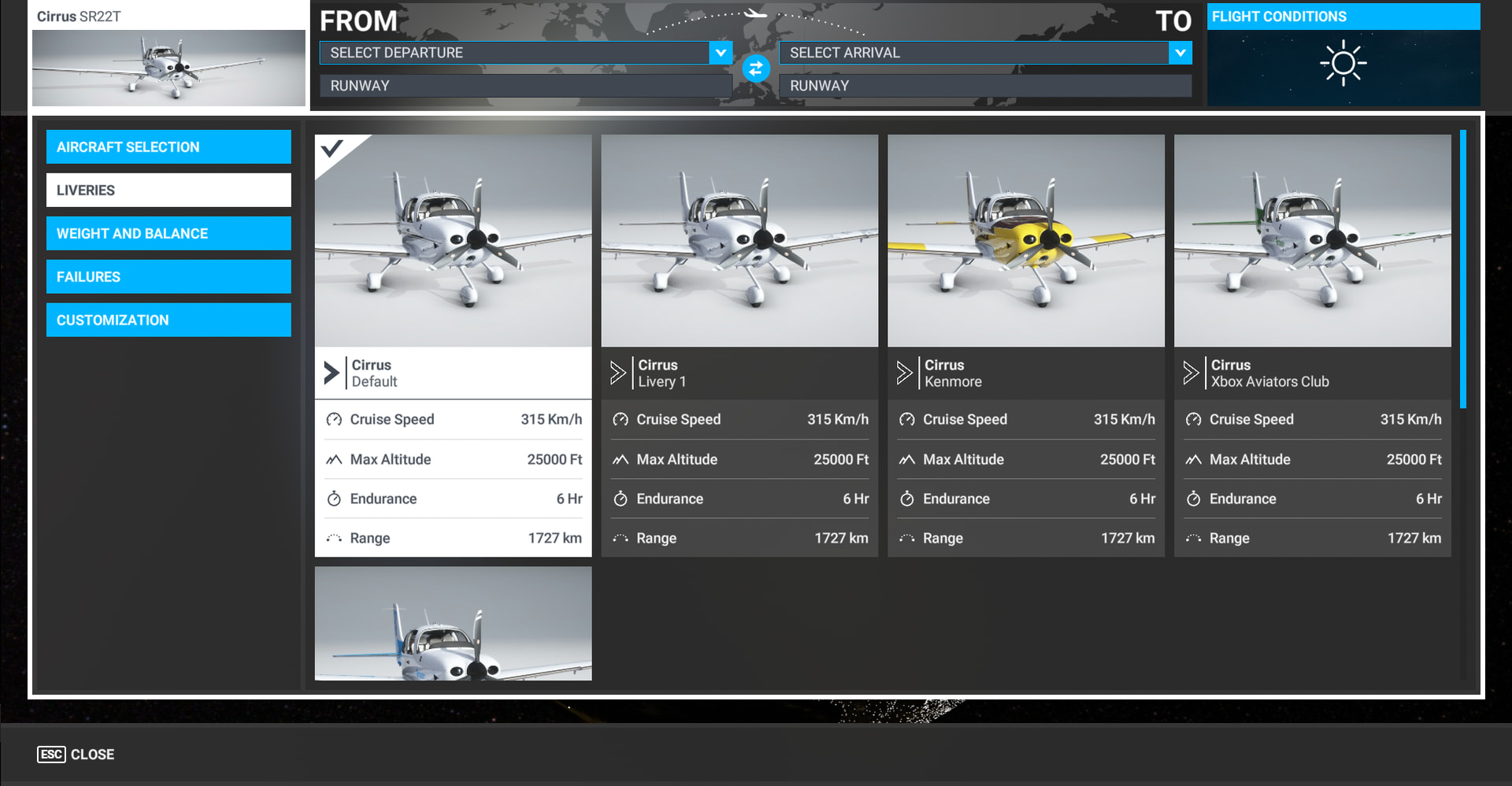
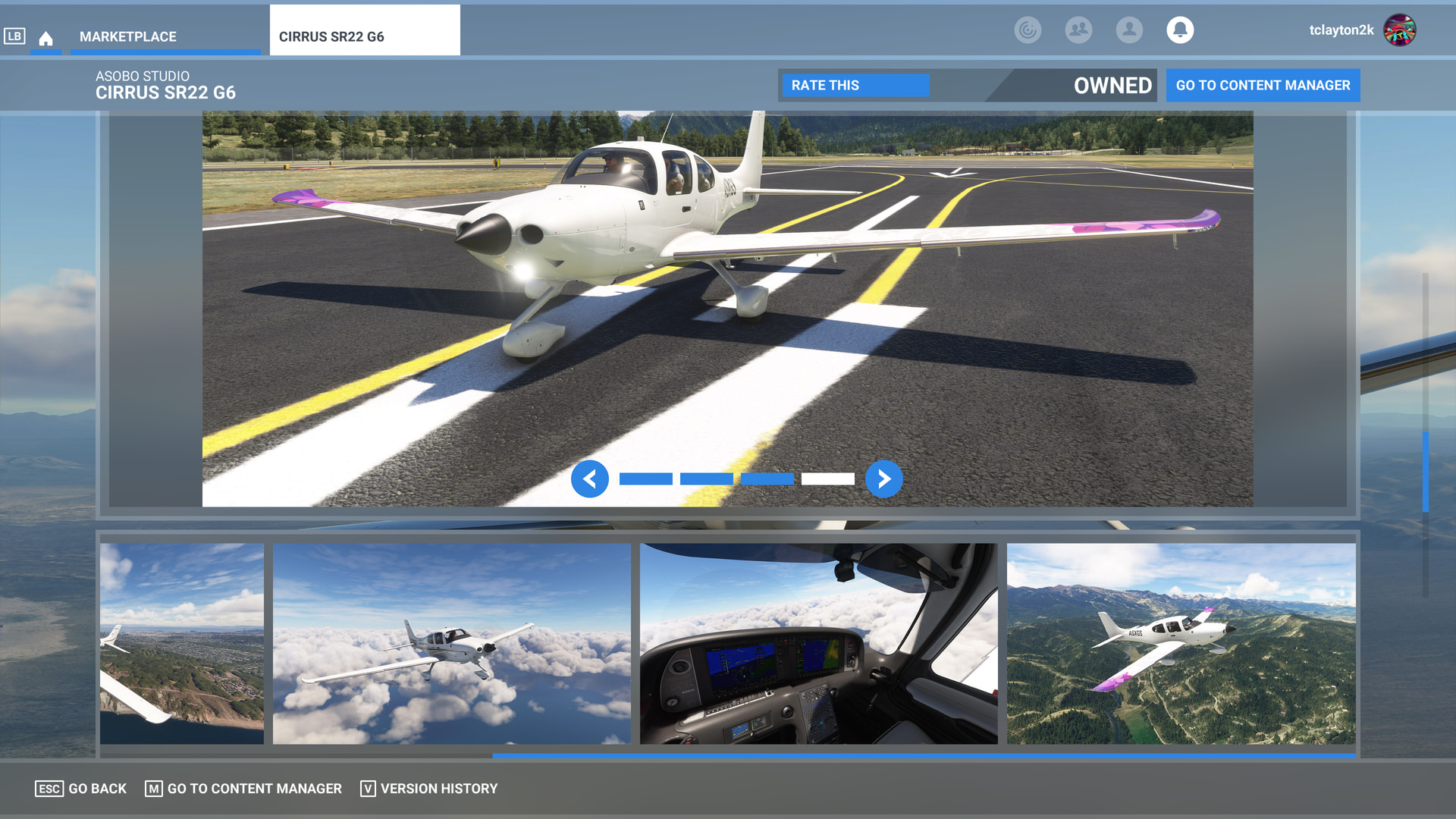
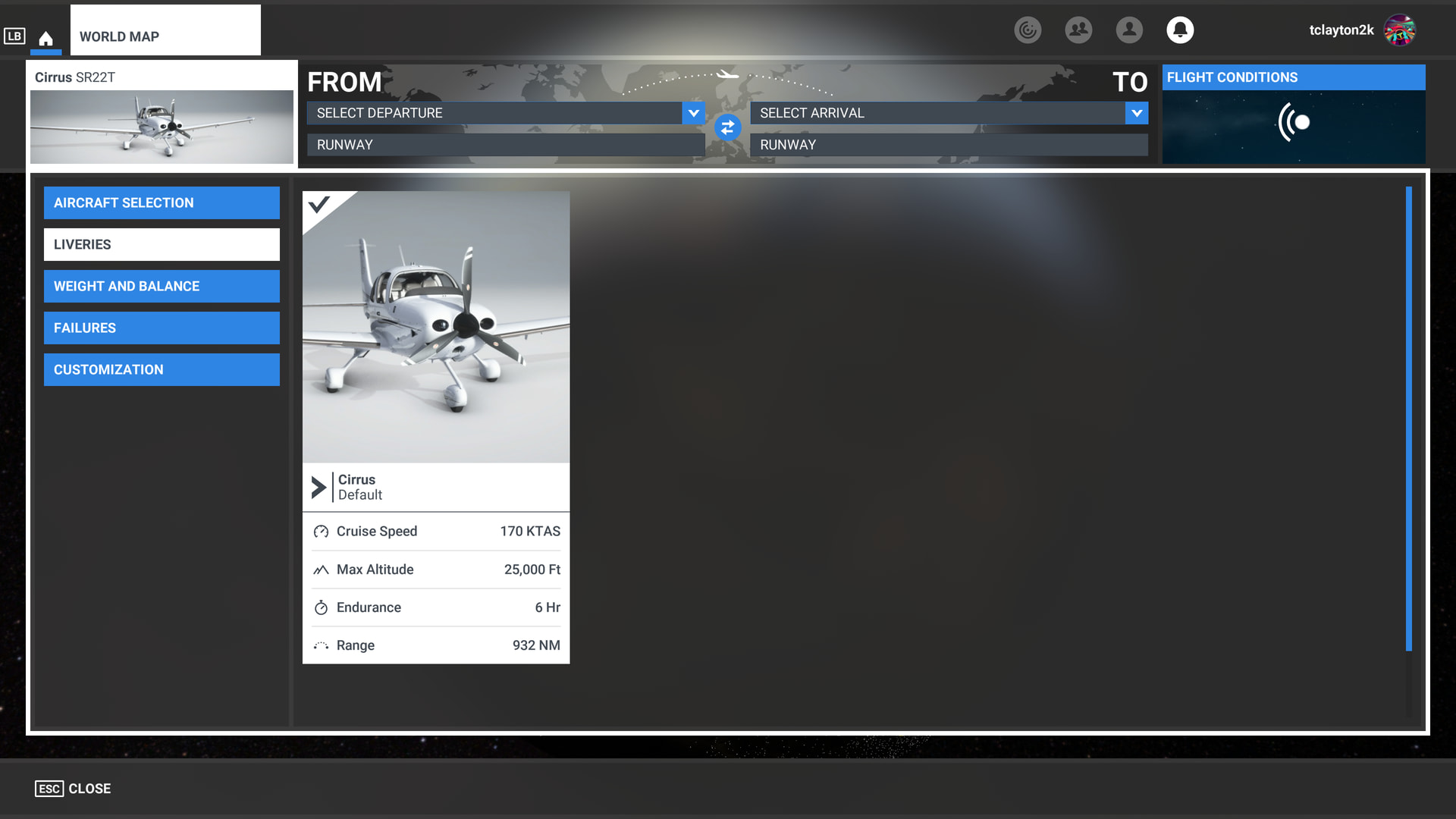
The Marketplace page for the SR22 available as a separate purchase advertises at least two liveries - one with stripes down the fuselage and another with colorful wingtips. After completing the purchase and restarting the sim, only the version with the stripes is present, and not the second one that I was led to believe that should have been included with the purchase.
FREQUENCY OF ISSUE
Every time the sim loads
REPRODUCTION STEPS
Please list clear steps you took in order to help our test team reproduce the same issue:
-
Open the Marketplace and observe multiple liveries.
-
Restart sim for safety and then try to access the liveries.
YOUR SETTINGS
Not relevant, but in my profile
Addon count is not relevant, as there is only one texture folder in the installed aircraft folder structure.
What peripherals are you using, if relevant: Not relevant
[PC Only] Are you using Developer Mode or have you made any changes to it? No
[PC, MSFS 2020 Only] Are you using DX11 or DX12? Not relevant
[PC Only] What GPU (Graphics Card) do you use? Not relevant
[PC Only] What other relevant PC specs can you share? Not relevant
MEDIA
See above