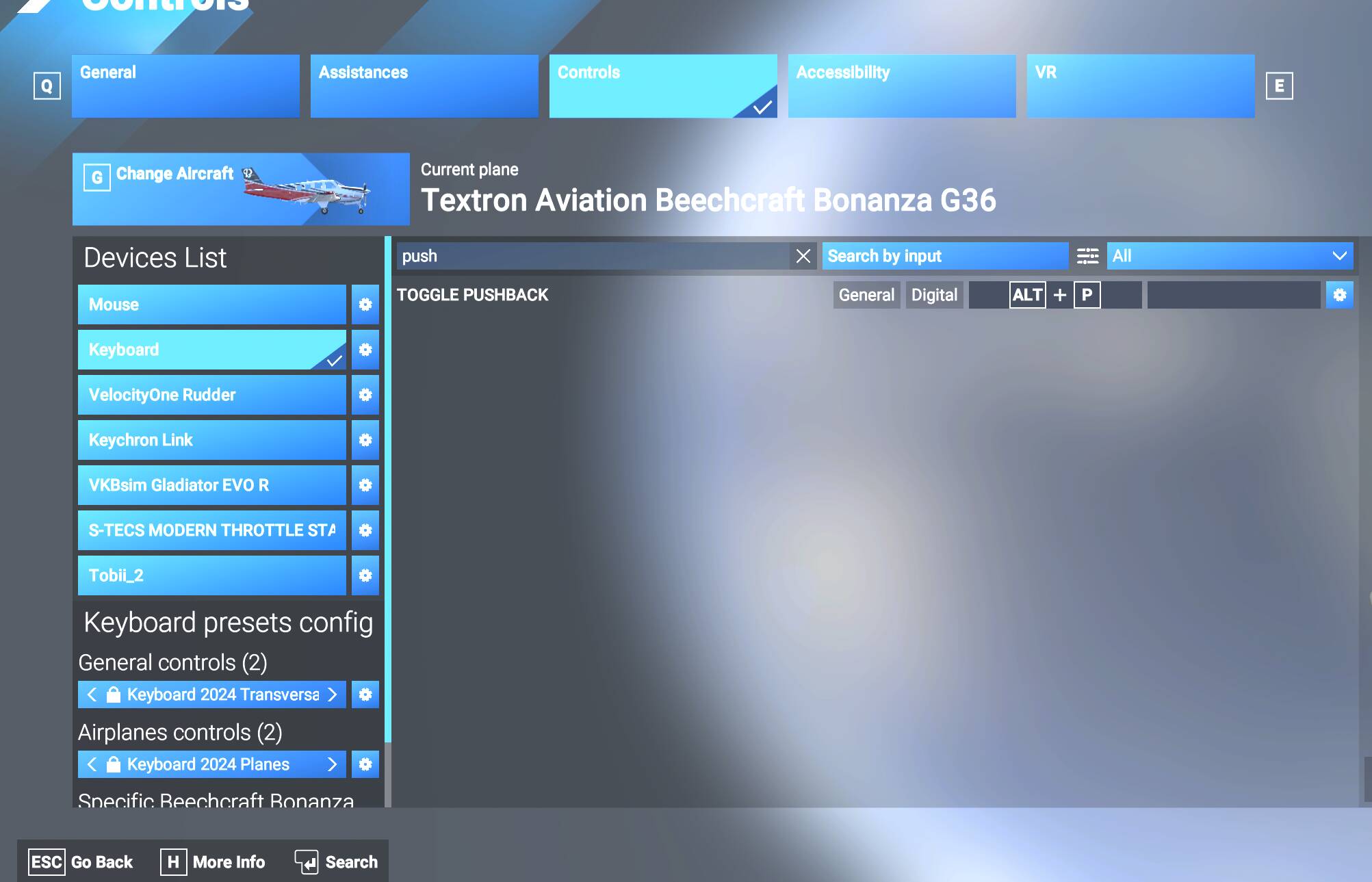
The pushback cart will not move and connect when using the ALT + P pushback shortcut. The cart moves a few feet, then stops. You can try again and the same thing will happen. At an airport without any ground services in the ATC menu, it looks like you can never push back properly. It may be plane dependent as well. I see this on the Beech G36 regularly. I tried once with the C172 and pushback movement was immediate, even thought the cart didn’t attach.
Coordinate or location of issue: Tried at MUGI and KOKB. Same at both.
FREQUENCY OF ISSUE
How often does this occur for you (Example: Just once, every time on sim load, intermittently)?
Every time with the G36.
REPRODUCTION STEPS
Please list clear steps you took in order to help our test team reproduce the same issue:
Load in Beech G36 at airport (MUGI or KOKB). ALT + Q for Quick Preflight. SHIFT + C to enter cockpit.
Turn off parking brake.
ALT + P to start pushback. Note minimal cart movement, no pushback on plane.
YOUR SETTINGS
If the issue still occurs with no mods and add-ons, please continue to report your issue. If not, please move this post to the User Support Hub.
What peripherals are you using: VKB NXT and STECS. VelocityOne rudder. Keyboard/Mouse.
[PC Only] Are you using Developer Mode or have you made any changes to it? No
[PC, MSFS 2020 Only] Are you using DX11 or DX12? N/A
[PC Only] What GPU (Graphics Card) do you use? RTX 3090
[PC Only] What other relevant PC specs can you share? i5-13600K, 64GB RAM.
MEDIA
Please add a screenshot or video of the issue occurring.
MSFS 2024. I have the same issue. With the JF PA28 Warrior, when I hit Alt P, the cart moves around a bit but doesn’t hook up to the aircraft. I tried with the default C172, and instantly the aircraft pushed back without a cart.
Thanks for confirming. I was surprised when I searched around that there didn’t appear to be a pushback bug open with this specific behavior, but I guess it is not just me. There must be something specific with certain planes.
It would seem this bug is indirectly linked to another issue I’ve been struggling with which is intermittent nose wheel steering.
With the cart not correctly connecting visually, you don’t know if the sim thinks the cart is actually attached. If the sim thinks it’s attached, your nose wheel steering is disabled.

 = Plane began pushback immediately (irrespective of if cart was there or if it attached)
 = Cart just rolled around, maybe spun once, never connected, never pushed back.