100°C is maximum for your CPU and if it reaches that, your PC will shut down and 91°C is quite close. Considering that the temperature could easily reach 100°C in 1 second, it is possible that it shortly spikes and your temp protection kicks in and restarts your PC… Try to open your case before using MSFS and see if that helps?
1 Like
OK I will do that, but is there a way to disable that feature?
I think some BIOS have a setting to not reastart, but leave the PC shut off in case of overheating. Even if there would be a setting to disable temperature protection, I would not turn it off, if you mean that? The protection is there to prevent your CPU from permanently taking heat damage.
Before shutting off, the CPU will throttle, but if the fans/airflow can’t keep up for some reason, shutting off is the best protection.
2 Likes
91  ..
..
I read some times about problemes with DELL PCs related to overheating CPU, also the G5 models. ( and more worst, DELL often not allow many BIOS settings. )
The model also use the boxed cooler, or ?.. so the hint to test with open pc case is worth to try.
But we also see an very high temp on your GPU.. 75° for “fresh start” is for me way to high ( my 2080ti run at 60° ). Also here is a test-case with open pc case good too try - but for final solution you need instead a much better cooling / airflow of your pc-case.
1 Like
I second this.
1 Like
Hi @TemperedPaper48
My name is Sebastiaan
As i read your problem with ctd, i hope this writing may contribute to a solution for this problem for you and mabe others
May i ask what your terrain texture size in general settings is and has it changed to higher settings (as i would set them for medium texture MaxAnisotropy 1 Quality 2).
Because when i look at your pc specs i notice that your cpu runs at 3 ghz coffee lake architexture and a bit over 2 gb vram .
Now I own gtx card 3gb, but i have to keep my settings below the use off 2gb or less other wise i get ctd.
Now if you cant access general settings because of crash in loading screen, you can try to access usercfg.opt (bit uncoventional but neccesary to make changes to lower settings to prevent from ctd which is what you want) make sure the read only is unmarked (if marked, changes wont affect).
My settings are in the pictures below.


These are my settings of the usercfg.opt now if changed than save the file.
Here are my graphicscard setting
Now i use 473.47 geforce nvidia driver because its a gtx card instead of rtx
Note that there are no dynamic scale resolution setting (dsr) available.


Now maybe it does not load proper due to gtx and rtx graphicscard i would suggest that you
Set primaryscale to 1.00000 and secondary scale to 0.700000 in usercfg.opt
Hope this helps to find blueskies again
1 Like
Additional photos


general nvidia cpl settings
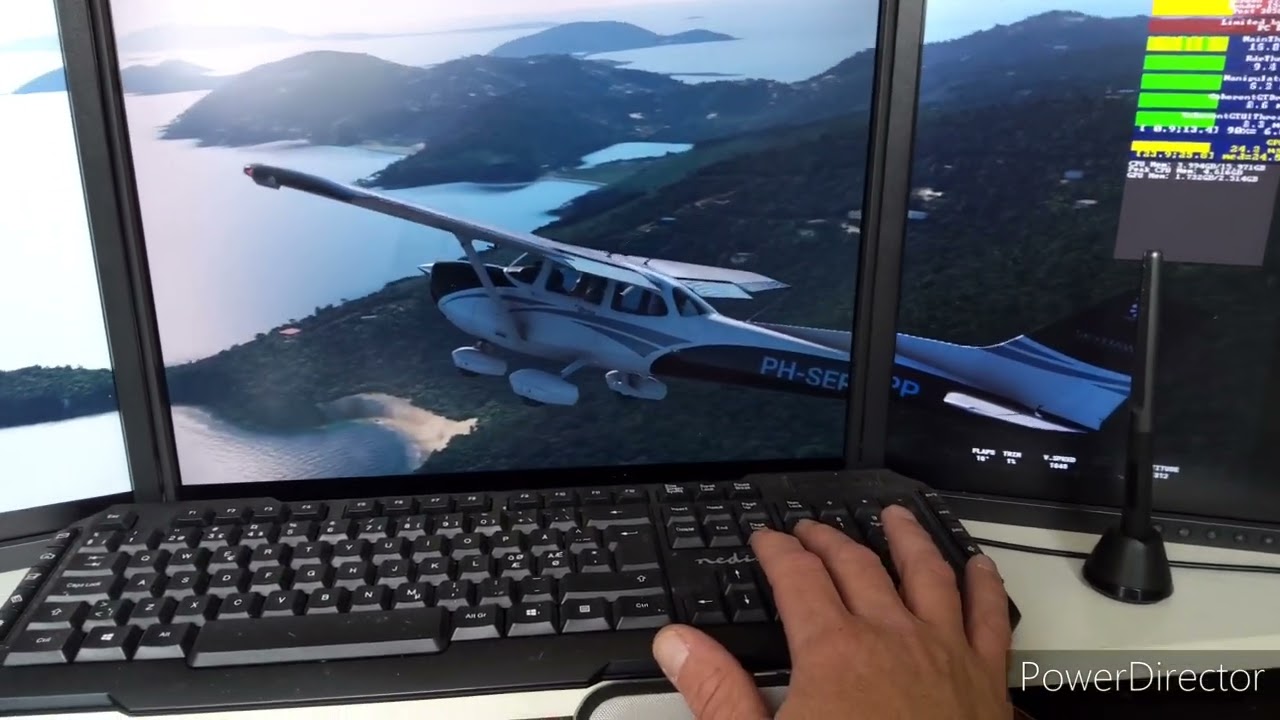
And a video without sound but at 3min 10 sec dev fps counter and at 5 min in game settings
1 Like

The Graphics card temperature is near the limit of 88C, but if the temps don’t spike or slowly increase, then yes they are ok.
Since Summer may be nearing: Keep in mind that these temperatures can increase in the future, if your room temperature increases.
and we can see that the cpu temp is back to normal..
@TemperedPaper48 .. did you already set a fps max limit in nvidia controll center ? Also if your monitor is able to handle 144fps, it does not mean that these is a usefull amount of fps.. Try e.g. half of that as max, which should be sufficent for each human eyes related to a civilian flighsim and you safe energy and reduce heat.
Hi guys. I need some help here. Occasionally my PC reboots by itself. I have run the program called WhoCrashed and got the below attached report. Its all Greek to me, can somone explain?
I did reinstalled the NVidia driver but it didn’t help.

I recognize it says display driver but I rather assume it‘s a power issue. My guess is that your graphic card demands occasional power spikes and the PSU can‘t deliver them, so the whole thing shuts down.
2 Likes
OK So what you are saying is that I must check the PSU? This PC is only 2 years old !!! The odd thing about it it only happens when I Switch my PC ON. Never during the day even with the MSFS on a flight.
What are your system specifications? (including PSU)
My PC is the Dell G5 Gaming Desktop with RTX 2060. Intel i7 9700 3.00Ghz 32GB RAM - 460 W PSU
The 2060 requires a 550W PSU. Add in your processor, and you have an unstable system when under load.
I use Dell at work, and love them from a support point of view. But this is one reason why I have only ever built my home computers from scratch. You may be limited in your options for a PSU upgrade sim that chassis.
This may give you some tips.
This may also be worth a watch:
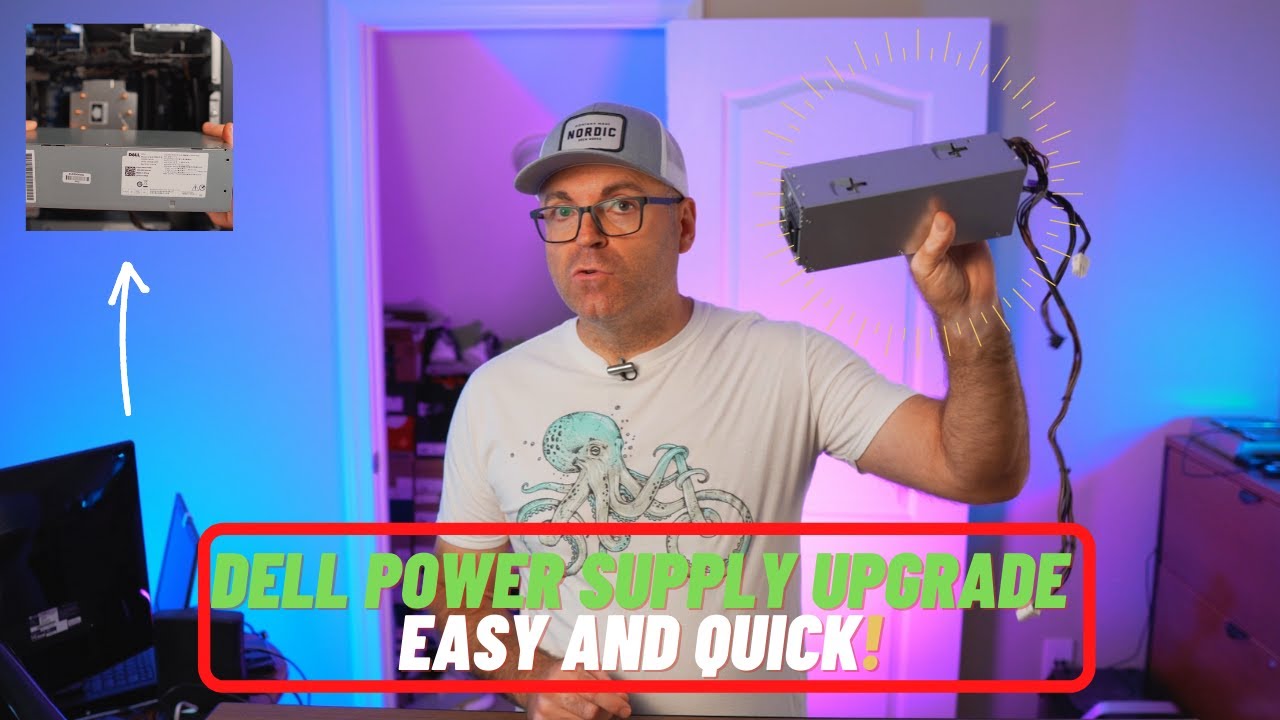
My advice would be to buy what you can afford, and physically fit, and don’t just go with the 550W bare minimum. I bought a 1600W PSU years ago, and will likely never need anything more.
What’s you actually desktop model? I can have a look on the Dell Premier pages to see what your options might be.
When I spoke to Dell they told me that the PSU that came with my model (GTLXK53) is capable of running the RTX 2060. I tend to agree with them because I had my PC for 2 years now and I never had this probplem before it only started about 10 days ago.
1 Like

Ah, this is for the Super. Let me dig out the non-super specs.

I think your system is marginal at best.
If this has only started happening since a recent nvidia driver update, maybe reverse it out, going back to the previous version, and see if the problem is still there.
If the issue goes away, then maybe reinstall the new nvidia driver, making sure you do a clean install.
That’s one of those rare ones where neither Google or Bing found anything at all for that string.