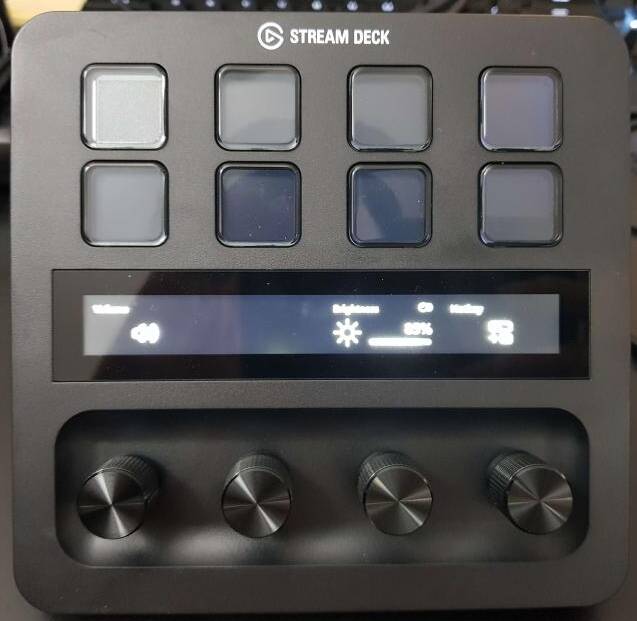
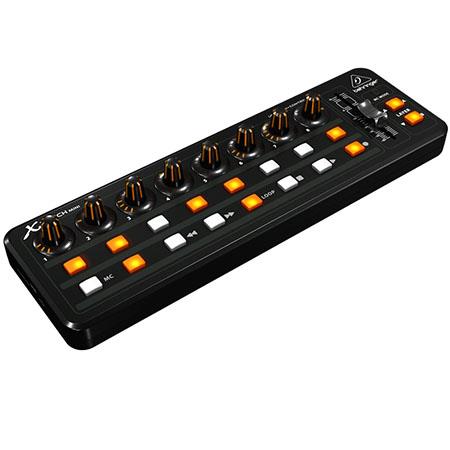
Anybody using MSFS with Razer Stream Controller, Elegato Stream Deck +, or other programmable controllers with knobs for inputs?
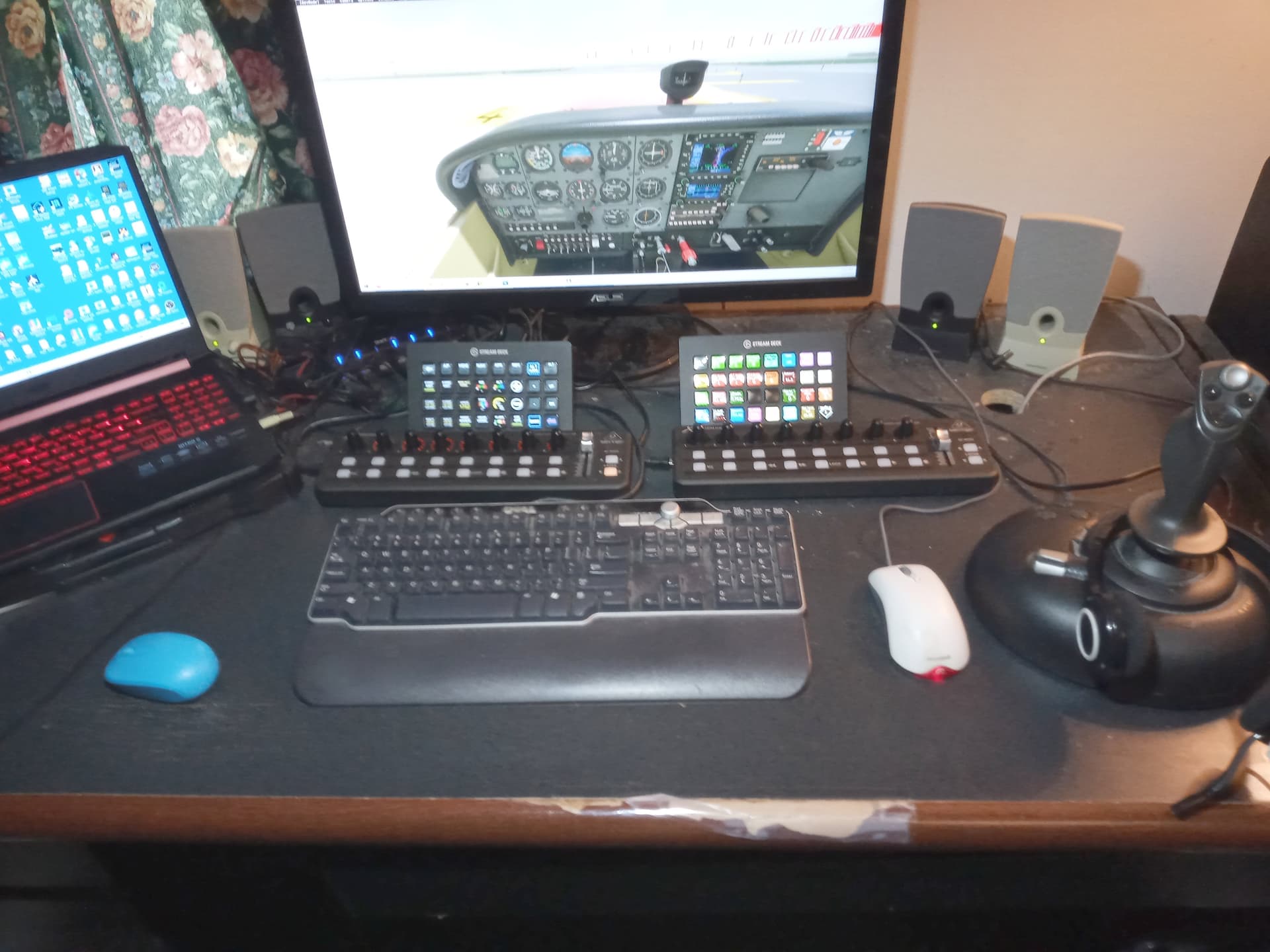
I am using and loving the Elegato Stream Deck for my flight simming, but often much of the button profile is dedicated to entering values with a multitude of buttons. For example, entering altitude in AP or entering radio frequencies. So many buttons wasted for up and down!
I think a simple or two ring knob would work better, but I wonder about support for knob inputs in MSFS and your particular controller software.
My specific question is how do the knob-based stream controllers (such as the Razer or Stream Deck +) work with the software such as Flight Deck or Flight-Tracker? Do people have experience with knobs in profiles they can share?
I personally use an Elgato Stream Deck XL plus the Flight Tracker plug-in from @NguyenQHy. This has definitely made a huge difference in my overall simming experience, and I highly recommend it.
Elgato recently announced a new version of the Stream Deck+ that now contains four knobs in addition to the standard buttons. I don’t know if @NguyenQHy plans to update the addon to support this capability or not. Has anyone tried it yet?
I ordered it immediately after they announced and already got one, just to realize that the public SDK does not support the dial yet (buttons would still work). Right now, only a few plugins from Elgato is updated for the dial while they are polishing the SDK for release. I’ll definitely update Flight Tracker once I can get my hand on the new SDK.
The dial is super nice though. You can rotate it both direction, or press it.
I’m also surprised that the LED screen is actually touch screen, so it can detect touch and hold for each section (corresponding to each dial), and a swipe left/right to switch page.
Similarly, I have a Sim Innovations Knobster, which is simply a USB connected knob. What is nice about the knob is that is a dual ring knob with push button support. This is similar to many nav panel knobs in real life.
I never tried this in MSFS (it worked well in XP-11). I would love to hear if people have used this with MSFS, and if so what software
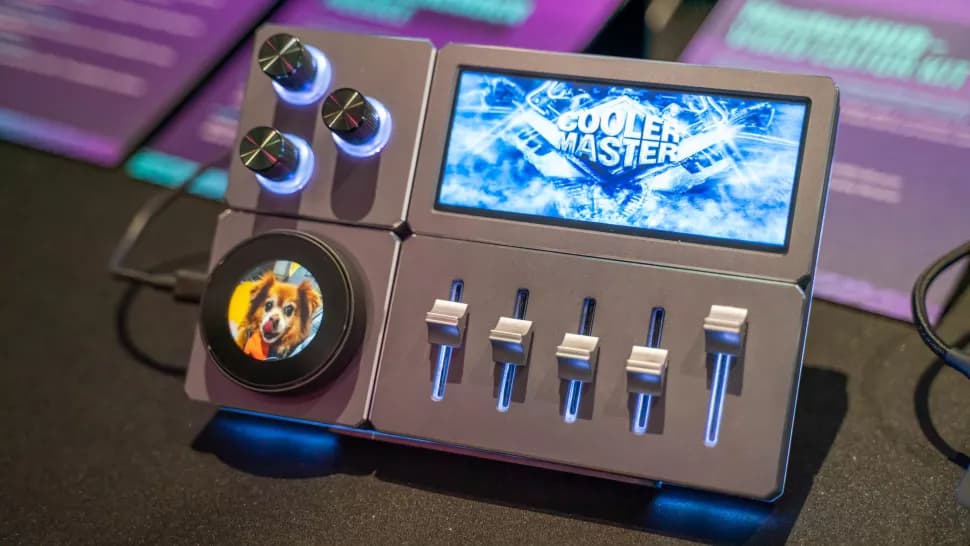
Just recently CoolerMaster announced MasterHUB which is a modular design for controls and display that seems to be a natural for flight simulation. Panels snap together like Lego bricks on a back panel.
Modular panels include:
Touch Display: 8-inch, 1280 x 800 screen
Two smaller sized displays
15-Key Display module with image on each key
Double cylindrical scrolling wheels (like a keyboard volume roller)
Triple dials - with backlights
Large dial (1.3 inch) with display in middle
5 Linear slider module
It looks like this will be great for creating plane subpanels in various formats.