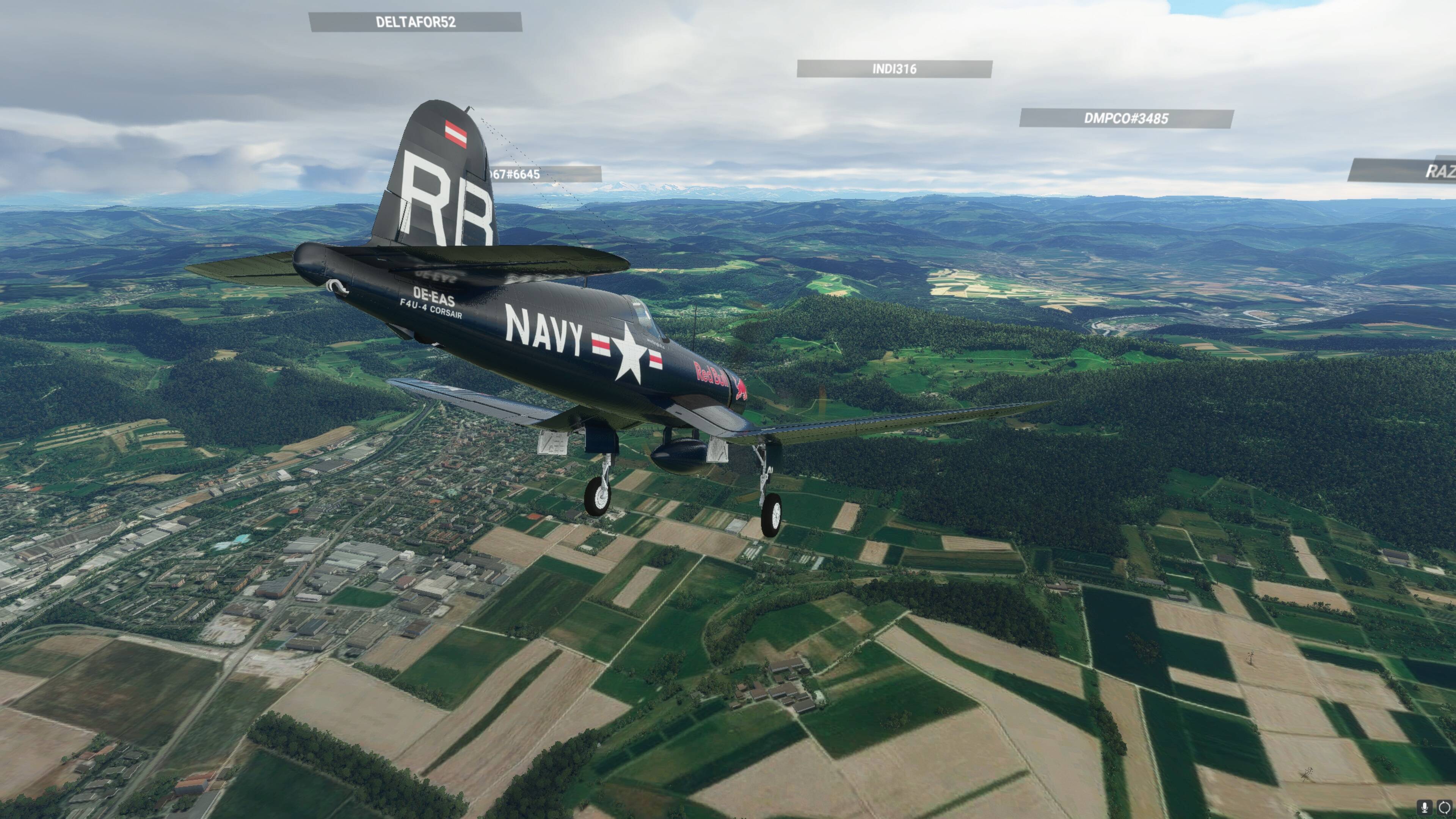
I’ve noticed that too. Corsairs all over the apron with broken landing gear and recognition lights blazing… 
1 Like
Not sure we can do anything about the AI (replacement) aircraft….
It’s no big deal. It’s all about flying the plane, which is fabulous! I need more practice in taildraggers, that’s for sure. Maybe you can build an SNJ for training? 
That would be great. I could ‘relive’ the flights over Quantico with my Boss on the stick.
Just watched Overkill’s video on the update, looks like a great job.
I’ll patiently await the full release - from first looks though I have to say I’m looking forward to taking it for a spin, seems you guys did a great job on the update. Love the map/configurator tray idea.
2 Likes
Flying the BETA. I have no control over the Flaps or the Brakes. The Parking Brake works. Flaps are on Bravo Quadrant, Axis 0 to 100%, Joystick L-Axis Z. Brakes are on Logitech Saito (Rudder control works). There is no animation on either. Everything else in the cockpit responds to my controllers. Everything worked with the current version.
I’ve been testing the beta. Found a few issues which I reported and they should be addressing, but apart from that it’s awesome in VR!
https://flightsim.to/file/2828/msfs-mobile-companion-app is a great app. You run it and open the app in a browser window on a 2nd screen or mobile device. Has info + controls, including Corsair now!
For quickly iterating takeoffs/landing I can highly recommend simMarket: FSTARTER MSFS where you can save POI’s at set positions. Just hit the Start Flight button, and you’re instantly teleported to the location at the heading and speed you set.
eg: Landing set 1 km or 2km out on final, or offset on any position into the pattern. Change weather, rinse repeat. Great training tool to maxmise specific skill training with tricky planes like this.
Today we had high winds at my local strip. The Corsair would spawn cold and dark… and nose plant. I finally just set the weather to clear skies, midday, and no wind.
Wow do I need pattern work in tail draggers! I think I’ve got the hang of take offs… slow and steady hand on the throttle does it every time. Landings however, are another story. The maintenance guys are going to run out of JB Weld and paint for the wing tips! 
1 Like
Unfortunately, the way the sim is presently, on the ground… there’s so many things that just aren’t “right”… so we have zero control over the face planting. Sad.
We’re trying to find a way to “laser tag” the guns… and get the bombs/tanks to fall off.
No promises.
Note: Only the version that is NOT on the marketplace will have weapons and kill markings or lovely ladies.
4 Likes
Yes I also managed to learn the take-offs
But so far never had a straight successful landing without damage
Also since there is no auto-pilot, anyone has any tips to trim to level flight without hands on stick? Mine always oscillates up and down
I think theres a way to lessen the face plant.
Before spawning, hold back the joystick to pull the nose up. Works for me.
3 Likes
I get the same up down yo-yo trying to trim pitch as well. Haven’t been able to let go of the stick once for more than a couple of seconds. Other than that I really like the improvements in the beta.
Re the latter the sim skunk works G91 has ordinance that drops (although it certainly had some issues, like the bombs dropped from above the aircraft - not sure if they fixed that in later releases). Perhaps might be possible to see how they are doing it.
Overall the Beta improves very much, I like especially the snap in function for supercharger and mixture.
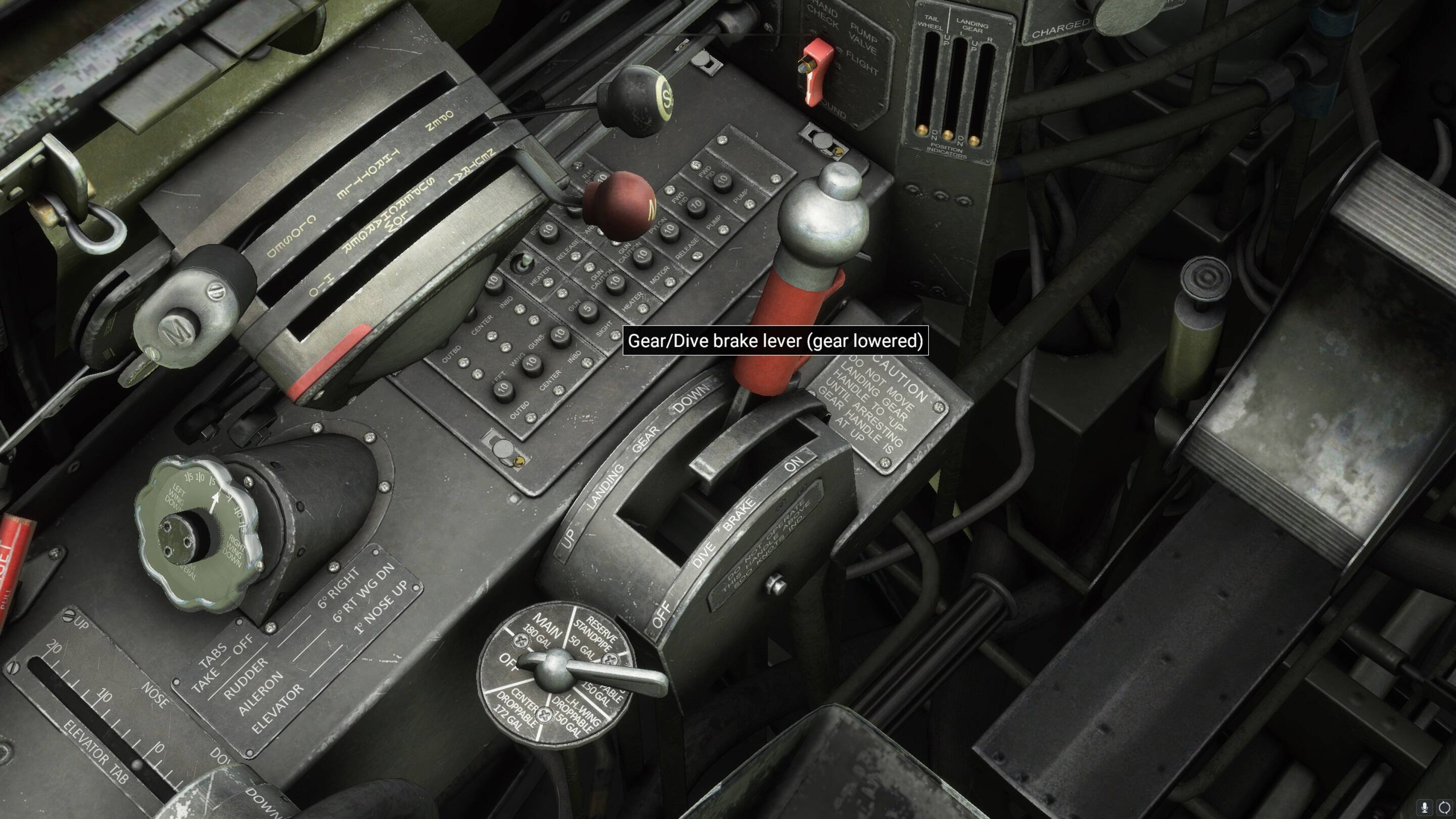
But I noticed, the dive brake doesn’t work like before. While in flight, the spoiler key (mapped on the slider on x52 pro) triggered the dive brake. In the Beta, this doesn’t work anymore, except on the ground with extended gear (tailwheel moved in).
Also the intercooler kinda automated itself. On cruise flight I set it around 50%, after a few minutes while checking instruments it set itself to 25%. Either its a bug or its automated and adjusted itself for correct settings and i used it wrong all along 
By the way the cooler flap lever once didn’t stop at 100%, it raised above 1582% (pop up info) until I stopped manually. Couldn’t replicate it. I wouldn’t call it a bug, rather a feature cause on this old lady its possible some springs and levers get stuck XD While closing the cowl flaps the pop up started decreasing correct at 100%
1 Like
lock tail before landing
1 Like
As noted 3 posts up from yours, MSFS Mobile Companion app allows you to use an autopilot with the Corsair (surreptitiously, otherwise your buddies will laugh at you). Nice thing is, you don’t have to take screen space to use it as you can control it from your phone (thereby allowing you to keep your use of it hidden).
I use it all the time with the Piaggio for multi-hour flights because of its left roll.
1 Like
Spoiler? Corsair didn’t have no stinkin’ spoiler! (/divebrake), where’d that come from?
Actually it seems they did have dive brakes, or at least certainly some variants.
They could partially extend the landing gear as a dive brake. See pages 13 for overview and 17 for schematic (figure 14 - Dive brake hydraulic control system diagram)
"(4) DIVE BRAKE CONTROL (see figure 14.)
(a) The dive brake control is located on the left hand shelf. To extend the dive brake, move the landing gear control into the “DOWN” position of the dive brake slot; this extends the main landing gear only, leaving the tail wheel retracted. To retract the dive brake, move the control to “UP”.
Vought F4u-4 Corsair Fighter Pilot’s Flight Manual - Periscope Film Com - Google Books
3 Likes